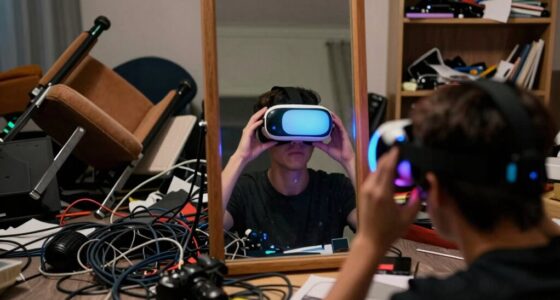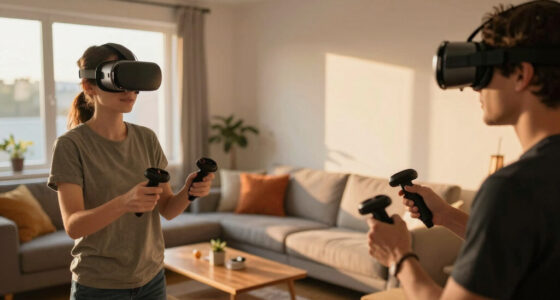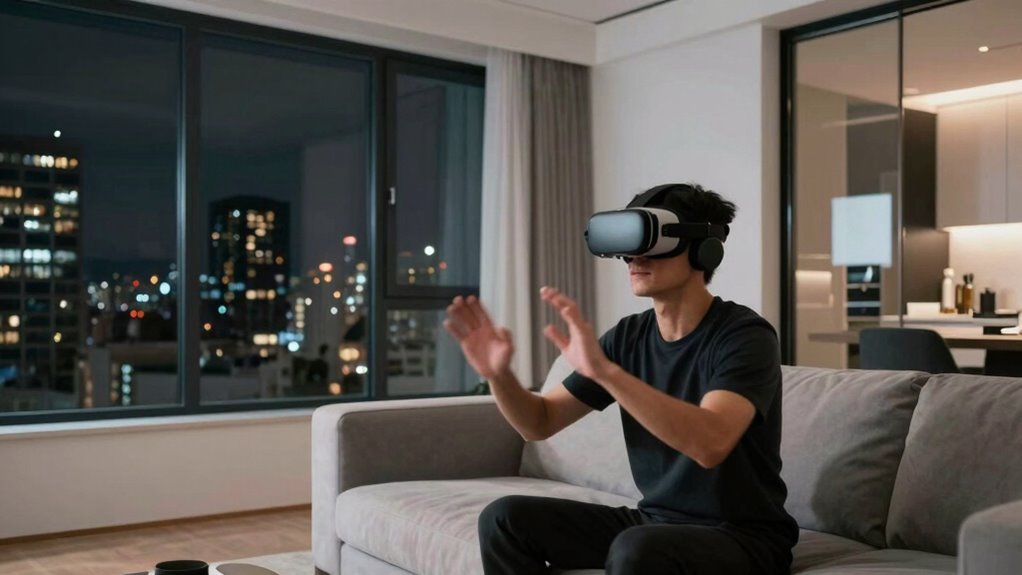

Living with thin walls, you need to be mindful of VR noise, as loud sounds, explosions, or footsteps can easily travel and disturb your neighbors. To keep the peace, use volume limits, high-quality headphones, and soundproofing solutions like mats or curtains. Choosing quieter equipment and content also helps reduce noise. Communicating with neighbors about your VR schedule fosters good relations. Keep exploring to learn more ways to enjoy VR without causing disruptions.

Play games on Amazon Luna for your next adventure, included with Prime
- A rotating selection of games, no download needed
- Play on TV, laptop or phone
- Fast, free delivery for your gear, too
Key Takeaways
- Use noise-canceling headphones and soundproofing materials like mats and acoustic panels to minimize sound transfer in small apartment VR setups.
- Opt for quiet VR content with subdued sound effects and slow-paced interactions to reduce noise disturbance to neighbors.
- Manage volume levels carefully and communicate with neighbors about VR usage schedules to maintain good relations.
- Seal gaps around doors and windows, hang heavy curtains, and incorporate furniture to absorb sound and contain noise within your space.
- Choose VR headsets with passive noise isolation and controllers with silent feedback to further reduce external noise leakage.
noise-canceling headphones for VR
As an affiliate, we earn on qualifying purchases.
As an affiliate, we earn on qualifying purchases.
Understanding VR Sound Dynamics in Small Spaces
Have you ever wondered how virtual reality sound feels different in a small apartment compared to larger spaces? In tight quarters, sound waves bounce off walls more frequently, creating a unique auditory environment. This sound reflection can amplify certain sounds, making the VR experience feel more immersive but also more intense. Small spaces often lack the natural sound dampening found in bigger rooms, so echoes and reverberations become noticeable. You might notice that audio cues seem closer or more localized, affecting your overall perception. To optimize your experience, consider using headphones or soundproofing measures. Being aware of how your environment influences VR sound helps you enjoy immersive experiences without overwhelming your senses or disturbing neighbors. Additionally, understanding free floating acoustic principles can help you better manage sound reflections within your space. Employing strategic placement of furniture and soundproofing materials can further reduce unwanted reflections and improve audio clarity. Incorporating room acoustics adjustments can create a more balanced and comfortable VR auditory environment. Exploring sound absorption techniques can also significantly diminish unwanted echoes, enhancing overall sound quality.
As an affiliate, we earn on qualifying purchases.
Common Noise Concerns for Apartment Residents Using VR
Using VR in an apartment can generate noticeable noise that might disturb neighbors or violate building policies. The sounds from immersive experiences—like footsteps, virtual explosions, or loud music—can travel through thin walls and floors, creating disruptions. Common concerns include accidental loud noises during intense gameplay or virtual social events, which can lead to complaints or even penalties. To minimize issues, consider:
Using VR in apartments can cause noise disturbances and potential policy violations.
- Using headphones with built-in microphones to contain sound
- Setting volume limits within the VR app
- Playing during reasonable hours to avoid nighttime disturbances
- Placing rugs or soundproof mats to dampen vibrations and noise transmission
- Being aware of soundproofing techniques that can further reduce noise transfer between units. Additionally, choosing quiet VR headsets can help limit external sound leakage and enhance your experience while respecting neighbors. Properly managing your VR environment can significantly lessen the impact on neighboring apartments. Being mindful of your surroundings helps you enjoy VR without causing conflicts or risking violations of your lease agreement. Incorporating noise mitigation strategies can further improve your experience and maintain harmony with neighbors. Implementing soundproofing materials such as acoustic panels can provide additional noise reduction.
acoustic panels for soundproofing
As an affiliate, we earn on qualifying purchases.
As an affiliate, we earn on qualifying purchases.
How Virtual Reality Audio Can Affect Your Neighbors
Virtual reality audio can considerably impact your neighbors, even if the visuals are contained within your headset. High-quality VR headsets produce immersive soundscapes that can be loud and highly directional. When you’re immersed in a virtual environment, you might not realize how loud your audio becomes to those nearby. Explosive sound effects, shouting, or loud music can easily carry through thin walls or floors, disturbing your neighbors’ peace. Unlike visuals, which are confined to your headset, audio travels freely through the environment, making it harder to control. If you’re not mindful of volume levels, your VR sessions could become a source of noise complaints. To avoid this, consider lowering volume settings or using headphones that prevent sound leakage into shared spaces. Understanding sound transmission can help you better manage how audio travels through walls and floors. Being aware of soundproofing techniques can further reduce noise transfer and promote good neighborly relations. Additionally, sound leakage from your VR setup can sometimes be minimized by choosing equipment with better noise isolation features. Managing volume carefully is especially important given that sound transmission can occur even from seemingly quiet devices if not properly contained.
quiet VR headset with passive noise isolation
As an affiliate, we earn on qualifying purchases.
As an affiliate, we earn on qualifying purchases.
Strategies to Reduce Noise Transmission From VR Sessions
To keep your neighbors happy during VR sessions, start with noise-canceling headphones to block sound completely. You can also add soundproofing materials like mats or curtains to your space to minimize noise escape. Finally, choosing quiet VR games helps reduce the overall sound levels and makes your experience more neighbor-friendly. Incorporating safe installation practices ensures your setup remains secure and minimizes potential disturbances. Additionally, understanding soundproofing techniques can help you optimize your space further for a quieter environment, and considering sound transmission principles allows you to better address noise issues from all angles. Exploring acoustic design strategies can further enhance your space’s sound containment and improve overall comfort. Implementing soundproofing materials effectively can significantly boost your efforts to keep noise levels low and maintain good neighbor relations.
Use Noise-Canceling Headphones
Have you considered how noise-canceling headphones can help keep your apartment peaceful during VR sessions? They block out external sounds, preventing disturbance to neighbors and reducing the need for loud volume. High-quality headphones use active noise cancellation to create a quiet environment, allowing you to fully immerse without worrying about noise leakage. When choosing headphones, look for features like comfortable ear cups, long battery life, and effective noise reduction. Additionally, using noise-canceling headphones can minimize sound transmission through your walls, especially if your VR setup involves loud audio. This simple step enhances your experience while respecting your neighbors’ peace.
- Advanced noise-canceling technology for maximum silence
- Comfortable, long-wear design for extended sessions
- Compatibility with various VR systems
- Reduced sound leakage, lowering neighbor disturbance
Add Soundproofing Materials
Adding soundproofing materials to your apartment can considerably reduce noise transmission during VR sessions. Start by installing acoustic panels or foam tiles on walls where sound escapes most. These materials absorb sound waves, preventing them from traveling to neighboring units. Consider adding mass-loaded vinyl barriers behind drywall for extra insulation, especially in shared walls. Thick curtains or heavy drapes can also dampen sound reflections from windows and walls. For floors, use rugs or carpets with padding underneath to absorb impact noise. Doors are often weak points; installing weatherstripping or door sweeps helps seal gaps that let sound through. Incorporating modern soundproofing techniques can further enhance noise reduction. Using layered soundproofing strategies creates a more effective barrier against noise leakage, making your VR experience quieter for both you and your neighbors. Additionally, choosing materials with high sound absorption coefficients can optimize your soundproofing efforts. For optimal results, consider consulting with a soundproofing professional to tailor solutions specific to your apartment layout. Implementing decoupling methods can also prevent vibrations from traveling through structural elements, further reducing noise transmission.
Choose Quiet VR Games
Choosing quieter VR games can substantially lessen the noise impact during your sessions, making it easier to keep neighbors undisturbed. Opt for titles that don’t require loud, vigorous movements or produce sudden, loud sounds. Games with minimal physical exertion and subdued sound effects are ideal. You can also look for options that emphasize immersive visuals over loud audio cues, reducing the need to raise your voice or volume.
- Select games with gentle, slow-paced interactions
- Prioritize titles with muted or customizable sound settings
- Use games that focus on visual storytelling rather than loud sound effects
- Avoid fast-paced, physically intense experiences that generate more noise
Soundproofing Tips for VR Enthusiasts in Apartments
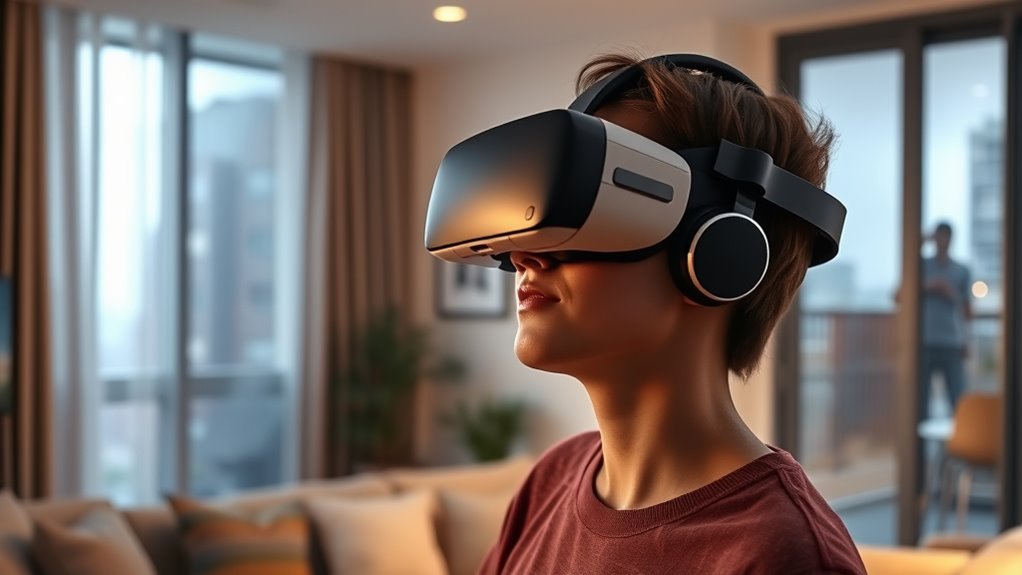
Living in an apartment often means dealing with noise disturbances, especially when you’re into VR gaming or immersive experiences. To reduce sound leakage, start by sealing gaps around doors and windows with weatherstripping or draft stoppers. Use thick rugs or carpets on your floors to absorb impact noise. Hanging heavy curtains or moving blankets on walls can dampen sound transmission. Consider installing foam panels or acoustic tiles in your dedicated VR space for added soundproofing. Furniture like bookshelves filled with books or fabric-covered couches can also help absorb sound. Finally, creating a designated, enclosed area for VR gameplay minimizes noise escape and keeps your neighbors happy. These simple steps make your VR experience more enjoyable without disturbing others.
Choosing the Right VR Equipment for Quiet Operation
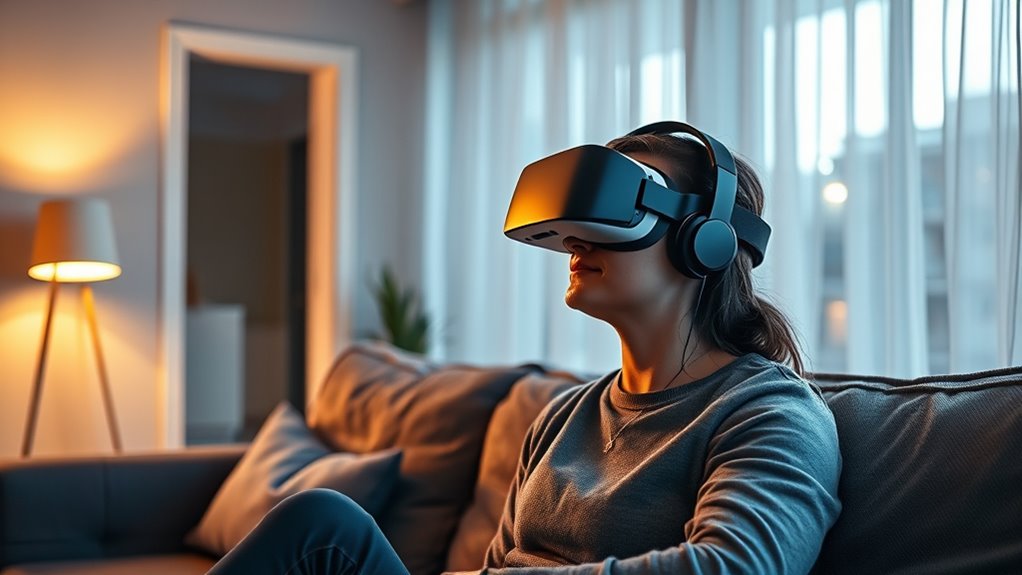
Selecting VR equipment that operates quietly can considerably enhance your apartment gaming experience while keeping noise to a minimum. When choosing your headset and accessories, prioritize models designed with noise reduction in mind. Focus on devices with built-in passive noise isolation, which minimizes external sounds and prevents the headset from amplifying ambient noise. Consider wireless options to reduce cable noise and clutter. Additionally, look for headsets with adjustable fit and padding to ensure comfort without pressing against your ears, further reducing noise leakage. Finally, opt for controllers with silent or low-noise feedback mechanisms. These features collectively help you enjoy immersive VR sessions without disturbing neighbors or creating unnecessary sound disturbances.
- Passive noise isolation design
- Wireless connectivity options
- Adjustable, comfortable fit
- Low-noise or silent controllers
Communicating With Neighbors About VR Use
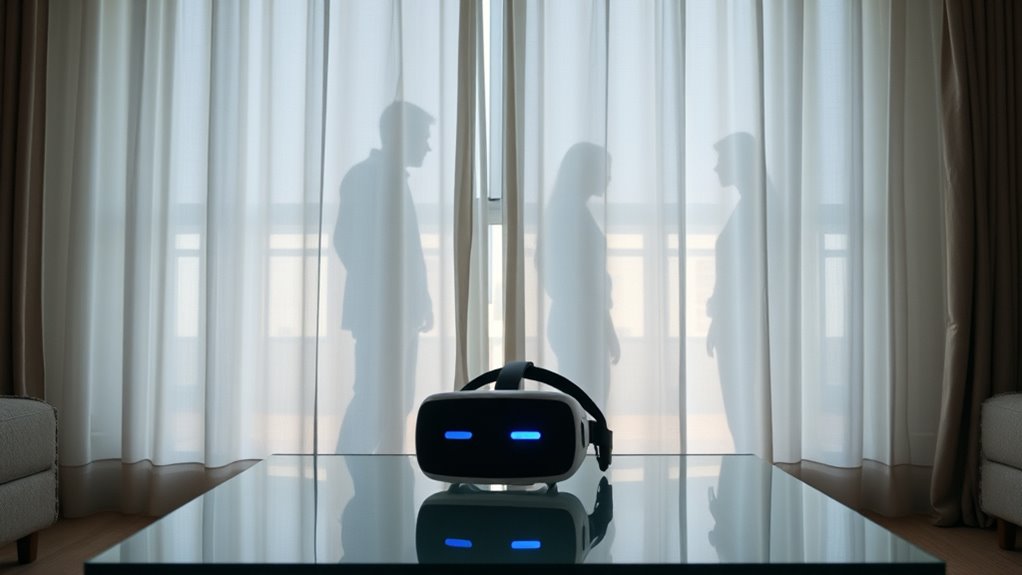
Open communication with your neighbors can prevent misunderstandings and foster a respectful living environment when you’re using VR in your apartment. Let your neighbors know about your VR habits, especially if you plan on playing during late hours or for extended periods. Sharing your schedule shows you respect their space and helps avoid surprises. If you’re aware of noise concerns, discuss ways to minimize disturbance, like lowering volume or using quieter equipment. Listening to their feedback and being open to adjustments demonstrates consideration. Sometimes, a simple heads-up can turn potential conflicts into cooperative solutions. Maintaining ongoing dialogue builds trust and encourages mutual understanding, making it easier to enjoy your VR experience without creating tension in your community.
Legal and Building Regulations Related to Noise and VR Usage
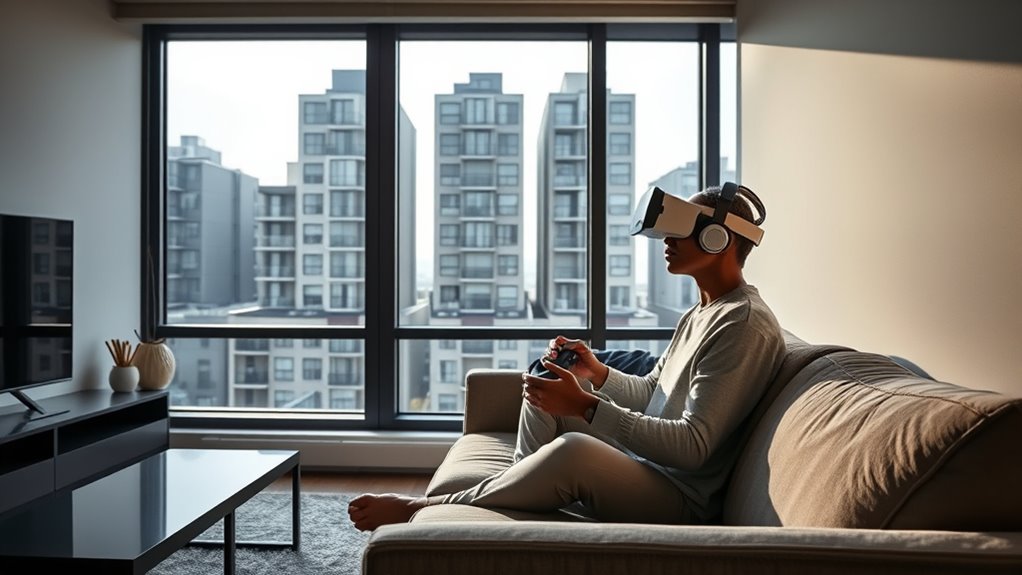
You need to understand local noise ordinances to avoid disturbing your neighbors with VR noise. Building codes also specify requirements for soundproofing and safety, which you must follow. Ignoring these regulations could lead to fines or even eviction, so it’s important to stay compliant.
Local Noise Ordinances
Understanding local noise ordinances is essential when using VR in apartments, as these regulations are designed to prevent disturbances to neighbors and maintain community harmony. These ordinances specify acceptable noise levels, quiet hours, and permissible sound frequencies. Violating them can lead to fines or eviction. To stay compliant, familiarize yourself with your city’s rules and building-specific regulations. Some ordinances include:
- Maximum decibel limits during designated hours
- Restrictions on bass and low-frequency sounds
- Quiet hours typically from late evening to early morning
- Requirements for soundproofing or volume controls during certain times
Knowing these details helps you enjoy VR without risking legal issues or conflicts with neighbors. Always check with local authorities or your building management for specific regulations applicable to your apartment.
Building Code Compliance
Building code compliance plays a key role in guaranteeing your VR setup respects legal and structural standards within your apartment. You need to verify that your modifications, such as mounting equipment or installing soundproofing, meet local building codes and regulations. These codes often specify permissible noise levels, structural modifications, and safety requirements. Failing to conform can lead to fines, eviction, or costly repairs. To stay within legal bounds, review your building’s regulations or consult with building management before making changes. Ensure that any added soundproofing or equipment doesn’t compromise fire safety or structural integrity. Staying compliant not only protects you legally but also helps maintain good relationships with neighbors and building management. Always prioritize safety and adhere to local codes when customizing your VR space.
Frequently Asked Questions
How Can I Detect if My VR Setup Is Disturbing Neighbors?
You can detect if your VR setup is disturbing neighbors by paying attention to their complaints or noticing signs like knocking or muffled sounds. Use a sound level meter or smartphone app to measure the noise during your sessions. Keep the volume low, especially during late hours, and consider using headphones. Regularly check in with neighbors to ensure your VR gaming doesn’t disrupt their peace.
Are There Specific VR Headsets Designed for Quiet Operation?
Think of VR headsets as the silent monks of the tech world. Currently, most mainstream VR headsets aren’t specifically designed for quiet operation, but you can choose models with built-in noise reduction or adjustable audio. Brands like Oculus Quest 2 and HTC Vive offer features that minimize external noise and vibrations, helping you stay discreet. Using these, you can immerse yourself without disturbing neighbors, keeping peace in your apartment.
What Are the Best Times to Use VR in Apartments?
You should use VR during the day when your neighbors are less likely to be disturbed, typically mid-morning to early evening. Avoid late-night sessions to prevent noise complaints. Make sure to choose times when you can fully enjoy your experience without interruptions. If you want to be considerate, inform your neighbors about your VR use schedule or opt for quiet, wireless headsets to minimize noise.
How Does VR Sound Transmission Vary With Different Wall Types?
You’ll find that sound transmission varies substantially with different wall types. Thin drywall walls tend to allow more VR noise to pass through, potentially disturbing neighbors. Solid concrete or brick walls offer better sound insulation, reducing noise leakage. If you want minimal disturbance, choose apartments with thicker, denser walls. Using headphones can also help you enjoy VR without worrying about sound traveling through the walls, regardless of their material.
Can VR Sessions Be Recorded to Monitor Noise Levels?
Yes, VR sessions can be recorded to monitor noise levels. Imagine capturing every sound as if your walls had ears—this helps pinpoint loud moments and prevent disturbances. You can use specialized apps or devices that record audio during your sessions. Monitoring noise not only keeps neighbors happy but also guarantees you’re aware of how much sound escapes, making your VR experience enjoyable without causing unwanted disruptions.
Conclusion
Living in an apartment while enjoying VR can be challenging, especially with noise concerns. Did you know that 80% of residents report noise issues from neighbors’ electronic devices? By implementing soundproofing, choosing quieter equipment, and communicating openly, you can enjoy immersive VR experiences without disturbing others. Staying mindful of sound dynamics guarantees a peaceful coexistence, making your virtual adventures more enjoyable and neighbor-friendly. Keep these tips in mind for a harmonious living environment.
Fall Picks
fall essentials
As an affiliate, we earn on qualifying purchases.