To establish VR lighting that looks good and tracks well, position a mix of ambient, task, and accent lights to create a balanced environment. Use diffused, soft lighting to minimize harsh shadows and glare, which can interfere with sensors. Keep lighting even and natural-looking to boost immersion and reduce eye strain. Regularly test and adjust brightness and placement to ensure consistency and avoid tracking disruptions. For more detailed tips, explore the full setup guide.
Key Takeaways
- Use diffused, matte light sources to prevent glare and reflections that can impair tracking.
- Position main lighting above and angled toward the scene to minimize shadows and sensor interference.
- Balance ambient, task, and accent lighting for natural look and sensor visibility.
- Regularly calibrate and test lighting setups to ensure consistent brightness and avoid flickering or lag.
- Keep lighting levels stable and avoid direct face illumination to enhance tracking reliability and visual comfort.

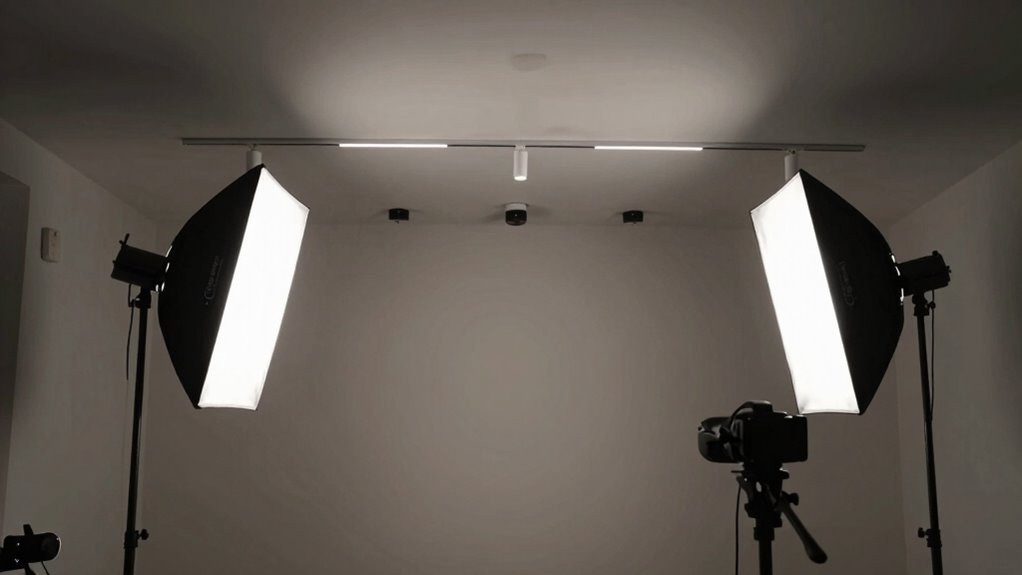
EMART Softbox Lighting Kit with Sandbag, 25.5" (65cm) Diameter Soft Box Lights with 2x135W 3000-6500K Remote Controlled LED Bulb, Photography Lighting Kit for Studio Video Recording, Filming, Portrait
- [Rich Package Contents]2 x 25.5" (65cm) Diameter soft…
- [2xSandbags]Foldable to 26.4 inch and extended to 83…
- [2×25.5" Diameter soft box] Closer to the circle,…
As an affiliate, we earn on qualifying purchases.
As an affiliate, we earn on qualifying purchases.
Understanding the Role of Lighting in VR Environments

Have you ever wondered how lighting influences your experience in a virtual reality environment? Lighting sets the mood, guides your focus, and enhances realism. Proper lighting helps define the space, making virtual objects feel tangible and immersive. It also reduces shadows and glare that can confuse sensors, thereby improving tracking accuracy. Bright, even illumination minimizes visual discomfort and eye strain, keeping you engaged longer. Conversely, poor lighting can create a jarring experience, disrupt immersion, or interfere with tracking precision. Understanding how lighting affects perception and system performance is essential. It’s not just about making a virtual world look good; it’s about creating a seamless, believable experience that responds well to your movements. Good lighting design makes your VR sessions more comfortable, realistic, and enjoyable. Additionally, lighting consistency plays a crucial role in maintaining immersion and ensuring your sensors perform optimally. Proper lighting calibration can further enhance both visual quality and tracking reliability, making your VR experience smoother and more immersive. For optimal results, it’s helpful to consider the visual environment and how ambient light interacts with your VR setup.

JC IR Illuminator 4-Led Infrared Light for IR Camera, Quest Series and PSVR2 with Power Adapter
- Enhances Night Vision: Improves surveillance camera clarity in low light
- Ideal for VR Gaming: Allows discreet gaming in dark environments
- Wide Application: Suitable for hallways, yards, doors, garages, and shops
As an affiliate, we earn on qualifying purchases.
As an affiliate, we earn on qualifying purchases.
Choosing the Right Light Types and Placement
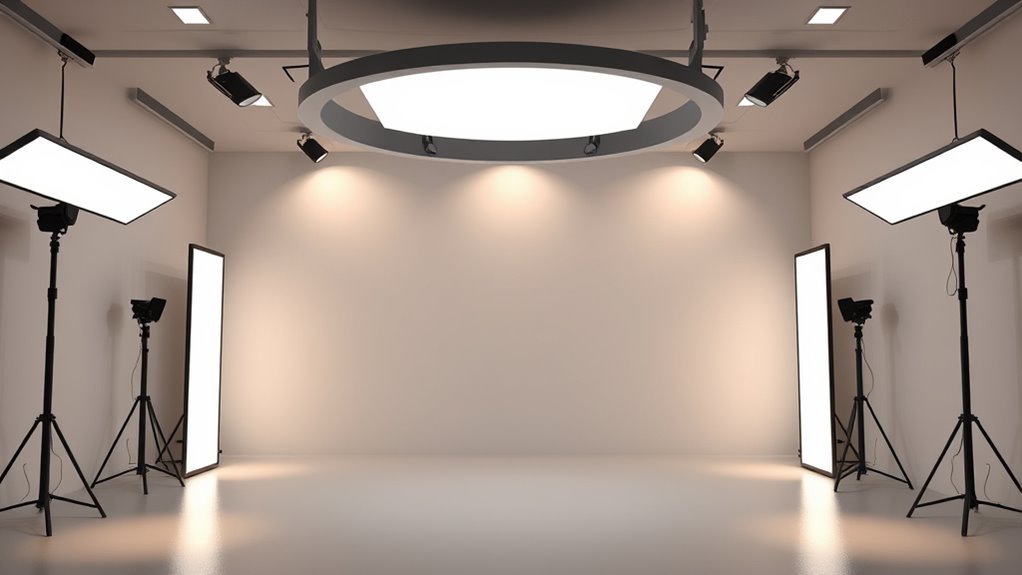
Selecting the appropriate light types and placement is essential for creating an effective VR environment. You want to choose lights that provide even coverage without harsh shadows or glare, which can distract or cause discomfort. Use a combination of ambient, task, and accent lighting to balance illumination. Position your main light source slightly above and angled toward the center of your space to mimic natural light, minimizing shadows on critical areas. Fill in dark spots with fill lights placed at lower angles. Avoid placing lights directly in the line of sight or too close to tracking sensors, as this can interfere with tracking accuracy. Experiment with different positions and intensities until you achieve a well-lit, immersive environment that feels natural and supports smooth tracking. Incorporating proper lighting calibration can further optimize tracking performance and visual comfort. Additionally, understanding smart lighting technology can help you select fixtures that are compatible with your VR setup and can be adjusted remotely or automatically to enhance your experience. To ensure consistent results, regularly monitor and adjust lighting settings, especially when changing room layouts or equipment.

Maecker IR Light for Quest 3/2 Infrared Illuminator Sensor Tracking in Dark
- Device Compatibility: Fits Quest 2, Quest 3, and more
- Lightweight Design: Weighs only 0.4oz (11.3g)
- Portable VR Accessory: Compact and easy to carry
As an affiliate, we earn on qualifying purchases.
As an affiliate, we earn on qualifying purchases.
Optimizing Lighting for Visual Appeal and Realism

To achieve a visually appealing and realistic VR environment, you need to carefully tune your lighting to mimic natural conditions. Start by adjusting the intensity and color temperature of your lights to match the time of day or mood you want to create. Use a mix of ambient, key, and fill lights to add depth and dimension, avoiding flat or overly harsh lighting. Incorporate subtle variations in brightness to simulate natural light falloff. Pay attention to color consistency across your scene to enhance realism. Test your setup in different areas of your environment to guarantee seamless transitions and avoid jarring lighting changes. Properly optimized lighting enhances immersion, making your VR space feel authentic and inviting. Additionally, considering Free Floating techniques can help create more dynamic and lifelike lighting effects in your virtual environment. Remember that lighting calibration is essential for achieving consistent and convincing visuals across various scenes, especially when integrating real-time tracking to adapt lighting dynamically as you move. Regularly reviewing and adjusting your setup can further improve the visual fidelity of your VR experience. For best results, ensure your lighting setup is adaptable to changing environments to maintain realism across diverse scenarios.
ambient task accent lighting for VR
As an affiliate, we earn on qualifying purchases.
As an affiliate, we earn on qualifying purchases.
Balancing Brightness and Shadows for Comfort and Clarity
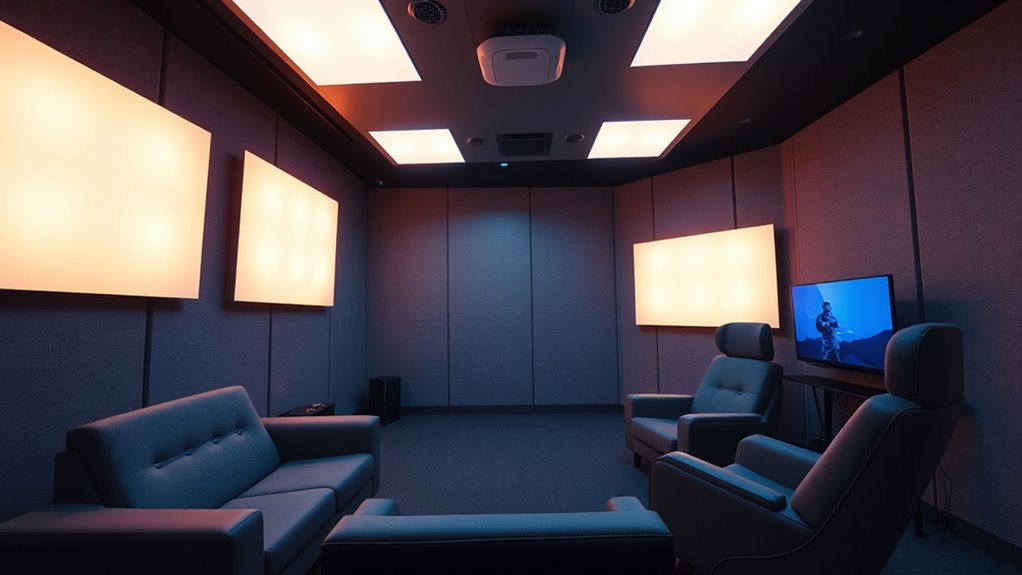
Balancing brightness and shadows is essential for making certain both comfort and clarity in your VR environment. Too much brightness can cause eye strain, while excessive shadows may obscure details and make navigation difficult. You want to create a lighting setup that highlights important objects without overwhelming your eyes. Use diffused, even lighting to reduce harsh contrasts and soften shadows. Adjust the intensity so that bright areas don’t cause glare, and shadows remain subtle enough to add depth without disrupting visibility. Consider the natural light levels in your space and aim for a balanced, harmonious look. Regularly test your environment by moving around to ensure shadows don’t shift unexpectedly or become distracting. Proper balance enhances immersion, reduces fatigue, and keeps your focus sharp. Incorporate ambient light levels to help maintain a comfortable and consistent visual experience, and pay attention to lighting calibration to optimize your setup.
Minimizing Glare and Reflections to Improve Tracking
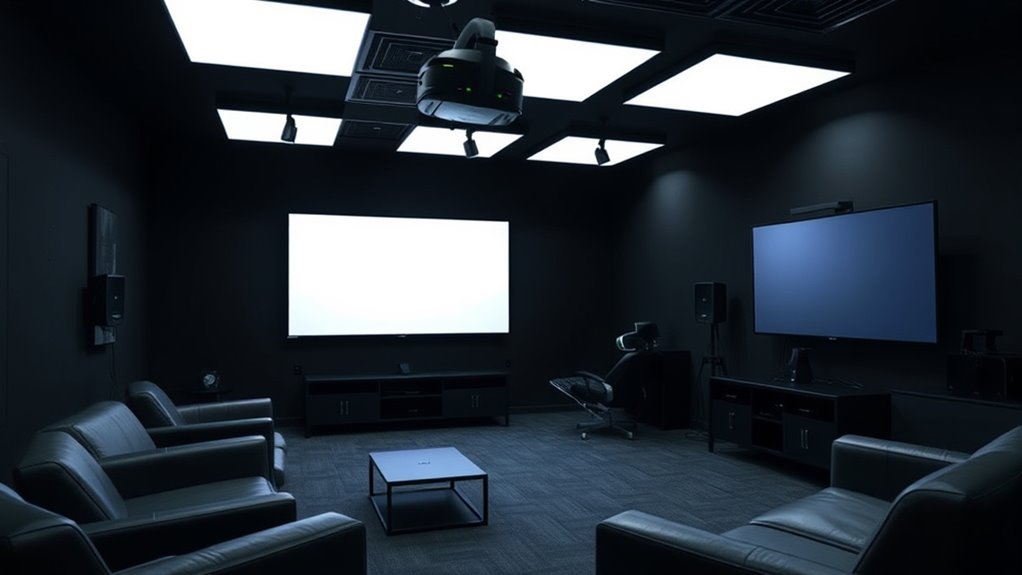
After adjusting your lighting to reduce glare and unwanted reflections, focus on creating a tracking-friendly environment. Glare from bright lights or shiny surfaces can interfere with sensors and disrupt tracking accuracy. To minimize this, position lights so they don’t directly face your sensors or headset. Use matte finishes on nearby surfaces to prevent reflections that could bounce into sensors. Avoid placing reflective objects near your play area, and consider diffusing harsh light sources with softboxes or shades. Keep lighting levels consistent and avoid sudden brightness changes. By controlling glare and reflections, you help sensors maintain a clear line of sight, ensuring smoother tracking and a more immersive VR experience. Additionally, maintaining a controlled lighting environment reduces the risk of sensor confusion caused by inconsistent illumination. This setup ultimately enhances both tracking reliability and visual comfort during your sessions.
Incorporating Dynamic Lighting for Immersiveness
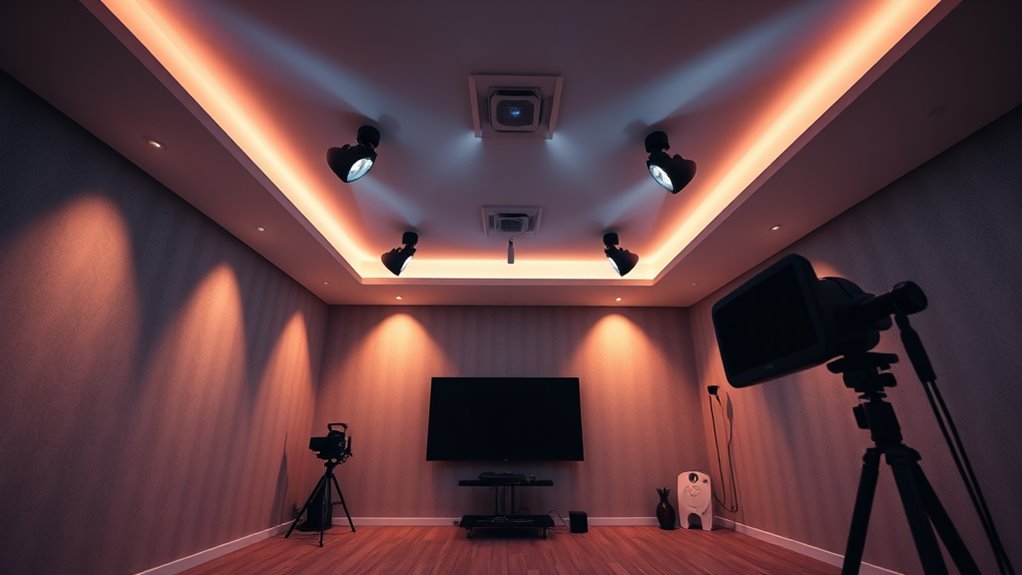
Incorporating dynamic lighting into your VR setup transforms a static environment into a more immersive experience by adapting to the virtual scene’s changing moods and actions. When done well, it responds to your movements and scene shifts, making the environment feel alive. You might see lights subtly shift to highlight key objects, cast realistic shadows during fast-paced scenes, or dim when the scene turns somber. This creates a more believable world that pulls you in. Imagine:
- Soft glow reflecting off virtual water during a sunset
- Flickering lights during a tense scene
- Bright flashes for explosions or action moments
- Gentle ambient shifts as you progress through different environments
These elements enhance realism and help you stay engaged with the virtual world. Additionally, understanding lighting calibration techniques can ensure that your dynamic lighting aligns properly with your VR display, further enhancing immersion and visual coherence. Proper calibration is crucial for achieving seamless integration between your lighting effects and the virtual scene, making the experience feel more natural and convincing. Incorporating real-time lighting adjustments can further elevate the realism by allowing your setup to adapt instantaneously to scene changes and user movements. Moreover, leveraging accurate synchronization methods can improve the consistency of your lighting effects across different scenes and hardware configurations, resulting in a more cohesive and convincing virtual environment. To optimize these techniques, paying attention to lighting consistency helps maintain a harmonious visual experience throughout your VR sessions.
Testing and Adjusting Lighting for Consistent Performance
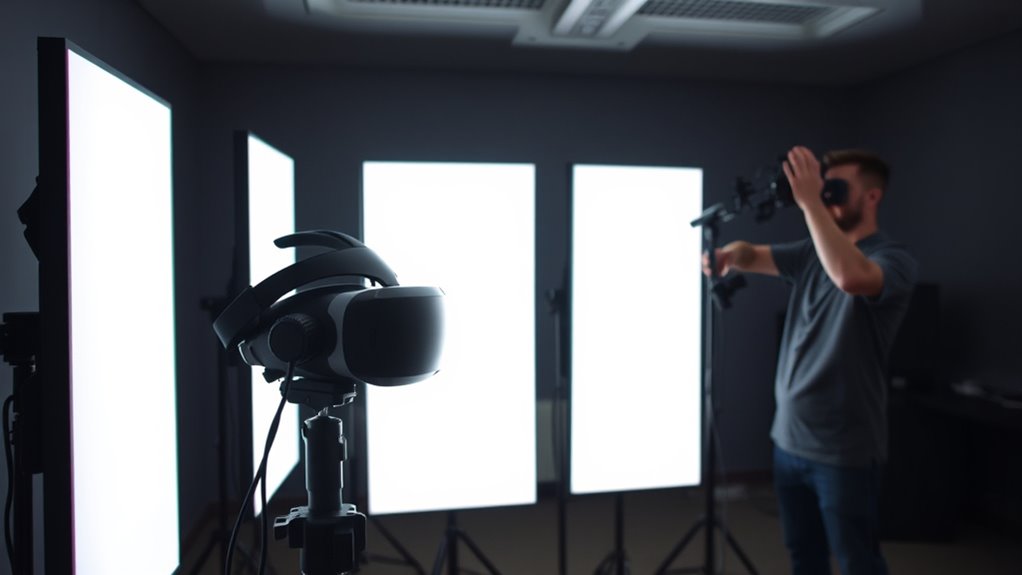
Testing and calibrating your VR lighting setup is essential to guarantee it performs smoothly across different hardware and scenes. First, run your VR environment on various devices to identify inconsistencies or performance issues. Adjust your lighting settings, such as intensity, shadows, and color temperature, to ensure they look natural and don’t cause flickering or lag. Use calibration tools to measure brightness levels and response times, making tweaks as needed. Pay attention to how lighting affects tracking accuracy—poorly adjusted lights can interfere with sensors. Regularly test in different lighting conditions and scene complexities to maintain consistency. Additionally, monitoring lighting effects on hardware sensors helps prevent tracking disruptions caused by excessive or poorly placed lights. Conducting periodic tests with different lighting configurations ensures ongoing optimal performance. Document your adjustments so you can replicate successful setups and troubleshoot issues efficiently, ensuring your VR experience remains immersive and reliable across all hardware configurations. Moreover, keeping track of lighting adjustments and results can streamline future calibration processes.
Frequently Asked Questions
How Does Ambient Noise Affect VR Lighting Perception?
Ambient noise mainly affects your perception of VR lighting by distracting you and reducing immersion. When there’s loud or unpredictable background sound, your mind focuses less on visual cues, making lighting appear less realistic or even unnatural. To improve your VR experience, minimize ambient noise with soundproofing or headphones. This helps you stay visually engaged and enhances how natural and convincing the lighting feels within your virtual environment.
Can Different VR Headsets Require Unique Lighting Setups?
Think of VR headsets as different musical instruments needing unique tuning. Yes, each headset may require a tailored lighting setup because of varying sensors, lenses, and tracking methods. You might need to adjust brightness, contrast, or placement for ideal performance. By customizing your lighting environment for each device, you guarantee smooth tracking and immersive visuals, just like tuning an instrument for perfect harmony.
What Are Common Mistakes When Calibrating VR Lighting?
You often make mistakes when calibrating VR lighting by not testing in various environments, which can cause inconsistent tracking and visuals. Rushing the process or ignoring subtle reflections and shadows can lead to poor immersion and tracking issues. You should double-check light placement, guarantee even brightness, and test across different angles. Avoid assumptions about lighting uniformity, and always verify calibration with actual gameplay to catch issues early.
How Does Room Size Impact VR Lighting Effectiveness?
You’ll find that room size greatly influences VR lighting effectiveness. In a small space, lighting can feel intense or uneven, making calibration tricky, while larger rooms require more powerful or multiple light sources to avoid shadows and dark spots. To optimize, adjust your lighting setup based on room dimensions, ensuring even distribution and avoiding glare. Proper planning creates a seamless, immersive experience that tracks well and looks natural regardless of size.
Are There Lighting Techniques That Help Reduce VR Motion Sickness?
To reduce VR motion sickness, you should use steady, consistent lighting that minimizes flickering and abrupt shadows. Avoid overly bright or flashing lights, as they can cause discomfort. Incorporate natural lighting cues to help your brain stay grounded, and guarantee the environment is well-lit without harsh contrasts. Maintaining a stable, immersive atmosphere helps your eyes adjust better, reducing the chances of motion sickness during gameplay.
Conclusion
By understanding lighting’s role, choosing the right types, optimizing for realism, balancing brightness, minimizing glare, incorporating dynamics, and testing adjustments, you create a VR environment that looks great and tracks smoothly. You enhance immersion, improve comfort, and guarantee consistent performance. You fine-tune your lighting to support your experience, to elevate your visuals, and to maximize your enjoyment. With these steps, you set up VR lighting that’s both stunning and reliable, making every session seamless and immersive.