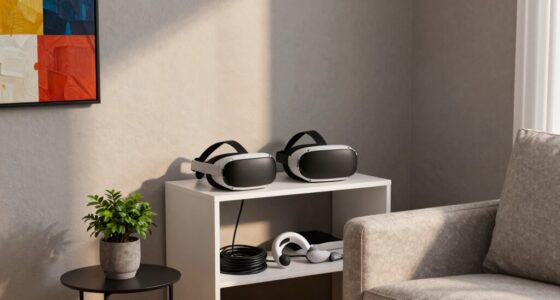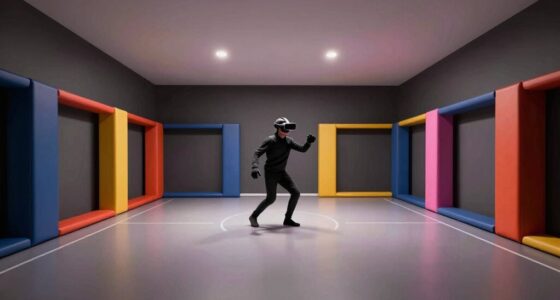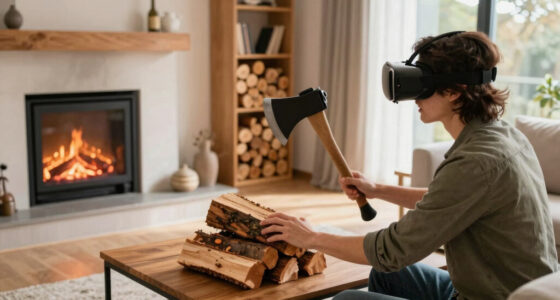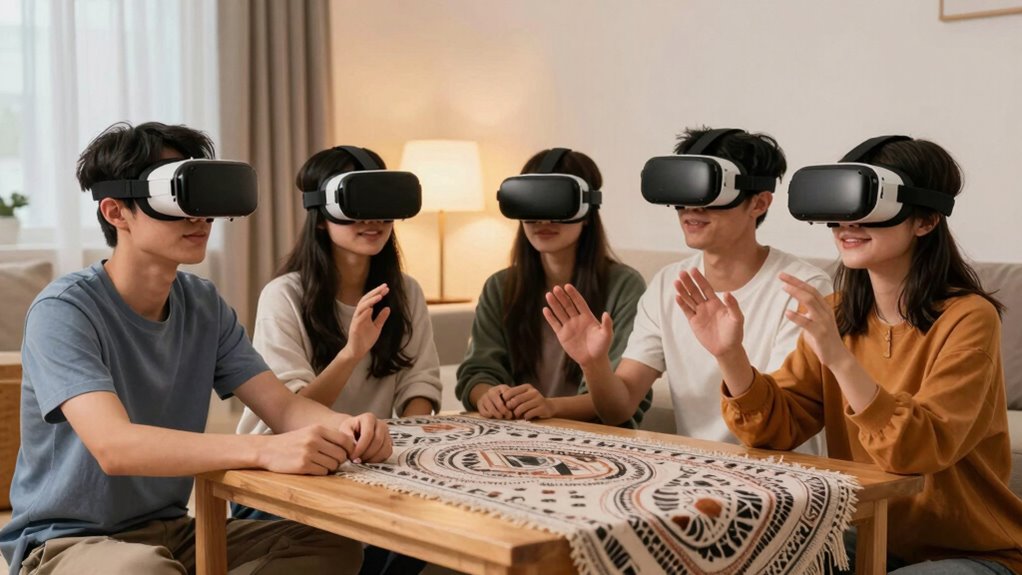

To reduce noise complaints in small VR gatherings, use headphones instead of speakers to minimize sound spillover. Choose a soundproof or quiet space, and set volume limits beforehand. Remind participants to disable recording features and respect privacy boundaries. Creating a private, sound-controlled environment helps everyone enjoy the experience comfortably. Implementing these tips can keep noise levels low and privacy intact—if you want more ideas to keep things smooth, keep exploring further.

Play games on Amazon Luna for your next adventure, included with Prime
- A rotating selection of games, no download needed
- Play on TV, laptop or phone
- Fast, free delivery for your gear, too
Key Takeaways
- Use high-quality headphones with noise-canceling features to minimize sound leakage during VR sessions.
- Choose a soundproof or dedicated room to contain noise and prevent disturbances to others.
- Set volume limits before the gathering and encourage guests to keep audio at comfortable levels.
- Create private, invite-only virtual spaces with password protection to avoid uninvited noise or disruptions.
- Remind participants to disable recording features and be mindful of shared content to maintain privacy and reduce disturbances.
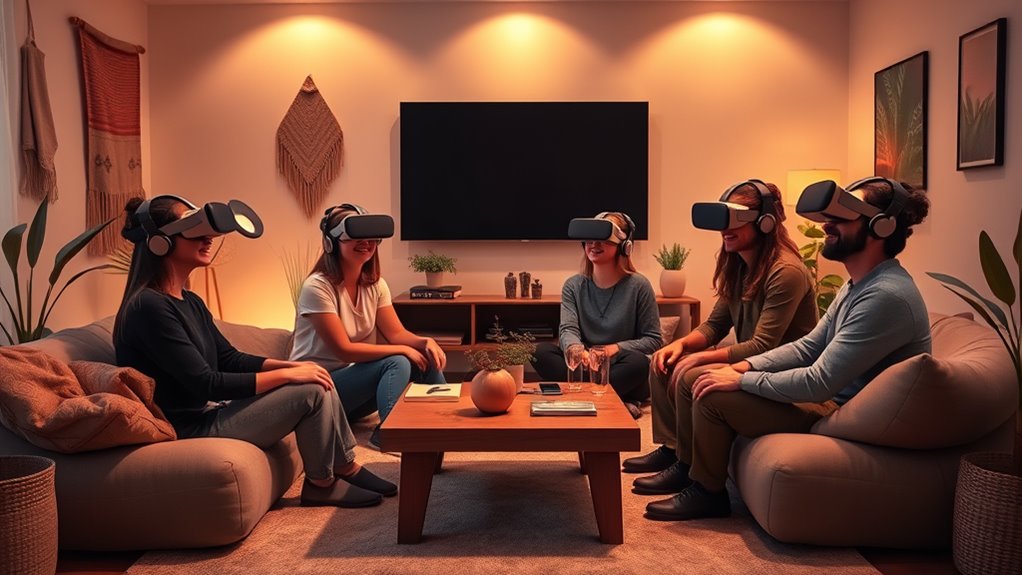
Virtual reality is transforming how you connect during small gatherings, making them more immersive and engaging. However, as you immerse yourself in these virtual experiences, noise levels can become a concern. VR headsets often produce sounds—whether it’s the game audio, chat conversations, or notifications—that can spill over and disturb others around you. If you’re hosting a small get-together at home, this can lead to complaints from neighbors or even from friends who prefer a quieter environment. To keep things enjoyable for everyone, it’s essential to manage noise levels effectively. Consider suggesting the use of headphones to your guests, which can substantially cut down on sound leakage and keep your gathering discreet. Many VR headsets come with noise-canceling features or compatibility with quality headphones, so investing in these can make a big difference. Additionally, setting boundaries about volume levels before the event kicks off helps guarantee everyone stays comfortable and respects shared spaces. Incorporating soundproofing techniques in your designated VR area can further minimize noise disruptions beyond your space. Privacy concerns are another important aspect to evaluate when incorporating VR into your small gatherings. Virtual environments often involve sharing personal data or capturing moments through recordings or screenshots, which can raise questions about privacy. If you’re using social VR platforms, you need to be clear about how participant data is handled and who might have access to recordings. Make sure your guests are comfortable with the privacy policies of the VR applications you’re using, and encourage them to review settings that can limit data sharing or recording. Creating a private virtual space for your gathering also helps address privacy worries, as it limits external access and ensures that conversations and interactions stay within your circle. Setting up password-protected sessions or using invite-only links can prevent uninvited guests from crashing the event, giving everyone peace of mind. Moreover, addressing noise levels and privacy concerns goes hand in hand. For example, you might choose a dedicated room or a space with soundproofing to contain sound and maintain privacy. If you’re concerned about privacy, remind your guests to disable recording features or to be mindful of what they share within the virtual environment. By proactively managing both noise levels and privacy, you create an atmosphere where everyone feels comfortable, safe, and focused on enjoying the VR experience. When you balance these considerations, your small gatherings become more than just fun—they become seamless, respectful, and memorable moments that everyone can truly enjoy without worries or disruptions.
noise-canceling headphones for VR
As an affiliate, we earn on qualifying purchases.
As an affiliate, we earn on qualifying purchases.
Frequently Asked Questions
What Are the Best VR Headsets for Small Gatherings?
You should consider VR headsets like the Oculus Quest 2 or HTC Vive Focus 3, which excel in VR headset ergonomics for comfortable use during small gatherings. They also offer virtual environment customization, helping you tailor experiences to reduce noise and disruption. These headsets are portable, easy to set up, and provide immersive visuals, making them ideal for creating engaging, noise-controlled virtual environments in intimate group settings.
How Can VR Apps Minimize Sound Output?
You can minimize sound output in VR apps by implementing sound masking techniques and offering precise volume control options. When you adjust volume levels or add ambient noise, you reduce the chances of disturbing others nearby. These features allow you to enjoy immersive experiences without amplification that causes complaints, creating a more considerate environment. By actively managing sound settings, you stay in control of your experience while keeping your gathering peaceful and enjoyable.
Are There Specific VR Settings for Noise-Sensitive Environments?
Yes, you can adjust VR settings for noise-sensitive environments. Use volume controls to lower sound output, preventing disturbances. Also, enable noise insulation features if available, which help contain sound within the headset and reduce external noise. These adjustments allow you to enjoy VR comfortably without causing noise complaints, ensuring a quieter experience for everyone around you. Always check your VR app’s settings to optimize sound levels for sensitive environments.
What Safety Precautions Should Be Taken During VR Use?
Coincidentally, your safety during VR use hinges on maintaining user awareness and understanding haptic feedback cues. Always make certain the play area is clear of obstacles, take regular breaks to prevent fatigue, and stay attentive to your surroundings. Adjust volume and haptic feedback settings to avoid sensory overload, and use safety straps to secure devices. These precautions help prevent accidents, ensuring a safe, immersive experience without compromising your well-being.
How to Handle Technical Issues During VR Gatherings?
When technical issues arise during VR gatherings, stay calm and follow basic troubleshooting steps like checking connections or restarting devices. Encourage everyone to practice good VR etiquette by being patient and respectful while troubleshooting. Keep a troubleshooting guide handy and communicate clearly with participants about what’s happening and how you plan to fix it. This approach minimizes disruptions and keeps the experience enjoyable for everyone involved.
As an affiliate, we earn on qualifying purchases.
Conclusion
So, next time you host a VR gathering, remember: the very technology meant to bring you closer can also turn your space into a noise battlefield. Ironically, just as VR promises immersive fun, it often invites the loudest complaints. But don’t worry—by managing volume and setting boundaries, you’ll keep the peace and still enjoy those virtual adventures. After all, who knew that reducing noise complaints would be your biggest virtual challenge?
As an affiliate, we earn on qualifying purchases.
privacy protection for virtual reality
As an affiliate, we earn on qualifying purchases.
As an affiliate, we earn on qualifying purchases.
Halloween Picks
halloween
As an affiliate, we earn on qualifying purchases.