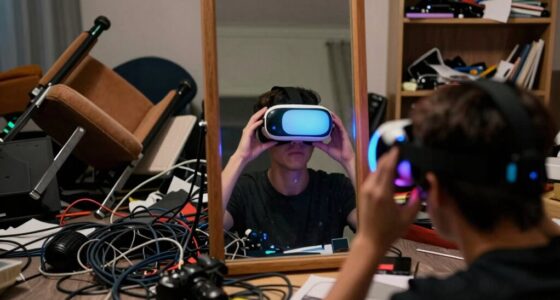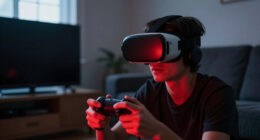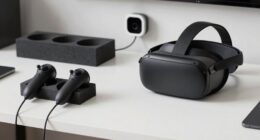
Mirrors confuse VR tracking because their reflections can be mistaken for real objects or tracking points by the system. When sensors pick up these reflections, they generate extra images, causing misinterpretations of your position and movements. This can lead to jittery gameplay, lag, or even tracking failure. The problem gets worse with larger or front-facing mirrors. If you keep exploring, you’ll discover practical tips to reduce these issues and improve your VR experience.

Play games on Amazon Luna for your next adventure, included with Prime
- A rotating selection of games, no download needed
- Play on TV, laptop or phone
- Fast, free delivery for your gear, too
Key Takeaways
- Mirrors create reflections that sensors mistake for real objects or tracking points, disrupting accurate position detection.
- Reflections generate multiple images, confusing the system and causing tracking errors or temporary loss.
- Large or front-facing mirrors amplify interference, making tracking misalignments more frequent.
- Reflected images can cause the system to adjust virtual positions incorrectly, leading to jittery or unpredictable movements.
- Covering or relocating reflective surfaces helps maintain reliable VR tracking and reduces mirror-related disruptions.
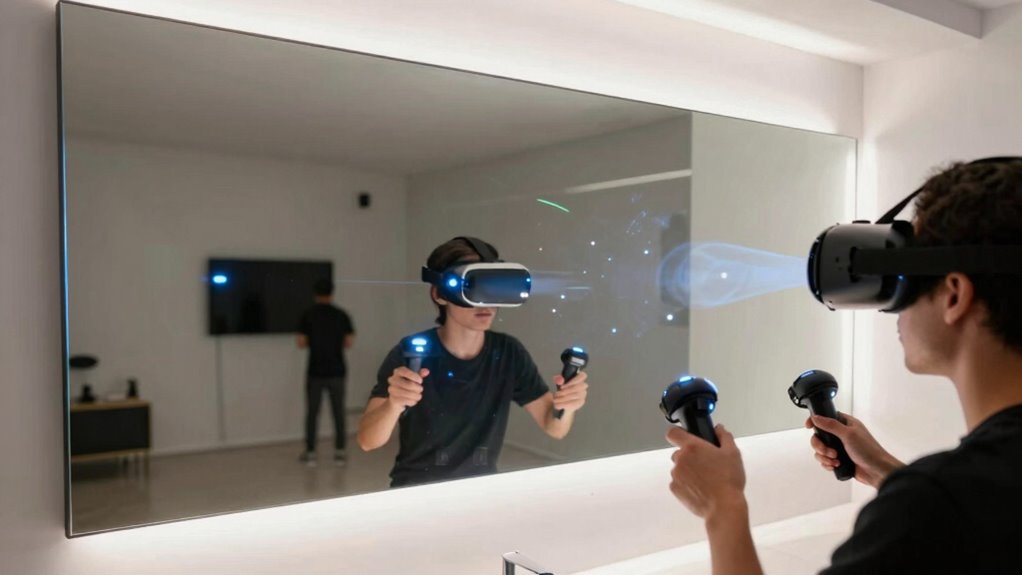
If you’ve ever stepped into a virtual reality environment only to find your movements suddenly misaligned or unpredictable, mirrors might be to blame. Mirror illusions happen when the VR system’s sensors pick up on reflections that don’t match your actual position. When you stand in front of a mirror, your image creates reflection interference, confusing the tracking system. The sensors interpret the mirror’s reflection as a new object in the environment, which can throw off your avatar’s movements or cause sudden jumps and jitteriness. This happens because the VR system relies on cameras or external sensors to track your position, and reflective surfaces can disrupt this process.
Mirrors can confuse VR sensors, causing misaligned movements and jittery experiences during gameplay.
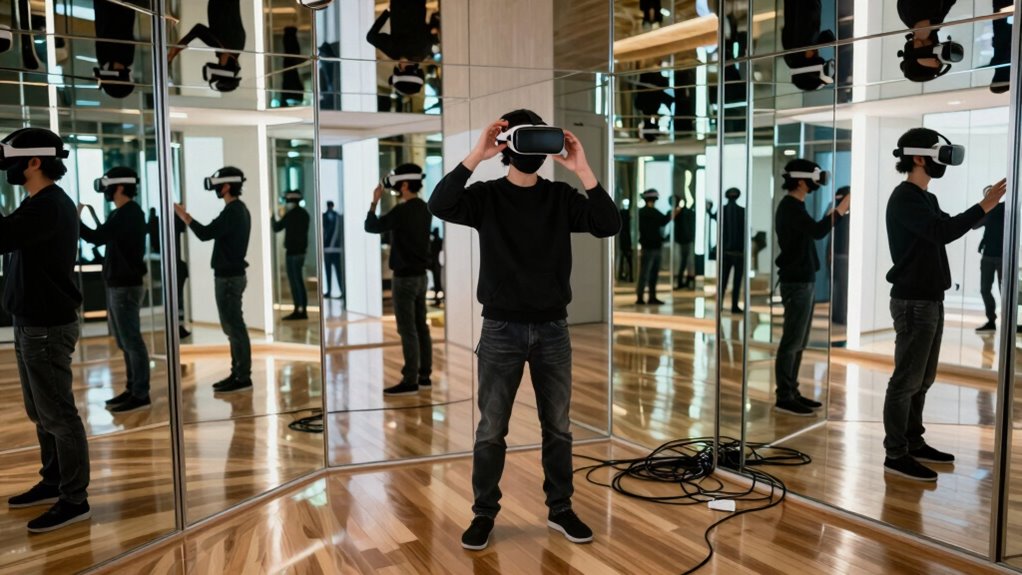
Mirrors create a confusing scenario for the sensors because they generate multiple images that appear to be real objects. When the system tries to interpret these reflections, it can mistake them for physical objects or additional tracking points. As a result, the system might try to adjust your virtual position based on the mirror’s reflection, leading to misaligned movements. For example, you might see your avatar shift unexpectedly or your controls might respond sluggishly. The problem intensifies if the mirror is large or positioned directly in front of the sensors, amplifying reflection interference.
In some cases, the system might temporarily lose track of your position altogether, causing the VR environment to jitter or freeze. This disruption is especially frustrating during immersive experiences or intense gameplay. You might also notice that your movements don’t match what you see in the headset, which can break immersion and even cause motion sickness. The core issue is that the sensors interpret reflections as real, physical cues, confusing the tracking algorithms. Even high-end VR setups aren’t immune—any reflective surface can cause issues.
To minimize these problems, many VR users avoid placing mirrors in the same space as their play area. You can also try repositioning sensors or covering reflective surfaces during gameplay. Some systems allow for calibration adjustments that can help reduce reflection interference, but completely eliminating the problem requires controlling the environment. Understanding how mirror illusions interfere with tracking helps you troubleshoot these issues more effectively. When mirrors are present, the system’s effort to process reflections can lead to unpredictable behavior, so being mindful of your surroundings can make a big difference in maintaining smooth, accurate VR tracking.
As an affiliate, we earn on qualifying purchases.
Frequently Asked Questions
Can Mirror Placement Improve VR Tracking Accuracy?
Yes, mirror placement can improve VR tracking accuracy. Properly positioned mirrors minimize issues caused by mirror distortion and reflective surfaces, which often confuse sensors. By avoiding direct reflections of tracking devices or controllers in mirrors, you reduce tracking errors. Strategic placement guarantees sensors get clear signals without interference, resulting in smoother VR experiences. Just be mindful of reflective surfaces that can create tracking confusion, and adjust mirror angles to optimize sensor visibility.
Do Different Mirror Materials Affect Tracking Performance?
Did you know that some mirror materials can reduce tracking errors by up to 30%? Different mirror coatings and their reflective properties considerably impact VR tracking performance. You’ll find that high-quality coatings with ideal reflective properties provide clearer reflections, helping sensors track your movements more accurately. Choosing the right mirror material guarantees your VR experience stays smooth and immersive, minimizing confusion caused by inconsistent or distorted reflections.
How Do Lighting Conditions Influence Mirror-Related Tracking Issues?
Lighting conditions considerably influence mirror-related tracking issues. Bright lighting interference can cause reflective surfaces to distort or reflect unintended images, confusing your VR sensors. Poor or uneven lighting can also create glare on reflective surfaces, making it harder for the system to differentiate between actual tracking markers and reflections. To minimize problems, guarantee consistent, diffuse lighting and avoid direct illumination on mirrors, helping your VR system accurately track your movements.
Are There Specific VR Headsets More Prone to Mirror Interference?
Some VR headsets are more prone to mirror interference, especially those with less sophisticated tracking systems. You need to watch out for headsets like the Oculus Quest or older HTC Vive models, which can struggle with mirror distortion and reflection interference. These issues act like a sneaky mirror maze, confusing sensors and disrupting your experience. Upgrading to newer, more advanced headsets can help minimize these tracking troubles and keep your VR adventures smooth.
Can Adjusting Room Setup Reduce Mirror-Induced Tracking Errors?
Adjusting your room setup can definitely reduce mirror-induced tracking errors. Keep mirror reflective surfaces away from your VR sensors and cameras, and position them so they don’t reflect tracking signals. Regularly calibrate your tracking system to account for any changes, ensuring better accuracy. By minimizing reflective surfaces and maintaining proper calibration, you improve overall VR tracking, avoiding confusion caused by mirrors and enhancing your immersive experience.
VR tracking sensor calibration tools
As an affiliate, we earn on qualifying purchases.
As an affiliate, we earn on qualifying purchases.
Conclusion
So, next time mirrors throw off your VR tracking, remember they can reflect signals and create false tracking data. While some believe mirrors disrupt tracking due to interference, recent studies suggest they might simply confuse the sensors by reflecting infrared signals. Ultimately, understanding how sensors interpret reflections helps you troubleshoot better. Keep experimenting with placement and lighting—sometimes, the simplest adjustments can restore your VR experience without losing immersion.
anti-reflective VR sensor covers
As an affiliate, we earn on qualifying purchases.
As an affiliate, we earn on qualifying purchases.
As an affiliate, we earn on qualifying purchases.
Fall Picks
fall essentials
As an affiliate, we earn on qualifying purchases.