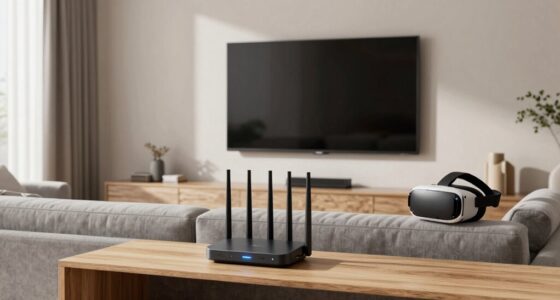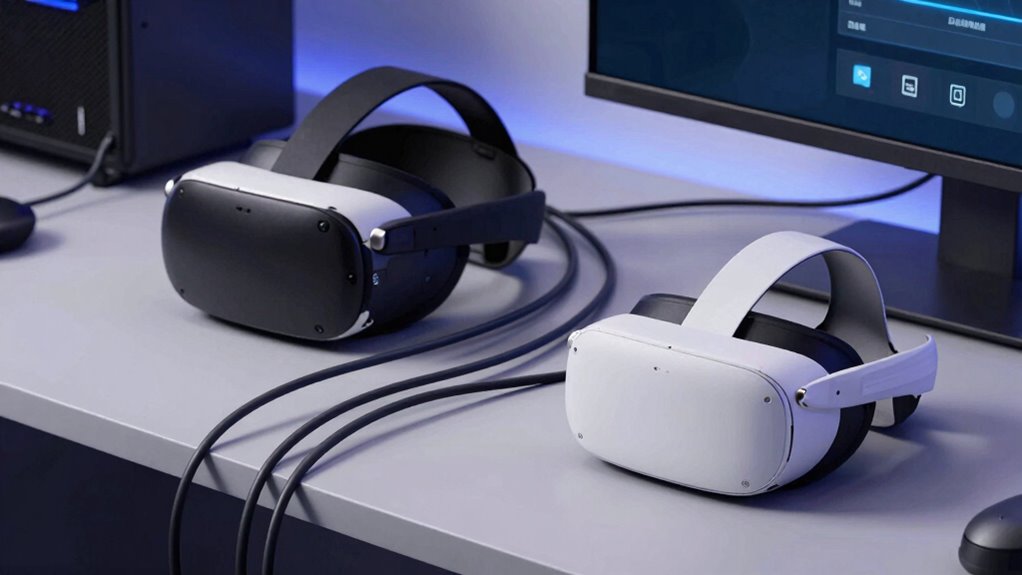

To decide if wired or wireless PCVR suits you, consider your space and mobility needs. If you value freedom of movement and have limited space, wireless might be better, but it needs a strong Wi-Fi for stable gameplay. If you prioritize connection stability and lower lag, wired is often more reliable. Think about your budget too, as high-end wireless setups can be pricey. Explore further to find out which option aligns best with your gaming style and environment.
Key Takeaways
- Assess your need for mobility versus connection stability based on gameplay style and space constraints.
- Consider your Wi-Fi network strength and whether wireless performance will be reliable enough.
- Decide if setup simplicity and minimal clutter are priorities compared to potential cost differences.
- Evaluate your budget against the benefits of wireless convenience and higher-end features.
- Think about long-term usability, future updates, and hardware compatibility for a sustainable choice.
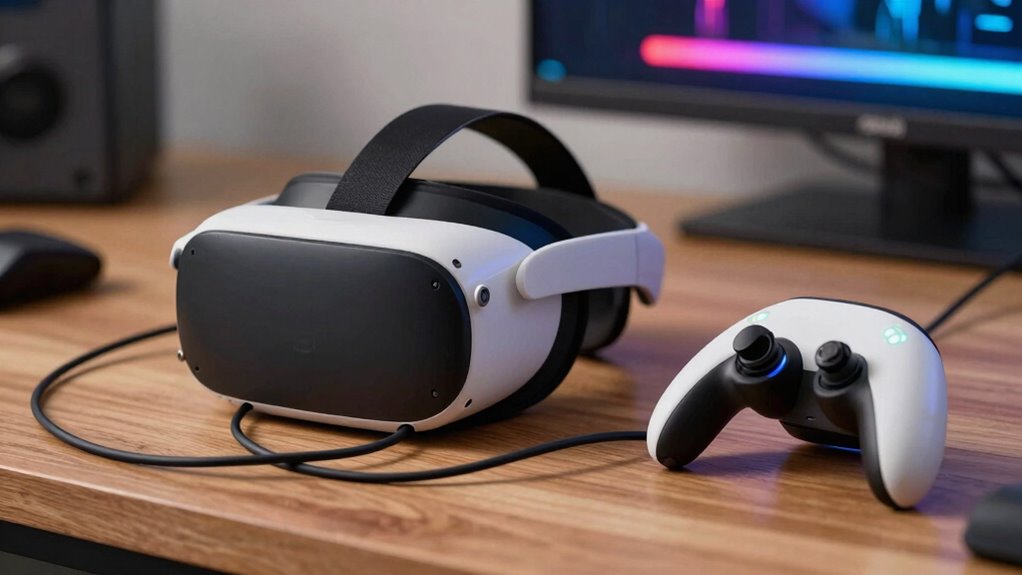
Deciding between wired and wireless PCVR can considerably impact your virtual reality experience, and making the right choice depends on your priorities and setup. If VR comfort is your top concern, wireless systems often feel more natural. Without a cable tethering you to your PC, you can move freely, stretch, and turn without worrying about tripping or pulling on cords. This freedom reduces fatigue and makes extended VR sessions more enjoyable. On the other hand, wired setups tend to offer a more stable connection with less latency, which can make the experience feel more seamless and immersive. If you value uninterrupted, high-quality visuals and minimal lag, a wired system might be preferable.
Wireless PCVR offers greater freedom and comfort, while wired systems provide stability and minimal latency for immersive gaming.
Your setup complexity also plays a significant role in your decision. Wireless PCVR setups typically require fewer physical components, which can simplify initial setup. You’ll need a compatible headset, a reliable Wi-Fi network, and possibly a link box or similar device, depending on the system. Once everything is connected, you can usually start playing with minimal fuss. Conversely, wired systems involve connecting a cable from your PC to your headset, which might mean managing long cords, ensuring sufficient space, and dealing with potential tripping hazards. If your gaming area is limited or cluttered, a wired setup could add inconvenience, making wireless a more attractive option. Additionally, the technology standards involved can influence your overall experience and future-proofing. A compatibility check ensures your hardware and network support the desired system, reducing unexpected issues later on. Ensuring your hardware meets the necessary performance requirements can help you avoid lag and disconnections, especially with wireless systems that demand a strong connection. Moreover, understanding the future updates and advancements in VR technology can help you decide which system will serve you better over time.
Wireless systems, especially those with high-end features, can be pricier and require an optimized network to avoid lag and disconnections. If you’re tech-savvy and comfortable managing network settings, wireless might be worth the extra effort for the convenience it offers. But if you prefer simplicity and reliability without worrying about signal interference, a wired setup provides a straightforward, dependable experience. Considering the cost-effectiveness of each option can help you determine which aligns best with your budget and expectations.
As an affiliate, we earn on qualifying purchases.
Frequently Asked Questions
Can I Upgrade My Existing VR Headset Between Wired and Wireless Versions?
You can’t directly upgrade your existing VR headset from wired to wireless or vice versa because of compatibility issues and power source differences. Wireless adapters often require specific ports or hardware, and the power source varies—wired headsets get power from the PC, while wireless ones need batteries or external power. To switch, you’ll likely need to buy a new headset designed for the mode you prefer, ensuring compatibility with your setup.
How Does Latency Differ Between Wired and Wireless PCVR Setups?
Wired PCVR setups typically have lower latency compared to wireless setups, providing a more responsive experience. The latency comparison favors wired connections because they offer direct data transfer, reducing delays. Wireless options, however, can sometimes suffer from connection stability issues, which may cause slight lag or interruptions. If you prioritize minimal latency and a stable connection, wired is the better choice. For more freedom of movement, wireless might still work well despite slightly higher latency.
What Are the Best Accessories for Wireless PCVR Experiences?
For the best wireless PCVR experience, focus on accessories that enhance Bluetooth connectivity and battery life. Invest in a high-quality Bluetooth transmitter to guarantee a stable connection, reducing lag or disconnections. Additionally, get extra batteries or a charging dock to keep your headset powered during long sessions. Consider a fan or cooling accessories for comfort, but prioritize those that support reliable Bluetooth and extended battery life to maximize immersion.
Is Wireless PCVR Suitable for Multiplayer Gaming?
Wireless PCVR can be suitable for multiplayer gaming if your network stability is solid. You’ll enjoy freedom of movement without cables, making multiplayer interactions more immersive. However, you need a strong, stable Wi-Fi connection to prevent lag or disconnections, which could disrupt gameplay. If your network is reliable, wireless VR offers a seamless multiplayer experience, but if stability is an issue, wired setups might be more dependable for multiplayer sessions.
How Does Cleaning and Maintenance Differ Between Wired and Wireless Headsets?
Cleaning and maintaining your headset is like tending a garden—you need care and attention. Wired headsets require less fuss with battery life but demand regular cable management to prevent tangles and damage. Wireless headsets need frequent battery checks and charging, making maintenance more involved. Both need their lenses cleaned, but wireless models might accumulate dust in their battery compartments. Staying proactive keeps your VR experience smooth and enjoyable.
As an affiliate, we earn on qualifying purchases.
Conclusion
Ultimately, choosing between wired and wireless PCVR depends on your gaming style and space. For instance, if you prioritize immersive, untethered movement, wireless might be your best bet—like a gamer who enjoyed freedom of movement during a recent VR marathon. But if you prefer a stable connection for intense gameplay, wired could be better. Consider your environment and how you play to make the choice that elevates your VR experience and keeps you immersed without hassle.
As an affiliate, we earn on qualifying purchases.
As an affiliate, we earn on qualifying purchases.