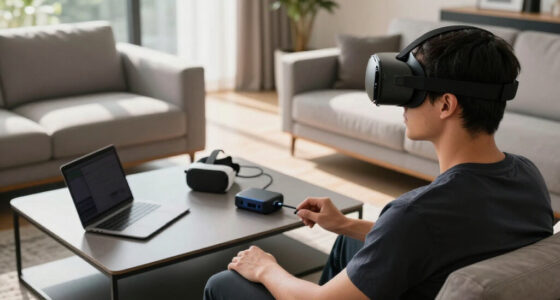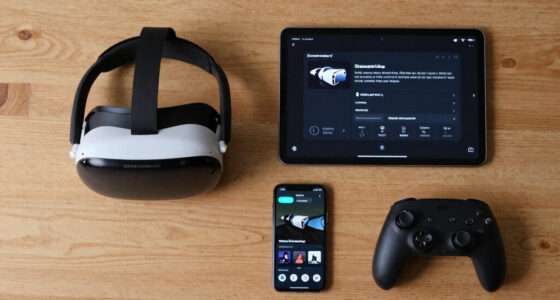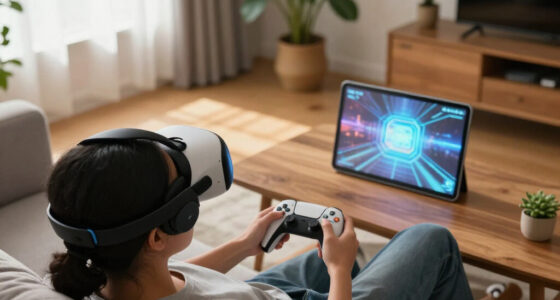
You’ll get better VR performance by focusing on router placement rather than chasing the latest hardware hype. A well-positioned router guarantees a strong, stable signal with minimal interference, which is essential for immersive experiences. Moving your router to a central spot, high up, and away from obstacles or electronic interference often makes more difference than expensive upgrades. If you want to discover more tips on optimizing your VR setup, keep exploring how environment and placement impact your connection.

Get VR and gaming gear delivered free — and shop member deals
- Fast, free delivery on millions of items
- Access to Prime Big Deal Days deals on October 6–7
- Prime Video, Amazon Music and more included
Key Takeaways
- Proper router placement ensures stable signals, reducing lag and disconnections essential for smooth VR experiences.
- Strategic positioning minimizes interference from obstacles and electronics, outperforming hardware upgrades alone.
- Elevating the router and central placement improve coverage, often more impactful than high-end routers.
- Environmental factors like walls and interference sources have a greater effect on VR performance than router specs.
- Optimizing location offers a cost-effective way to enhance VR stability without expensive hardware investments.
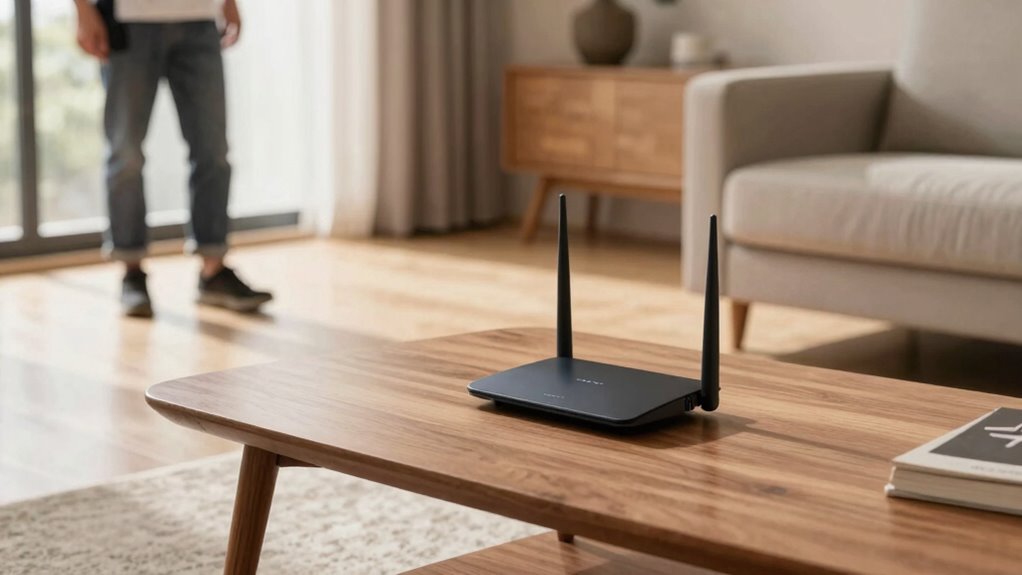
Are you struggling with lag or disconnections during your VR sessions? If so, the issue might not be your router’s brand or the hype around the latest models, but rather where you place your router. Many people get caught up in buying high-end routers loaded with features, assuming that more expensive or “fancier” gear automatically guarantees a smoother VR experience. However, the real game-changer often lies in simple, strategic router placement. Proper placement enhances signal stability and minimizes wireless interference, which are essential for uninterrupted VR gameplay. When your router is placed poorly, even the most advanced device can perform poorly, leading to lag, jitter, or disconnections.
Wireless interference is a common culprit that can degrade your VR experience. Devices like cordless phones, baby monitors, microwave ovens, and even neighboring Wi-Fi networks can all cause interference that disrupts your signal. If your router sits near these sources, your signal’s quality diminishes, resulting in instability during your VR sessions. Moving your router away from such interference sources can notably improve your connection. It’s about creating a clear communication path—think of your Wi-Fi signal as a conversation that needs to be free of interruptions. The fewer obstacles and sources of interference, the more stable your signal becomes. Additionally, understanding how interference sources impact wireless signals can help you better optimize your setup. Recognizing the environmental factors that influence signal quality is crucial for achieving the best VR performance. A well-placed router can also help mitigate issues caused by signal attenuation over distance. Moreover, considering router antenna orientation can further enhance your Wi-Fi coverage and stability.
Minimize interference from devices like cordless phones and microwaves for a more stable VR connection.
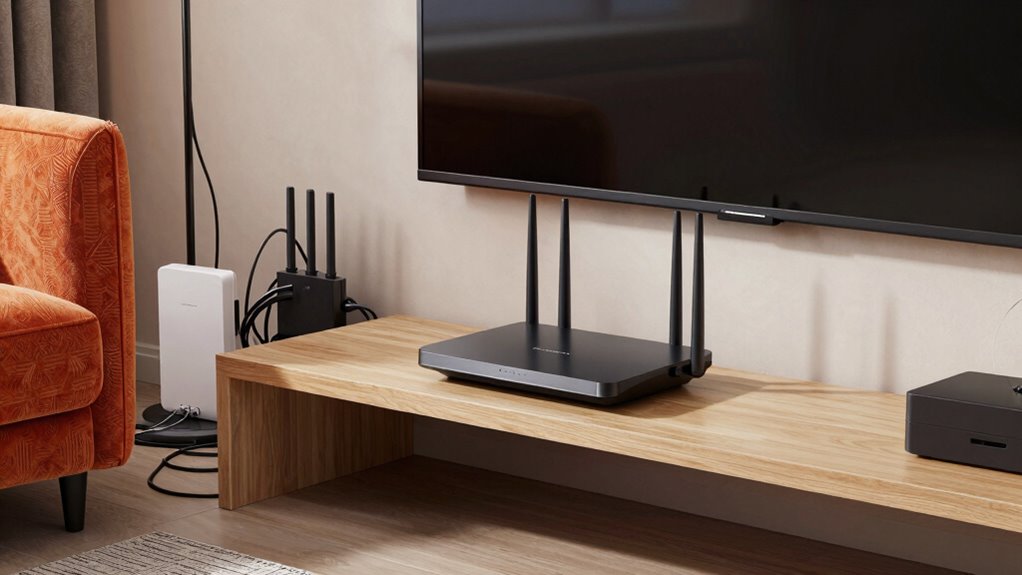
Signal stability is directly affected by where you place your router. Ideally, you want it in a central location within your home, elevated on a shelf or mounted high on a wall, away from obstructions like thick walls, metal objects, or large furniture. These can block or weaken the Wi-Fi signal. In multi-story homes, placing the router on the middle floor can help distribute the signal more evenly. Also, avoid placing the router near large metal appliances or electronic devices that emit electromagnetic interference. Simple adjustments—like elevating your router or repositioning it to a more open space—can make a noticeable difference in connection quality. Proper router placement is a crucial aspect often overlooked by many users aiming for optimal VR performance.
Ultimately, it’s about focusing on how your router interacts with your environment rather than just obsessing over its specifications. Good router placement guarantees your wireless interference is minimized and your signal remains stable, giving you a smoother, more immersive VR experience. It’s a straightforward, cost-effective way to get better performance without chasing the hype of the latest and greatest hardware. When you prioritize placement, you’re making a real investment in your VR sessions’ reliability and enjoyment.
As an affiliate, we earn on qualifying purchases.
Frequently Asked Questions
How Does Router Placement Affect VR Latency?
Router placement directly impacts VR latency by reducing wireless interference and signal degradation. When you position your router centrally and elevated, you allow a clearer, more stable connection. This minimizes disruptions caused by obstacles or interference from other devices, ensuring your VR experience stays smooth. Proper placement helps maintain low latency, so your movements feel real-time and responsive, enhancing your overall VR immersion and reducing motion sickness.
Can Router Placement Improve VR Multiplayer Experiences?
Think of your router as the conductor of a digital orchestra; when placed well, it keeps wireless interference at bay and boosts signal strength. This harmony reduces lag and connection drops, transforming your VR multiplayer experience from a rocky ride into a smooth voyage. Proper placement guarantees your data flows like a gentle river, making gameplay more responsive, immersive, and enjoyable for everyone involved.
What Specific Router Features Benefit VR Connectivity?
The specific router features that benefit VR connectivity include strong signal strength and advanced technology to reduce wireless interference. Look for routers with dual or tri-band frequency support, which help minimize congestion and guarantee a stable connection. MU-MIMO technology also boosts data flow to multiple devices, improving your VR experience. Prioritization features like QoS further guarantee your VR headset gets the bandwidth it needs, reducing lag and enhancing immersion.
How Often Should I Adjust My Router for Optimal VR?
You should adjust your router whenever you notice Wi-Fi interference or a drop in signal strength during VR sessions. Regularly reposition it, ideally placing it higher and away from metal objects or electronics, to maintain ideal signal quality. Checking your connection weekly helps identify issues early. By doing so, you guarantee consistent, smooth VR experiences, avoiding lag or disconnections caused by poor signal strength or interference.
Does Router Placement Impact VR Device Compatibility?
Did you know that poor router placement can cause up to a 50% drop in VR device performance? Yes, your router’s position substantially impacts compatibility. If it’s in a spot prone to wireless interference or signal obstruction, your VR experience suffers. Proper placement guarantees a strong, stable connection, reducing lag and disconnects. Keep your router elevated and free from obstacles to maximize compatibility and enjoy seamless VR gameplay.
As an affiliate, we earn on qualifying purchases.
Conclusion
So, if you want your VR experience to be flawless, forget chasing every new router hype. Instead, focus on placing your router perfectly—like a king on its throne—because the secret to mind-blowing virtual worlds isn’t the latest gadget, but the simple art of strategic placement. Neglect this, and your VR adventures could crumble into pixelated chaos. Remember, in the quest for ultimate immersion, your router’s position is the true game-changer—more powerful than any flashy feature.
As an affiliate, we earn on qualifying purchases.
As an affiliate, we earn on qualifying purchases.
Halloween Picks
halloween
As an affiliate, we earn on qualifying purchases.