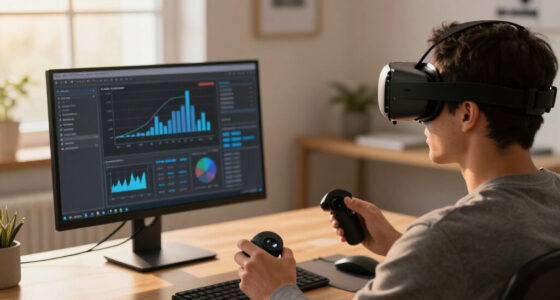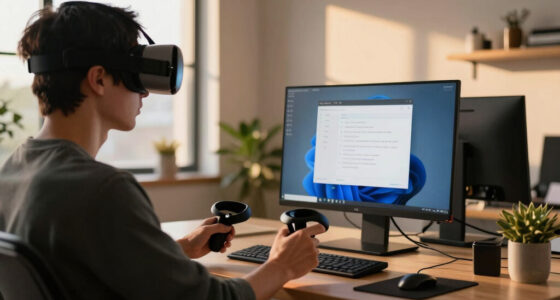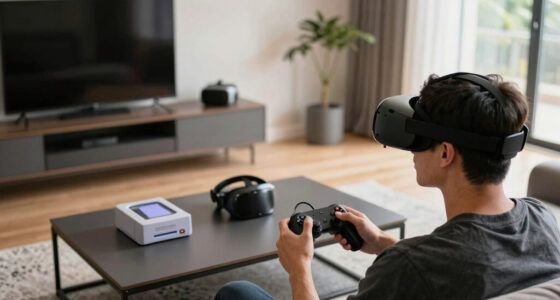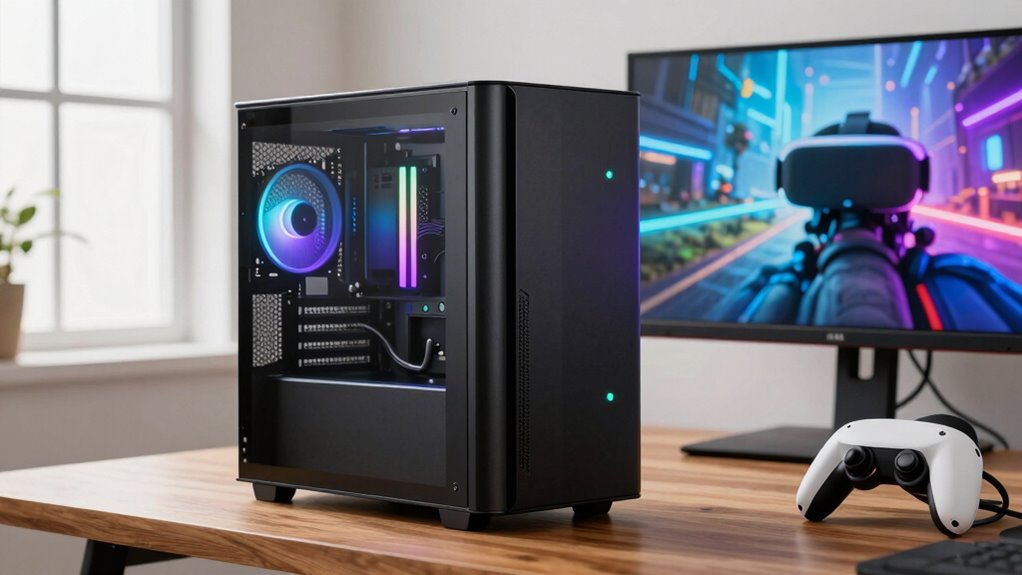

A ‘VR Ready’ PC label means your hardware meets minimum standards to run VR applications without major issues, but it doesn’t guarantee smooth or ideal performance in demanding scenarios. It suggests your system can handle basic VR tasks, but performance depends heavily on the quality of your components and benchmarks achieved. If you want to understand what truly determines a great VR experience and how to choose the right hardware, there’s more to uncover.

Play games on Amazon Luna for your next adventure, included with Prime
- A rotating selection of games, no download needed
- Play on TV, laptop or phone
- Fast, free delivery for your gear, too
Key Takeaways
- ‘VR Ready’ indicates hardware meets minimum standards for basic VR performance but does not guarantee optimal experience.
- Labels are based on industry benchmarks, yet actual performance can vary depending on specific hardware setups.
- Meeting ‘VR Ready’ specs ensures compatibility but may still struggle with demanding VR applications.
- Exceeding benchmark standards generally results in smoother, more immersive VR experiences.
- Users should consider hardware quality and benchmarks beyond the label for a truly satisfactory VR experience.
If you’re planning to immerse yourself in virtual reality gaming or experiences, understanding what makes a PC “VR Ready” is essential. The label sounds straightforward, but it often masks a more complex reality. When a PC is marketed as VR Ready, it typically indicates that the hardware compatibility has been evaluated to meet minimum standards for running VR applications smoothly. These standards usually include specific requirements for the graphics card, processor, RAM, and ports necessary for VR headsets. However, it’s important to recognize that “VR Ready” doesn’t always mean your system will deliver ideal performance in every VR scenario. Instead, it suggests that the hardware can handle basic VR applications without major issues, according to industry benchmarks. Building on this, understanding the plant properties of key components, such as the graphics card and processor, can help you better assess whether a system will truly meet your VR needs. Performance benchmarks play a key role in defining what “VR Ready” actually means. Manufacturers often base their claims on standardized testing results, which evaluate how well a system performs under typical VR workloads. For example, a PC might meet the minimum or recommended benchmarks for popular VR headsets like Oculus Rift, HTC Vive, or Valve Index. These benchmarks measure frame rates, latency, and graphical fidelity—crucial factors that influence comfort and immersion. If your PC hits or exceeds these benchmarks, you’re more likely to enjoy a smooth, lag-free VR experience. Keep in mind, though, that exceeding minimum benchmarks can considerably improve your experience, especially during intense or graphically demanding VR sessions. Hardware compatibility is another critical aspect. When a PC is labeled as VR Ready, it generally indicates that the system has compatible hardware components, such as a capable GPU, sufficient RAM, and appropriate ports like HDMI or DisplayPort. Not all hardware setups are created equal, and some may meet the bare minimum requirements but still struggle under demanding VR applications. For example, a mid-range GPU might meet the minimum specs but could cause frame drops or latency issues during complex VR environments. Hence, understanding the specific hardware compatibility and how it aligns with performance benchmarks helps you gauge whether a VR Ready system will satisfy your needs, whether you’re casually gaming or deep into immersive experiences.
As an affiliate, we earn on qualifying purchases.
Frequently Asked Questions
Do All VR Headsets Require a “Vr Ready” PC?
Not all VR headsets require a “VR ready” PC, but most do for ideal system compatibility. High-quality VR hardware demands a powerful system to run smoothly, including a fast GPU, enough RAM, and a strong processor. If your PC isn’t VR-ready, you might experience lag or poor graphics. Check your system specs against the headset’s requirements to guarantee a seamless VR experience.
Can I Upgrade My PC to Meet VR Requirements Later?
You can absolutely upgrade your PC later to meet VR requirements—it’s like transforming a humble vehicle into a rocket! With good hardware flexibility and upgrade potential, you can add or replace components like GPUs, RAM, or storage to boost performance. Just make sure your system’s motherboard supports future upgrades, and check power supply capacity. Staying flexible now means you’ll be ready for immersive VR adventures when the time comes.
How Accurate Are “Vr Ready” Labels for Real-World Performance?
“VR ready” labels can be somewhat accurate, but they don’t guarantee perfect performance. You might encounter hardware bottlenecks or software compatibility issues that affect your experience. These labels often mean the PC meets minimum specs, but for smooth VR gameplay, higher specs are better. Always check detailed hardware components and verify your software is compatible, so you’re prepared for real-world performance rather than just relying on the label.
Are There Specific Brands Known for Reliable VR Ready PCS?
You’ll find that brands like Alienware, ASUS, and Dell have strong reputations for reliable VR-ready PCs, backed by consistently good build quality. Remarkably, over 80% of gamers trust these brands for their durability and performance, making them safer choices. Their focus on high-quality components ensures smoother VR experiences, so you can explore virtual worlds without worries. Trusting well-known brands helps guarantee your VR setup performs as expected.
What Are the Hidden Costs Associated With VR Ready PCS?
When you buy a VR ready PC, hidden costs can include extended warranty coverage, which protects your investment but adds to the overall price. You might also face costs for future upgrades or specialized peripherals. Be aware that some systems may require additional cooling solutions or software licenses. These hidden expenses can quickly increase your total investment, so factor them into your budget before making a purchase.
high performance graphics card for VR
As an affiliate, we earn on qualifying purchases.
As an affiliate, we earn on qualifying purchases.
Conclusion
So, next time you see a “VR Ready” label, remember that only about 50% of these PCs truly meet ideal VR performance standards. Don’t just rely on the label—do your research and check the specs. It’s worth noting that a system with a mid-range GPU can sometimes handle VR smoothly, but the difference between “ready” and “not” can impact your experience considerably. Always verify before making the investment—your immersive VR adventures depend on it.
As an affiliate, we earn on qualifying purchases.
As an affiliate, we earn on qualifying purchases.
Fall Picks
fall essentials
As an affiliate, we earn on qualifying purchases.