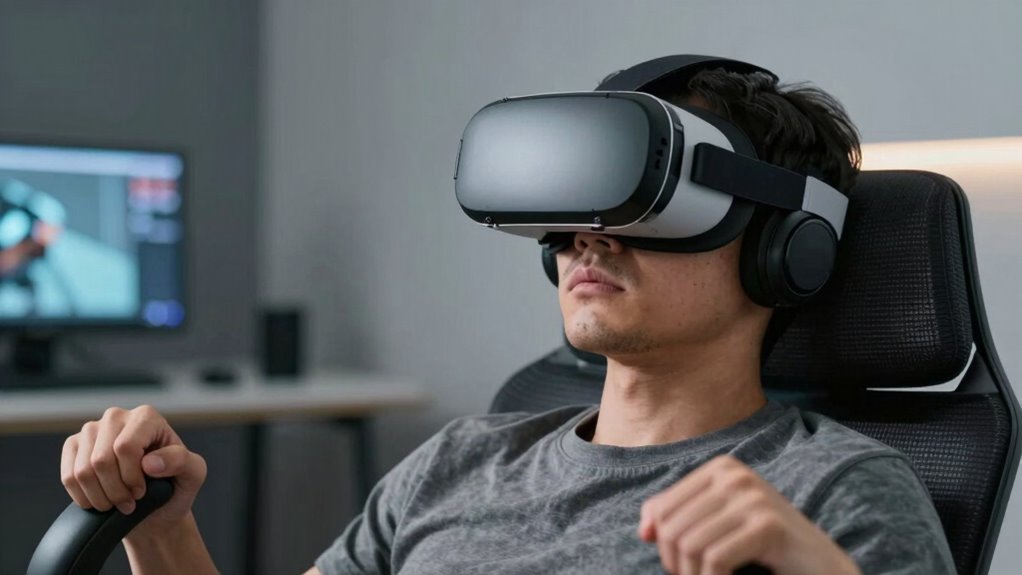
To minimize VR motion sickness in the first 15 minutes, guarantee your headset fits snugly and is properly calibrated. Start with simple, low-motion content like 360 videos or calm environments, and keep sessions short—10 to 15 minutes. Take frequent breaks, hydrate, and focus on stable visual points. Use gentle movements and avoid sudden motions. Adjust your VR settings for comfort, and if you want to learn more ways to stay comfortable, keep exploring these tips.
Key Takeaways
- Start with short, low-motion experiences like 360 videos or art galleries to minimize discomfort.
- Ensure proper headset fit and calibration for clear visuals and reduced eye strain.
- Take frequent breaks every 10-15 minutes to rest your eyes and monitor your comfort.
- Choose content with stable visual anchors and avoid rapid or distracting movements.
- Gradually increase session duration as your tolerance builds, listening to your body’s signals.
Start With a Comfortable Fit
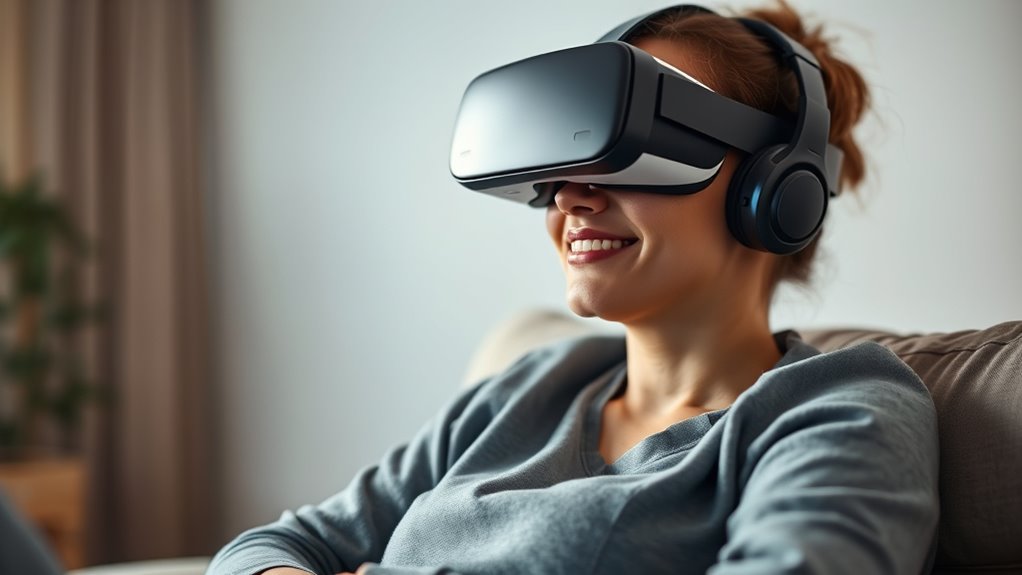
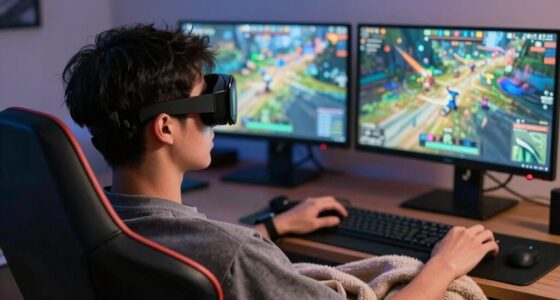
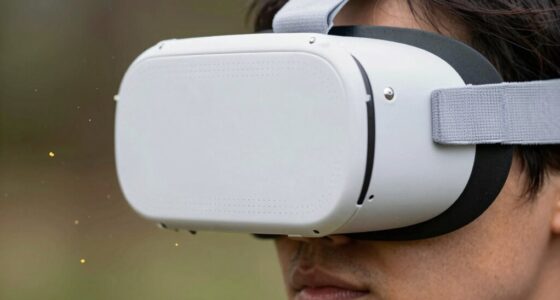
A comfortable fit is essential for reducing VR motion sickness, as poorly adjusted headsets can cause discomfort and disorientation. Make sure your headset sits snugly but not too tight, so it stays stable without pressing uncomfortably against your face or forehead. Adjust the straps evenly, ensuring even pressure around your head. Position the lenses correctly; they should align with your eyes to prevent blurry images or eye strain. Check that the display is clear and focused before starting. A proper fit not only enhances immersion but also minimizes unnecessary movements that can trigger nausea. Take your time to find the right adjustment, as a well-fitted headset creates a more comfortable and stable experience, helping you stay relaxed and enjoy VR without feeling queasy. Additionally, paying attention to free floating factors can help maintain balance and reduce motion discrepancies that contribute to discomfort. Considering ergonomic design features in your headset can further improve comfort and stability during extended use. Being mindful of adjustment techniques can also make a significant difference in overall comfort and motion sickness prevention.
Begin With Short Sessions
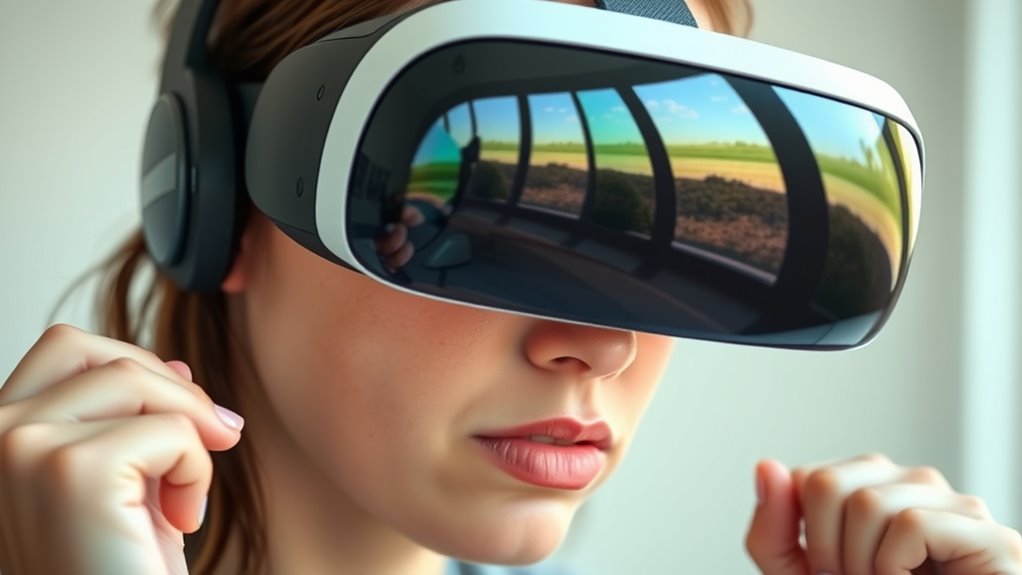
Start with shorter VR sessions to give your body time to adjust. As you get comfortable, gradually increase how long you play. Remember to take frequent breaks to prevent discomfort and reduce motion sickness. Incorporating sleep hygiene practices can also help your overall comfort and recovery after extended VR use. Additionally, paying attention to environmental factors, like proper lighting and ventilation, can further enhance your comfort and help your body adapt more smoothly. Maintaining a comfortable ergonomic setup can also minimize physical strain and aid in reducing motion sickness during VR experiences. Ensuring your physical environment is optimized can make a significant difference in your adaptation process.
Start With Shorter Playtime
To reduce the risk of motion sickness, it’s best to begin with shorter VR sessions. Start with 10 to 15-minute intervals to give your body time to adapt. This approach helps prevent overwhelming your senses and reduces dizziness or nausea. During these brief sessions, focus on familiar, less intense experiences to build your tolerance gradually. If you start feeling uncomfortable, don’t push through—take a break and step out of the headset. Keeping sessions short allows your brain to adjust to the virtual environment without overloading your senses. Additionally, understanding contrast ratio can help you optimize your VR setup for better visual comfort. Adjusting visual settings such as brightness and refresh rate can further enhance comfort and reduce discomfort. Ensuring proper air quality in your play area by maintaining good ventilation and a clean environment can also help prevent symptoms of motion sickness. Being aware of visual fatigue and taking regular breaks can further aid in preventing discomfort during extended VR use. Paying attention to environment factors such as lighting and airflow can also contribute to a more comfortable experience. Over time, as you become more comfortable, you can gradually extend your playtime. Remember, patience is key to enjoying VR without experiencing motion sickness.
Gradually Increase Duration
Once you’ve begun with short VR sessions, steadily increasing their duration helps your body adapt more comfortably. Don’t jump straight into long sessions; instead, extend your playtime gradually, maybe by a few minutes each day. This slow approach gives your brain and body time to adjust to the virtual environment without overwhelming your senses. Pay attention to how you feel during and after each session, and if you notice any discomfort, scale back slightly. Consistency is key—regular, incremental increases build your tolerance over time. Remember, patience is essential. Rushing this process can increase the risk of motion sickness, so listen to your body and progress at a comfortable pace. Incorporating gradual increases allows your system to adapt more effectively, reducing discomfort and enhancing your overall VR experience. With time, longer VR experiences will become more manageable and enjoyable.
Take Frequent Breaks
After gradually increasing your VR session lengths, taking frequent breaks becomes essential to prevent discomfort. Start with short sessions, maybe 10 to 15 minutes, and pause regularly to give your eyes and brain a rest. During these breaks, step out of the headset, stretch, and hydrate. This practice aligns with recommended safety and privacy tips, ensuring a safer VR experience. This helps your body reset and reduces the risk of motion sickness. Pay attention to how you feel; if you notice dizziness, nausea, or eye strain, take a longer break or stop altogether. Don’t push through discomfort—listening to your body is key. Incorporating proper headset maintenance can also enhance comfort and reduce issues over time. Regularly cleaning and adjusting your equipment ensures optimal performance and comfort, which is vital for extended sessions. Over time, these breaks will help your system adapt and make longer sessions more manageable. Consistent pauses are a simple yet effective way to stay comfortable and enjoy your VR experiences.
Choose Beginner-Friendly Content
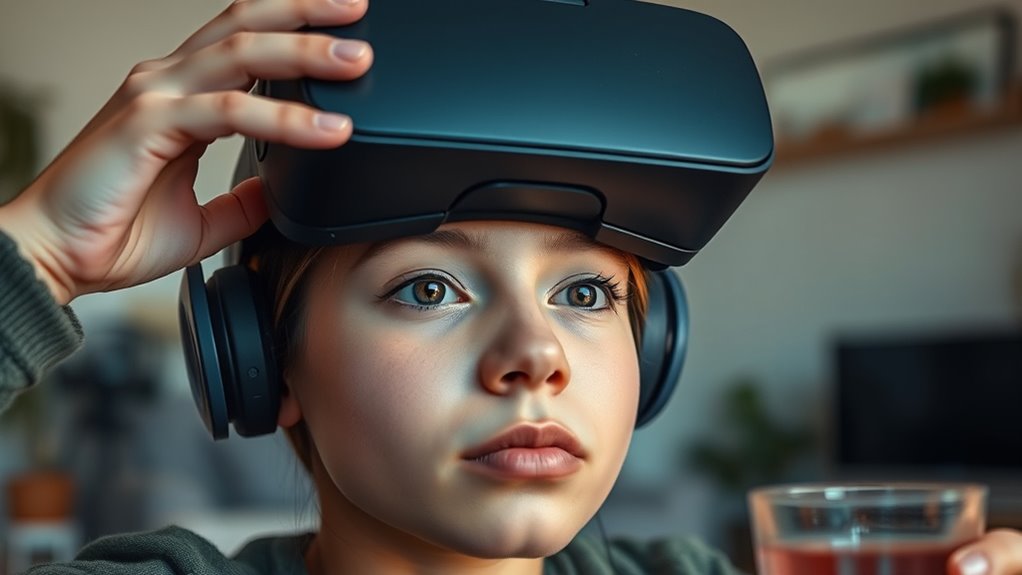
Start with simple experiences that don’t overwhelm your senses and gradually build your confidence. Use guided tutorials to help you learn controls and navigation comfortably. Don’t forget to adjust visual settings like brightness and motion to reduce discomfort and make your sessions more enjoyable. Additionally, familiarizing yourself with smartphone settings can help you customize your experience and prevent motion sickness. Being aware of visual comfort tips can further enhance your VR experience by reducing eye strain and fatigue. Adjusting motion sensitivity settings can also make a significant difference in how smoothly your VR sessions feel and help prevent nausea. Incorporating air quality considerations, such as ensuring good ventilation, can also contribute to a more comfortable experience. Remember that user comfort is essential for building confidence and ensuring a positive experience.
Select Simple Experiences
Choosing simple, beginner-friendly VR experiences can help you ease into virtual reality comfortably. Start with content that doesn’t overwhelm your senses or require complex movements. Opt for experiences like exploring calm environments or watching 360-degree videos. These are less likely to cause motion sickness and let you get used to the VR headset. Here’s a quick guide to selecting suitable content:
| Experience Type | Why It’s Good for Beginners |
|---|---|
| Nature Walks | Gentle, calming visuals, minimal movement |
| Art Galleries | Still images, no rapid motion |
| 360 Videos | Immersive yet controlled experience |
| Relaxation Apps | Focus on breathing, no quick movements |
| Simple Puzzles | Interactive but low motion |
Stick to these simple experiences to build your confidence in VR. Incorporating evidence-backed guidance can further enhance your comfort and safety during initial VR use, especially considering VR motion sickness and its common symptoms.
Use Guided Tutorials
Guided tutorials are an excellent way to introduce yourself to VR, especially when you choose beginner-friendly content. They walk you through the basics step-by-step, helping you become comfortable with the controls and environment. These tutorials often include simple tasks that build your confidence without overwhelming you. By following guided instructions, you learn how to navigate smoothly, reducing disorientation that can lead to motion sickness. Taking your time with tutorials allows your brain to adapt gradually to the virtual experience. If you encounter discomfort, pause or restart the tutorial. This approach guarantees you’re not rushing into complex or fast-paced activities too soon. Starting with guided tutorials helps you establish a solid foundation, making future VR sessions more enjoyable and less likely to trigger motion sickness.
Adjust Visual Settings
Adjusting your visual settings is a crucial step in minimizing VR motion sickness, especially when you’re just starting out. First, check your headset’s resolution and refresh rate—higher values usually create a smoother experience. Lowering the field of view (FOV) slightly can also help reduce discomfort. Make sure your brightness and contrast are comfortable and avoid overly bright visuals that can strain your eyes. If your device offers options like motion smoothing or stabilization, enable them to create steadier visuals. Take the time to calibrate your headset properly, ensuring the display is clear and centered. Small adjustments like these can make a big difference, helping you feel more comfortable and reducing the chance of nausea during your VR session.
Maintain Proper Headset Calibration
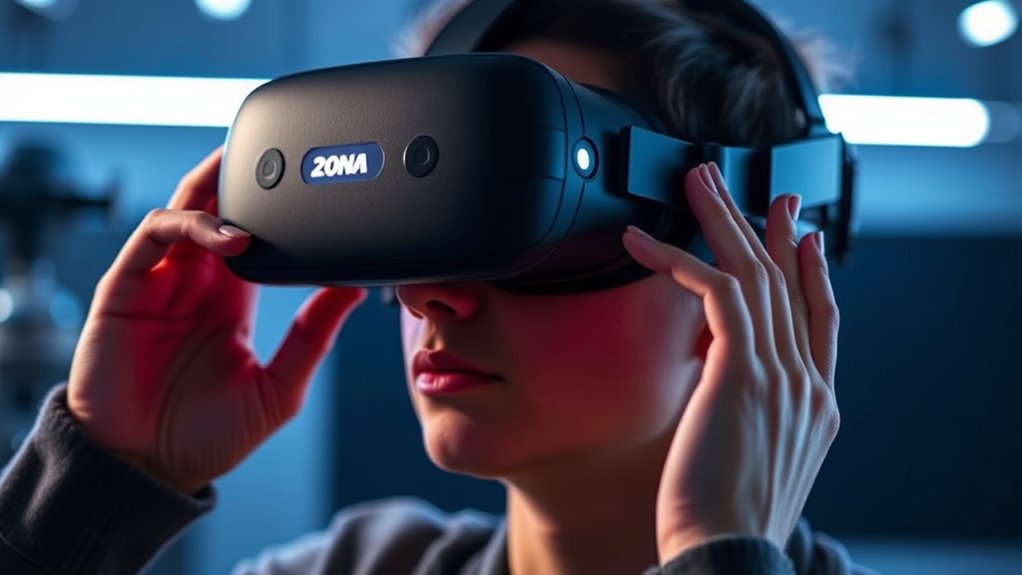
To prevent VR motion sickness, maintaining proper headset calibration is essential. When your headset isn’t calibrated correctly, your brain struggles to process the visual input, increasing discomfort. Make sure you:
- Adjust the interpupillary distance (IPD) to match your eye spacing for clear, focused visuals
- Confirm the headset is level and centered on your face to prevent skewed images
- Regularly update the firmware and software to ensure peak tracking and display performance
Taking these steps helps your environment feel more natural and reduces visual strain. Proper calibration ensures the visuals are aligned with your movements, creating a seamless experience. If you notice blurriness or misalignment, recalibrate before continuing to avoid unnecessary motion sickness symptoms.
Focus on Stable, Fixed Points in the Environment

Focusing on stable, fixed points in your environment helps your brain maintain a sense of orientation and reduces disorientation during VR sessions. Look for objects that don’t move, like a wall, a corner, or a piece of furniture, and keep your gaze on them. These fixed points serve as anchors, helping your brain reconcile what your eyes see with your inner sense of movement. Avoid constantly shifting your gaze or focusing on moving objects, which can increase motion sickness. Instead, intentionally stabilize your view on consistent, unmoving elements. This technique minimizes conflicting signals between your visual system and your inner ear, reducing nausea and discomfort. By grounding yourself in your environment, you make your VR experience smoother and more comfortable.
Take Regular Breaks and Hydrate
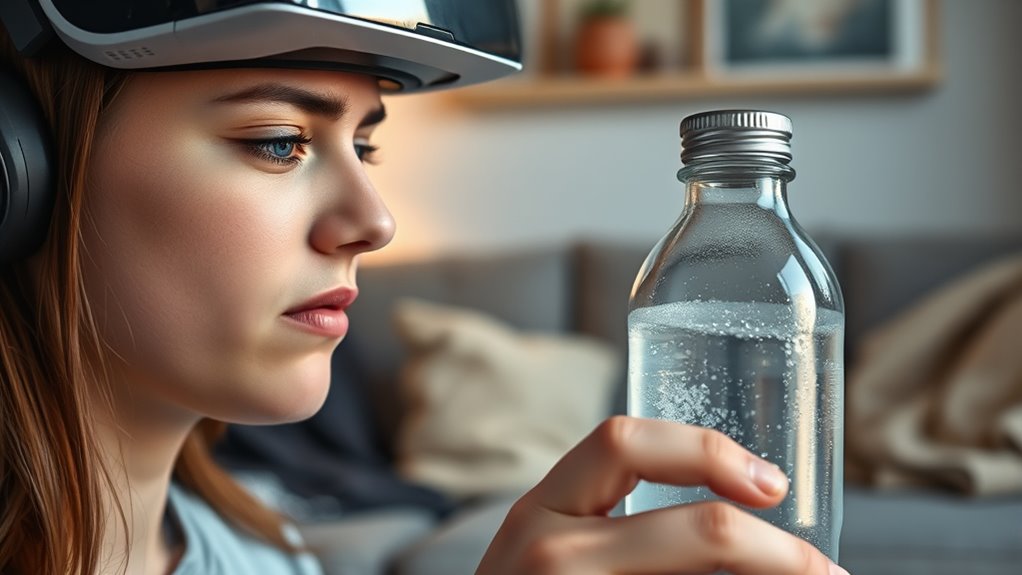
Taking regular breaks during your VR session is essential to prevent fatigue and reduce the risk of motion sickness. Extended use can strain your eyes and brain, making symptoms worse. During breaks, step away from the headset, stretch your legs, and rest your eyes. Stay hydrated to help your body recover and maintain alertness. Proper hydration also prevents headaches and dry eyes, common issues during VR use. Remember, frequent pauses keep you comfortable and minimize discomfort. To maximize the benefits, consider these tips:
Take regular breaks, stay hydrated, and rest your eyes to prevent fatigue and motion sickness during VR sessions.
- Sip water regularly throughout your session
- Take a 5-10 minute break every 20-30 minutes
- Avoid caffeine or alcohol before VR sessions
Staying hydrated and taking breaks are simple, effective measures to enhance your VR experience and keep motion sickness at bay.
Use Gentle Movements and Avoid Sudden Motions
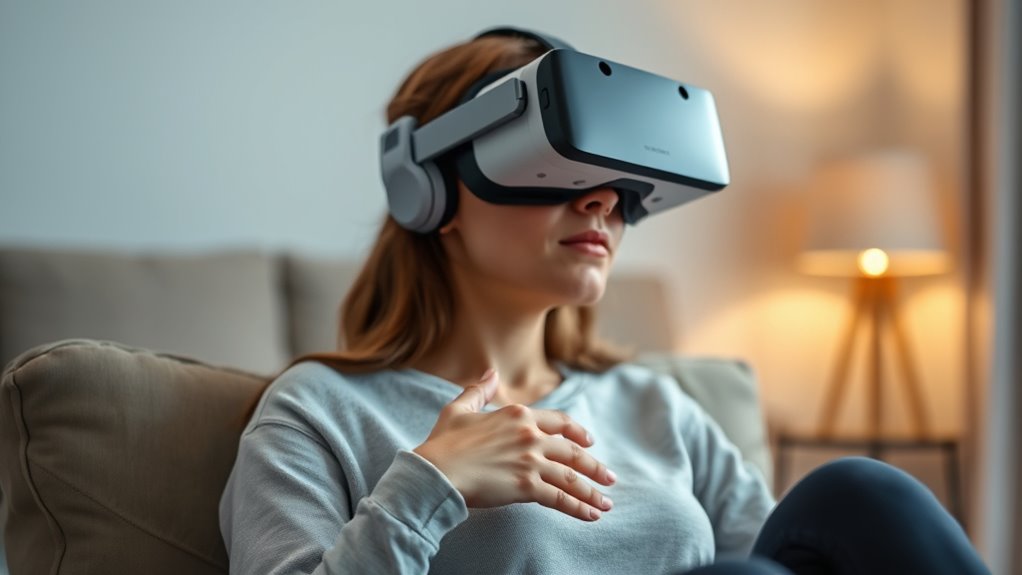
Using gentle movements and avoiding sudden motions can considerably reduce the likelihood of experiencing motion sickness in VR. When you move slowly and smoothly, your brain can better process the visual cues, preventing confusion between what you see and what your body feels. Avoid jerky head turns or quick body movements, especially during the first few minutes of VR use. Instead, focus on deliberate, controlled motions. If the game or app allows, use comfort settings like smooth locomotion or teleportation instead of rapid teleports. Staying calm and avoiding frantic movements helps your brain adapt more easily to the virtual environment. Remember, the goal is to keep your movements consistent and gentle to minimize the chances of feeling dizzy or nauseous.
Adjust Your VR Settings for Comfort

Adjusting your VR settings can make a significant difference in how comfortable your experience feels. Start by fine-tuning the visuals and motion options. For example, reduce the motion blur, lower the sensitivity for head movements, or disable rapid camera shifts. This can help lessen disorientation. You should also contemplate adjusting the field of view (FOV) to a comfortable level, avoiding overly wide or narrow perspectives. Additionally, check your headset’s fit and display brightness—an improper fit or overly bright screens can cause discomfort.
Adjust VR settings like motion sensitivity and FOV to enhance comfort and reduce disorientation.
Here are some key adjustments to consider:
- Lower motion sensitivity and turn off rapid camera movements
- Narrow the field of view for a more stable experience
- Adjust brightness and headset fit for comfort
Making these changes helps minimize motion sickness and enhances your overall VR experience.
Listen to Your Body and Know When to Stop
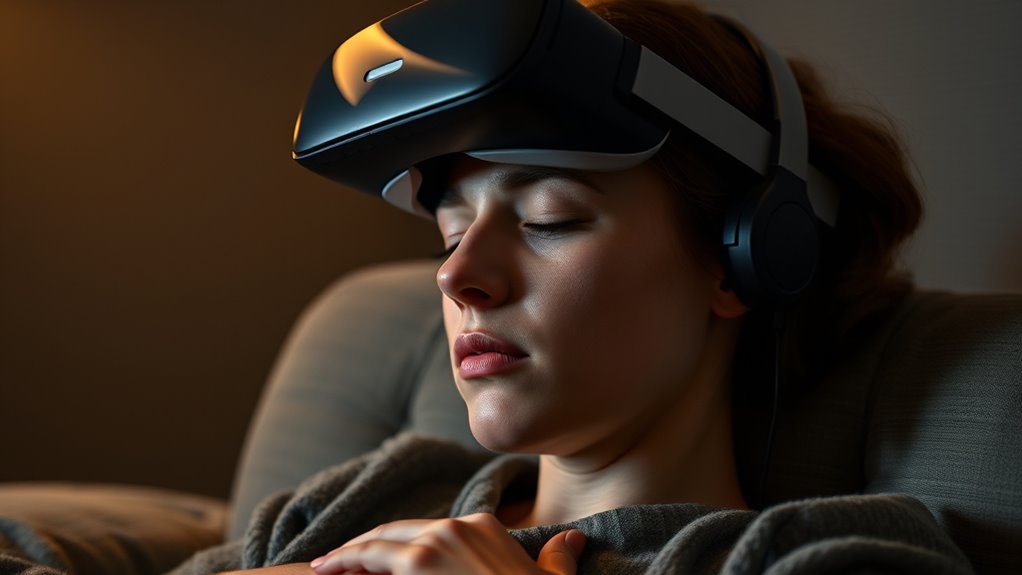
Paying attention to how your body responds during VR sessions is key to staying comfortable. If you start feeling dizzy, nauseous, or disoriented, don’t ignore these signals. Take a break immediately—pause the experience and step away from the headset. It’s normal to feel some discomfort at first, but pushing through can worsen motion sickness. Know your limits; if you notice symptoms worsening, it’s best to stop entirely and rest. Hydrate and breathe deeply. Remember, everyone’s tolerance varies, so listen to your body’s cues. Returning too soon can prolong or deepen discomfort. Prioritize your well-being over finishing a game or experience. Learning to recognize when to stop helps prevent longer-term issues and makes future VR sessions more enjoyable.
Frequently Asked Questions
Can VR Motion Sickness Affect Long-Term Use?
Yes, VR motion sickness can affect long-term use if you don’t take steps to prevent it. You might find your discomfort worsens with frequent or prolonged sessions, leading to avoidance or decreased enjoyment. To minimize this, start with shorter sessions, take breaks often, and adjust your headset properly. Over time, your tolerance could improve, but always listen to your body and stop if you experience persistent symptoms.
Are Certain Individuals More Prone to VR Sickness?
You’re more likely to experience VR motion sickness if you’re prone to vertigo or migraines, as studies show around 30% of users report higher sensitivity. Factors like age, sex, and previous motion sickness history also play roles. If you’re new to VR or have these tendencies, start slowly and take breaks. Listening to your body helps prevent discomfort and enhances your overall experience, making VR more enjoyable and less risky.
How Does Age Impact VR Motion Sickness Susceptibility?
You’re more likely to experience VR motion sickness if you’re younger or older. Younger children’s brains are still developing, making them more sensitive, while older adults might have less adaptable vestibular systems. If you’re in these age groups, take extra precautions like starting with short sessions and gradually increasing your time. Listening to your body helps prevent discomfort and guarantees you enjoy your VR experience safely.
Can Medications Help Reduce VR Sickness Symptoms?
Yes, medications can help reduce VR sickness symptoms. Studies show that antihistamines like meclizine can decrease nausea and dizziness for some users. You might consider taking such medication 30-60 minutes before your VR session. However, always consult your doctor first to guarantee safety and proper dosage. Keep in mind, medication isn’t a cure-all—pair it with other strategies like taking breaks to enhance your comfort.
Is There a Recommended Time to Start VR After Eating?
It’s best to wait at least 30 minutes after eating before starting VR. This helps prevent nausea or discomfort during your experience. Eating a light meal or snack beforehand can also help, but avoid heavy, greasy foods that might upset your stomach. By giving your body some time to digest, you reduce the risk of motion sickness and enjoy your VR session more comfortably.
Conclusion
As you navigate your first VR experiences, remember that comfort often comes from patience and listening to your body. Sometimes, taking a break just when things feel overwhelming can turn a frustrating moment into a breakthrough. It’s a small coincidence—pausing at the right time—that can make all the difference. Embrace these moments, and you’ll find that with each session, your confidence and enjoyment grow, turning virtual worlds into a place where you truly belong.