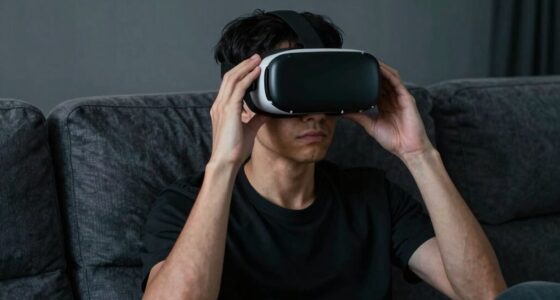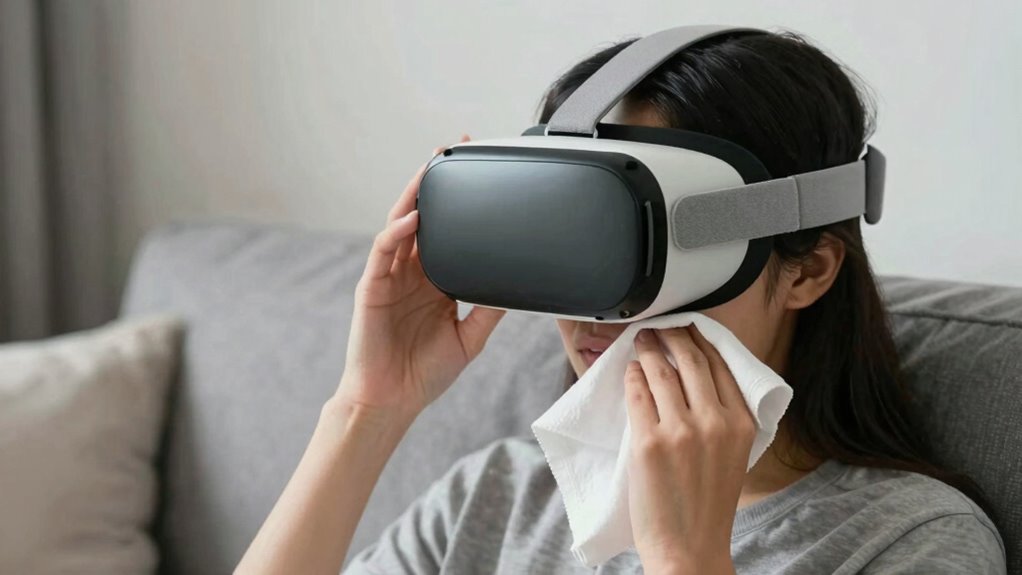

When using VR during illness or recovery, focus on cleanliness by regularly disinfecting your gear and checking for damage beforehand. Make sure the headset fits comfortably without causing pressure or discomfort. Pay close attention to your emotional and physical responses; take breaks if you feel dizzy, anxious, or overwhelmed. Use calming content to promote relaxation, and create a safe, hazard-free environment. Keep these tips in mind to enjoy VR safely—you’ll find more useful advice below.
Listen free for 30 days with Audible
Thousands of audiobooks and originals — cancel anytime.
As an affiliate, we earn on qualifying purchases.
Key Takeaways
- Regularly disinfect VR gear and check for damage to prevent infection risks during illness recovery.
- Choose calming, low-stimulation content to avoid overwhelming or disorienting feelings.
- Ensure a comfortable, hazard-free environment and proper headset fit to prevent injury.
- Limit session duration and monitor emotional responses, pausing if discomfort or dizziness occurs.
- Combine VR use with other health practices and listen to your body’s signals for safe recovery.
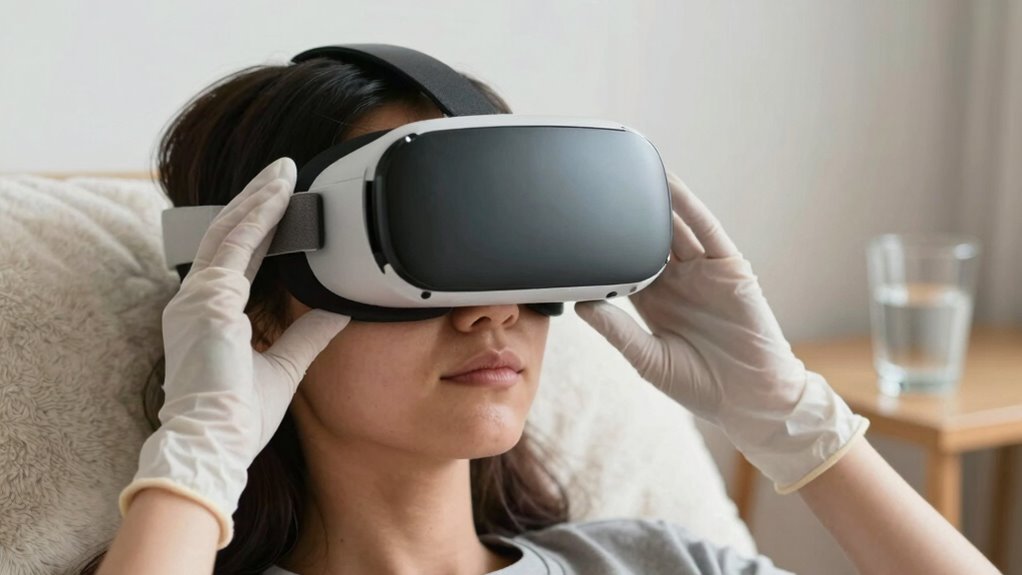
Have you ever wondered how virtual reality (VR) can aid you during illness or recovery? VR offers immersive experiences that can distract from pain, reduce anxiety, and provide mental stimulation when you need it most. But using VR safely during these times requires careful attention, especially when it comes to VR hardware maintenance and managing its emotional impact. If your body is weakened or you’re healing from an illness, you need to be extra cautious to avoid any added discomfort or complications.
First, keeping your VR hardware well-maintained becomes a priority. Since your immune system might be compromised, it’s crucial to clean headsets and controllers regularly to prevent infections. Use gentle, non-abrasive wipes recommended by the manufacturer, and avoid sharing equipment with others. Check for any signs of wear or damage before each session, as faulty hardware can cause discomfort or even injury. Adjust the straps properly so the headset fits comfortably without exerting pressure on your face or head. Proper maintenance not only enhances your safety but also ensures a smooth, enjoyable experience, especially when you’re dealing with health issues. Additionally, paying attention to the cleanliness standards can help prevent potential health risks associated with shared equipment. Regularly disinfecting your VR gear can also support your immune system during recovery. Keeping your equipment in good condition can reduce the risk of infection transmission, which is especially important when your immune defenses are lowered.
Keep VR equipment clean, check for damage, and ensure a comfortable fit for safe, enjoyable use during recovery.
Beyond the technical aspects, the emotional impact of VR can be significant during illness or recovery. While VR can serve as an escape or a source of joy, it can also evoke feelings of anxiety or disorientation if not used carefully. Pay close attention to your emotional responses during VR sessions. If you start feeling dizzy, nauseous, or overwhelmed, it’s best to pause immediately. Choosing calming environments or guided meditations within VR can foster relaxation rather than overstimulation. It’s also helpful to be aware of the potential for overstimulation, which can affect your emotional well-being during vulnerable times. Remember, your mental well-being matters just as much as your physical health. It’s helpful to set limits on session length and avoid intense or fast-moving content if you’re feeling fragile.
Using VR during illness or recovery isn’t just about technology; it’s about listening to your body and mind. Be mindful of how you feel during and after each session, and don’t push yourself if you’re not ready. Regularly check your equipment for safety and cleanliness, and choose content that promotes calmness and comfort. By practicing these precautions, you can harness VR’s benefits without risking unnecessary stress or health complications. With careful attention, VR can become a supportive tool in your healing process, offering distraction, relaxation, and even a sense of normalcy during challenging times.
As an affiliate, we earn on qualifying purchases.
Frequently Asked Questions
Can VR Worsen Symptoms During Illness or Recovery?
VR can worsen your symptoms during illness or recovery by triggering motion sickness and eye strain. When you’re feeling unwell, your body is more sensitive, making it easier to become dizzy or nauseous from rapid movements or intense visuals. To stay safe, limit your VR sessions, take frequent breaks, and listen to your body. If symptoms worsen, stop using VR and consult a healthcare professional.
Are There Specific VR Apps Safe for Medical Recovery?
You should look for VR apps designed for medical recovery, like virtual therapy platforms or immersive relaxation experiences. For example, some apps use calming visuals and gentle sounds to help reduce stress and aid healing. These apps are often vetted for safety and comfort, making them suitable during recovery. Always consult your healthcare provider before trying new VR apps, ensuring they’re appropriate for your specific condition.
How Long Should I Use VR During Recovery?
You should limit your VR sessions to about 15-20 minutes during recovery, gradually increasing as your comfort improves. Focus on virtual immersion that doesn’t cause discomfort, and make sure your hardware remains comfortable and well-fitted to prevent strain. Take frequent breaks, listen to your body, and stop if you experience dizziness or fatigue. Prioritize your health and consult your healthcare provider for personalized guidance.
Should I Consult a Doctor Before Using VR When Sick?
Yes, you should consult a doctor before using VR when you’re sick. Prioritizing personal comfort is key, so get professional advice to avoid worsening symptoms. Also, guarantee device hygiene by cleaning your VR gear thoroughly to prevent infections. When you’re unwell, listening to your body and seeking medical guidance helps prevent complications. Taking these precautions safeguards your health while still enjoying the immersive experience VR offers.
What Signs Indicate VR Use Is Affecting My Health Negatively?
If VR use affects your health negatively, you’ll notice signs like increased motion sickness, headaches, or eye strain. You might feel dizzy, nauseous, or experience blurred vision after sessions. Pay attention if these symptoms persist or worsen, as they indicate your body’s response to VR is too intense. Taking breaks, adjusting headset fit, or lowering the display brightness can help, but seek medical advice if symptoms continue.
comfortable adjustable VR headset
As an affiliate, we earn on qualifying purchases.
As an affiliate, we earn on qualifying purchases.
Conclusion
Just as a gentle boat must navigate calm waters to avoid rough seas, you should approach VR during illness or recovery with care and awareness. By listening to your body and respecting its limits, you steer clear of storms that could hinder healing. Use VR like a trusted compass—guiding you through worlds while keeping your health at the forefront. With mindful navigation, you’ll find a safe path to relaxation and recovery, avoiding the turbulent waters of overexertion.
calming VR experiences for relaxation
As an affiliate, we earn on qualifying purchases.
As an affiliate, we earn on qualifying purchases.
As an affiliate, we earn on qualifying purchases.
NFL season / tailgating Picks
team gear
As an affiliate, we earn on qualifying purchases.