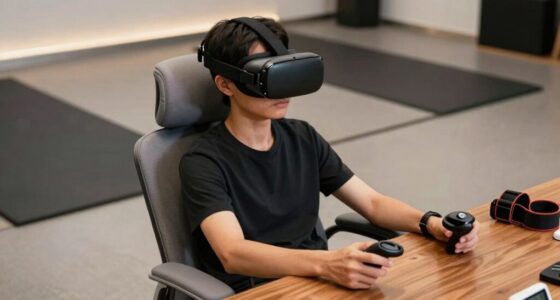

Dry winter air can cause static electricity buildup on your VR equipment and surroundings, leading to flickering screens and noise in your headset. Low humidity levels make static charges stick to fabrics, furniture, and your gear, increasing the chances of electrostatic discharges. To fix this, use a humidifier or add moisture to your environment. Want to learn simple ways to reduce static and improve your VR experience during winter? Keep exploring for helpful tips.

Get VR and gaming gear delivered free — and shop member deals
- Fast, free delivery on millions of items
- Access to Prime Big Deal Days deals on October 6–7
- Prime Video, Amazon Music and more included
Key Takeaways
- Dry winter indoor air reduces humidity, increasing static electricity buildup on VR gear and clothing.
- Static discharges can cause flickering, noise, and discomfort during VR sessions.
- Maintaining indoor humidity levels between 40-60% helps prevent static accumulation.
- Using humidifiers or placing water sources indoors can effectively increase moisture and reduce static.
- Wearing natural fibers and grounding yourself before handling VR equipment minimizes static issues.
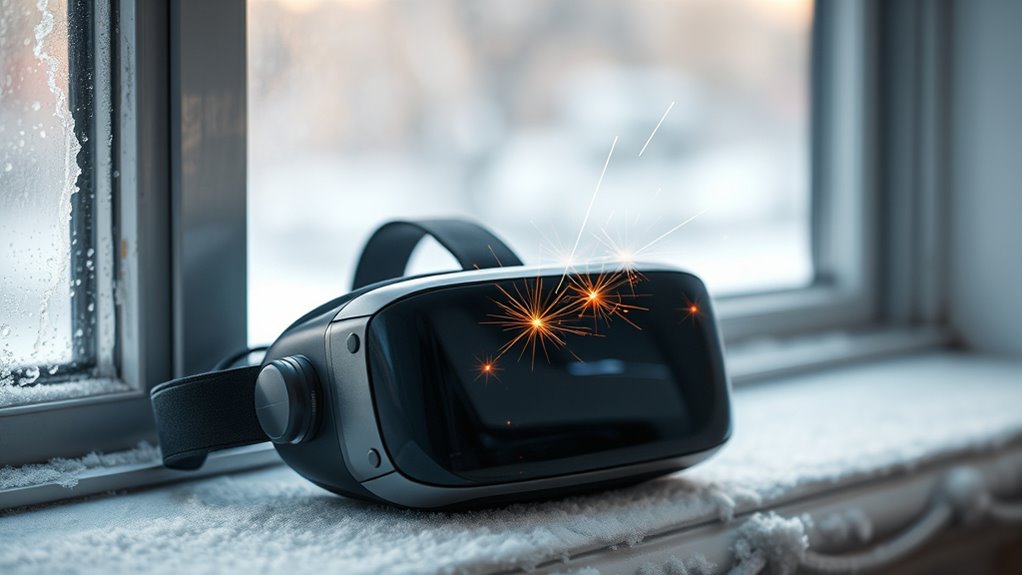
During dry winter days, you might notice your VR headset suddenly flickering or producing static, which can be frustrating and disruptive. This issue often stems from electrostatic buildup, a common problem when indoor humidity drops. When the air is dry, static electricity accumulates more easily on surfaces, including your clothing, furniture, and even your VR equipment. As you move or wear certain fabrics, this static can discharge unexpectedly, causing flickering screens or static noise in your headset. Understanding this connection can help you take steps to minimize the problem.
In winter, the lack of moisture in the air substantially reduces indoor humidity levels. Low humidity means there’s less water vapor in the air to conduct static charges away from surfaces. As a result, static electricity builds up faster and sticks around longer. When you handle your VR headset or move around while wearing it, this electrostatic buildup can discharge suddenly, leading to those annoying flickers or static sounds. The problem worsens if you’re in a room with synthetic fabrics or carpets, which tend to generate more static. Wearing wool or polyester, for example, can increase static charge, compounding the issue.
To combat this, increasing indoor humidity is one of the most effective solutions. Using a humidifier can raise the moisture level in the air, which helps dissipate static charges more quickly. Keeping indoor humidity between 40% and 60% creates a more conductive environment, reducing electrostatic buildup on both your body and your VR equipment. If a humidifier isn’t an option, you can try other methods like placing bowls of water around your space or hanging damp towels in the room. These small steps add moisture to the air and help prevent static discharge.
Another practical tip is to modify how you interact with your VR gear. Wearing natural fibers like cotton instead of synthetic fabrics can reduce static generation. Touching a grounded metal object before handling your headset can also discharge any built-up static safely. Additionally, some users find that anti-static sprays or wipes on their equipment and clothing can lessen static buildup. Regularly cleaning and maintaining your VR headset, especially the sensors and connectors, can also help prevent static-related issues.
In essence, managing indoor humidity and reducing electrostatic buildup are essential in winter for maintaining a smooth VR experience. By taking simple steps to increase moisture in your environment and adjusting your habits, you can minimize static problems and enjoy immersive virtual reality sessions without interruptions. The key is understanding how dry air contributes to static and acting proactively to create a more conductive, static-free space. Proper humidity control can make a significant difference in reducing static issues and enhancing your overall VR experience.
As an affiliate, we earn on qualifying purchases.
Frequently Asked Questions
Can Using a Humidifier Prevent Static in Winter?
Using a humidifier can definitely help prevent static in winter. The humidifier benefits include adding moisture to the air, which reduces static buildup. By maintaining ideal humidity levels, you create an environment less prone to static electricity. Incorporate static prevention techniques like wearing natural fibers and using anti-static sprays alongside a humidifier to keep static at bay, making your winter VR experience more comfortable and free from shocks.
Does Static Damage VR Equipment Permanently?
Static can damage your VR equipment through electrostatic discharge, which might cause temporary issues or, in some cases, permanent harm. To prevent static buildup, you should handle your devices carefully and avoid static-prone environments. Using anti-static mats or wrist straps helps reduce risks. While static damage isn’t always permanent, taking precautions minimizes chances of costly repairs or replacements. Stay vigilant to protect your valuable VR gear.
Are Certain VR Headsets More Prone to Static Build-Up?
Yes, some VR headsets are more prone to electrostatic buildup due to their materials and design, affecting VR compatibility. Headsets with plastic or synthetic components tend to accumulate static more easily, especially in dry winter air. You can reduce static issues by wearing grounding straps, increasing humidity, or choosing models with better anti-static features. Staying aware of your environment helps maintain ideal VR performance and comfort.
How Can I Safely Discharge Static From VR Controllers?
To safely discharge static from your VR controllers, you should use grounding techniques like touching a grounded metal object before handling them. Additionally, you can apply anti-static sprays to your controllers or their surroundings to reduce static buildup. Make sure to keep the environment humidified if possible, as dry air increases static. Regularly grounding yourself and maintaining moisture levels helps prevent static shocks and protects your VR equipment.
Does Static Interfere With VR Tracking Accuracy?
Like a knight’s armor, static can disrupt your VR experience, causing tracking errors. Electrostatic interference from dry winter air may interfere with your controllers, leading to inaccuracies in tracking. This static buildup can make your system misinterpret signals, resulting in jitter or lag. To guarantee smooth gameplay, keep your environment humidified, discharge static regularly, and handle controllers carefully to minimize static-related disruptions.
anti-static spray for electronics
As an affiliate, we earn on qualifying purchases.
As an affiliate, we earn on qualifying purchases.
Conclusion
In the quiet stillness of winter, dry air can turn your VR experience into a static-filled storm, disrupting your immersion. Remember, just like a calm lake reflects clarity, maintaining humidity levels keeps the static at bay. Don’t let dry winter air be the silent thief of your virtual adventures. Stay mindful of your environment, and you’ll keep your digital world smooth and immersive—because in the battle against static, moisture is your silent ally.
VR headset static discharge protector
As an affiliate, we earn on qualifying purchases.
As an affiliate, we earn on qualifying purchases.
As an affiliate, we earn on qualifying purchases.
Halloween Picks
halloween
As an affiliate, we earn on qualifying purchases.