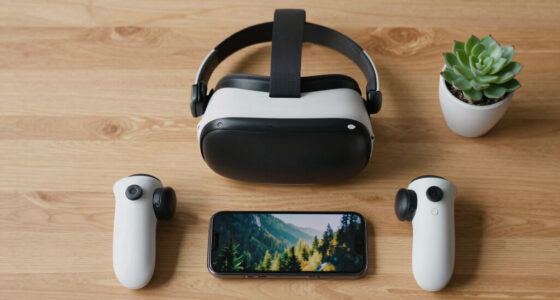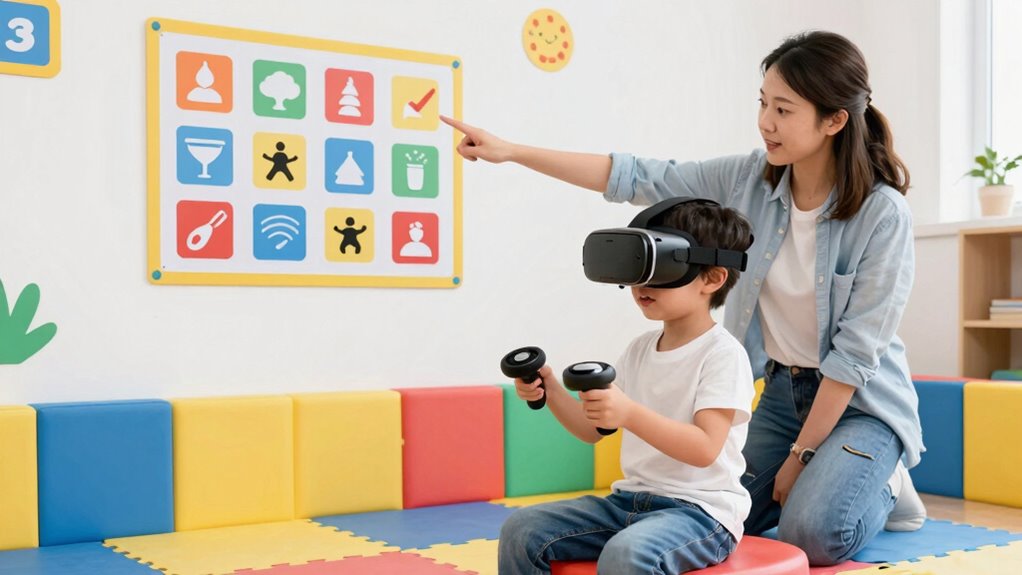

To create safer VR rules for kids and teens, set clear boundaries on usage time and establish designated, obstacle-free play areas. Use parental controls and monitor their emotional responses to prevent overwhelm or fixation. Encourage regular breaks for stretching and hydration, and educate them about health risks like eye strain and disorientation. Consistently check in and reinforce responsible habits so they understand the importance of balanced and safe VR experiences. Keep exploring to learn more ways to keep them safe.

Play games on Amazon Luna for your next adventure, included with Prime
- A rotating selection of games, no download needed
- Play on TV, laptop or phone
- Fast, free delivery for your gear, too
Key Takeaways
- Set clear time limits and enforce regular breaks to prevent fatigue and promote healthy VR habits.
- Designate a hazard-free, safe play area and monitor surroundings during VR sessions.
- Use parental controls and device settings to restrict usage and ensure safety compliance.
- Educate kids on VR health risks and responsible use, emphasizing moderation and awareness.
- Regularly check in on emotional well-being and physical safety during and after VR experiences.
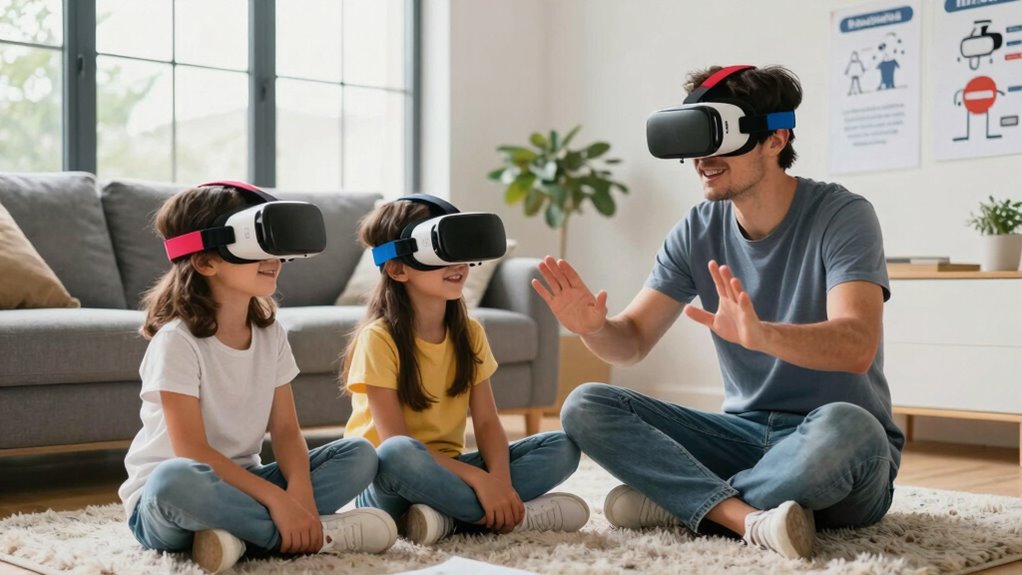
Virtual reality offers exciting experiences for kids and teens, but without proper rules, safety can be at risk. As a parent, you need to set clear boundaries to prevent issues like virtual reality addiction, which can develop if your child spends too much time immersed in virtual worlds. It’s easy for kids to lose track of time when they’re engaged in their favorite VR games or experiences, so establishing limits helps them balance virtual adventures with real-life responsibilities and relationships. Parental monitoring becomes essential here, allowing you to oversee how long and how often your child uses VR devices. Regular check-ins and setting time restrictions can help prevent overuse, guaranteeing that VR remains a fun activity rather than an addictive habit.
To create effective VR rules, start by discussing the importance of moderation with your child. Explain that while VR offers unique and exciting experiences, it’s crucial to enjoy it responsibly. Make sure they understand that prolonged use can lead to fatigue, eye strain, or even disorientation, which can impact their health. Encourage your child to take frequent breaks—ideally, every 30 minutes—to stretch, hydrate, and rest their eyes. Setting a daily or weekly time limit helps them develop healthy habits and prevents the risk of virtual reality addiction taking hold. Be consistent in enforcing these limits, and use parental controls or built-in device settings to help monitor and restrict usage. Additionally, educating your child about virtual reality safety and potential health effects can empower them to make responsible choices during their VR sessions. Understanding the importance of healthy VR habits can also reinforce positive behaviors and encourage responsible use.
Another key aspect is creating a safe environment for VR use. Designate a specific area where your child can play, free of obstacles and hazards that might cause injury if they move around while immersed in the headset. Make sure they understand the importance of staying aware of their surroundings, even when wearing VR gear. Regularly check in during their VR sessions to ensure they’re following safety rules and not pushing themselves beyond comfortable limits. This active parental monitoring not only keeps them safe physically but also helps you gauge their emotional response to VR content, allowing you to step in if they seem overwhelmed or overly fixated. Being aware of potential hazards can help you better prepare the environment and safeguard your child’s well-being. Additionally, staying informed about VR health effects enables you to adapt safety measures as technology evolves.
As an affiliate, we earn on qualifying purchases.
Frequently Asked Questions
What Are the Signs of VR Overuse in Children?
You’ll notice signs of VR overuse in your child when they become overly irritable, experience headaches, or have trouble sleeping after long Virtual Reality sessions. They might also withdraw from other activities or show decreased interest in real-world interactions. Excessive Screen Time in VR can lead to eye strain and fatigue. Keep an eye out for these signs to help you manage their Virtual Reality use and maintain a healthy balance.
How Can Parents Monitor VR Content Remotely?
Sure, because secretly sneaking into virtual privacy is the new way to parent, right? You can monitor VR content remotely by setting up robust parental controls on devices or apps, and keep an eye on usage through activity logs. Many VR platforms offer parental controls that let you restrict content and set time limits, giving you peace of mind while your kids explore virtual worlds. It’s all about staying connected and in control from afar.
Are There Age Restrictions for Certain VR Experiences?
Yes, many VR experiences have age restrictions to guarantee safety and appropriate content. When setting up your child’s VR headset, prioritize hygiene by regularly cleaning the headset, and customize the virtual environment to suit their age and comfort levels. Always check the game’s ratings, and use parental controls to restrict access to unsuitable content, helping your child enjoy VR safely and responsibly.
What Safety Gear Is Recommended for Kids Using VR?
You should prioritize safety gear like face masks and hygiene wipes to maintain VR headset hygiene, reducing skin irritation and germs. Additionally, confirm the VR headset fits properly to prevent discomfort or injury. Using parental control apps helps monitor and limit playtime, keeping your kids safe. Regularly checking and cleaning the equipment, along with setting boundaries, creates a safer VR experience for kids and teens.
How Often Should Kids Take VR Breaks?
Imagine your child’s eyes behind a VR headset, blinking in a digital world. You should encourage them to take a 10-15 minute break every 30 minutes to protect their eyes and maintain VR headset hygiene. During breaks, they can relax and reset. Utilize customizable safety settings to limit session durations, ensuring their experience remains fun and safe without overexposure. Regular breaks keep their eyes healthy and VR adventures enjoyable.
As an affiliate, we earn on qualifying purchases.
Conclusion
By establishing clear VR rules, you can protect kids and teens from potential risks and guarantee they enjoy a safe, positive experience. Remember, studies show that over 60% of young VR users have experienced discomfort or disorientation, highlighting the importance of supervision and time limits. By being proactive and setting boundaries, you help foster responsible use and let your kids explore virtual worlds safely, making their VR adventures both fun and secure.
As an affiliate, we earn on qualifying purchases.
As an affiliate, we earn on qualifying purchases.
Halloween Picks
halloween
As an affiliate, we earn on qualifying purchases.