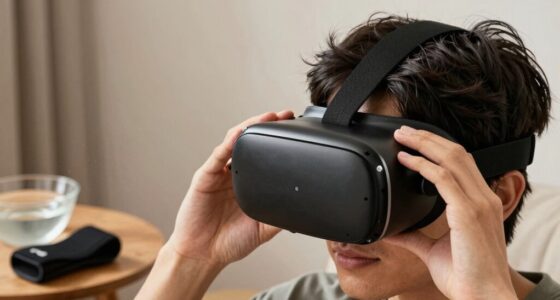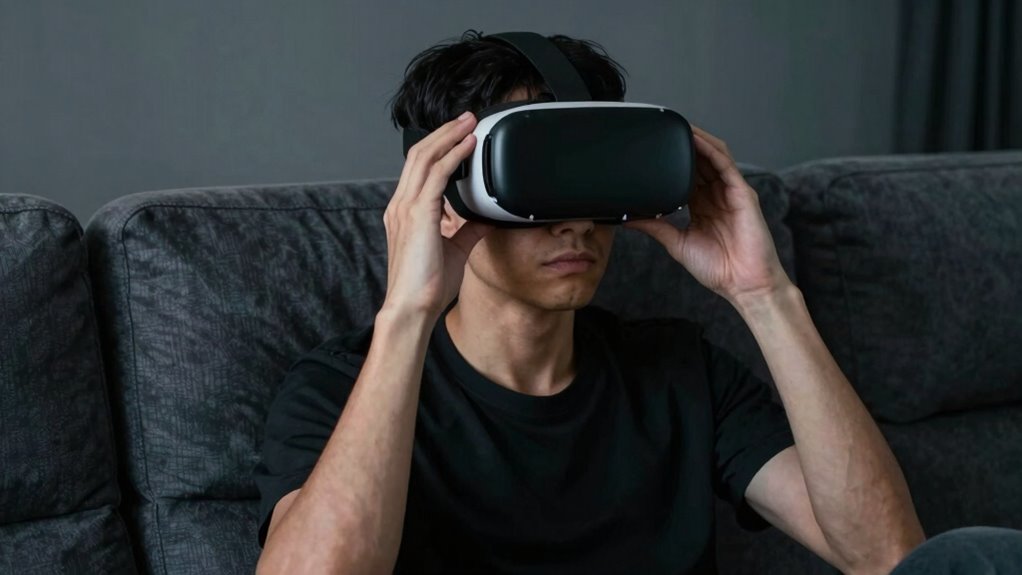

To stop pushing through discomfort in VR, listen to your body and take immediate breaks if you experience dizziness, eye strain, or muscle tension. Adjust your headset, controllers, and play area for better comfort, and don’t hesitate to reduce session lengths. Make sure your setup is ergonomic and supports good posture. Paying attention to these signals now helps prevent long-term issues—keep going, and you’ll discover more ways to enjoy VR safely.

Play games on Amazon Luna for your next adventure, included with Prime
- A rotating selection of games, no download needed
- Play on TV, laptop or phone
- Fast, free delivery for your gear, too
Key Takeaways
- Recognize and respect your body’s signals, such as dizziness or eye strain, and pause immediately when discomfort occurs.
- Take regular breaks every 15-20 minutes to rest, hydrate, and adjust your equipment for comfort.
- Ensure your VR setup is ergonomically optimized, with proper headset fit and obstacle-free play area.
- Make small adjustments to straps, controllers, and environment to reduce strain and improve comfort.
- Prioritize your well-being by reevaluating session length and setup if discomfort persists or worsens.
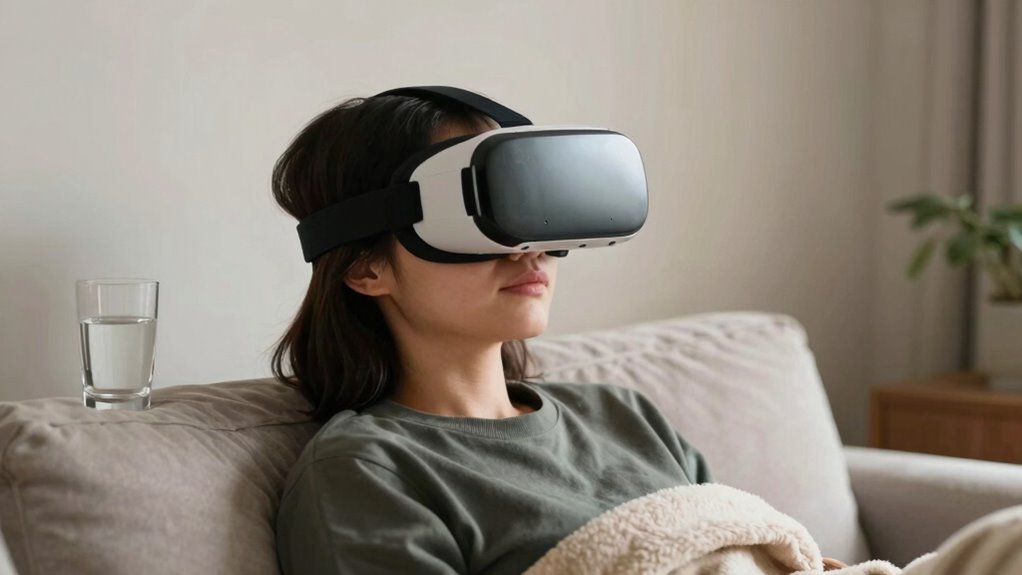
Virtual reality can be incredibly immersive, but it’s common to push through discomfort in the hope that it will pass. Many VR enthusiasts ignore signs that their experience could be unsafe, risking injury or strain. To protect yourself, you need to prioritize virtual reality safety by paying attention to how your body feels and making ergonomic setups a priority. This isn’t about quitting at the first sign of discomfort; it’s about recognizing your limits and adjusting your environment accordingly.
Prioritize VR safety by listening to your body and adjusting your setup to prevent discomfort and injury.
One of the most effective ways to prevent discomfort is to set up your space properly. An ergonomic setup involves positioning your VR headset, controllers, and play area so that you’re not straining your neck, back, or arms. Make sure your play area is clear of obstacles, and that your chair or standing position supports good posture. Adjust the headset so it fits snugly but comfortably, avoiding tightness around your head or face. When your equipment is properly aligned, you reduce the risk of fatigue and injury, making it easier to enjoy longer sessions without pushing through pain. Additionally, understanding ergonomic principles can help you create a safer and more comfortable VR environment. Incorporating proper ergonomic practices can further help you enjoy VR comfortably and safely. Recognizing how your body reacts to prolonged use can help you develop better habits and prevent overexertion.
Most importantly, listen to your body. If you start feeling dizziness, eye strain, or muscle tension, pause immediately. Pushing through these signals can lead to headaches, nausea, or even long-term damage. Take regular breaks—every 15 to 20 minutes—and step away from the VR environment. Use these breaks to stretch, hydrate, and reset your posture. This not only minimizes discomfort but also enhances your overall virtual reality safety. Remember, VR is meant to be enjoyable, not a source of pain or injury.
It’s tempting to keep going when you’re immersed, but your body’s signals are there for a reason. If you find yourself frequently pushing through discomfort, reevaluate your setup. Are your straps too tight? Is your play area arranged for easy movement? Are your controllers comfortable and within reach? Making small adjustments can dramatically improve your experience and prevent injury. If discomfort persists, consider reducing session lengths or seeking advice on ergonomic setups tailored to your space. Keeping body signals in mind can help you avoid overexertion and maintain a healthy VR routine. Being aware of physical cues can make a significant difference in preventing discomfort over time.
As an affiliate, we earn on qualifying purchases.
Frequently Asked Questions
Can VR Discomfort Cause Long-Term Health Issues?
VR discomfort can potentially cause long-term health issues if you ignore it. Prolonged exposure may affect your sensory adaptation, leading to persistent issues like dizziness, nausea, or eye strain. Your body needs time to adjust to virtual reality environments, so listening to discomfort signals is essential. Taking breaks and limiting sessions helps prevent these problems from becoming long-term, ensuring your VR experience stays safe and enjoyable.
Are There Specific VR Genres That Worsen Discomfort?
Certain VR genres, like fast-paced shooters and intense action games, tend to worsen discomfort because of rapid movements and high visual stimulation. Your genre preferences matter, as calmer experiences like puzzle or meditation apps cause less strain. Additionally, headset ergonomics play an essential role; a well-fitted, lightweight headset can considerably reduce discomfort, making long sessions more comfortable regardless of genre. Adjust your setup and choose genres wisely to minimize VR discomfort effectively.
How Does Age Affect VR Discomfort Tolerance?
Age is like a river’s flow—gradual and inevitable—affecting VR discomfort tolerance. Older adults often experience age-related sensory decline, making them more sensitive to VR’s visual and vestibular cues. This can hinder virtual reality adaptation, causing discomfort sooner. You might find that taking longer breaks, adjusting settings, and starting with gentle experiences help you build resilience, ensuring VR remains enjoyable rather than overwhelming.
Can Medication Help Reduce VR Motion Sickness?
Yes, medication options like antihistamines can help reduce VR motion sickness, but you should consult your doctor first. Herbal remedies such as ginger or peppermint teas may also soothe nausea. It’s important to start with small VR sessions and take breaks to minimize discomfort. Combining medication or herbal remedies with proper session management can make your VR experiences more comfortable and enjoyable.
Is There a Way to Build VR Tolerance Gradually?
Ever wondered how to build your VR tolerance gradually? You can start with short sessions and gradually increase exposure to comfort calibration settings. This approach helps your body adapt without feeling overwhelmed. By pacing yourself and adjusting the headset to fit comfortably, you allow your senses to acclimate. Over time, your discomfort diminishes, making longer, more immersive VR experiences enjoyable rather than intimidating.
As an affiliate, we earn on qualifying purchases.
Conclusion
Remember, pushing through discomfort in VR might seem like a quick fix, but it can lead to bigger issues down the line. Take breaks, listen to your body, and adjust your experience accordingly. Don’t learn the hard way that a stitch in time saves nine—address discomfort early before it becomes a hurdle. By respecting your limits, you’ll enjoy VR more and avoid burnout, proving that sometimes, slow and steady truly wins the race.
As an affiliate, we earn on qualifying purchases.
As an affiliate, we earn on qualifying purchases.
Halloween Picks
halloween
As an affiliate, we earn on qualifying purchases.