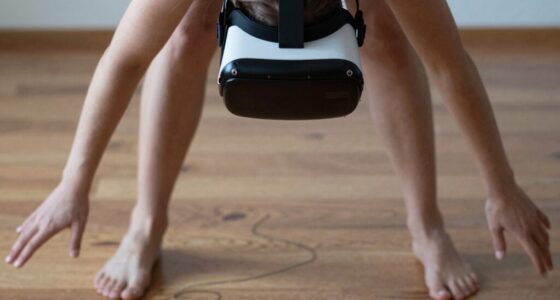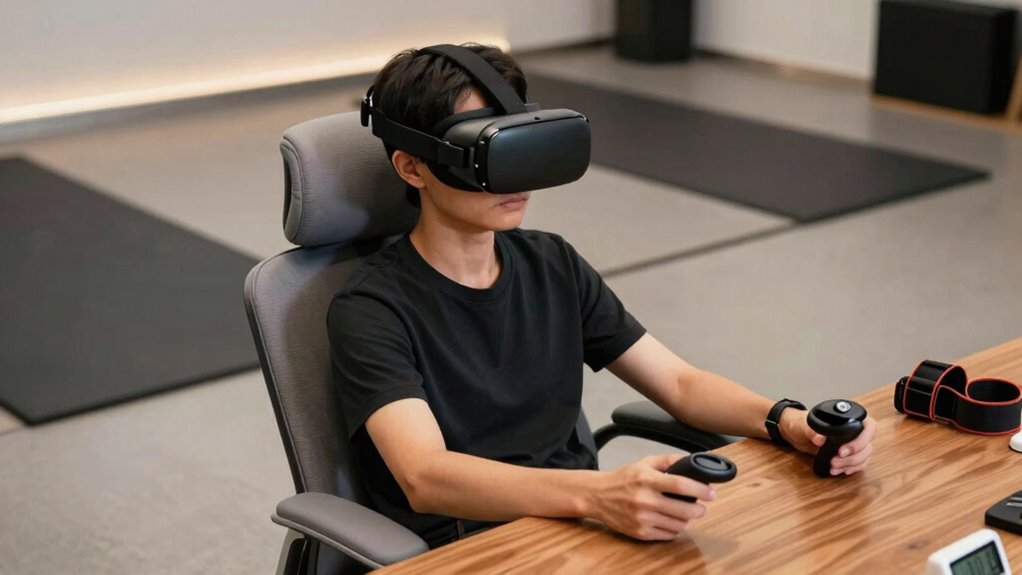

To build safer VR habits for longer sessions, start by gradually increasing your playtime and taking regular breaks to prevent fatigue. Make sure your headset fits well and calibrates properly to reduce motion sickness and strain. Keep your play area clear and within safe boundaries to avoid accidents. Listen to your body—stop if you feel dizzy, eye strain, or discomfort. Prioritize comfort, hydration, and environmental awareness, and you’ll find ways to extend your sessions safely and comfortably.

Play games on Amazon Luna for your next adventure, included with Prime
- A rotating selection of games, no download needed
- Play on TV, laptop or phone
- Fast, free delivery for your gear, too
Key Takeaways
- Gradually increase session durations while monitoring for signs of discomfort or fatigue.
- Take regular breaks and follow the 20-20-20 rule to prevent eye strain and physical fatigue.
- Ensure proper headset calibration and fit to reduce motion sickness and physical strain.
- Maintain a clear, safe play area and organize cables to minimize tripping hazards.
- Listen to your body, avoid intense games initially, and prioritize safety over extended playtime.
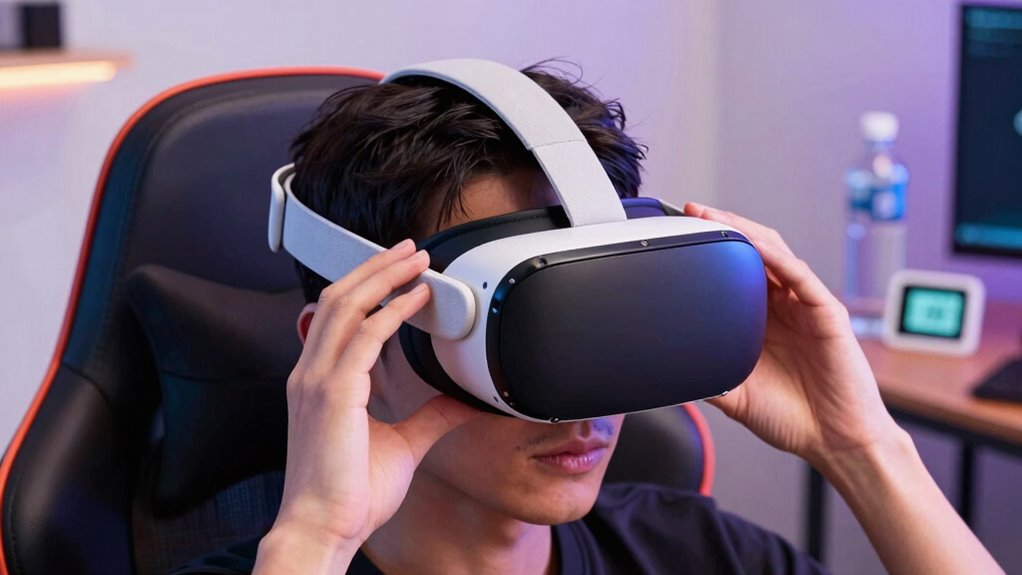
Virtual reality offers immersive experiences that can be both exciting and beneficial, but it’s essential to prioritize safety as you explore this technology. To build safer VR habits for longer sessions, you need to be mindful of how your body responds and take steps to prevent discomfort or injury. One common issue is motion sickness, which can quickly turn an enjoyable experience into an unpleasant one. To minimize this, start with shorter sessions and gradually increase your time in VR. Pay attention to how you feel—if you notice dizziness, nausea, or disorientation, take a break. Properly calibrate your headset and ensure it fits comfortably; a poorly adjusted device can worsen motion sickness and cause physical strain.
Physical safety goes hand in hand with avoiding motion sickness. Clear your play area before entering VR to prevent tripping or bumping into furniture or walls. Use boundary systems or guardians provided by your VR platform to define safe zones, and always stay within these limits. Keep cables organized if you’re using wired equipment, so they don’t become tripping hazards. Wearing comfortable, well-fitting footwear can also help you maintain stability and prevent falls during active movement.
Maintaining good physical safety involves more than just your environment. Take regular breaks to stretch and rest your eyes. Extended VR sessions can cause eye strain, fatigue, or headaches, especially if you don’t follow the 20-20-20 rule—every 20 minutes, look at something 20 feet away for at least 20 seconds. Hydrating and staying in a well-ventilated space also contribute to overall comfort and safety. If you begin to feel any discomfort, it’s best to stop and cool down before resuming. Additionally, understanding biodiversity and how different environments can influence your physical well-being can help you create a safer and more balanced VR experience. Recognizing the importance of environmental factors can further enhance your comfort and safety during extended use. Being aware of ergonomic principles and how they apply to your VR setup can also significantly reduce physical strain and improve overall comfort.
You should also listen to your body and recognize signs of fatigue or overexertion. Pushing through discomfort can lead to injuries or long-term issues, so adjust your session duration based on how you feel. If you’re new to VR, avoid intense or overly physical games until you’re accustomed to the experience. Building up your stamina gradually helps prevent physical strain and reduces the risk of accidents.
Products Worth Considering

Logitech MX Master 4 Ergonomic Wireless Mouse with Haptic Feedback, Graphite

Samsung Galaxy Tab A7 Lite 8.7-Inch 32GB Wi-Fi Tablet, Gray

Jackery Explorer 300 Portable Power Station, 292Wh
As an affiliate, we earn on qualifying purchases.
Frequently Asked Questions
How Long Should My First VR Session Be?
Start with a 15 to 30-minute VR session to prevent discomfort from VR motion and avoid eye strain. Pay attention to your headset hygiene by cleaning the headset regularly and taking breaks to rest your eyes and stretch. Gradually increase your session time as your comfort improves. Always listen to your body — if you feel dizzy or fatigued, stop and rest before continuing.
Are There Specific Exercises to Reduce VR Fatigue?
Want to reduce VR fatigue effectively? You should try eye exercises like focusing on distant objects and blinking frequently to refresh your eyes. Also, practicing posture awareness helps prevent strain and discomfort. Do you notice your neck or shoulders aching? Incorporate regular breaks and gentle stretches into your routine. These exercises and habits keep you comfortable, allowing longer, more enjoyable VR sessions without feeling exhausted afterward.
Can VR Use Affect My Eyesight Permanently?
VR use can cause eye strain and temporary discomfort, but it typically doesn’t lead to permanent damage if you take proper precautions. To protect your vision health, take regular breaks, follow the 20-20-20 rule, and adjust your headset for comfort. Over time, these habits help reduce eye fatigue and support long-term eye health, ensuring you enjoy VR without risking lasting effects on your eyesight.
How Often Should I Take Breaks During VR Gaming?
You should take a break every 20 to 30 minutes during VR gaming to reduce eye strain and prevent motion sickness. These breaks give your eyes a chance to rest and help your brain process the virtual environment more comfortably. During breaks, look at distant objects and blink often. Staying mindful of your comfort can extend your session safely and keep eye strain and motion sickness at bay.
What Are Signs of VR Overuse or Addiction?
You might notice VR overuse or addiction signs if you find yourself neglecting daily tasks or losing track of time, with studies showing that excessive VR use can lead to increased eye strain and fatigue. VR health concerns include headaches and disorientation, while addiction signs involve craving more time in virtual worlds and withdrawal from real-life relationships. Recognizing these cues helps you set healthier boundaries and prevent negative impacts.
Conclusion
By following these tips, you’ll turn your VR sessions into safe, enjoyable adventures that could rival exploring the universe itself. Remember to take regular breaks, stay aware of your surroundings, and listen to your body—your safety is the real treasure. With these habits, you’ll master the art of longer, safer VR gaming without risking your well-being. So gear up, stay cautious, and let your virtual journeys be as epic as the legends!