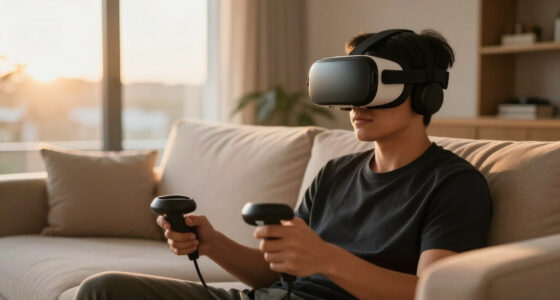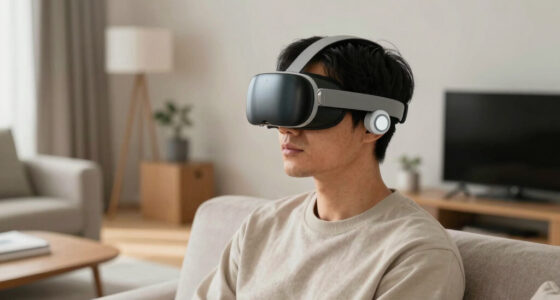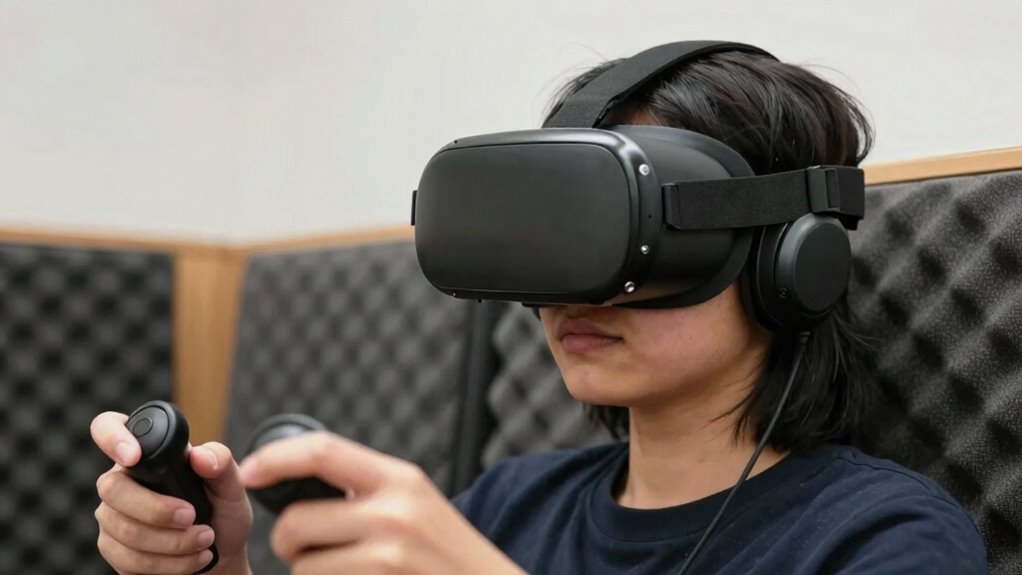

To make VR safer for curious but cautious users, start by setting up a clear physical environment free of obstacles and use boundary systems to alert you when approaching barriers. Take advantage of safety features like haptic feedback and eye tracking to enhance awareness and reduce accidents. Wear comfortable, well-fitted equipment, and keep software up-to-date to benefit from the latest safety improvements. Practicing mindful use and gradually increasing session durations can also help you enjoy VR securely. If you want to explore more ways to stay safe, keep going.
Key Takeaways
- Enable boundary warnings and use boundary systems to alert users before physical collisions occur.
- Incorporate haptic feedback to signal nearby objects and enhance spatial awareness.
- Educate users on safe VR practices and encourage regular breaks to prevent discomfort.
- Ensure the physical environment is clear of obstacles and well-organized before use.
- Keep software and safety features updated to incorporate the latest safety improvements.
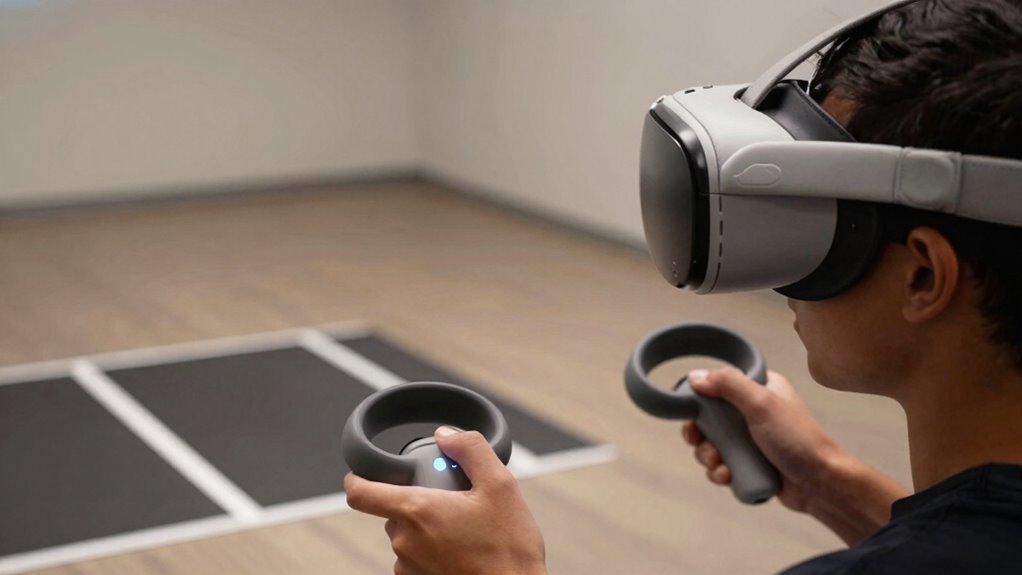
Virtual reality offers immersive experiences, but without proper safety measures, it can pose risks. As someone curious about VR, you might be eager to explore its possibilities but also cautious about potential hazards. To make your VR experience safer, it’s essential to understand how technology like haptic feedback and eye tracking can help protect you. Haptic feedback provides tactile sensations that simulate real-world touch, giving you a better sense of physical boundaries and reducing the chance of accidental collisions. When you feel vibrations or resistance through your controllers, your brain perceives these cues as signals that you’re approaching an obstacle or interacting with an object, helping you stay aware of your environment even as visuals immerse you deeper into the virtual world.
Eye tracking is another important feature that enhances safety by monitoring where you’re looking. This technology can detect if your gaze is fixated on a particular point or if you’re losing focus, allowing the system to adjust accordingly. For instance, if you’re blinking or looking away from the virtual environment, the VR headset can pause or reduce motion, preventing discomfort or disorientation. Eye tracking also enables more precise interaction, so you can select objects or navigate menus with just your gaze. This reduces unnecessary head movements, which might cause you to bump into real-world objects or lose your balance. By integrating eye tracking, VR becomes more intuitive and responsive, helping you maintain control and awareness as you move through the virtual space.
Beyond technology, setting up your physical environment is essential. Clear the area of any obstacles, and consider using boundary systems that alert you when you’re nearing a physical barrier. Many VR headsets include safety features like boundary warnings that activate when you approach the limits of your play space. Wearing well-fitted, comfortable equipment also minimizes discomfort and distraction, so you can focus on your experience without constantly adjusting your headset. It’s wise to start with shorter sessions and gradually increase your exposure as you become more accustomed to the sensations. This approach helps prevent motion sickness and fatigue, common issues among beginners. Additionally, being aware of the safety features integrated into your device can further enhance your experience. Regularly updating your software can ensure you benefit from the latest safety improvements, which are often designed based on user feedback and technological advancements. Understanding how environmental setup influences safety can help you create a more secure virtual experience at home. Furthermore, familiarizing yourself with user guidelines ensures you follow best practices for safe VR use.
Lastly, keep your curiosity in check by staying informed about the latest safety features and updates. Follow manufacturer guidelines, and don’t hesitate to stop and rest if you start feeling uneasy. Combining technological features like haptic feedback and eye tracking with careful physical setup and mindful usage creates a safer environment for exploring virtual worlds. With these measures, you can satisfy your curiosity about VR while minimizing risks, making your experience both enjoyable and secure.
As an affiliate, we earn on qualifying purchases.
Frequently Asked Questions
How Can I Prevent Motion Sickness in VR?
To prevent motion sickness in VR, start with proper visual calibration to guarantee the display aligns with your eyes, reducing disorientation. Use haptic feedback to enhance immersion without overloading your senses, which can cause discomfort. Take breaks often, and gradually increase your VR sessions to build tolerance. Adjust comfort settings like movement speed or field of view as needed. These steps help create a smoother, more comfortable experience, minimizing motion sickness.
Are There Age Restrictions for VR Use?
Age restrictions for VR use vary, but many platforms recommend parental guidance for children under 13 due to potential health impacts. While some headsets are designed for older users, younger kids may experience eye strain or discomfort. You should always check the manufacturer’s guidelines and enforce parental supervision, ensuring kids use VR safely. Balancing curiosity with caution helps protect their developing eyes and minds as they explore virtual worlds.
What Safety Gear Should I Wear During VR Sessions?
During your VR sessions, you should wear comfortable, adjustable straps to secure your VR headset and make sure it’s clean to maintain VR headset hygiene. Keep controllers away from sharp objects to prevent damage and always handle them carefully to guarantee controller safety. Take regular breaks, and wipe down equipment after use to reduce germs. These steps help keep your experience safe, hygienic, and enjoyable, especially if you’re cautious but curious about VR.
How Do I Set up a Safe Play Area?
To set up a safe play area, first define your room boundaries clearly, using tape or markers to keep track of safe zones. Manage cables by securing them to walls or floors to prevent tripping. Make certain furniture is moved away, and there’s enough space to move freely. Check for obstacles or hazards, and always keep a clear, open area. This setup minimizes risks and lets you enjoy VR comfortably and safely.
What Should I Do if I Feel Dizzy or Disoriented?
If you feel dizzy or disoriented, stop using the VR headset immediately. Rest in a seated position and focus on steady breathing. Check your VR posture to guarantee you’re not straining your neck or eyes, which can worsen dizziness. Also, make sure your headset hygiene is maintained, as discomfort can add to disorientation. Take breaks often, and if symptoms persist, consult a healthcare professional before continuing.

AMVR GA1 31.5 Inch VR Haptic Feedback Golf Club Attachment Compatible with Meta/Oculus Quest 3S/Quest 3, Carbon Fibre Long VR Golf Handle Grip for Golf + (31.5 Inch Haptic Feedback Golf Club)
- Extended and Weighted Design: 31.5-inch length with 34g weight block
- Realistic Haptic Feedback: Vibration and sound for immersive experience
- Safe and Durable Construction: Reinforced metal snap for secure fit
As an affiliate, we earn on qualifying purchases.
As an affiliate, we earn on qualifying purchases.
Conclusion
By taking these steps, you can enjoy VR experiences without fear or harm. Yes, curiosity drives us to explore new worlds, but caution keeps us safe. Don’t let the worry of accidents hold you back from discovering amazing virtual adventures. With proper precautions, you can embrace the thrill while protecting yourself. Remember, safety isn’t limiting — it’s empowering. So go ahead, explore confidently and make your VR journey both exciting and secure.

HTC Vive XR Elite with Deluxe Pack — Mixed Reality and PC VR Headset + Controllers
- Deluxe Pack Accessories: Includes face gasket, straps, and clips
- PC VR Gaming: Connect to PC for immersive VR games
- Standalone Design: No base stations required for tracking
As an affiliate, we earn on qualifying purchases.
As an affiliate, we earn on qualifying purchases.

Saqico Head Strap for Meta Oculus Quest 2/3/3s, 3-in-1 Adjustable Halo Headband, Replacement for Elite Strap, Enhanced Comfort Gaming Immersion VR Accessories Compatible with Oculus/Meta Quest 2/3/3s
- Compatible Devices: Supports Meta Quest 3/3s and Oculus Quest 2
- Enhanced Comfort: Designed for extended VR gaming sessions
- Pressure Reduction: Soft memory foam cushion for comfort and support
As an affiliate, we earn on qualifying purchases.
As an affiliate, we earn on qualifying purchases.