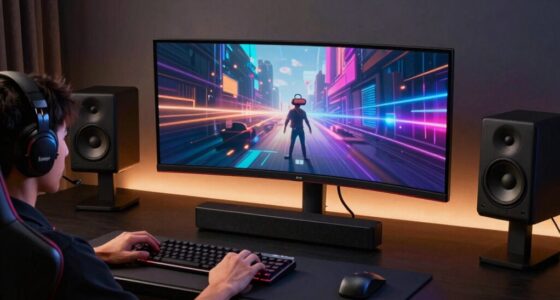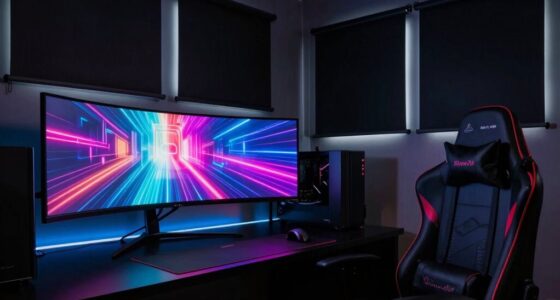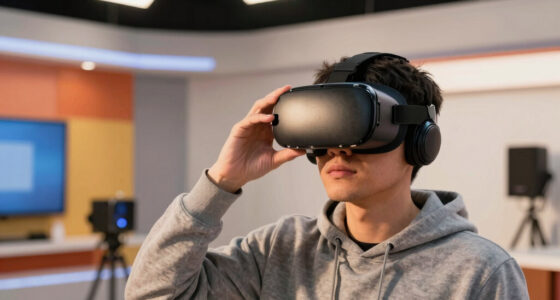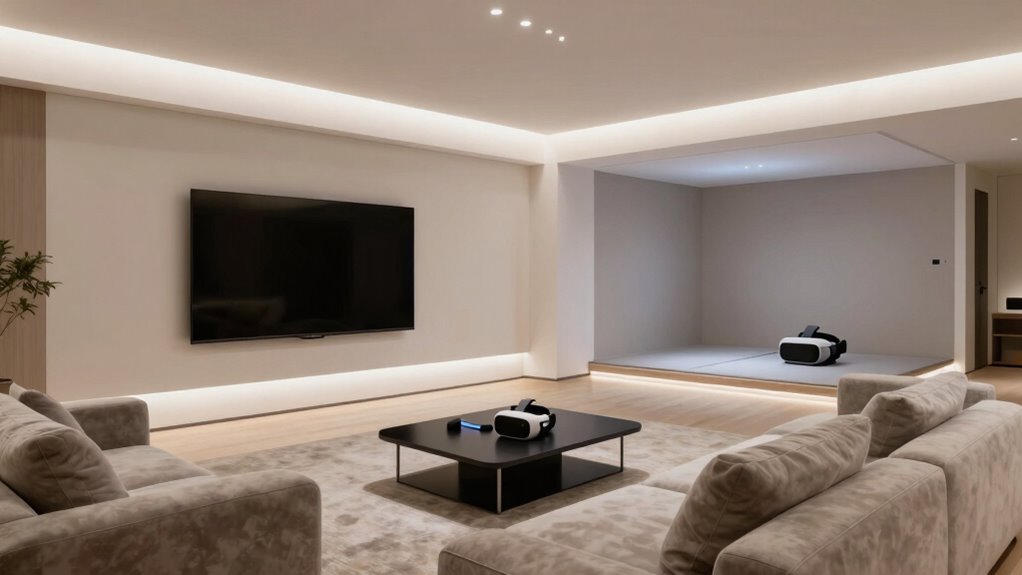

To plan your screen size in a room that also hosts VR, you should position the screen at eye level and directly opposite your main seating area for clear viewing. Make certain there’s enough space around the screen for comfortable access, while designating open zones for VR movement. Use modular furniture to easily rearrange for different activities and keep lighting soft to minimize glare. For more tips on optimizing your space for both viewing and VR, keep exploring the details ahead.
Key Takeaways
- Measure available wall space to determine maximum screen width without obstructing movement or VR zones.
- Choose a screen size that provides comfortable viewing distance based on room dimensions and seating arrangement.
- Ensure the screen is positioned at eye level and directly opposite main seating for optimal visibility.
- Maintain open space around the screen for safe, unobstructed access during VR setup and movement.
- Consider modular or adjustable furniture to easily reconfigure room for both viewing and VR activities.
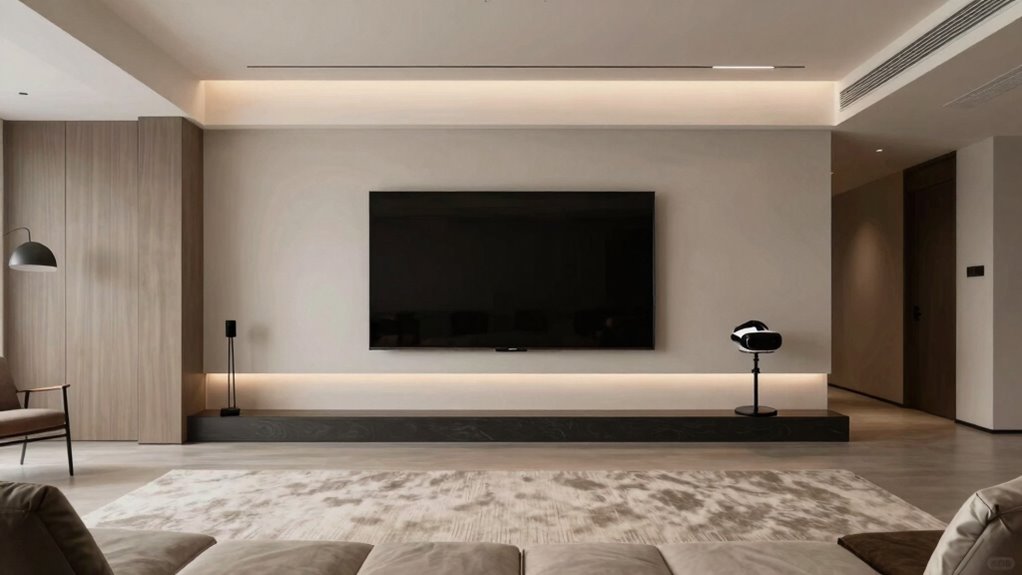
When planning a room that will host both a large screen and virtual reality (VR) setup, balancing space and functionality is essential. You need to create an environment that allows you to enjoy immersive experiences without feeling cramped or distracted. To do this, start with furniture arrangement. Position your seating to maximize both screen visibility and safe movement for VR. For the large screen, place it at eye level and ensure it’s directly opposite your main seating area. Keep enough space around it so you can walk comfortably without knocking into furniture or equipment. For VR, allocate open, unobstructed zones where you can move freely without bumping into furniture or walls. Consider using modular furniture that can be easily rearranged or tucked away when not in use, giving you flexibility to switch between traditional viewing and VR activities. Proper room layout is crucial for maintaining a comfortable and functional environment. Additionally, incorporating spatial awareness into your planning can help optimize both viewing and movement areas, ensuring a seamless experience.
Lighting considerations are equally important. You want enough ambient light for comfort but not so much that it causes glare or reflections on your screen. Opt for soft, indirect lighting that can be dimmed when you’re watching movies or gaming on your large screen. Using adjustable fixtures or smart lighting systems allows you to change the ambiance quickly. For VR sessions, minimize ambient light to reduce visual distractions and improve tracking accuracy. Blackout curtains or blinds are ideal if you want complete control over lighting conditions, especially if your room gets a lot of sunlight during the day. Make sure the lighting setup doesn’t interfere with the VR sensors; avoid placing bright lights directly behind or in front of your VR play area, as this can disrupt tracking.
large flat screen TV 65 inch or 75 inch
As an affiliate, we earn on qualifying purchases.
As an affiliate, we earn on qualifying purchases.
Frequently Asked Questions
What Are the Best Materials for Soundproofing a VR Room?
You should use acoustic panels and soundproof curtains for effective soundproofing in your VR room. Acoustic panels absorb sound waves, reducing echo and noise, while soundproof curtains block external sound. Combining these materials creates a quieter space, enhancing your VR experience. Install acoustic panels on walls and ceiling, and hang soundproof curtains on windows and doorways. This setup minimizes noise leakage and guarantees immersive VR sessions.
How Can I Optimize Lighting for Both Screen Viewing and VR?
Imagine your room as a stage—lighting sets the scene. You should use adjustable ambient lighting to create a balanced glow, reducing glare on screens and avoiding harsh reflections that hinder VR immersion. Position lights away from screens and VR sensors, and opt for dimmable fixtures to fine-tune brightness. Incorporate blackout curtains or diffusers to further manage glare, ensuring both screen viewing and VR experiences are comfortable and immersive.
What Safety Precautions Should I Take in a Combined VR and Screen Space?
You should install motion sensors to alert you of movement and prevent accidents, especially during VR use. Keep cables neatly managed to avoid tripping hazards and accidental disconnections. Make certain your space is clear of obstacles, and use padding or mats in high-traffic areas. Regularly check your equipment for stability and safety. These precautions help create a secure environment for both screen viewing and immersive VR experiences.
How to Organize Furniture to Maximize Space and Safety?
You should organize your furniture layout to create clear pathways, keeping enough open space for safe VR movement. Place larger pieces against walls to maximize room area and avoid clutter. Use smart storage solutions like under-sofa bins or wall-mounted shelves to keep smaller items out of the way. Regularly assess your setup to guarantee safety and maximize space, making sure there’s always enough room for both your screen and VR activities.
Are There Specific Electrical Requirements for VR Equipment?
Think of electrical requirements as the backbone of your VR setup—without it, the whole system could collapse. You’ll need dedicated circuits to handle high power demands, and wireless power options can reduce cable clutter but require careful planning. Prioritize circuit safety by installing proper grounding and surge protection. Consulting a qualified electrician guarantees your wiring meets all safety standards, keeping your immersive experience seamless and secure.
adjustable modular furniture for living room
As an affiliate, we earn on qualifying purchases.
As an affiliate, we earn on qualifying purchases.
Conclusion
By carefully balancing your screen size with VR space, you create a room where visuals and virtual adventures dance in harmony. Think of it like tuning a musical instrument—you want each element to resonate perfectly without drowning out the other. With thoughtful planning, your room becomes a seamless stage for both immersive VR and stunning screens, turning your space into a symphony of sights and experiences that invites you to explore without compromise.
smart dimmable ambient lighting for TV room
As an affiliate, we earn on qualifying purchases.
As an affiliate, we earn on qualifying purchases.
As an affiliate, we earn on qualifying purchases.