
You might accidentally damage your VR gear if you overlook proper handling, maintenance, or environment. Tight or loose straps, jerky movements, or neglecting cleaning can wear out components or cause misalignments. Not inspecting for loose screws or cracks puts your device at risk, too. Poor storage and ignoring ergonomic adjustments also increase wear and tear. If you want to discover how to protect your gear and avoid these mistakes, keep exploring these tips.

Play games on Amazon Luna for your next adventure, included with Prime
- A rotating selection of games, no download needed
- Play on TV, laptop or phone
- Fast, free delivery for your gear, too
Key Takeaways
- Users may handle VR gear improperly, neglecting ergonomic adjustments or using excessive force, leading to unnoticed damage.
- Lack of regular cleaning causes grime buildup that deteriorates lenses and sensors over time without immediate awareness.
- Inadequate storage or careless handling during use can result in accidental impacts or cable damage unnoticed by users.
- Failing to perform routine inspections may allow small issues like loose screws or cracks to worsen unnoticed.
- Using the device in unsuitable environments or ignoring manufacturer guidelines increases risk of unintentional damage.
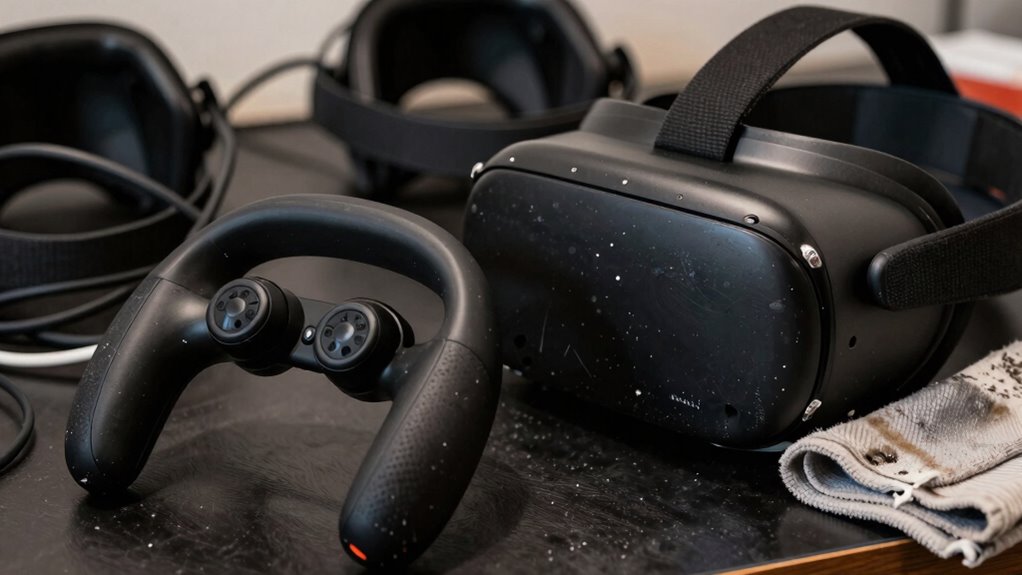
Virtual reality (VR) gear can easily sustain damage if you’re not careful, which is why user awareness is crucial. Many users overlook how their habits and handling techniques can lead to wear and tear. Simple actions, like improper handling or neglecting proper maintenance, can cause damage over time. For example, failing to make ergonomic adjustments before starting a session can result in unnecessary strain on the headset or controllers. If the straps are too tight or too loose, it may lead to accidental drops or excessive pressure that damages internal components. Guaranteeing a comfortable fit isn’t just about comfort—it’s about protecting your investment.
Proper handling and ergonomic adjustments are key to protecting your VR gear and extending its lifespan.
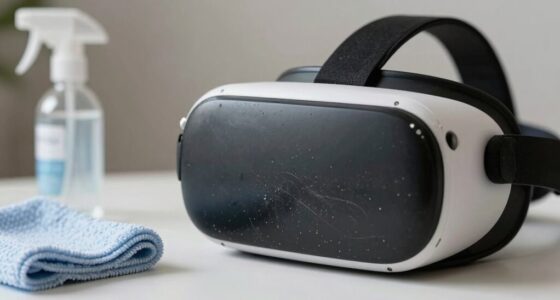
Cleaning protocols are equally important. Many users neglect regular cleaning, which can cause dirt, sweat, and oils to accumulate. This buildup can deteriorate sensitive parts like lenses, sensors, and electronic circuits. Using the wrong cleaning materials or methods can also cause damage. Instead of aggressive scrubbing or harsh chemicals, you should follow manufacturer-recommended cleaning protocols. A soft microfiber cloth and gentle cleaning solutions are typically sufficient for maintaining your VR gear’s cleanliness. Regularly wiping down your headset and controllers not only keeps them hygienic but also prevents grime from interfering with sensors and lenses, which could impair performance or cause damage. Proper maintenance practices are essential for ensuring longevity and optimal functioning.
In addition to cleaning, paying attention to how you handle your VR gear during use is essential. Avoid jerky or forceful movements that could stress the internal components or cause accidental drops. Many users damage their gear because they don’t pay attention to their environment or how they’re handling equipment while immersed in virtual worlds. Being mindful of your surroundings helps prevent collisions with objects or walls, which can lead to costly repairs. Also, make sure your play area is clear of clutter and that cables are managed properly to avoid tripping or yanking the headset off unexpectedly. Proper device handling techniques are vital for preventing damage and ensuring longevity. Additionally, understanding wear and tear patterns can help you identify early signs of potential issues before they worsen. Regular inspections for hardware damage such as loose screws or cracked lenses are also crucial, as addressing these issues early can save you money and extend your device’s lifespan.
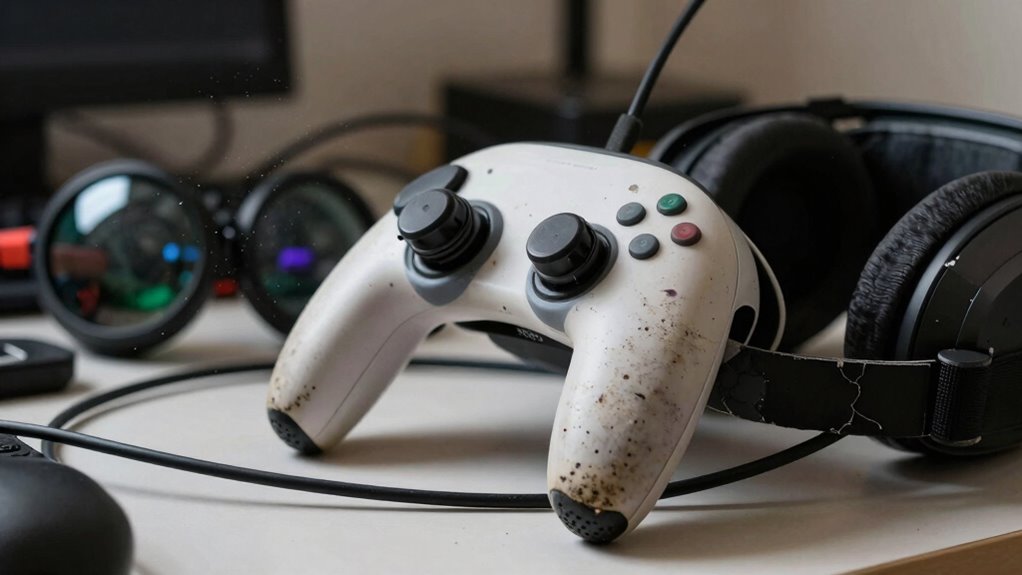
Another common mistake is neglecting to check the hardware for signs of wear or damage regularly. Loose screws, frayed cables, or cracked lenses may seem minor but can cause bigger problems if left unaddressed. Addressing these issues early, and following proper ergonomic adjustments, can extend your device’s lifespan. It’s also beneficial to familiarize yourself with proper storage techniques to prevent accidental damage when not in use. Remember, your VR gear is a delicate piece of technology that benefits from consistent care and proper handling. By integrating good cleaning protocols, ergonomic adjustments, and mindful usage, you greatly reduce the risk of damage and ensure a longer, more enjoyable experience.
As an affiliate, we earn on qualifying purchases.
Frequently Asked Questions
Can Improper Cleaning Damage VR Gear?
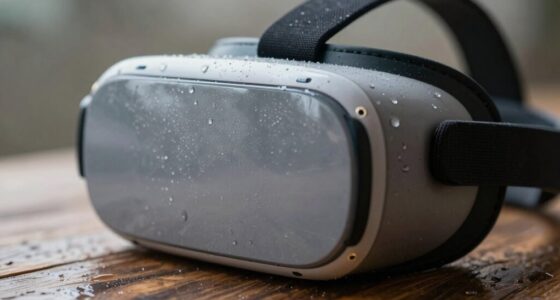
Yes, improper cleaning can damage your VR gear. Using harsh cleaning techniques or excessive moisture can harm delicate lenses and electronic components. Dust accumulation inside the headset can also cause damage if not cleaned properly. To avoid this, use a soft, lint-free cloth and gentle cleaning solutions specifically designed for electronics. Regular cleaning helps maintain your device’s performance and longevity, but always handle it carefully to prevent accidental damage.
Are Certain VR Accessories More Prone to Causing Damage?
Certain VR accessories, like loose straps or incompatible controllers, are more prone to causing damage. Poor handling habits and neglecting accessory compatibility can lead to costly consequences. You should always verify compatibility before attaching accessories and handle them carefully to prevent unnecessary damage. Regularly inspecting and properly maintaining your gear ensures longevity, so stay attentive and gentle, avoiding rough handling that could cause cracks, scratches, or other costly issues.
How Does Storage Affect VR Device Longevity?
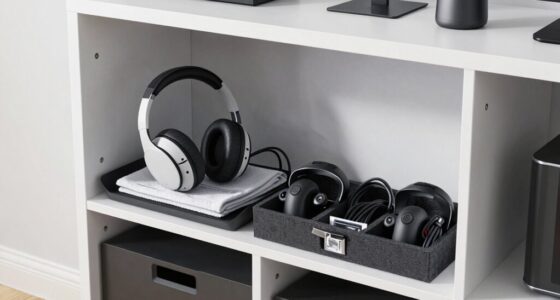
Storage conditions greatly impact your VR device’s longevity. If you store it in a cool, dry place away from direct sunlight, you prevent unnecessary wear and tear. Avoid extended usage without breaks, as this can strain components. Proper storage helps protect delicate parts from dust, moisture, and temperature fluctuations, ensuring your VR gear stays functional longer. Regularly check and clean your device to maintain peak performance over time.
Can Software Updates Impact Hardware Integrity?
Software updates can impact hardware integrity if firmware compatibility isn’t maintained. When you update your VR device frequently, you risk introducing bugs or incompatibilities that strain hardware components. If the firmware isn’t fully compatible with your device, it can cause overheating or malfunctions. To protect your gear, guarantee updates are official, and avoid excessive update frequency, which may lead to unnecessary wear or system instability.
What Are Hidden Signs of VR Gear Wear and Tear?
You might not notice hidden signs of VR gear wear and tear, but paying attention to virtual reality ergonomics helps. Look for loose straps, foggy lenses, or uneven tracking, which indicate damage. Your user handling habits, like rough handling or improper storage, can cause early wear. Regularly inspecting and maintaining your headset guarantees comfort, safety, and longevity, preventing unnoticed damage from affecting your immersive experience.
As an affiliate, we earn on qualifying purchases.
Conclusion
Just like a delicate butterfly, your VR gear needs gentle care to thrive. Without realizing it, small habits—like rough handling or neglecting maintenance—can cause unseen damage over time. Think of your VR headset as a precious artifact; treat it with respect, and it’ll transport you to incredible worlds for years to come. Stay mindful, and you’ll keep your virtual adventures smooth and immersive, rather than a crash landing into costly repairs.
As an affiliate, we earn on qualifying purchases.
As an affiliate, we earn on qualifying purchases.
Evergreen bestsellers Picks
bestsellers
As an affiliate, we earn on qualifying purchases.