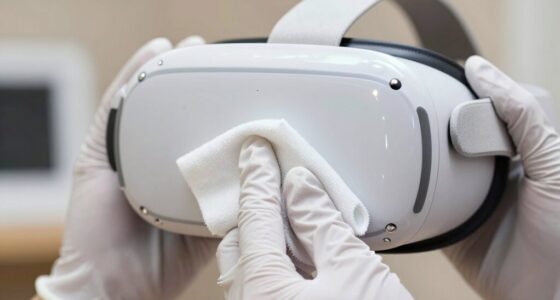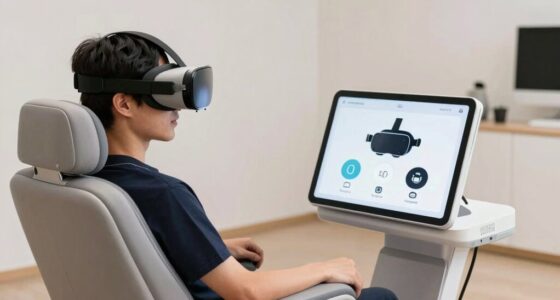
Heat quietly builds up inside your VR headset during intense use, often without obvious signs. Because it doesn’t make noise or show immediate symptoms, it’s easy to overlook. Over time, this silent heat can cause internal damage, performance drops, or hardware failure. Without proper cooling, those risks increase, and you might not realize the danger until it’s too late. Keep going, and you’ll discover how to protect your hardware from this hidden threat.
Key Takeaways
- Heat buildup often occurs silently internally, with no obvious signs until critical damage happens.
- Overheating can degrade performance and cause hardware failures without immediate external indicators.
- Users may not notice gradual temperature increases until significant performance issues arise.
- Lack of proper thermal management can lead to long-term internal damage that remains hidden.
- Silent thermal stress increases the risk of sudden device shutdowns or permanent hardware damage.
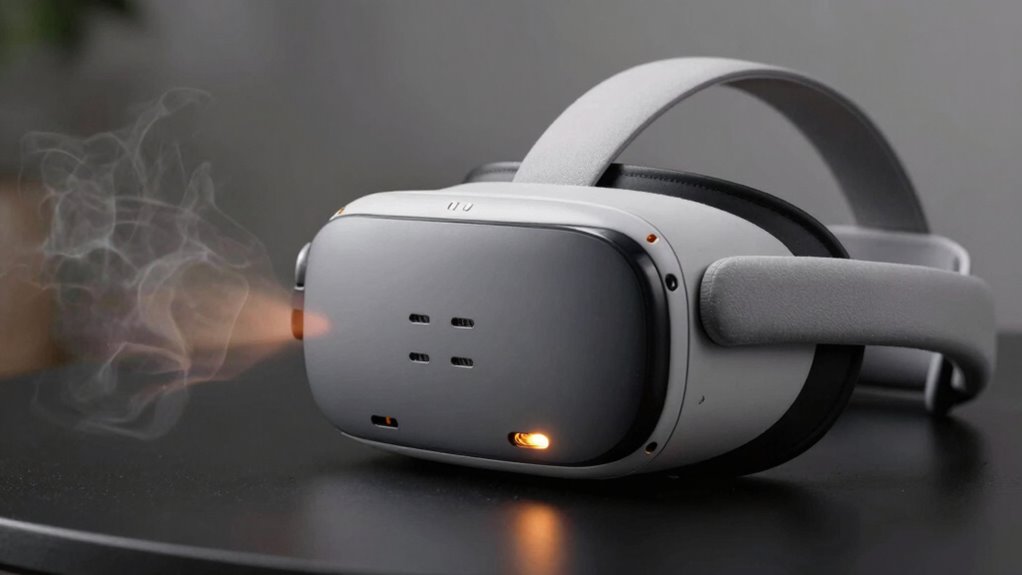
Virtual reality hardware can quickly overheat during extended use, posing serious risks to both the device and your safety. When your VR headset or controllers hit high temperatures, it’s often due to inadequate thermal management or insufficient cooling systems. Unlike visible threats like physical damage or software glitches, heat quietly builds up, making it one of the most overlooked yet dangerous issues you face while immersed in virtual worlds. If you don’t address this thermal buildup, your hardware can experience performance drops, crashes, or even permanent damage, all without obvious signs until it’s too late.
VR hardware overheating can cause serious damage and safety risks if not properly managed.
Effective thermal management is essential because VR devices generate a lot of heat in a short period. High-performance components like processors, GPUs, and batteries work tirelessly to deliver seamless experiences, but they also produce heat that needs to be dissipated quickly. Without proper cooling systems in place, this heat accumulates inside the device, causing internal temperatures to spike. Over time, this can lead to overheating, which may trigger safety shutdowns or, worse, damage sensitive internal parts. That’s why manufacturers focus heavily on incorporating cooling solutions—such as heat sinks, fans, or advanced ventilation—to help keep temperatures within safe limits.
Your role in thermal management is also critical. Regularly monitoring your VR hardware’s temperature can prevent overheating before it becomes a serious issue. If your device feels unusually hot or if you notice performance lag, it’s a sign that cooling isn’t sufficient. Ensuring proper ventilation in your gaming area can make a significant difference. Avoid using your headset in confined, poorly ventilated spaces, as this can trap heat and hinder the device’s ability to cool itself effectively. Additionally, taking breaks during extended sessions allows internal components to cool down, reducing the risk of thermal stress. Understanding thermal management and how it impacts device safety helps you take proactive steps to protect your hardware. Being aware of temperature regulation can also help you optimize your VR experience and extend the lifespan of your device. Incorporating proper cooling practices can significantly reduce the chances of overheating and prolong your device’s lifespan. Staying informed about emerging cooling technologies can further enhance your device’s safety and performance over time. Remember, adequate ventilation in your environment plays a vital role in maintaining optimal temperatures and ensuring your VR hardware remains reliable during prolonged use.

BOBOVR S3 Pro Battery Strap Accessories,Head Air Cooling System and 10000mah Hot-swappable Battery Pack,Compatible with Meta Quest 3/Quest 3S
Compatible with Meta Quest 3/Quest 3s: Still using BOBOVR’s innovative power swap design, the new battery architecture separates…
As an affiliate, we earn on qualifying purchases.
As an affiliate, we earn on qualifying purchases.
Frequently Asked Questions
Can Heat Damage VR Headset Lenses or Displays?
Heat can damage your VR headset’s lenses or display if it gets too intense. Excess heat may cause lens fogging, making your VR experience blurry, and can lead to display discoloration over time. To prevent this, avoid prolonged use in hot environments, guarantee proper ventilation, and take breaks. Keeping your headset cool helps preserve its clarity and prevents long-term damage to the lenses and display.
How Does Heat Affect VR Headset Battery Lifespan?
Imagine your VR headset’s battery as a vintage radio—heat accelerates its aging. Excess heat causes battery degradation, reducing its lifespan over time. Proper thermal management is essential; it keeps the device cool and prevents overheating. When your headset runs hot, the battery wears out faster, leading to shorter sessions and more frequent replacements. To extend battery life, always make certain there is good ventilation and avoid prolonged use in hot environments.
Are There Temperature Limits for Safe VR Gameplay?
Yes, there are temperature limits for safe VR gameplay. You should keep your device within recommended ranges to prevent overheating. Ambient cooling and effective thermal regulation help maintain ideal temperatures, ensuring your headset stays cool during extended use. Avoid playing in very hot environments, as excessive heat can lead to discomfort and potential hardware damage. Always monitor your device’s temperature and give it breaks if it feels warm.
Does Heat Cause VR Controllers to Malfunction?
Yes, heat can cause VR controllers to malfunction. When controllers overheat, thermal insulation inside may fail, leading to sensor errors or connectivity issues. Cooling systems help dissipate excess heat, preventing malfunctions. You should guarantee proper ventilation and avoid prolonged intense use. Keeping controllers within recommended temperature ranges helps maintain their performance and longevity, ensuring a smooth VR experience without interruptions caused by overheating.
Can Heat Buildup Lead to Permanent Hardware Failure?
Sure, heat buildup can definitely cause permanent hardware failure if you ignore it. When your VR device’s thermal insulation fails or the ambient temperature rises too high, components can overheat and suffer irreversible damage. Think of it like a fancy stew—without proper cooling, it spoils. To keep your gear safe, make certain of good ventilation and avoid hot environments; otherwise, you’re risking a costly, permanent meltdown.

Deal4GO 2-Pack VR Heatsink VRM Thermal Pad HYPWT 0HYPWT replacement for Dell Precision 3680 Tower Desktop, Black
Compatible with Dell Precision 3680 3680XE Workstation Tower Desktop Series, NOT fits for XPS 8960 R15 R16 Tower…
As an affiliate, we earn on qualifying purchases.
As an affiliate, we earn on qualifying purchases.
Conclusion
So, while heat might seem like a subtle whisper in the background, it’s really a gentle nudge to keep an eye on. Think of it as a quiet reminder to give your VR gear some breathing room and proper care. By staying mindful, you’re ensuring your adventures remain smooth and your hardware stays happy. After all, a little warmth isn’t a problem—just a friendly nudge to keep everything running happily and quietly.
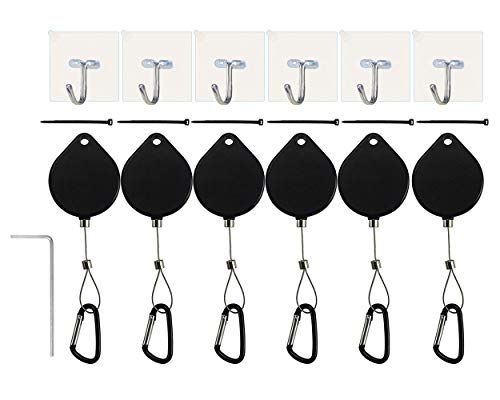
DS.Distinctive STYL VR Accessories Cable Management 6 Packs – Drill Free Retractable Ceiling Suspension System for HTC Vive/HTC Vive Pro Virtual Reality/Oculus Rift/PlayStation VR/Microsoft MR
No more worry about cable getting stuck under your feet while playing VR. This set keeps cable off…
As an affiliate, we earn on qualifying purchases.
As an affiliate, we earn on qualifying purchases.

RCstyle Fan Cooling Mask for Meta/Oculus Quest 2 (Soft Lycra Cotton Mask)
【Upgraded Oculus Quest 2 Fan Temperature Control/Settings】Specially designed for anti-fog and anti-sweat, the oculus fan has two wind…
As an affiliate, we earn on qualifying purchases.
As an affiliate, we earn on qualifying purchases.