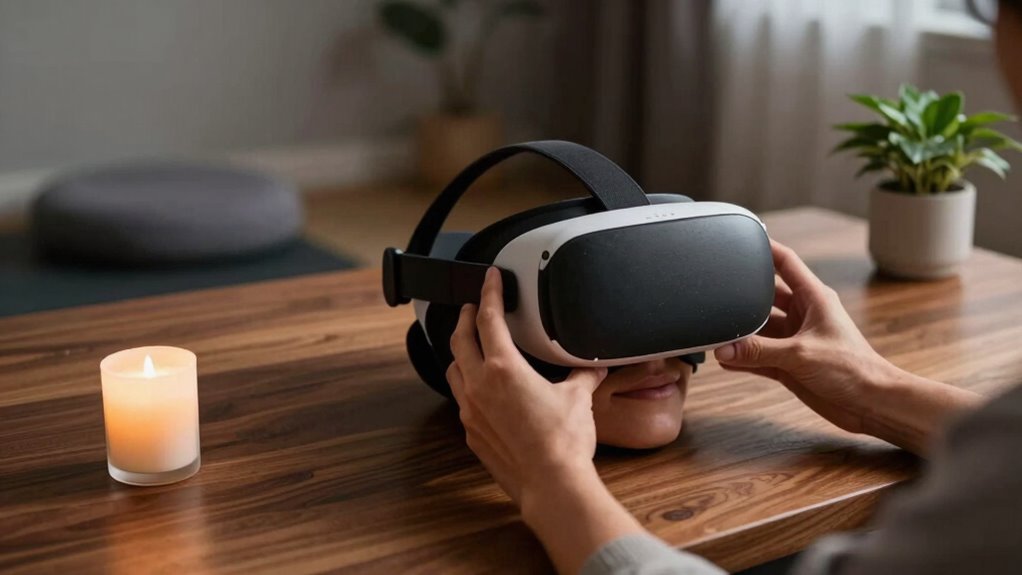

To build a better ‘end of session’ VR routine, start by gradually lowering your headset, pausing briefly to process the switch from virtual to real life. engage in stretches, deep breaths, or mindfulness to help your mind and body reset. Turn off your device properly, then reflect on your session and note improvements. Keep your environment obstacle-free for safety. Consistently following these steps can make your shifts smoother and safer, and there’s much more to explore to optimize your routine.

Play games on Amazon Luna for your next adventure, included with Prime
- A rotating selection of games, no download needed
- Play on TV, laptop or phone
- Fast, free delivery for your gear, too
Key Takeaways
- Gradually lower the VR headset and pause to process the transition to reality.
- Review session highlights and reflect briefly to reinforce learning and improve focus.
- Turn off the device properly, following maintenance procedures to prolong hardware lifespan.
- Incorporate relaxation techniques like deep breathing or stretching to promote physical and mental recovery.
- Ensure the environment is obstacle-free and safe for a smooth, hazard-free transition.
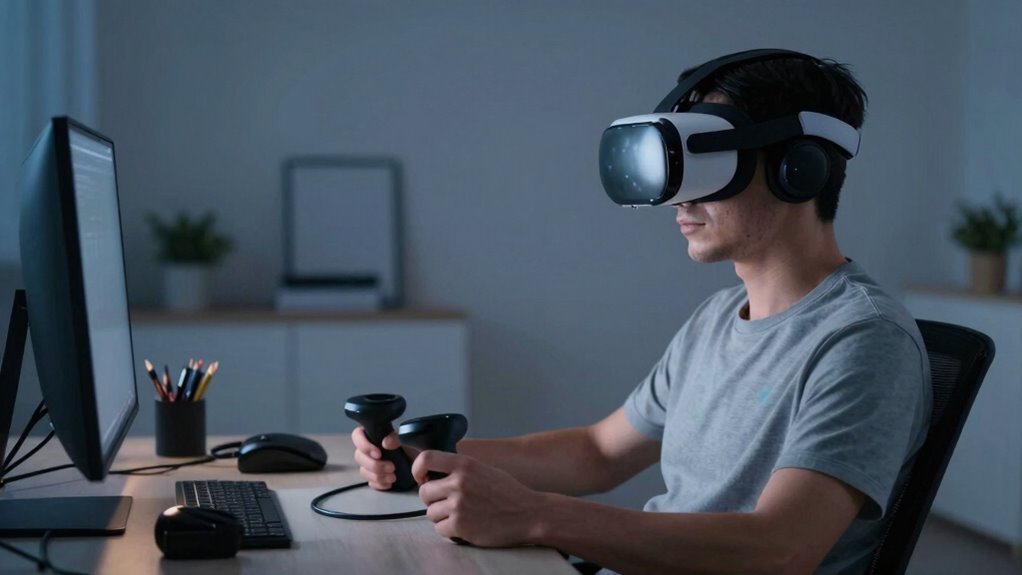
Ending a virtual reality session intentionally is essential for both safety and effective skill transfer. When you’re finished exploring the virtual environment, taking deliberate steps to conclude your session helps prevent accidents and prepares you for future experiences. A well-crafted end-of-session routine can significantly improve your overall VR experience by ensuring your safety and maximizing the benefits of your training or entertainment.
Ending VR sessions intentionally enhances safety and ensures you get the most out of your experience.
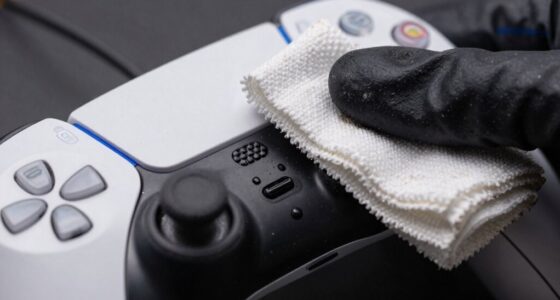
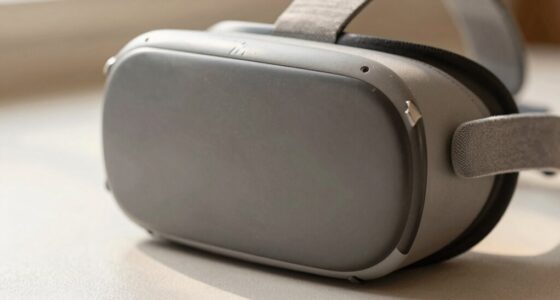
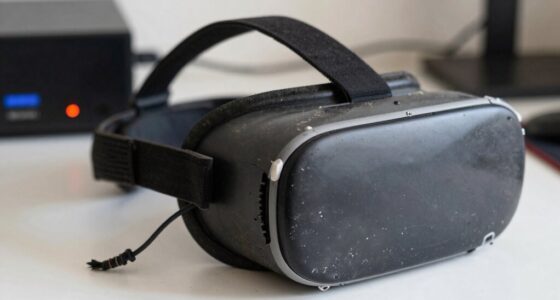
One of the first priorities is to gradually transition out of the virtual environment. Instead of abruptly removing your headset, you should follow a series of steps that allow your senses and body to readjust. This means slowly lowering your VR headset, taking a moment to pause, and giving yourself time to process the change from virtual to real-world surroundings. Doing so helps maintain your spatial awareness and reduces disorientation, which is crucial for safety. Moreover, this transition period supports user comfort, especially after long sessions, by preventing dizziness or nausea. You should also consider incorporating brief stretches or deep breaths, helping your body relax and easing any tension built up during your VR experience. Engaging in a sensory reset can further enhance your comfort and mental clarity as you transition back to daily life. Incorporating mindfulness techniques during this period can help you stay grounded and focused. Ensuring your environment is clear of obstacles during this transition also contributes to safety, especially if you need to move around immediately afterward. Additionally, practicing proper hardware maintenance can extend the lifespan of your equipment and maintain optimal performance.
Creating a consistent routine helps your mind recognize when a session is ending, which can improve focus and reduce the likelihood of abrupt disengagement. For example, you might establish a routine where you first remove the VR headset, then spend a minute reviewing your session’s highlights or noting areas for improvement. This mental wrap-up encourages reflection and reinforces what you’ve learned or enjoyed, making your VR time more meaningful. Additionally, turning off the VR device properly—using the designated power button and ensuring the system powers down correctly—prevents unnecessary wear and tear on your hardware. Proper shutdowns also contribute to a smoother experience next time you log in.
User comfort extends beyond physical ease to include mental readiness. Ending your session with a few moments of mindfulness or relaxation techniques can help you transition smoothly back into your daily routine. This mental reset minimizes stress and prevents overstimulation, which is especially important if you’re using VR for training or therapeutic purposes. Also, taking a few minutes to hydrate or move around after your session can help your body recover from the physical demands of VR. These small habits foster a positive association with your VR routine, encouraging you to stick with it consistently. Recognizing the importance of proper hardware maintenance also ensures your equipment remains safe and reliable over time. Moreover, staying informed about your VR device’s maintenance needs can prevent potential technical issues and improve your overall experience.
Products Worth Considering

Logitech MX Master 4 Ergonomic Wireless Mouse with Haptic Feedback, Graphite

LG UltraGear 32GS60QC-B 32-inch Curved QHD Gaming Monitor (180Hz, 1ms, 1000R, AMD FreeSync, HDR10)

Bose QuietComfort 45 SE Wireless Noise-Cancelling Over-Ear Headphones
As an affiliate, we earn on qualifying purchases.
Frequently Asked Questions
How Long Should My End-Of-Session VR Routine Be?
Your end-of-session VR routine should last about 5 to 10 minutes. Use this time for post-session hydration to replenish fluids and support recovery. Incorporate a mental cooldown by slowly removing your headset, stretching, and practicing deep breathing. This helps your mind process the experience, reduces fatigue, and prevents discomfort. Keep it brief but intentional, ensuring you finish your VR session feeling refreshed and balanced.
Can I Customize My Routine for Different VR Experiences?
Yes, you can customize your routine for different VR experiences. Personalization options like adjusting the duration, incorporating specific stretches, or using different calming techniques enhance your routine’s effectiveness. Routine flexibility allows you to tailor your end-of-session activities based on the intensity of each experience. This way, you make each session more comfortable and restorative, ensuring you’re prepared for your next VR adventure while maintaining your well-being.
What Equipment Is Essential for an Effective Routine?
Think of your VR setup as your trusted vehicle—essential equipment keeps you safe and smooth. You’ll need a high-quality headset, comfortable straps, and controllers for precise interactions. A face cover for VR safety, along with regular equipment maintenance, guarantees longevity and performance. Don’t forget a safe play area, and consider wrist straps to prevent accidental drops. These essentials create a secure, enjoyable experience every time you immerse yourself in virtual worlds.
How Often Should I Update or Change My Routine?
You should update your routine every few weeks to maintain routine consistency and prevent boredom. Incorporating session variety keeps your experience fresh and engaging, so don’t be afraid to experiment with different activities or features. Regular updates guarantee your routine stays aligned with your goals and interests, helping you stay motivated and maximize the benefits of your VR sessions. Listen to your body and adjust as needed for ongoing improvement.
Are There Any Risks Associated With Specific End-Of-Session Activities?
Yes, there are health concerns and injury prevention risks with certain end-of-session activities. For instance, abrupt physical movements or overstretching can cause strain or injury, especially if you’re fatigued. To stay safe, listen to your body and avoid activities that cause discomfort. Incorporate gentle stretching and hydration into your routine, and take breaks to prevent overexertion. Always prioritize safety to protect your health during and after VR sessions.
Conclusion
So, after all that effort to craft a seamless “end of session” VR routine, you might think it’s the ultimate way to unwind. Ironically, the most effective routine might just be the simplest—taking off the headset, stretching, and stepping back into reality. Sometimes, the best way to disconnect from virtual worlds is to leave them behind entirely. After all, isn’t it funny how the real world often offers the most genuine escape?