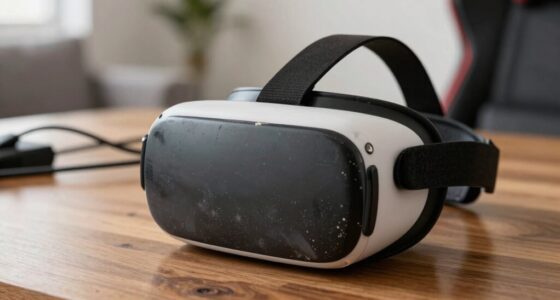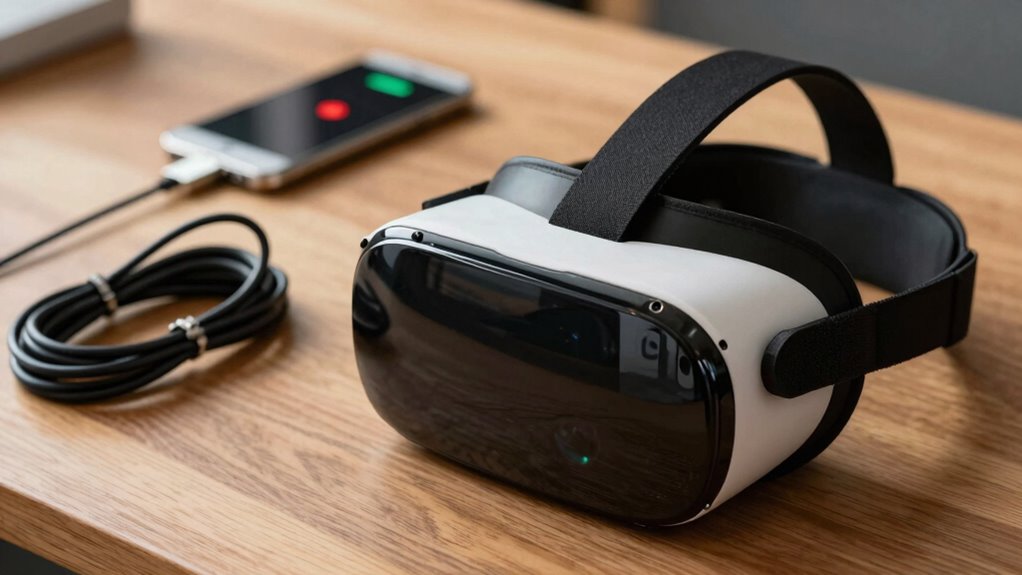

Your charging habits greatly impact your VR gear’s lifespan. Charging to 100% or letting the battery drain completely causes faster capacity loss, reducing overall battery health. Keeping charge levels between 20% and 80% helps prolong battery life and maintains peak performance. Using high-quality chargers and avoiding frequent deep discharges can also prevent internal damage. By following proper charging practices, you guarantee your VR gear stays reliable longer, and there’s more to discover about maximizing its longevity.

Play games on Amazon Luna for your next adventure, included with Prime
- A rotating selection of games, no download needed
- Play on TV, laptop or phone
- Fast, free delivery for your gear, too
Key Takeaways
- Poor charging habits, like frequent full discharges, accelerate battery capacity loss in VR gear.
- Charging to 100% or draining completely stresses the battery, reducing overall lifespan.
- Maintaining optimal charge levels (20-80%) helps preserve battery health for longer VR use.
- Using incompatible or low-quality chargers can cause inconsistent power and damage internal components.
- Consistent, proper charging practices prevent capacity degradation and ensure reliable VR gear performance.

Proper charging habits are essential to ensuring your VR gear stays functional and reliable over time. The way you handle charging directly impacts battery health, which in turn affects the overall longevity of your device. One crucial practice is performing regular battery calibration. This means occasionally letting your VR headset’s battery drain completely before charging it back to full capacity. Calibration helps the device’s software accurately estimate remaining battery life, preventing unexpected shutdowns and ensuring optimal performance. If you skip this step, the battery’s capacity readings can become skewed, leading to over- or underestimating how much charge is left. Over time, inaccurate readings can cause you to overcharge or undercharge, both of which can deteriorate the battery faster. Regular calibration also helps maintain the accuracy of battery indicators, which is crucial for managing your device’s power effectively. Additionally, maintaining a stable power supply can prevent unnecessary strain on the battery and internal components, further extending your device’s lifespan. Using a consistent power source can also help avoid voltage fluctuations that might harm your device. To further protect your device, it’s beneficial to understand the impact of temperature on battery performance, as extreme heat or cold can accelerate capacity loss. Exposure to extreme temperatures during charging or storage can significantly reduce your battery’s lifespan. Another vital aspect of good charging habits is power surge protection. Power surges, which can occur during electrical storms or fluctuations, pose a serious threat to your VR gear. They can cause sudden voltage spikes that damage internal components or degrade the battery’s lifespan. Using a surge protector between your charging cable and power outlet creates a buffer, absorbing unexpected voltage spikes and shielding your device from potential harm. Investing in a reliable surge protector isn’t just about preventing immediate damage; it’s also about preserving the battery’s health long-term. When your VR gear is protected from power surges, the risk of internal damage diminishes, helping your device maintain consistent performance over the years. Beyond these practices, you should also avoid charging your VR gear to 100% or letting it drain completely too often. Keeping the battery level between roughly 20% and 80% can extend its lifespan. Frequent full charges or deep discharges stress the battery, accelerating capacity loss. Using the device’s built-in settings or third-party apps to monitor and manage charging levels can help you stick to this ideal range. Additionally, always use the original charger or a high-quality replacement specified by the manufacturer. Cheap or incompatible chargers can deliver inconsistent power, leading to potential damage or reduced battery efficiency.
Products Worth Considering

Kindle Paperwhite Signature Edition 32GB (2024) – Auto-adjusting front light, wireless charging, weeks of battery life – Metallic Black

Kindle Paperwhite 16GB (2024) – 7 Glare-Free Display, Weeks Battery Life – Black

Amazon Kindle Scribe (64GB) with Premium Pen, Metallic Jade
As an affiliate, we earn on qualifying purchases.
Frequently Asked Questions
How Does Temperature Impact VR Gear Battery Health During Charging?
Temperature impacts your VR gear battery health during charging by affecting its overall lifespan. Temperature fluctuations can cause the battery to expand or contract, leading to potential damage over time. Charging safety is vital—avoid charging in extreme heat or cold, as high temperatures accelerate battery degradation and cold temperatures reduce efficiency. Keep your device in a stable, moderate environment to guarantee ideal battery health and prolong your VR gear’s longevity.
What Are Signs of Battery Degradation in VR Headsets?
Did you know that VR batteries typically lose about 20% of their capacity after 300 charging cycles? Signs of battery degradation include shorter playtime, the headset taking longer to charge, or sudden power-offs. You might also notice the device heats up excessively during charging or drops in performance. Keeping an eye on these signs helps you gauge when your VR headset’s battery needs replacement or careful management.
Can Using Third-Party Chargers Harm VR Device Batteries?
Using third-party chargers can harm your VR device batteries if they lack proper battery compatibility. These chargers might not deliver the correct voltage or current, which can lead to overheating, reduced battery lifespan, or even damage to the internal components. Always check that the third-party charger matches your device’s specifications. Choose reputable brands to guarantee safe charging, helping maintain your VR gear’s battery health and longevity.
How Often Should I Calibrate My VR Headset Battery?
Think of your VR headset battery like a car’s fuel gauge—keeping it accurate is key. You should calibrate your battery every few months or if you notice unexpected power drops. Proper battery calibration helps maintain peak performance. Keep an eye on your Charging frequency, avoiding overcharging or letting it drain completely often. This way, your VR gear stays reliable, and its longevity gets a boost.
Does Charging Speed Affect VR Gear Battery Lifespan?
Charging speed does impact your VR gear’s battery lifespan. Fast charging can generate more heat, which affects charging safety and accelerates battery capacity degradation over time. To prolong your headset’s battery life, avoid consistently using quick chargers and opt for slower, controlled charging methods. This helps maintain peak battery health, reduces heat stress, and ensures your VR gear stays reliable and ready for longer sessions.
Conclusion
By adopting mindful charging habits, you can extend your VR gear’s lifespan, much like tending a delicate plant—you nurture it carefully, avoiding sudden shocks or neglect. I once ignored my headset’s warning signs, and it soon lost power unexpectedly, like a wilting flower. Remember, consistent, gentle care keeps your device thriving. So, treat your VR gear like a precious seed, and it’ll reward you with many immersive adventures for years to come.