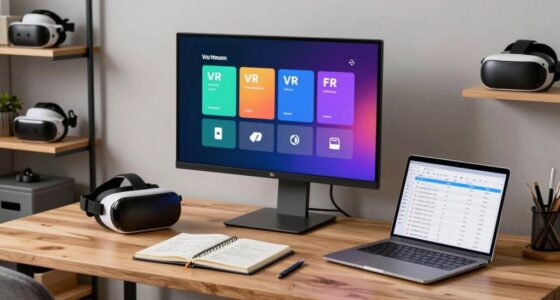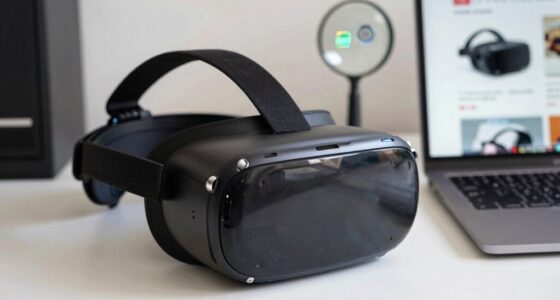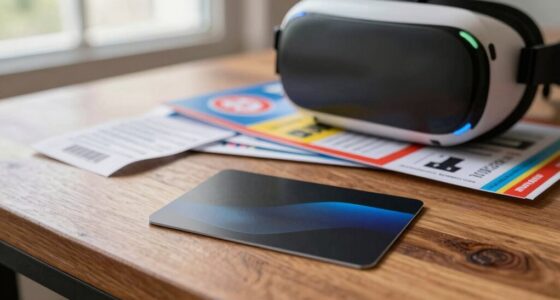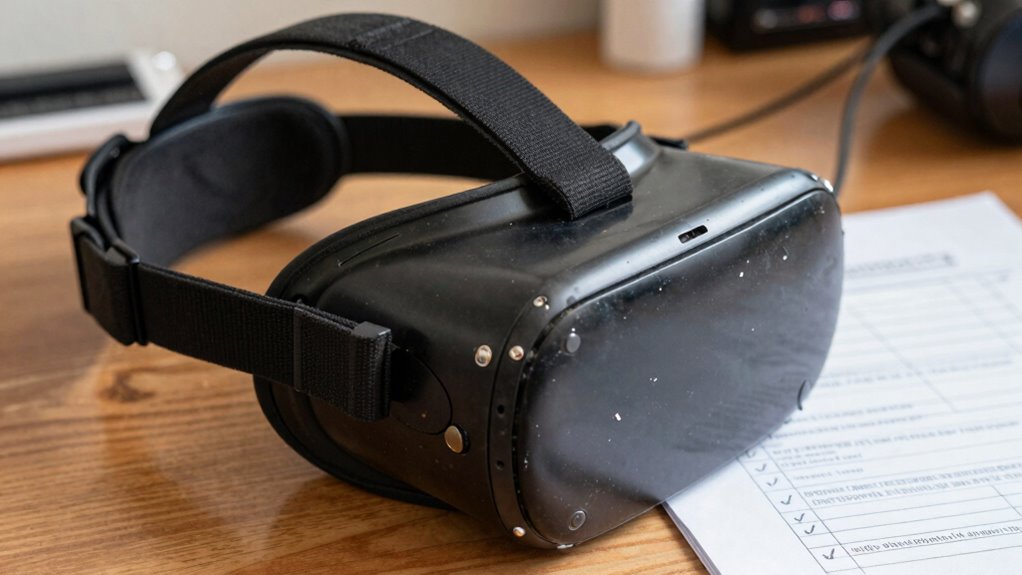

Before trusting used VR gear, inspect the device thoroughly. Check for obvious damage, dirt, sweat, or oils around the padding and straps, and confirm it turns on and functions correctly. Verify compatibility with your PC or console and ensure firmware is up to date. Assess the physical condition of lenses, cables, and sensors. Confirm hygiene and cleanliness to prevent skin irritation. If you want detailed steps for a safe purchase, continue exploring this essential checklist.
Key Takeaways
- Verify headset hygiene by inspecting for dirt, sweat, and confirming proper cleaning practices.
- Ensure compatibility with your PC or console, checking model, connection types, and firmware updates.
- Examine physical condition for damage, wear, and cleanliness of lenses, padding, and cables.
- Test all functions, including sensors, buttons, and tracking, to confirm proper operation.
- Review seller’s return policy and request proof of functionality to avoid future issues.
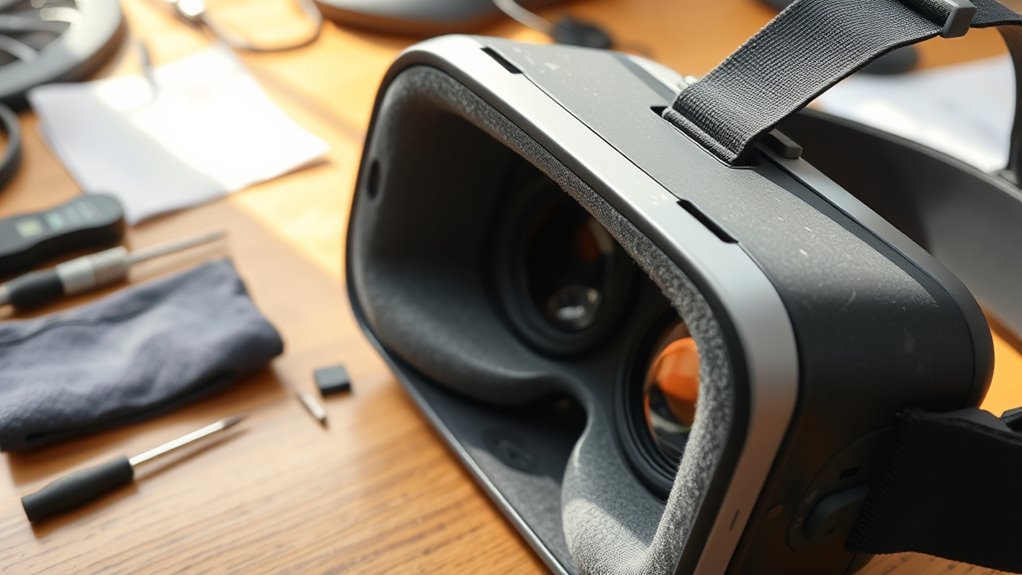
Buying used VR gear can be a great way to save money, but it also requires careful inspection to guarantee you’re getting quality equipment. The first thing you need to consider is headset hygiene. VR headsets are worn directly on your face, so it’s essential to ensure they’re clean and free of bacteria or residue. Ask the seller about how they’ve maintained the device. Look for any visible signs of dirt, sweat, or skin oils, especially around the facial padding and straps. If possible, request to see the headset turned on or cleaned with disinfectant wipes to assess its cleanliness. Remember, a well-maintained headset not only provides a more pleasant experience but also reduces the risk of skin irritation or infections.
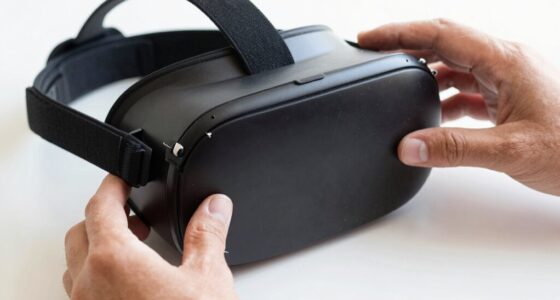
Check used VR headsets for cleanliness to ensure a safe and comfortable experience.
Next, you must verify compatibility testing. VR headsets vary widely in terms of the hardware and software they support. Before purchasing, check the model number and make sure it’s compatible with your PC or gaming console. Confirm whether the headset connects via HDMI, DisplayPort, or USB, and ensure your system has the necessary ports. It’s also wise to verify the firmware version installed on the device and whether it’s up-to-date. Compatibility testing involves connecting the headset to your system if possible, or at least requesting proof of proper functionality via photos or videos. This step helps you avoid surprises upon setup, such as the headset not working with your existing hardware or requiring additional updates, which could cost extra or delay your enjoyment. Additionally, considering ventilation considerations can help maintain the device’s longevity and comfort during extended use.
In addition to hygiene and compatibility, examine the physical condition of the headset. Look for any cracks, broken straps, or damaged cables. Pay particular attention to the lenses; they should be free of scratches, fogging, or other impairments that could affect your visual experience. Check the foam padding for wear and tear, as worn padding can be uncomfortable and less hygienic. Also, verify that all the sensors, buttons, and tracking systems are functioning correctly. If the seller has a return policy or warranty, ask about it upfront. This provides some assurance that you can return or exchange the device if it doesn’t perform as expected.
Ultimately, inspecting used VR gear thoroughly — focusing on headset hygiene, compatibility testing, physical condition, and functionality — helps ensure you’re investing in a device that’s safe, compatible, and ready to deliver a quality VR experience. Taking these precautions means you’ll avoid surprises and maximize your enjoyment from your new-to-you VR setup.
Frequently Asked Questions
How Long Do Used VR Headsets Typically Last?
Used VR headsets typically last around 2 to 4 years, depending on usage and care. You should check the virtual fit and inspect the hardware lifespan to guarantee it’s still reliable. Frequent use can wear out components, but proper maintenance can extend its life. Keep in mind, older devices might have diminished performance or compatibility issues, so always verify the condition before trusting a used VR headset.
Can I Upgrade Parts of a Used VR System?
You can upgrade parts of a used VR system, but it depends on compatibility. While swapping out controllers or upgrading the headset’s sensors can boost performance, guarantee your new parts match your existing VR headset’s calibration and VR controller compatibility. Check if the firmware supports upgrades, and verify connections. Upgrading can extend your system’s lifespan, but always research compatibility to avoid costly mistakes or issues with calibration accuracy.
What Are Signs of Internal Damage in Used VR Gear?
If you’re checking for internal hardware damage, start with a thorough visual inspection of the VR gear. Look for any cracks, corrosion, or bent components inside the device. Unusual discoloration or burnt smells can also indicate internal damage. Pay close attention to cables and connectors, ensuring they’re secure and undamaged. If you notice any of these signs, it’s best to avoid trusting the gear until it’s properly repaired or tested.
Is There a Warranty on Used VR Equipment?
Yes, there can be a warranty on used VR equipment, but it often depends on the seller’s reputation and the refurbishment process. Reputable sellers usually offer limited warranties, giving you peace of mind. Always ask about warranty details before purchasing and verify that the gear has undergone a thorough refurbishment process. This way, you guarantee you’re buying from a trustworthy source and protect yourself against potential issues.
How Do I Verify the Authenticity of Used VR Accessories?
You verify the authenticity of used VR accessories by performing a virtual fit, ensuring the parts match your device specifications, and conducting a compatibility check to confirm they work seamlessly with your system. Check for original packaging, serial numbers, and manufacturer logos. Test the accessories thoroughly, look for signs of tampering or damage, and ask for proof of purchase. These steps help you confidently trust your used VR gear.
Conclusion
Just like a wise explorer checks their compass before venturing into uncharted territory, always inspect your used VR gear thoroughly. Ensuring it’s in top shape isn’t just about longevity—it’s about safeguarding your immersive adventures. Don’t let hidden flaws turn your virtual journeys into real-world frustrations. With careful inspection, you’re setting yourself up for seamless experiences, ready to embrace new worlds like a seasoned adventurer. Trust your checklist, and let your VR adventures unfold without a hitch.