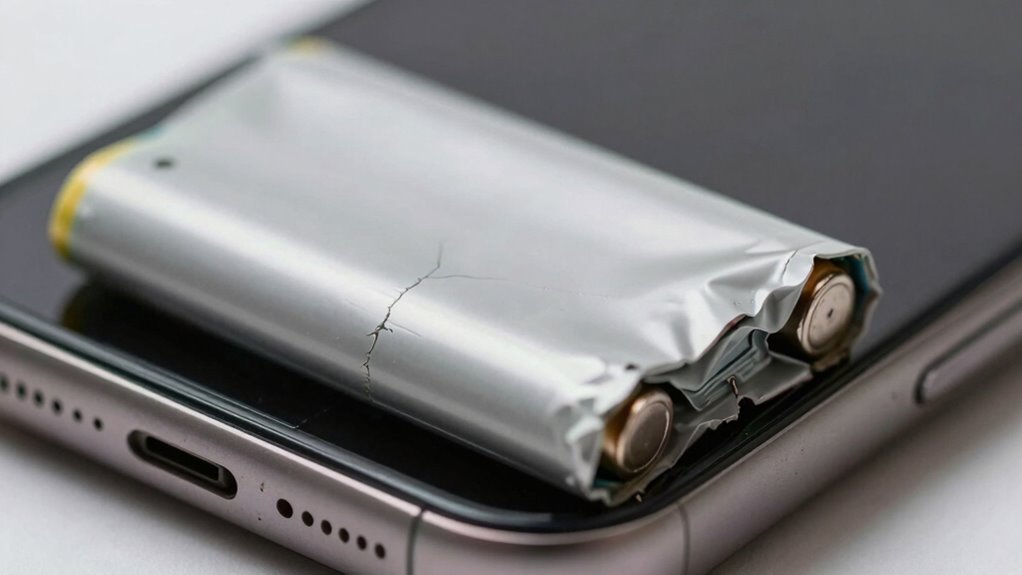

If your battery is swelling, you’ll notice visible signs like a bulging or warped device back cover, and the battery compartment might be puffed out or deformed. You might also feel unusual warmth or overheating, and your device could drain faster than normal. Sometimes, you’ll hear hissing, cracking sounds, or even see leaks or smell chemical odors. Ignoring these signs can be dangerous, so keep an eye out—more important details follow.
Key Takeaways
- Look for visible swelling, bulging, or deformation around the battery area or device back cover.
- Feel for unusual warmth or overheating during use or charging sessions.
- Notice if the device’s shape appears warped or swollen, indicating internal damage.
- Listen for hissing, cracking, or gas escaping sounds from the device or battery compartment.
- Observe if the battery drains quickly, cannot hold a charge, or the device shows decreased performance.
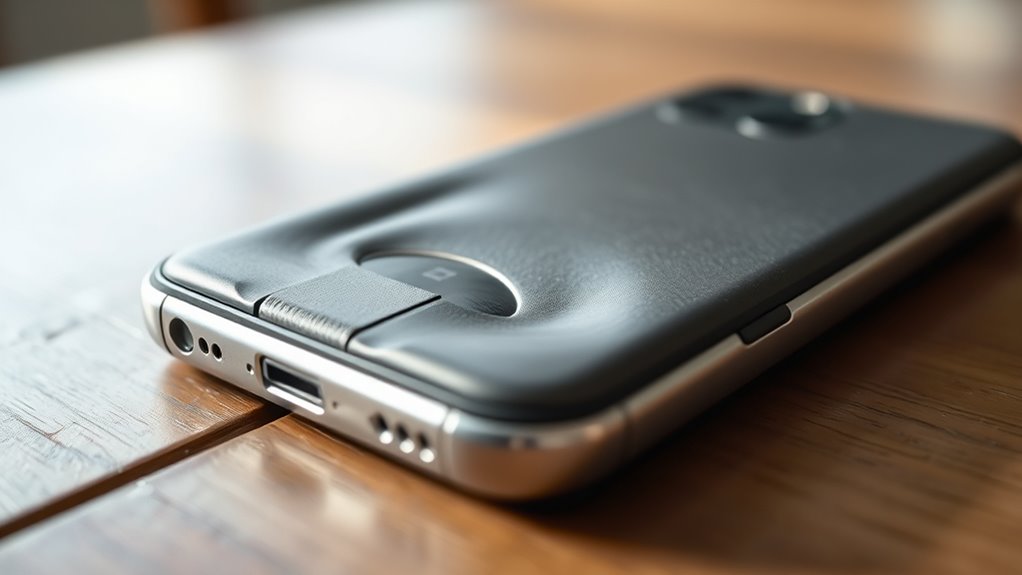
Battery swelling is a serious issue that can pose safety risks if left unchecked. When your battery begins to swell, it’s often a sign of underlying problems like battery deformation and internal damage that need immediate attention. You might notice your device feels unusual or looks different, and that’s a red flag. Swelling occurs because the internal components of the battery are compromised, usually from overcharging, age, or manufacturing defects, leading to gas buildup inside the cell. This internal damage causes the battery to expand, resulting in noticeable physical changes.
One of the clearest warning signs is visible swelling or bulging around the battery area. If your device’s back cover appears puffed out, warped, or has a swollen battery compartment, you should stop using it right away. This deformation isn’t just cosmetic; it’s a sign that the internal damage has become severe enough to physically distort the battery’s shape. Over time, this deformation weakens the battery’s structure, increasing the risk of leaks, overheating, or even explosions. Don’t ignore these signs, as they can escalate quickly.
You may also feel a change in how your device operates. For example, if your phone or laptop suddenly becomes unusually warm or hot during use or charging, that’s a possible indicator of internal damage and faulty chemistry within the battery. Overheating can accelerate swelling and damage, creating a dangerous situation. Similarly, if your device’s battery drains faster than usual or refuses to hold a charge, internal damage might be the cause. A swelling battery often signals compromised cell integrity, which hampers the battery’s ability to store and deliver power efficiently.
Physical signs aren’t the only clues. Listen for unusual sounds, such as hissing or cracking noises coming from your device, especially when charging or in use. These sounds can indicate that gas is escaping from the damaged cells, a dangerous situation that warrants immediate action. Additionally, if you notice any leaking substance around the battery or device, don’t attempt to handle it yourself. The chemicals inside a swollen battery can be harmful and require professional disposal. Proper disposal methods are essential to ensure safety and environmental protection.

Whites 802-7150 Battery Pack Repair Kit
As an affiliate, we earn on qualifying purchases.
As an affiliate, we earn on qualifying purchases.
Frequently Asked Questions
Can a Swollen Battery Still Be Used Safely Temporarily?
You shouldn’t use a swollen battery even temporarily, as it poses safety risks. Continuing to use it can cause leaks, fires, or explosions, so you need to handle it carefully. Immediately stop using the device, avoid charging it, and dispose of the battery properly through a battery disposal facility. To prevent swelling in the future, avoid overcharging, keep batteries cool, and use compatible chargers to promote swelling prevention.
How Long Does It Take for a Battery to Swell Noticeably?
Typically, a battery’s swelling timeline varies based on usage and age, but noticeable swelling can occur within months of its lifespan. Some batteries swell quickly due to manufacturing defects or damage, while others take longer. You shouldn’t wait for swelling to become obvious—regularly check for early warning signs. If you notice any bulging or irregular shape, stop using it immediately to prevent safety hazards.
Are Certain Devices More Prone to Battery Swelling?
Yes, certain device types are more prone to battery swelling. Devices with larger batteries, like laptops and tablets, often experience swelling more than smaller gadgets such as smartwatches or fitness trackers. Lithium-ion and lithium-polymer batteries are common in these devices, so it’s vital to prioritize device safety. Avoid overcharging, using damaged batteries, or exposing devices to extreme heat, which can increase swelling risks in these battery types.
Can External Damage Cause Battery Swelling?
Yes, external impact can cause battery swelling by damaging the battery casing or internal components. When your device experiences a strong external impact, it can lead to internal pressure buildup, resulting in the battery swelling. You should inspect the battery casing for any dents, cracks, or bulges after an impact. If you notice swelling or other damage, stop using the device immediately to prevent potential hazards.
What Should I Do Immediately if My Battery Begins to Swell?
Imagine your device as a fragile balloon about to burst. If your battery swells, power it down immediately and avoid using or charging it. Carefully disconnect it from power and handle it with protective gloves. Then, follow proper battery disposal procedures—do not throw it in the trash. Replace your device soon, as continued use can be dangerous; consider professional recycling or disposal options for safety.
battery swelling detection tools
As an affiliate, we earn on qualifying purchases.
As an affiliate, we earn on qualifying purchases.
Conclusion
Being aware of battery swelling signs can save you from potential hazards. If you notice bulging, leaks, or the device feeling unusually hot, stop using it immediately. Did you know that swollen batteries are responsible for over 2000 fires annually? By staying vigilant and acting quickly, you can prevent accidents and guarantee your safety. Always inspect your devices regularly and replace batteries at the first sign of trouble—your safety depends on it.
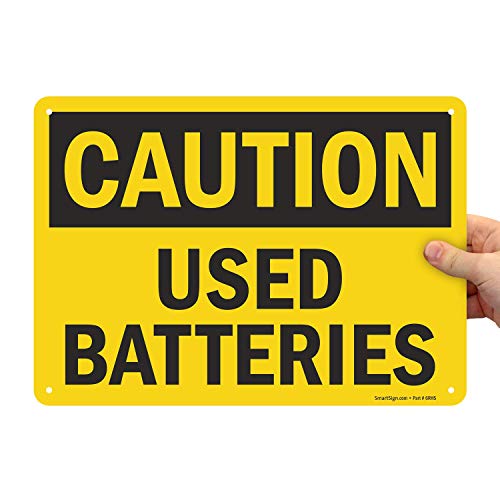
SmartSign "Caution – Used Batteries" Sign | 10" x 14" Plastic
- Material: 55 mil HDPE plastic for durability
- Weather Resistance: Lasts up to 2 years outdoors
- Eco-Friendly: 100% recyclable base material
As an affiliate, we earn on qualifying purchases.
As an affiliate, we earn on qualifying purchases.

iHealth Neo Wireless Blood Pressure Monitor, Upper Arm BP Machine with App
- Clinically Validated Accuracy: No calibration needed, certified standards
- Fast & Gentle Measurement: Comfortable inflation, quick results in 30-60s
- Ultra Thin & Portable: Lightweight, sleek design for easy carrying
As an affiliate, we earn on qualifying purchases.
As an affiliate, we earn on qualifying purchases.