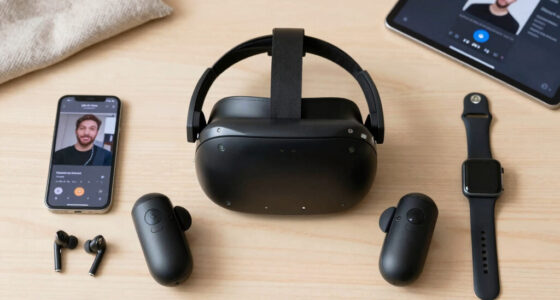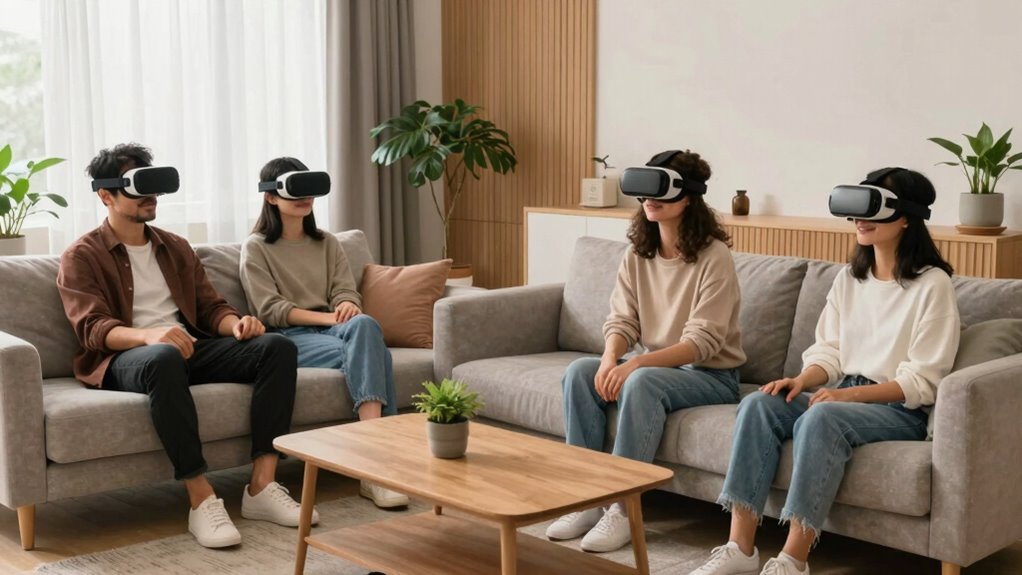

To make VR feel more natural in shared spaces, focus on improving motion tracking for precise avatar gestures and using tactile and auditory feedback to enhance realism. Guarantee the environment responds intuitively to your actions, with smooth physics and animations mimicking real-world behaviors. Reducing tracking errors and updating your system regularly will boost immersion. Keep exploring ways to refine these elements, as these improvements can transform your shared VR experiences into truly lifelike interactions.
Key Takeaways
- Enhance motion tracking accuracy to ensure avatar gestures and movements match real actions seamlessly.
- Integrate tactile feedback and spatial audio for more realistic, multi-sensory interactions.
- Develop responsive environments that react intuitively to user gestures and actions.
- Regularly update tracking systems to reduce errors and improve responsiveness.
- Focus on realistic physics and smooth animations to reinforce natural, believable interactions.
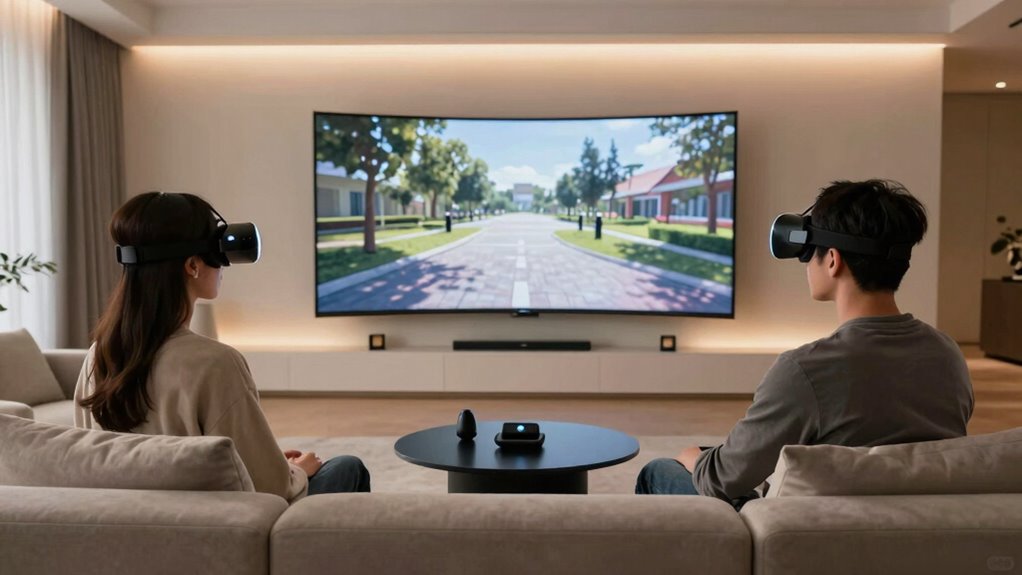
Virtual reality can feel incredibly immersive when designed well, but making it truly natural in shared spaces remains a challenge. When you’re interacting with others in a VR environment, the goal is to create a seamless experience that mimics real-world interactions as closely as possible. To do this, you need to pay attention to the sensory details that make conversations and movements believable. Haptic feedback plays an essential role here, providing tactile sensations that let you feel virtual objects or the touch of other users. When someone taps your shoulder or hands you a virtual object, haptic devices can simulate these sensations, making interactions feel more genuine. Pairing this with spatial audio enhances the sense of presence by accurately representing sound sources relative to your position. As you move your head or change your orientation, spatial audio adjusts naturally, so voices, footsteps, or environmental sounds seem to come from the correct direction. This combination of tactile and auditory cues is vital in creating a shared VR space that feels alive and responsive.
To make shared experiences more natural, you also need to take into account how users’ movements are tracked and reflected in the virtual environment. Precise motion tracking ensures that your avatar’s gestures and body language match your real actions, reducing dissonance that can break immersion. When your avatar moves smoothly and accurately, it’s easier to communicate non-verbally and connect with others. Incorporating realistic physics and animations helps reinforce this connection, so gestures like handshakes or pointing are fluid and convincing. The environment itself should respond intuitively to your actions, whether you’re grabbing a virtual object or gesturing to someone across the room. Achieving accurate motion tracking is crucial for maintaining the illusion of natural interaction and presence in shared VR spaces. Additionally, consistent updates in tracking technology contribute to reducing tracking errors, which helps maintain a more believable and immersive experience. Implementing advanced tracking systems can further enhance the precision and responsiveness of user movements. Ensuring the system stability of VR platforms is also essential to prevent disruptions that could pull users out of the experience. Moreover, advancements in sensor technology continue to push the boundaries of what’s possible for natural interaction.

Wireless Full Body Tracking Kit, BNO085 IMU Motion Trackers, Rechargeable Wearable VR Motion Sensors for PC VR Applications and Motion Tracking Setup(2 BNO085 trackers)
- Sensor Type: BNO085 IMU motion sensor
- Tracking Capability: Supports full body movement tracking
- Design: Lightweight and wearable for comfort
As an affiliate, we earn on qualifying purchases.
As an affiliate, we earn on qualifying purchases.
Frequently Asked Questions
How Does Latency Affect Shared VR Experiences?
Latency impact in shared VR experiences can be significant, causing delays between your actions and what you see. When latency is high, it disrupts real time feedback, making interactions feel unnatural or laggy. This can lead to disorientation or discomfort for you and others. To keep shared spaces immersive, reducing latency is essential, ensuring actions are synchronized seamlessly, and maintaining a smooth, realistic environment for everyone involved.
What Safety Measures Are Recommended for Shared VR Environments?
You should implement safety measures like setting clear boundaries using boundary systems and encouraging regular breaks. Incorporate haptic feedback to alert players when they near boundaries, and use spatial audio cues to enhance awareness of your surroundings. These features help maintain safety, prevent collisions, and keep everyone comfortable, ensuring a more natural and immersive shared VR experience. Always communicate safety guidelines clearly before starting, and supervise sessions when possible.
Can Multiple Users Wear Different VR Headsets Simultaneously?
Yes, multiple users can wear different VR headsets simultaneously, enabling multiplayer collaboration. This setup allows each person to customize their avatar, enhancing immersion and interaction. Some concerns include hardware compatibility and tracking accuracy, but with the right systems, everyone can participate comfortably. Embracing diverse headsets fosters a dynamic shared experience, making virtual collaboration more natural and engaging.
How Do You Synchronize Interactions Between Multiple Users?
To synchronize interactions between multiple users, guarantee your VR platform supports real-time data sharing. Use avatar customization so each user can personalize their presence, making interactions more natural. Implement user presence indication—like highlighting avatars or displaying status icons—to keep everyone aware of each other’s actions. Regularly update positional tracking and communication protocols to minimize lag, ensuring smooth, synchronized experiences that enhance immersion and make shared VR spaces feel more authentic.
What Privacy Concerns Arise in Shared VR Spaces?
Are you aware of the privacy concerns in shared VR spaces? You might worry about data collection, unauthorized access, or sensitive information leaks. To address these, make sure your platform has clear privacy policies and uses data encryption to protect your interactions. By staying informed and vigilant, you can enjoy shared VR experiences while safeguarding your personal information and maintaining control over your digital footprint.

AMVR Controller Straps VR Haptic Feedback Golf Club Attachment Compatible with Meta/Oculus Quest 3/Quest 3S
- Extended and Weighted Design: 31.5-inch length with 34g weight block
- Realistic Haptic Feedback: Vibration and sound for immersive experience
- Secure Metal Snap Structure: Ensures safety during vigorous swings
As an affiliate, we earn on qualifying purchases.
As an affiliate, we earn on qualifying purchases.
Conclusion
By blending boundaries and boosting comfort, you create a seamless, social space where virtual and real worlds collide effortlessly. When you prioritize positioning, personalize perspectives, and promote playful participation, your shared VR experience becomes more natural and inviting. Remember, fostering familiarity fuels fun, and a friendly, fluid environment encourages everyone to engage with ease. So, step into these settings with confidence, and watch your shared spaces turn into lively, lovable landscapes where everyone feels equally at home.
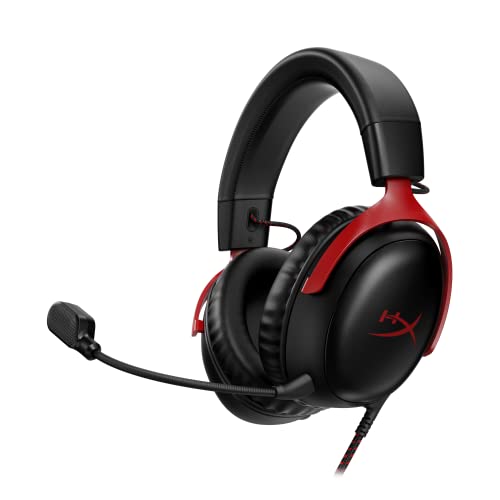
HyperX Cloud III – Wired Gaming Headset, PC, PS5, Xbox Series X|S, Angled 53mm Drivers, Spatial Audio, Memory Foam, Durable Frame, Ultra-Clear 10mm Mic, USB-C, USB-A, 3.5mm – Black/Red
- Comfortable Fit: Designed for all-day gaming comfort
- Optimized 53mm Drivers: Angles for immersive sound experience
- High-Quality Microphone: Noise-cancelling with LED mute indicator
As an affiliate, we earn on qualifying purchases.
As an affiliate, we earn on qualifying purchases.

HTC 3 Pack VR VIVE Tracker (3.0) – with Rebuff Reality TrackBelt + 2 TrackStraps Full Body Tracking VR Bundle, Black
- Package Includes: 3 HTC VIVE Trackers and accessories
- Full Body Tracking: Accurate motion capture for immersive VR
- Easy Setup: Connect via USB with included accessories
As an affiliate, we earn on qualifying purchases.
As an affiliate, we earn on qualifying purchases.