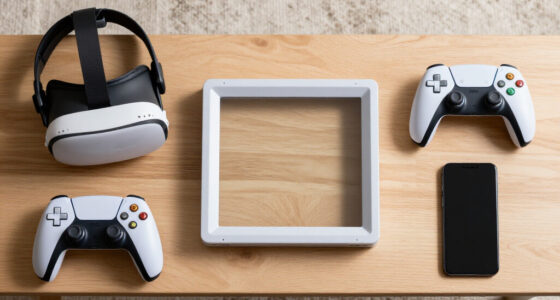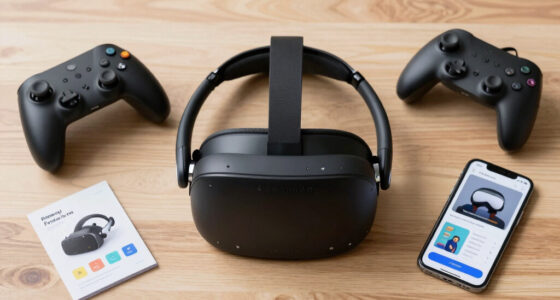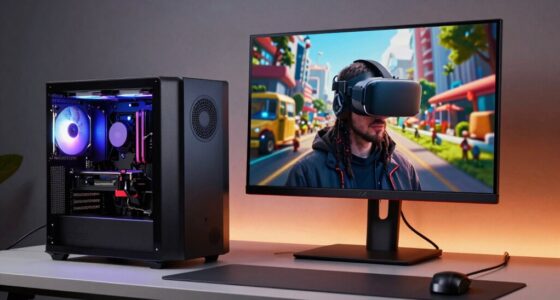
Having too many devices on your network can hurt VR streaming quality because they compete for bandwidth, causing lag, buffering, and visual glitches. When multiple gadgets transmit data at once, your connection becomes congested, leading to higher latency and slower speeds. This limits the smooth graphics and real-time interaction essential for VR. If you want to know how to prevent these issues and improve your experience, there’s more to discover that can help.

Get VR and gaming gear delivered free — and shop member deals
- Fast, free delivery on millions of items
- Access to Prime Big Deal Days deals on October 6–7
- Prime Video, Amazon Music and more included
Key Takeaways
- Multiple devices compete for bandwidth, causing network congestion and reducing VR streaming quality.
- Overloaded Wi-Fi networks lead to lag, buffering, and visual artifacts in VR experiences.
- Insufficient or outdated network hardware can’t handle high data loads, impacting performance.
- Device incompatibility or interference can disrupt data transmission, degrading VR stream stability.
- Poor network management and lack of prioritization cause delays and quality drops in VR streaming.
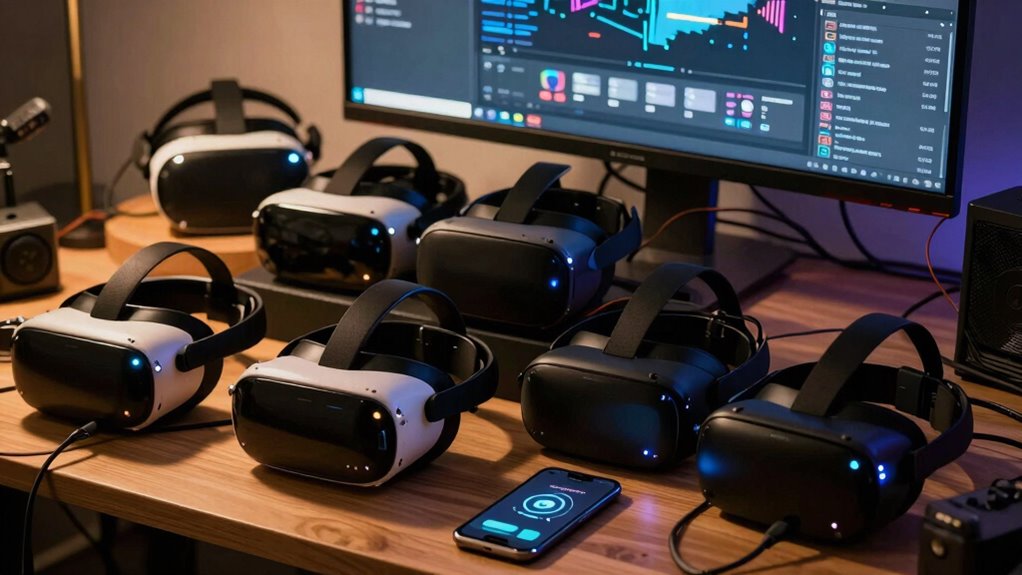
When it comes to experiencing virtual reality, the device you choose can make all the difference in streaming quality. If your VR setup involves multiple devices, you might notice a decline in performance. Too many gadgets competing for bandwidth can cause lag, buffering, and a less immersive experience. To get the best VR stream, you need to understand how each device interacts within your system, especially when it comes to wireless connectivity and device compatibility.
Wireless connectivity plays a vital role in VR streaming. If you rely on Wi-Fi or Bluetooth to connect your headset, smartphone, or controllers, congestion on your network can lead to interruptions. Multiple devices transmitting data simultaneously can saturate your bandwidth, resulting in slower speeds, increased latency, and degraded visual quality. When your network becomes overwhelmed, your VR experience suffers, with noticeable lag or stuttering that pulls you out of immersion. To prevent that, you need to guarantee your wireless network has sufficient bandwidth and prioritize VR traffic. A dual-band router or a dedicated network for VR devices can help maintain a stable connection, reducing the chances of performance drops caused by too many connected gadgets. Additionally, ensuring your devices support the latest wireless standards can improve overall streaming stability. Managing network traffic effectively and understanding wireless bandwidth are crucial for optimal VR performance. Recognizing network congestion and how it impacts streaming can help you take proactive steps to optimize your setup. Keeping your network hardware updated can also prevent compatibility issues that hinder streaming quality.
Ensure your Wi-Fi has enough bandwidth and prioritize VR traffic for a smooth, immersive experience.
Device compatibility is another key factor. Not all devices work seamlessly together, especially when you have a mix of different brands or outdated hardware. If your VR headset isn’t fully compatible with the streaming platform or your controllers are incompatible with your device, you’re likely to face connectivity issues or poor streaming quality. When multiple devices are involved, it’s essential to verify that they support the latest standards and are designed to work with each other. This prevents unnecessary delays or data loss, which can compromise your VR experience. Also, incompatible devices may require additional adapters or software updates, adding complexity and potential points of failure. Keeping your firmware and software up to date can significantly improve device compatibility, ensuring all your hardware functions harmoniously, preventing avoidable disruptions. Being aware of device interoperability can help you identify and resolve issues before they impact your VR sessions.
dual band Wi-Fi router for VR streaming
As an affiliate, we earn on qualifying purchases.
As an affiliate, we earn on qualifying purchases.
Frequently Asked Questions
How Does Device Overheating Affect VR Streaming?
Device overheating can seriously affect your VR streaming experience. When your device gets too hot, thermal management systems kick in to cool it down, which can slow down performance or cause lag. Poor device cooling might also lead to overheating, resulting in dropped frames or stuttering. To prevent this, guarantee proper device cooling and good thermal management, keeping your device at ideal temperatures for smooth VR streaming and immersive gameplay.
Can Too Many Devices Cause Latency Issues?
Yes, too many devices can cause latency issues. When multiple gadgets operate simultaneously, they can create hardware interference, which disrupts data transmission. This interference can lead to delays, making your VR experience lag or feel sluggish. Additionally, managing numerous devices can distract you from the immersive experience, reducing user distraction and overall satisfaction. To maintain smooth streaming, limit device usage and guarantee your hardware is optimized for VR performance.
What Role Does Network Congestion Play in VR Quality?
Network congestion directly impacts VR quality by causing bandwidth limitations and packet loss. When too many devices use the same network, your connection struggles to handle the data flow, leading to lag or dropped data packets. This results in decreased image clarity, increased latency, and a less immersive experience. To improve VR streaming, verify your network isn’t overloaded, and prioritize bandwidth for your VR device to reduce congestion effects.
Do Older Devices Impact Overall Streaming Performance?
Older devices can negatively impact your overall streaming performance. They often lack the latest hardware compatibility and software enhancement, which are essential for smooth VR experiences. When you connect an outdated device, it may struggle to handle high-quality streams, causing lag, stuttering, or reduced resolution. To maintain peak performance, guarantee your setup uses up-to-date hardware and software, minimizing bottlenecks and providing a better, more immersive VR experience.
How Do Simultaneous Device Updates Affect Streaming Stability?
Simultaneous device updates can disrupt streaming stability because they demand more bandwidth and processing power, leading to lag or interruptions. When multiple devices update at once, it strains your network and affects device compatibility, making smooth VR streaming difficult. To maintain quality, space out updates and make sure your network has enough bandwidth. Regular, controlled update frequency helps keep your devices running efficiently without compromising streaming performance.
VR headset with high bandwidth support
As an affiliate, we earn on qualifying purchases.
As an affiliate, we earn on qualifying purchases.
Conclusion
While it might seem like more devices could enhance your VR experience, they often strain your system, causing lag and lower quality. Don’t worry—focusing on a few essential devices guarantees smoother streaming and better visuals. You might think upgrading all your gear is necessary, but sometimes, simplicity really is the key. Keep your setup streamlined, and you’ll enjoy immersive VR without frustrating interruptions. Your experience will be clearer, smoother, and more enjoyable—trust me, less really is more.
network prioritization device for VR
As an affiliate, we earn on qualifying purchases.
As an affiliate, we earn on qualifying purchases.
As an affiliate, we earn on qualifying purchases.
Fall Picks
fall essentials
As an affiliate, we earn on qualifying purchases.