To prevent most VR collisions, keep your play area clear of obstacles and guarantee your sensors are properly placed to cover all corners and movement zones. Use physical boundaries like foam padding or tape, and set up virtual cues within your system to warn you as you approach limits. Regularly calibrate your sensors and adjust boundaries for safety and accuracy. Staying attentive to room layout and sensor placement can help you move freely without worries—there’s more to optimize your setup effectively.
Key Takeaways
- Establish clear physical boundaries using visual cues like foam padding or tape.
- Position sensors at optimal heights and angles to ensure comprehensive coverage.
- Use virtual boundaries or wall markers within VR systems to define safe zones.
- Combine physical and virtual cues to enhance spatial awareness and prevent crossing limits.
- Regularly calibrate sensors for accurate motion detection and boundary response.
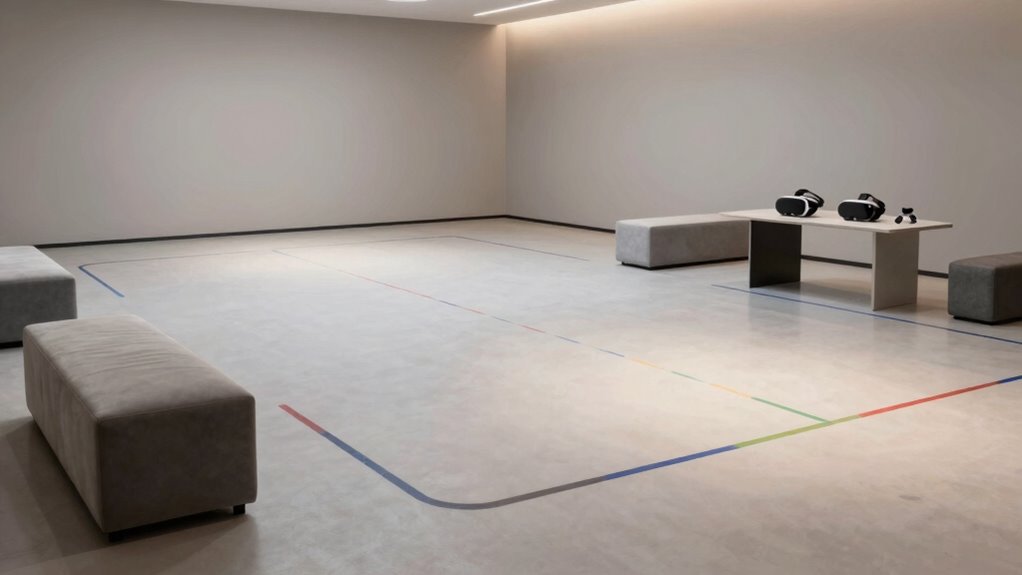
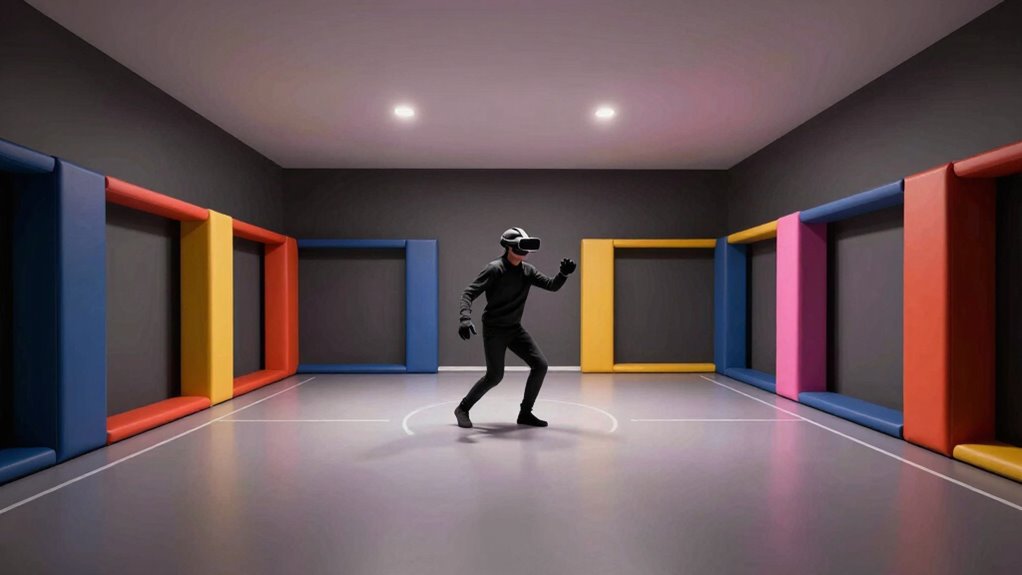
Have you ever wondered how to prevent collisions in your VR space? The key lies in understanding and applying a simple but effective room layout rule. Proper sensor placement and boundary design are critical components that can substantially reduce the risk of bumping into furniture, walls, or even people. When you set up your VR area, think about how sensors are positioned. You want to guarantee they cover every corner and movement zone completely. Place sensors at ideal heights and angles so that they capture your movements accurately from all directions. Avoid blind spots where sensors might miss your motions, which can lead to miscalculations and accidental collisions. Proper sensor placement creates a reliable boundary system that responds swiftly to your actions, preventing you from wandering into unsafe zones. Additionally, adjusting the sensor calibration ensures that the system accurately interprets your movements, further minimizing the risk of collisions. Boundary design is equally essential. When designing your VR space, establish clear boundaries that are easy to see and remember. Many VR systems use virtual boundaries or wall markers, but physical boundary markers—like foam padding or floor tape—can serve as visual and tactile cues. These physical boundaries act as a safeguard, reminding you of the space limits and helping you stay within safe zones. Keep in mind that boundaries should be flexible enough to accommodate different activities but firm enough to keep you safe. You can also use boundary visualization features within your VR system to create a virtual barrier that’s visible in the headset. This way, you get a real-time warning when you approach the edge of your designated area. The combination of sensor placement and boundary design creates a sturdy room layout rule that minimizes collisions. When sensors are positioned correctly, they provide accurate real-time data about your position, so the system can alert you before you even come close to an obstacle. Proper sensor placement is crucial because it directly impacts the system’s ability to interpret your movements precisely. Meanwhile, well-designed physical and virtual boundaries serve as constant visual and physical cues, reinforcing your spatial awareness. Incorporating sensor coverage considerations during setup ensures that no area within your play space is left unmonitored, further reducing collision risks. A comprehensive understanding of sensor technology can help you optimize your setup for maximum safety and performance. Together, these elements form a complete safety net that keeps your VR experience immersive without risking injury or damage. Remember, a good room layout isn’t just about setting up equipment; it’s about creating a safe environment where you can move freely and confidently. By paying attention to sensor placement and boundary design, you set yourself up for a smooth, collision-free VR journey every time.

4 Pack Wall Mount Bracket for HTC Vive/Valve Index/Vive PRO Base Station, Universal Metal Wall Mount 1/4 Screw Mini Bracket for VR Rift Sensor
- 360-Degree Rotation: Effortless and precise device adjustment
- Universal Compatibility: Suitable for Valve Index, HTC VIVE, and more
- Compact and Portable: Lightweight design for easy transport
As an affiliate, we earn on qualifying purchases.
As an affiliate, we earn on qualifying purchases.
Frequently Asked Questions
How Does the Room Layout Rule Differ Across Various VR Systems?
You’ll notice that VR systems differ in room layout rules through tracking accuracy and boundary customization. Some headsets, like Oculus Quest, offer precise tracking and flexible boundary settings, allowing you to define safe play areas. Others, like HTC Vive, rely on external sensors for improved tracking, but require more setup. These differences affect how well each system adapts to your space, impacting your comfort and safety during gameplay.
Can This Rule Be Applied to Small or Irregularly Shaped Rooms?
Yes, this rule can be adapted for small or irregularly shaped rooms. You should consider small room adaptations by redefining safe play areas and setting boundaries that fit your space. Irregular room challenges, like awkward corners or uneven surfaces, require careful planning and possibly custom boundary setups. Use clear visual cues and adjustable boundary systems to guarantee safety, making VR experiences enjoyable regardless of room size or shape.
What Tools Are Available to Help Implement the Room Layout Rule?
You can use tools like virtual boundary settings and spatial mapping features to implement the room layout rule. Virtual boundary systems, such as Oculus Guardian or HTC Vive Chaperone, define safe play areas, while spatial mapping creates a detailed map of your environment. Together, these tools help you set up a secure virtual boundary, ensuring you stay within safe zones and avoiding collisions during VR gameplay.
How Often Should Users Reassess Their Room Setup for Safety?
A stitch in time saves nine, so you should reassess your room setup regularly. Every few weeks, check your room dimensions considerations and furniture placement strategies to guarantee safety. Changes in furniture or new obstacles can create hazards. By staying vigilant and updating your VR space often, you prevent accidents and maintain an immersive experience. Remember, safety isn’t a one-time task but an ongoing process.
Are There Any Exceptions to the Room Layout Rule?
Yes, there are exceptions to the room layout rule. If you carefully arrange furniture and obstacle placement to create clear pathways, you can sometimes safely use VR in tighter spaces. Just make certain that furniture isn’t too close to your play area and that obstacles are stable and unlikely to shift. Adjust your furniture arrangement regularly, especially if you modify your space, to maintain safe obstacle placement and prevent collisions.
VR boundary markers foam padding
As an affiliate, we earn on qualifying purchases.
As an affiliate, we earn on qualifying purchases.
Conclusion
By following the room layout rule, you prevent accidents, protect your space, and enhance your experience. You set boundaries, avoid collisions, and create safety. You establish clear zones, define open areas, and maintain awareness. With this simple rule, you stay safe, stay confident, and stay immersed. Remember, a well-planned layout keeps you grounded, keeps you safe, and keeps your VR world enjoyable. So, plan wisely, act carefully, and play confidently.

Purzest 13 Feet Boundary Strips Magnetic Tape Markers Compatible for Neato Shark ION IQ Robot Vacuum 750 871 761R85,Eufy RoboVac 30 Robotic xiaomi Roborock S5 S6 S7Black
- Compatibility with Various Robots: Works with Neato, Shark, Roborock, and more
- Wide Range of Use: Compatible with multiple robot vacuum brands
- Effective Barrier Shielding: Creates a strong virtual wall for barrier
As an affiliate, we earn on qualifying purchases.
As an affiliate, we earn on qualifying purchases.

VR Mat – 42" ProxiMat ® Metaverse Portal – X-Large Mat for Virtual Reality – Play with Both Feet on The Mat
- Large 42-inch Play Area: Play with both feet on the mat
- Enhanced Safety Zone: Minimizes accidents and keeps you safe
- Improves VR Gameplay: Defines play area and reduces boundary warnings
As an affiliate, we earn on qualifying purchases.
As an affiliate, we earn on qualifying purchases.