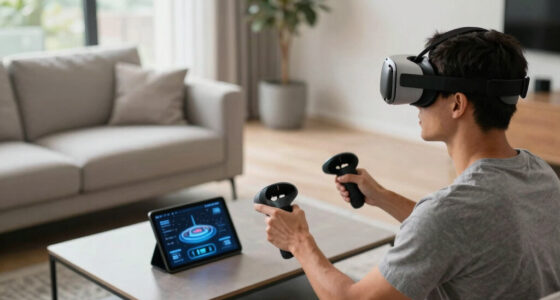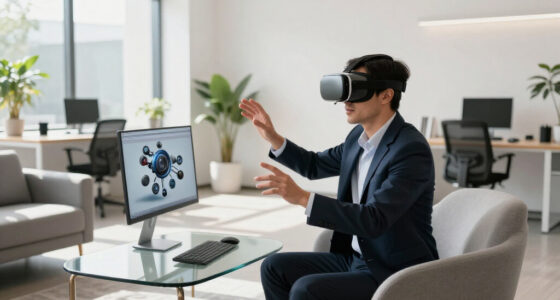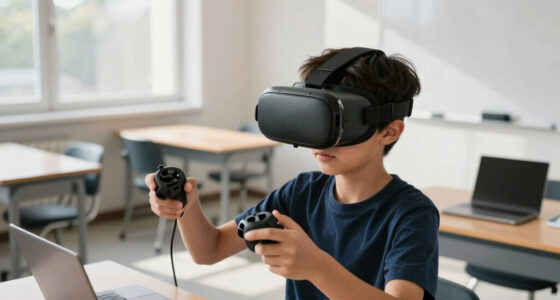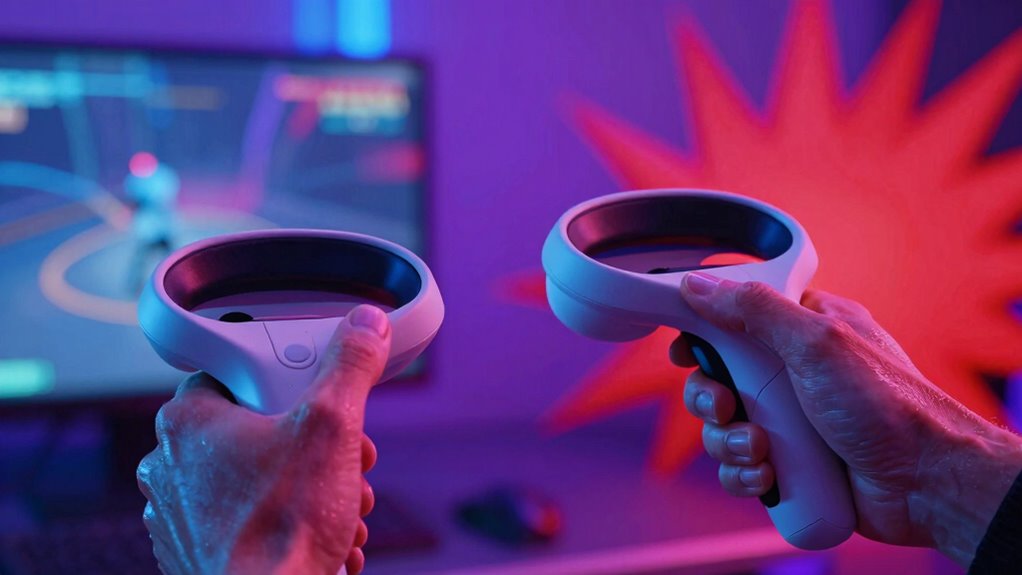
You find some VR games comfortable because they balance sensory input with smooth motion, realistic physics, and well-designed haptic feedback, enhancing immersion without causing discomfort. Others feel brutal when movement is rapid, unpredictable, or poorly optimized, leading to disorientation or motion sickness. Good hardware and customizable settings make a big difference. If you keep exploring, you’ll discover how proper design choices help create enjoyable, comfortable VR experiences that don’t overwhelm your senses.
Get ready for Prime Big Deal Days — try Prime free
Exclusive member deals on October 6–7, plus fast free delivery. Cancel anytime.
As an affiliate, we earn on qualifying purchases.
Key Takeaways
- Properly calibrated haptic feedback enhances immersion without causing discomfort or distraction.
- Smooth, stable motion and realistic physics prevent disorientation and motion sickness.
- User customization options for movement and sensory input improve comfort levels.
- Rapid, unpredictable movements or excessive stimuli increase feelings of brutality and discomfort.
- Thoughtful game design balancing sensory input and physical realism fosters enjoyable experiences.
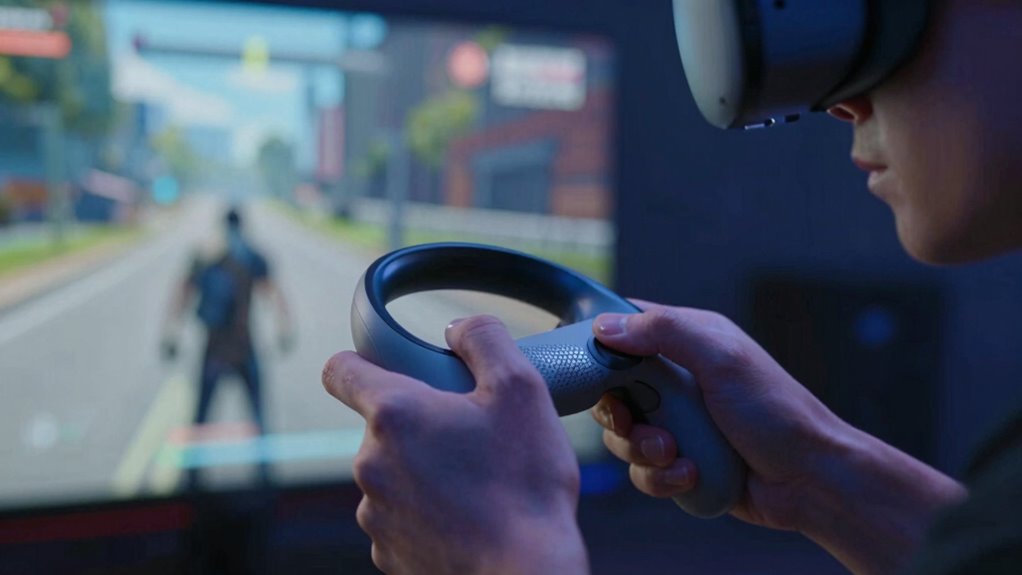
Virtual reality gaming can be an exhilarating experience, but it’s not the same for everyone — some players feel immersed and comfortable, while others find the sensations overwhelming or even painful. Your reaction to VR depends on several factors, including how the game’s design interacts with your body and senses. One key element is haptic feedback, which adds physical sensations to your virtual experience. When well-implemented, haptic feedback makes interactions feel more real—like the recoil of a gun or the sensation of rain—heightening immersion. But if it’s too intense or inconsistent, it can cause discomfort or distraction, pulling you out of the experience. Conversely, poor haptic feedback can feel clunky or exaggerated, making the game less convincing and more irritating.
Well-implemented haptic feedback enhances immersion, but excessive or inconsistent sensations can cause discomfort and distraction.
Another major factor influencing how you feel during VR sessions is motion sickness. You might have experienced this with long car rides or boat trips, and in VR, it manifests as dizziness, nausea, or headaches. Motion sickness occurs when your visual cues—what you see in the headset—conflict with your inner ear’s sense of balance. Fast-paced or poorly optimized games increase this risk, especially if the movements don’t match your physical motions or if the game’s frame rate drops. Some players are more prone to motion sickness than others, but even experienced VR users can be affected depending on the game design and hardware quality. Additionally, understanding how sensory input interacts with your body can help you tailor your VR experience for greater comfort. An awareness of hardware limitations can also guide you in choosing equipment that reduces discomfort. Recognizing the importance of visual stability can also help prevent disorientation during gameplay. Developers who incorporate user comfort settings and options to customize motion can significantly reduce these issues, making the experience more accessible.
The difference between a game feeling fine or brutal often comes down to how these elements are managed. Developers who prioritize smooth motion, realistic physics, and comfortable haptic feedback create a more welcoming environment. They might include options to adjust movement speed or teleportation mechanics, helping players avoid sickness. Games that ignore these factors or push rapid, unpredictable motions tend to feel brutal — overwhelming your senses and making you want to stop. When developers incorporate player customization options, they can further enhance comfort and accessibility for a wider audience. Your personal tolerance level plays a role, but good game design can make the experience enjoyable rather than punishing.
Ultimately, whether a VR game feels fine or brutal hinges on how well it balances sensory input and minimizes discomfort. If the game leverages haptic feedback sparingly and thoughtfully, and if movement mechanics prevent motion sickness, you’re more likely to have a positive experience. But if it neglects these aspects, it can turn into a disorienting or painful ordeal. Understanding your own sensitivities and adjusting game settings accordingly can help you find that sweet spot where VR remains fun and immersive rather than brutal.
As an affiliate, we earn on qualifying purchases.
Frequently Asked Questions
How Does Hardware Quality Affect VR Comfort?
Higher hardware quality directly impacts your VR comfort by providing smoother visuals and precise tracking, reducing motion sickness. Good haptic feedback makes interactions more realistic, minimizing disconnects that cause discomfort. When hardware is of superior quality, you experience less lag and jitter, which helps your body adapt more easily. Overall, investing in quality hardware guarantees your VR sessions are enjoyable, comfortable, and immersive, preventing fatigue and discomfort during extended play.
Can User Experience Influence VR Game Sensation?
Your user experience heavily influences how a VR game feels. When you enable immersive features like haptic feedback and prioritize visual realism, you feel more connected and present, transforming the sensation from brutal to smooth. Even if the hardware isn’t perfect, your engagement enhances comfort, making the virtual environment feel natural. A positive experience reduces discomfort, allowing you to enjoy the game without feeling overwhelmed or disoriented.
Do Different Genres Impact VR Discomfort Levels?
Different genres considerably impact your VR discomfort levels. Fast-paced shooters or horror games can heighten motion sickness due to rapid movements, while puzzle or exploration games typically cause less discomfort. Controller ergonomics also play a role; comfortable, well-designed controllers reduce strain and improve immersion. So, choosing genres suited to your comfort and ensuring good controller ergonomics can minimize motion sickness and make your VR experience more enjoyable.
How Does Room Setup Improve VR Experience?
Ironically, setting up your room perfectly can make your VR experience feel less like a wild ride and more like a smooth cruise. A well-organized virtual space enhances your spatial awareness, reducing accidental bumps and disorienting movements. Clear boundaries and ample room allow you to move naturally, minimizing discomfort. By optimizing your room setup, you turn chaos into control, making your virtual adventures enjoyable rather than brutal.
What Role Does User Health Play in VR Tolerance?
Your health plays a significant role in VR tolerance. If you’re prone to visual fatigue or motion sickness, you might find some VR experiences more brutal than others. To improve comfort, take regular breaks, confirm your headset fits well, and start with shorter sessions. Listening to your body helps prevent discomfort, enabling you to enjoy VR without feeling overwhelmed. Prioritize your health to enhance your overall experience.
VR motion sickness relief accessories
As an affiliate, we earn on qualifying purchases.
As an affiliate, we earn on qualifying purchases.
Conclusion
Think of VR games as a dance. When the steps are smooth and your partner’s in sync, it feels effortless and fun. But when the rhythm’s off or the moves are jarring, it becomes uncomfortable or brutal. Your experience depends on how well the game’s design guides your movements and reactions. So, choose wisely, and let your VR dance be graceful—avoiding those rough, jarring steps that can turn delight into discomfort.
As an affiliate, we earn on qualifying purchases.
VR game motion smoothing devices
As an affiliate, we earn on qualifying purchases.
As an affiliate, we earn on qualifying purchases.
Fall Picks
fall essentials
As an affiliate, we earn on qualifying purchases.