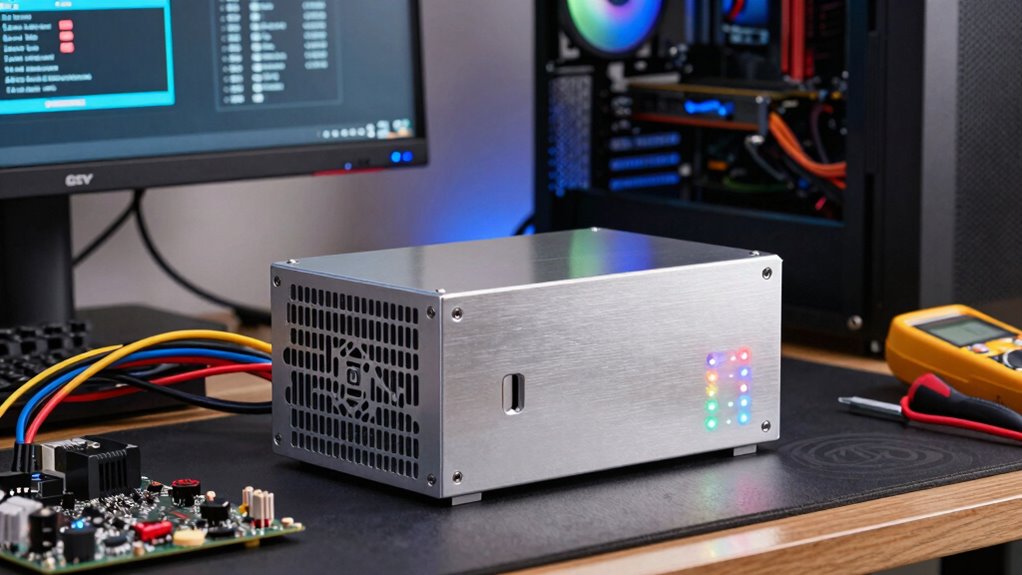
To choose a stable power supply for your VR PC, focus on high efficiency units (80 Plus Gold or better) to guarantee maximum power conversion and less heat. Opt for a modular design to keep cables organized and airflow clear. Make certain the wattage has enough headroom for your high-end GPU and CPU, plus future upgrades. Prioritize reliable brands with good reviews, and check for essential features like good connectors and protection. Keep these tips in mind to build a dependable VR system—more insights await if you explore further.

Play games on Amazon Luna for your next adventure, included with Prime
- A rotating selection of games, no download needed
- Play on TV, laptop or phone
- Fast, free delivery for your gear, too
Key Takeaways
- Select a power supply with sufficient wattage to support high-end GPUs, CPUs, and future upgrades.
- Prioritize units with high efficiency ratings (80 Plus Gold or higher) to ensure stable power delivery.
- Choose a modular power supply to improve cable management and airflow within the case.
- Opt for reputable brands with reliable components and necessary safety features for long-term stability.
- Verify compatibility with your VR system’s power requirements and include extra capacity for overclocking and expansion.
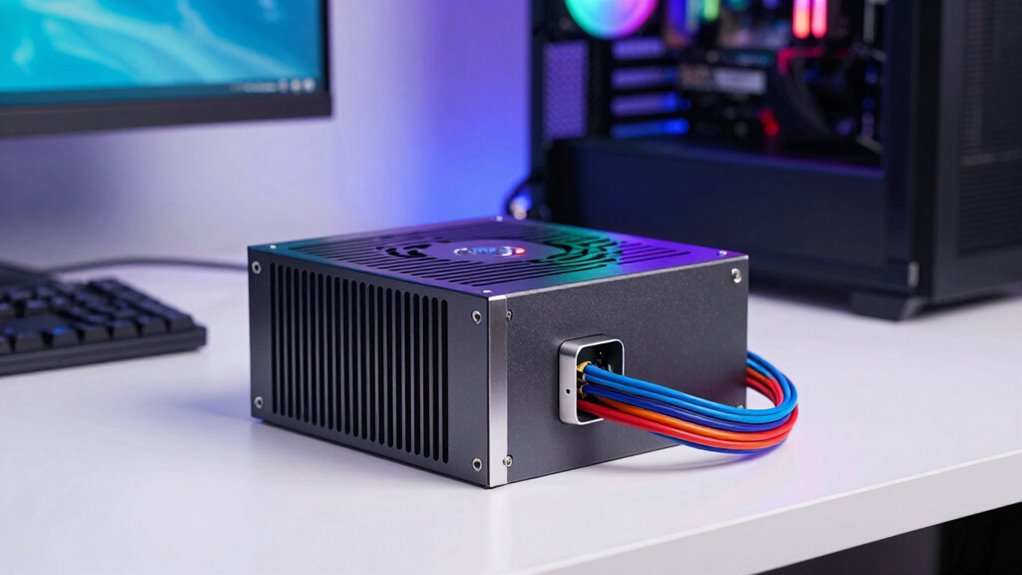
Are you wondering how to pick the right power supply for your VR PC? The key is to focus on two main factors: power efficiency and a modular design. Power efficiency isn’t just about saving energy; it also impacts your system’s stability and longevity. A more efficient power supply converts more of the electricity drawn from the wall into usable power for your components, reducing waste heat and lowering your electricity bill. Look for units with high efficiency ratings, like 80 Plus Gold or higher, to guarantee you’re getting a power supply that performs well under load and minimizes energy loss. This efficiency becomes especially important when running demanding VR applications, which can push your system to its limits.
Beyond efficiency, a modular design is vital for keeping your build tidy and manageable. Modular power supplies allow you to connect only the cables you need, reducing clutter inside your case. Modular units also contribute to better cable management and airflow, helping your system stay cool during intense VR sessions. This not only improves airflow, helping your system stay cool during intense VR sessions, but also makes cable management simpler. With fewer cables to route and hide, you can maintain a cleaner setup, which is essential for ideal airflow and component health. Plus, modular units make upgrades easier—you can swap out or add cables without disturbing the entire power supply. Additionally, selecting a power supply with adequate wattage ensures your VR system has the necessary power headroom for optimal performance. Furthermore, choosing a power supply with reliable components can prevent unexpected failures and protect your investment over time.
When choosing a power supply, consider your system’s wattage requirements. VR setups, especially those with high-end GPUs and CPUs, demand a robust power supply with enough headroom. Calculate your total power draw and add some extra capacity to handle future upgrades or overclocking. It’s better to have a little extra power than to run your system at its maximum capacity constantly, which can cause instability or shorten component lifespan. Furthermore, understanding power supply specifications helps you make an informed choice tailored to your gaming and VR needs.
Quality matters too. Look for reputable brands known for reliability and good customer support. Cheaper, unbranded units may save you money initially but can pose risks of failure or damage to your expensive VR hardware. Read reviews and check for certifications like 80 Plus to verify efficiency claims. Also, ensure the power supply includes sufficient connectors for your GPU, motherboard, and peripherals, especially since VR systems often require multiple power connectors. To further ensure your setup’s longevity, consider additional features like overvoltage protection and quiet operation.
80 Plus Gold power supply for gaming PC
As an affiliate, we earn on qualifying purchases.
As an affiliate, we earn on qualifying purchases.
Frequently Asked Questions
Can I Upgrade My VR Pc’s Power Supply Later?
Yes, you can upgrade your VR PC’s power supply later, and it’s a smart move for power supply longevity and cost-effective upgrades. When upgrading, make certain the new power supply provides enough wattage for your upgraded components. It’s also important to choose a unit with the right connectors and efficiency rating. Upgrading later allows you to improve system stability and performance without replacing your entire setup, saving you money in the long run.
How Does Power Efficiency Affect VR Performance?
Power efficiency directly impacts your VR experience by ensuring voltage stability and reducing power fluctuations. When you choose a high-efficiency power supply, it delivers consistent power, minimizing lag or crashes during intense VR sessions. Additionally, better efficiency means less heat and wear on components, resulting in smoother performance. So, investing in an efficient power supply helps maintain ideal VR performance and prolongs your system’s lifespan.
Are Modular Power Supplies Better for VR Setups?
Yes, modular power supplies are better for VR setups because they let you manage cables more efficiently. With modular cables, you only connect what you need, reducing clutter and improving airflow. This enhances power management, ensuring stable power delivery and less interference during VR sessions. Plus, their flexibility makes upgrades easier, keeping your VR PC tidy, cool, and reliable for extended gaming or immersive experiences.
What Safety Features Should I Look for in a PSU?
You should look for a PSU with strong safety features like excellent voltage regulation and overcurrent protection. Voltage regulation ensures your VR setup receives consistent power, preventing crashes or damage. Overcurrent protection safeguards your components from power surges. These features keep your system stable and safe during intense VR gaming or streaming. Always choose a power supply that prioritizes these safety features to guarantee reliability and longevity of your VR PC.
How Do I Calculate My VR Pc’s Total Power Needs?
Calculating your VR PC’s power needs is like adding up ingredients for a recipe. Start by listing your components, then check each one’s wattage. Add a buffer for future upgrades. Consider voltage regulation to guarantee stable power delivery and overcurrent protection to prevent overloads. Use an online wattage calculator for accuracy, then select a PSU that exceeds your total wattage, ensuring reliable performance and safety during intense VR sessions.
modular power supply for high-end VR PC
As an affiliate, we earn on qualifying purchases.
As an affiliate, we earn on qualifying purchases.
Conclusion
Choosing the right power supply might seem like a small detail, but it quietly guarantees your VR experience remains smooth and immersive. Think of it as the steady hand behind the scenes, gently supporting your high-performance setup. When you select a reliable, appropriately rated power supply, you’re not just powering your PC—you’re creating a foundation that lets your VR adventures flourish without a hitch. In the end, it’s the subtle choices that make all the difference.
high wattage power supply for VR gaming
As an affiliate, we earn on qualifying purchases.
As an affiliate, we earn on qualifying purchases.
reliable power supply for gaming PC
As an affiliate, we earn on qualifying purchases.
As an affiliate, we earn on qualifying purchases.
Fall Picks
fall essentials
As an affiliate, we earn on qualifying purchases.