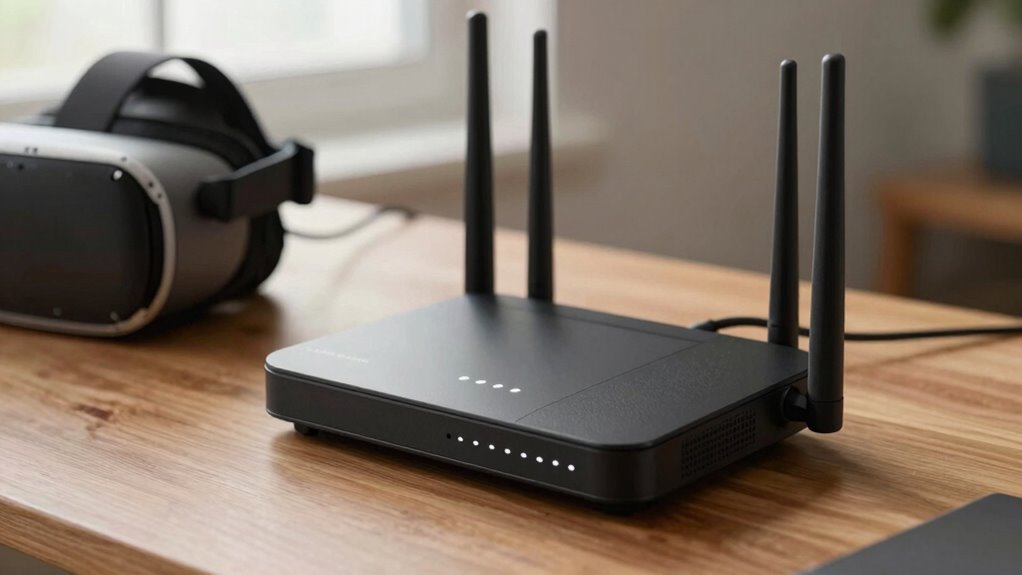

To judge Wi-Fi routers for VR, focus on actual specifications like dual- or tri-band support, high processing power, and large RAM capacity, rather than flashy marketing claims. Prioritize models with QoS and MU-MIMO features to guarantee bandwidth is allocated effectively and latency stays low. Check real-world reviews and test results for signal stability and range. Proper placement is also key. Keep exploring to discover how these details can help you make an informed choice.
Key Takeaways
- Prioritize routers with strong signal stability, range, and real-world performance reviews over marketing claims.
- Check for advanced interference management features like dual-band or tri-band support to ensure stable VR connections.
- Ensure the router supports QoS and MU-MIMO to optimize bandwidth and reduce latency during VR sessions.
- Evaluate hardware specifications such as processor speed and RAM to handle high data throughput efficiently.
- Properly position the router centrally, away from obstructions and interference sources, to maximize coverage and signal quality.

Virtual reality (VR) demands a fast, stable Wi-Fi connection to deliver smooth, immersive experiences. When you’re shopping for a router, it’s tempting to get lured in by marketing claims or flashy features. But to truly judge whether a router will support your VR needs, you need to look beyond the hype. The key factors are how well it handles wireless interference and whether it offers effective bandwidth optimization. Wireless interference can disrupt your connection, causing lag or stuttering in your VR sessions. Look for routers that operate on the 5 GHz band, which is less crowded and more resistant to interference from other devices like Bluetooth gadgets, microwaves, or neighboring Wi-Fi networks. Dual-band or tri-band routers give you the flexibility to assign your VR device to a less congested band, reducing interference and ensuring a more stable connection.
Bandwidth optimization is equally critical. VR applications consume large amounts of data, and if your router can’t prioritize VR traffic or allocate sufficient bandwidth, your experience will suffer. Modern routers with Quality of Service (QoS) features let you prioritize VR traffic, so your headset gets the bandwidth it needs without being bogged down by downloads or streaming on other devices. Check if the router supports MU-MIMO technology, which allows it to communicate simultaneously with multiple devices, reducing congestion and latency. This is especially important in households with several connected gadgets. Additionally, router specifications such as processing power and memory can significantly impact how well the router manages multiple data streams during intensive VR sessions. A router with robust processing capabilities and ample RAM can help prevent bottlenecks and maintain a smooth experience. Ensuring that the router has adequate bandwidth capacity is essential for accommodating the high data demands of VR without compromising performance. Moreover, understanding how well a router handles wireless interference can be the difference between a seamless VR experience and constant disruptions.
Don’t be fooled by marketing phrases like “ultra-fast” or “gaming-grade” without digging into the actual specifications. A router’s advertised top speed often isn’t what you’ll experience in real-world VR use, especially if it doesn’t handle interference well or lacks bandwidth management features. Instead, look at its actual performance reviews, especially tests related to VR streaming or latency. A router with a robust processor and ample RAM can also help manage multiple streams efficiently, preventing bottlenecks during intensive VR sessions. Additionally, router range and signal stability are crucial, as a weak or inconsistent signal can undermine your VR experience even with a high-performance router. Proper placement and regular firmware updates can also enhance your router’s overall performance and stability.
Lastly, consider the router’s range and signal stability. VR requires a consistent connection, so a router with strong, reliable coverage is essential. Even the best router won’t perform well if its signal drops out or weakens in your play area. Position your router centrally, away from thick walls or electronic interference, to maximize its effectiveness. By focusing on these technical aspects—wireless interference resilience, bandwidth optimization, and overall signal stability—you’ll be better equipped to judge Wi-Fi routers that genuinely support immersive VR experiences, rather than falling for misleading marketing claims.

TP-Link BE6500 Dual-Band WiFi 7 Router (BE400) – Dual 2.5Gbps Ports, USB 3.0, Covers up to 2,400 sq. ft., 90 Devices, Quad-Core CPU, HomeShield, Private IoT, Free Expert Support
𝐅𝐮𝐭𝐮𝐫𝐞-𝐑𝐞𝐚𝐝𝐲 𝐖𝐢-𝐅𝐢 𝟕 – Designed with the latest Wi-Fi 7 technology, featuring Multi-Link Operation (MLO), Multi-RUs, and 4K-QAM….
As an affiliate, we earn on qualifying purchases.
As an affiliate, we earn on qualifying purchases.
Frequently Asked Questions
How Does Router Placement Affect VR Performance?
Router placement directly impacts your VR experience by improving signal strength and reducing interference. Position your router in a central, open spot away from thick walls and electronic devices that cause signal interference. Avoid placing it near router aesthetics that may block signals, like closed cabinets. Proper placement guarantees a stable connection, minimizes lag, and enhances overall VR performance, making your virtual adventures smoother and more immersive.
Are Higher Frequency Bands Always Better for VR?
Higher frequency bands are like narrow roads—they can be faster but are more prone to congestion. For VR, they’re not always better because they’re more affected by signal interference and have a shorter range. Lower bands offer more stable connections over larger areas, reducing lag and disruptions. So, choosing the right frequency depends on your space and environment, not just the highest number on the band.
What Role Does Router Firmware Play in VR Experience?
Router firmware plays a vital role in your VR experience by ensuring firmware security and stability. Regular updates improve performance, fix bugs, and patch security vulnerabilities, reducing lag or disconnections that can ruin your VR sessions. You should check if your router has frequent updates, as outdated firmware can cause compatibility issues with VR devices. Keeping firmware current guarantees smoother, more reliable VR streaming, enhancing your immersive experience.
Can Mesh Networks Improve VR Wi-Fi Stability?
Yes, mesh networks can improve VR Wi-Fi stability, especially in smart home setups where multiple devices demand consistent connections. They create a seamless, unified network that reduces dead zones and minimizes lag, ensuring smoother VR experiences. Plus, they often include enhanced network security features, protecting your smart home and VR data. This stability is essential for immersive VR sessions, preventing interruptions and ensuring a safe, secure connection.
How to Test Wi-Fi Latency Specifically for VR?
Imagine you’re a courier delivering a crucial message. To test VR Wi-Fi latency, you send a small data packet and time how long it takes to reach your device. Focus on bandwidth optimization and watch for signal interference, which can cause delays. Use tools like ping tests or specialized apps to measure real-time latency, ensuring your network’s responsiveness remains swift and steady, providing a smooth VR experience without lag.

TP-Link AXE5400 Tri-Band WiFi 6E Router (Archer AXE75), 2025 PCMag Editors' Choice, 2.5Gbps WAN Port for Gaming & Streaming, 6GHz Band, 160MHz, OneMesh, Dual-Core CPU, VPN & WPA3 Security
Tri-Band WiFi 6E Router – Up to 5400 Mbps WiFi for faster browsing, streaming, gaming and downloading, all…
As an affiliate, we earn on qualifying purchases.
As an affiliate, we earn on qualifying purchases.
Conclusion
So, next time you’re dazzled by shiny marketing claims, remember that a good Wi-Fi router for VR isn’t about the fanciest design or the highest number. It’s about real-world performance, stability, and minimizing lag—things you can’t see in flashy ads. Ironically, the best choice often comes down to simple specs and honest reviews, not the latest marketing hype. After all, in the world of VR, it’s what’s behind the scenes that truly counts.

WiFi 6 AX3000 Dual Band Mesh Router, Wireless Gigabit Router for Gaming & VR, Everything Mesh & AP Mode, MU-MIMO, Beamforming, OFDMA, WPA3, 160MHz & IPv6, 1024-QAM, Low Latency for Home or Office
Cutting-Edge Wi-Fi 6 Speeds: Wi-Fi 6(802.11ax) technology achieves faster speeds, greater capacity and reduced network congestion compared to…
As an affiliate, we earn on qualifying purchases.
As an affiliate, we earn on qualifying purchases.

TP-Link AC1200 Gigabit WiFi Router (Archer A6) – Dual Band MU-MIMO Wireless Internet Router, 4 x Antennas, OneMesh and AP Mode, Long Range Coverage
Dual band router upgrades to 1200 Mbps high speed internet (300mbps for 2.4GHz plus 900Mbps for 5GHz), reducing…
As an affiliate, we earn on qualifying purchases.
As an affiliate, we earn on qualifying purchases.