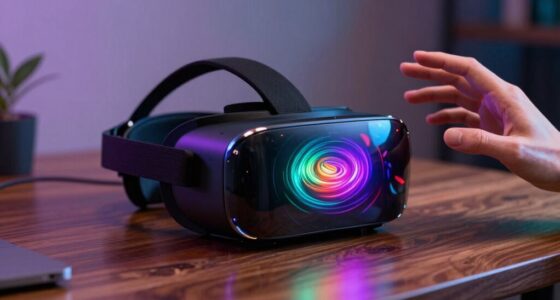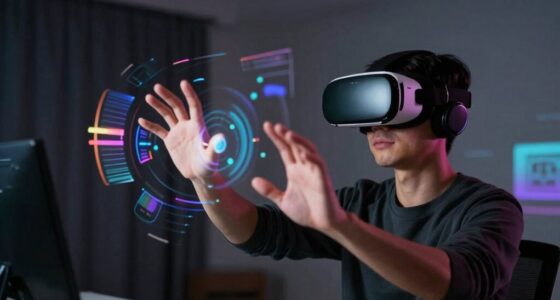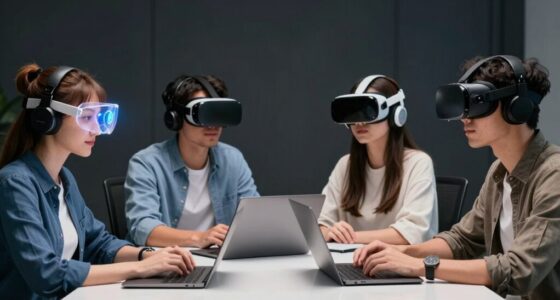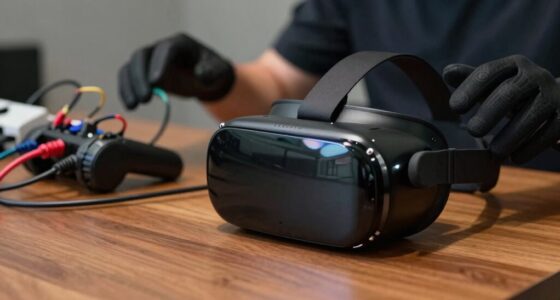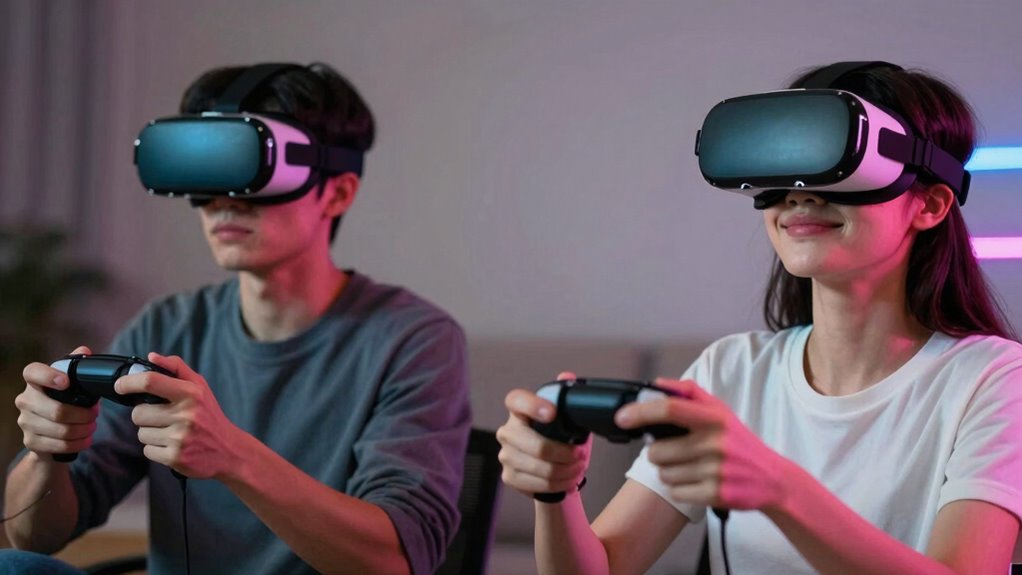

Smooth VR focuses on delivering high frame rates and low latency to keep visuals seamless and prevent jitters, making your experience look flawless. Comfortable VR, on the other hand, emphasizes ergonomic headset design to prevent physical strain during extended play, like adjustable straps and proper weight distribution. Both are important for an immersive experience, but balancing them guarantees you stay immersed and comfortable. Keep exploring to see how these elements work together for the best VR sessions.
Key Takeaways
- Smooth VR emphasizes high frame rates, low latency, and synchronization for seamless, jitter-free virtual experiences.
- Comfortable VR focuses on ergonomic design, adjustable fit, and weight distribution to prevent physical discomfort during use.
- High visual fidelity improves immersion but may impact comfort if hardware is heavy or poorly balanced.
- Achieving smoothness involves technical performance, while comfort depends on hardware ergonomics and user fit.
- Both aspects are essential; smooth VR ensures seamless gameplay, whereas comfortable VR enables longer, enjoyable sessions.
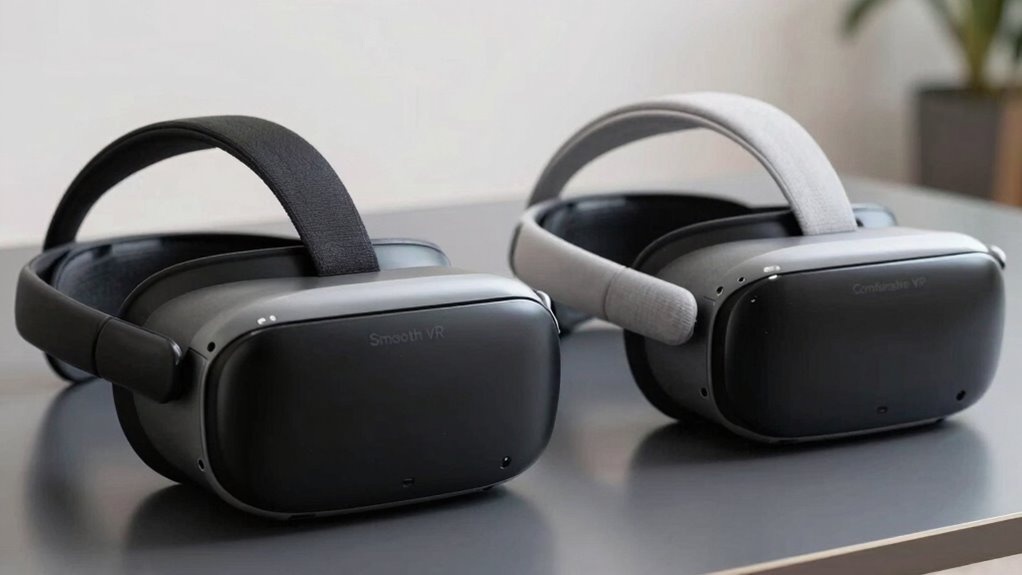
When exploring virtual reality, many users assume that a seamless experience automatically means it’s comfortable, but that’s not always the case. You might enjoy flawless visuals and minimal lag, but if your headset isn’t designed with comfort in mind, you could soon find yourself feeling strained or distracted. You might enjoy flawless visuals and minimal lag, but if your headset isn’t designed with comfort in mind, you could soon find yourself feeling strained or distracted. Smooth VR primarily focuses on maintaining high frame rates and low latency, which guarantees your movements and the virtual environment stay synchronized without jitters or delays. While this technical performance is vital for immersion, it doesn’t promise comfort. A headset with excellent hardware ergonomics fits well against your head, distributes weight evenly, and minimizes pressure points, making extended sessions more tolerable. If a device sacrifices comfort for performance, you might notice discomfort after just a few minutes, which pulls you out of the experience and hampers overall enjoyment.
Visual fidelity plays an essential role in how immersive and engaging your VR experience feels. High-quality visuals, sharp textures, and realistic lighting enhance your sense of presence, but they can also affect comfort if not paired with proper hardware ergonomics. For instance, a headset with stunning visual fidelity that’s too heavy or poorly balanced can cause neck strain or fatigue, no matter how smooth your gameplay is. Conversely, a lightweight, well-designed headset might not have the highest resolution but will feel less intrusive, allowing you to focus on the content without physical distraction. Striking a balance between visual fidelity and hardware ergonomics is key to achieving both smoothness and comfort. Additionally, selecting the right hardware can make a significant difference in how well you can enjoy extended VR sessions without discomfort. Ensuring that the hardware also incorporates adjustable straps and padding helps in customizing the fit, further enhancing the overall experience. Incorporating user feedback into hardware design can also lead to better ergonomic solutions that address common comfort issues.
You should also consider how hardware ergonomics influences your overall experience. A headset that’s uncomfortable to wear quickly becomes a barrier, regardless of how well it performs technically. Adjustable straps, padding, and weight distribution help you customize the fit, reducing discomfort during long sessions. Proper ergonomics not only prevent physical fatigue but also help keep your head steady, improving tracking and visual fidelity. When these elements work together—high visual fidelity, smooth performance, and good ergonomics—you create an environment where the virtual world feels natural and effortless. It’s important to remember that hardware ergonomics can significantly impact the duration and quality of your VR sessions. When these elements work together—high visual fidelity, smooth performance, and good ergonomics—you create an environment where the virtual world feels natural and effortless. Remember, a smooth VR experience isn’t just about fast processing; it’s about designing technology that respects your physical comfort and enhances your immersion, allowing you to stay engaged longer without discomfort.

Meta Quest 3 512GB | VR Headset — Thirty Percent Sharper Resolution — 2X Graphical Processing Power — Virtual Reality Without Wires — Access to 40+ Games with a 3-Month Trial of Meta Horizon+ Included
NEARLY 30% LEAP IN RESOLUTION — Experience every thrill in breathtaking detail with sharp graphics and stunning 4K…
As an affiliate, we earn on qualifying purchases.
As an affiliate, we earn on qualifying purchases.
Frequently Asked Questions
How Do Hardware Specifications Impact Smooth and Comfortable VR Experiences?
Your hardware specs directly impact whether your VR experience is smooth and comfortable. Hardware optimization guarantees the system can handle high frame rates, reducing lag and motion sickness. Ergonomic design minimizes discomfort during extended use, making your experience more enjoyable. When your device is well-optimized and ergonomically designed, you’ll notice less lag, fewer distractions, and a more immersive, comfortable experience that lets you enjoy VR without interruptions or physical strain.
Can Software Updates Improve Both Smoothness and Comfort Simultaneously?
Think of software updates as a skilled gardener tending to a thriving garden. They optimize the growth and health of your VR experience through software optimization, making visuals smoother and interactions more natural. As you adapt to these improvements, your comfort level also increases, creating a balanced, enjoyable journey. So yes, software updates can enhance both smoothness and comfort simultaneously, provided you stay receptive to user adaptation and ongoing enhancements.
What Role Does User Sensitivity Play in VR Comfort Levels?
Your sensitivity considerably influences VR comfort levels because your perception varies with individual thresholds. Sensory adaptation can make prolonged exposure more tolerable, but heightened sensitivity might cause discomfort or motion sickness. As a user, you may need to adjust VR settings or take breaks to match your comfort levels. Recognizing your unique perception helps optimize your experience, ensuring you enjoy VR without unnecessary discomfort.
Are There Specific Genres Better Suited for Smooth or Comfortable VR?
Action, adventure, and fast-paced shooters often favor smooth VR, emphasizing haptic feedback and visual fidelity to maintain immersion and minimize motion sickness. Conversely, puzzle games, storytelling, and meditative experiences lean toward comfortable VR, prioritizing gentle movements, reduced sensory overload, and steadier visuals. You’ll find that genres demanding quick reactions benefit from smooth visuals and haptic cues, while those focused on relaxation excel with comfort features that ease your experience.
How Do Different Headsets Compare in Achieving Smooth Versus Comfortable VR?
Different headsets vary in how well they achieve smooth versus comfortable VR. You’ll find that high-end models with better refresh rates and lower latency excel at reducing virtual motion issues, making gameplay smoother. Meanwhile, headsets with lighter designs, better ergonomics, and reduced eye fatigue features prioritize comfort, even during extended sessions. Your experience depends on balancing these factors, so choose a headset suited to your needs, especially if virtual motion or eye fatigue is a concern.
Meta Quest 3 512GB | VR Headset — Thirty Percent Sharper Resolution — 2X Graphical Processing Power — Virtual Reality Without Wires — Access to 40+ Games with a 3-Month Trial of Meta Horizon+ Included
NEARLY 30% LEAP IN RESOLUTION — Experience every thrill in breathtaking detail with sharp graphics and stunning 4K…
As an affiliate, we earn on qualifying purchases.
As an affiliate, we earn on qualifying purchases.
Conclusion
So, while smooth VR makes your experience look seamless, comfortable VR guarantees you can enjoy it without feeling dizzy or tired. Don’t worry—striving for both is possible with the right settings and equipment. Some might think it’s a trade-off, but balancing the two means you get immersive, enjoyable sessions without discomfort. Ultimately, prioritizing comfort lets you immerse yourself in VR longer and more often, making every adventure better.

Kawaye for Meta Quest 3S/Quest 2/Quest 3 Head Strap, Double Knobs Adjustable Elite Strap Replacement,VR Headset Strap with Two Large Support Pad Enhanced Support, Reduce Pressure
【Weight Balance-Dual Adjustable Straps】Customize fit using by dual adjustment knobs (top/back), kawaye vr headset strap 4 points adjustable…
As an affiliate, we earn on qualifying purchases.
As an affiliate, we earn on qualifying purchases.

Meta Quest 3S 128GB | VR Headset — Thirty-Three Percent More Memory — 2X Graphical Processing Power — Virtual Reality Without Wires — Access to 40+ Games with a 3-Month Trial of Meta Horizon+ Included
NO WIRES, MORE FUN — Break free from cords. Game, play, exercise and explore immersive worlds — untethered…
As an affiliate, we earn on qualifying purchases.
As an affiliate, we earn on qualifying purchases.