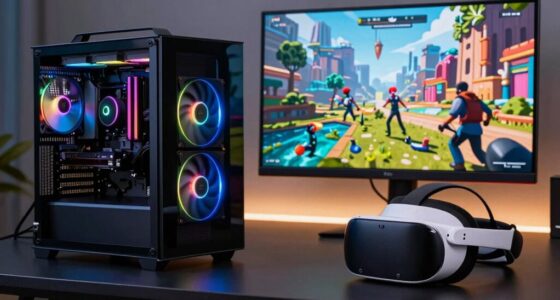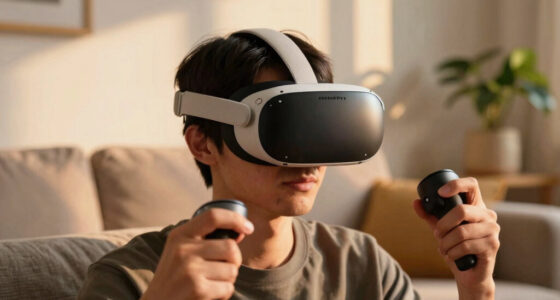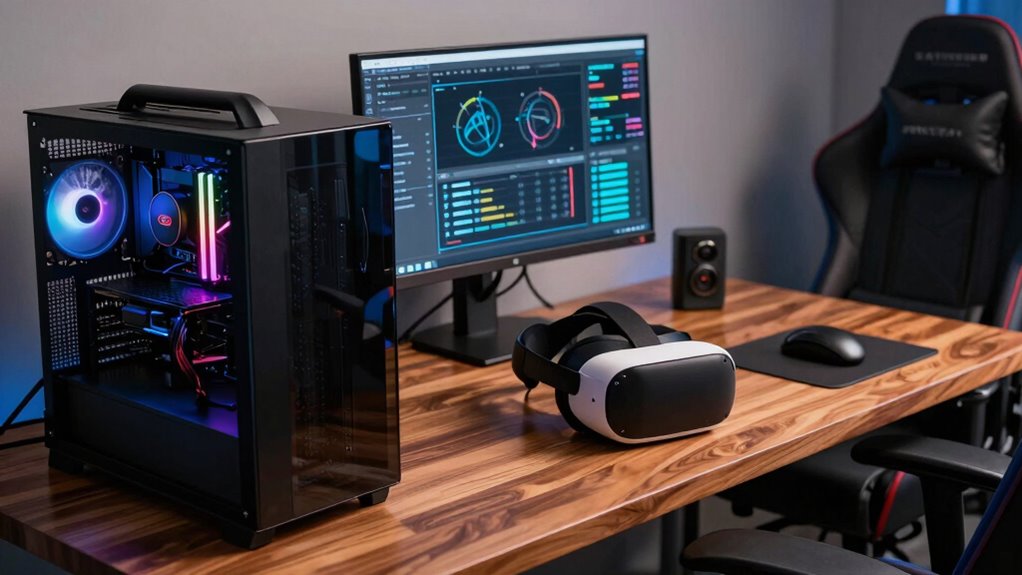

For a VR build, having at least 16GB of RAM is essential to guarantee smooth, immersive experiences and avoid lag or crashes. If you plan to multitask or run demanding applications, 32GB can give you extra headroom and future-proofing. The key is balancing capacity with your budget and motherboard compatibility. Choosing the right RAM now helps maintain performance during long sessions and when upgrading later—stick with us to discover even more tips.
Key Takeaways
- 16GB of RAM is generally sufficient for most VR gaming and multitasking needs.
- Upgrading to 32GB future-proofs your system for demanding applications and extended VR sessions.
- Prioritize RAM capacity over speed, as more memory reduces bottlenecks and improves performance.
- Ensure compatibility with your motherboard and available slots before increasing RAM.
- Balancing budget and future needs helps determine the optimal RAM amount for your VR build.
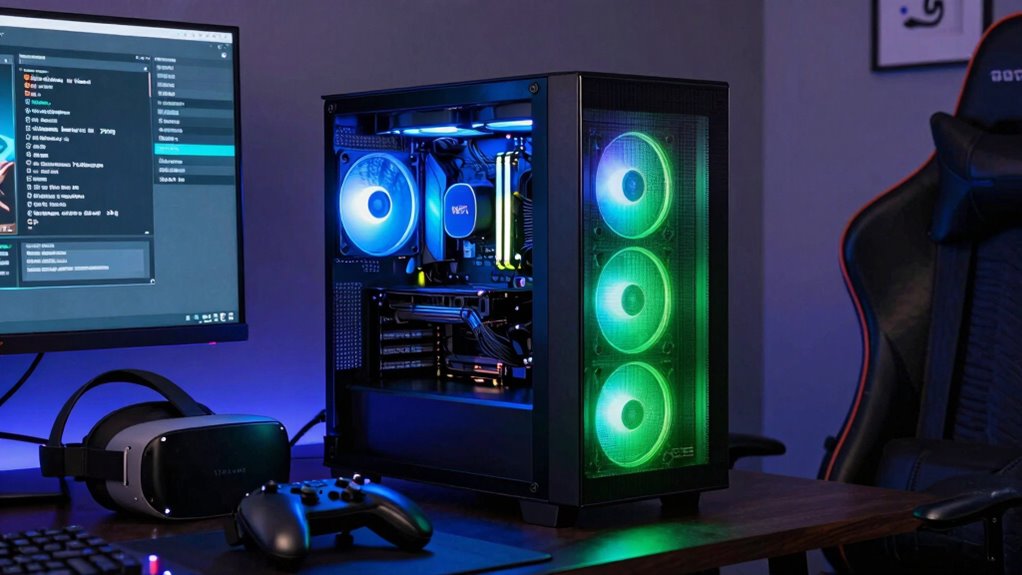
When building a VR-ready PC, knowing how much RAM you need is essential for smooth and immersive experiences. VR applications are demanding, and insufficient RAM can lead to performance issues, such as lag, stuttering, or crashes. If you don’t allocate enough memory, you risk hitting memory bottlenecks, which occur when your system can’t keep up with the data load necessary for real-time rendering. This results in a less convincing VR experience, and it can even cause discomfort or motion sickness. Therefore, selecting the right amount of RAM ensures your system can handle current software comfortably while maintaining the potential for future upgrades.
For most VR setups, 16GB of RAM strikes a good balance. It provides enough memory to run demanding titles and background processes without stressing your system. However, if you’re planning to run intensive multitasking, streaming, or high-end applications alongside VR, bumping up to 32GB offers additional breathing room. This extra headroom helps prevent memory bottlenecks during prolonged or complex sessions, allowing you to enjoy a seamless experience without interruptions. Keep in mind that as VR technology evolves and software demands increase, the amount of RAM needed may also grow. Investing in a slightly higher capacity now can save you upgrades down the line.
Thinking about future upgrades is crucial when choosing RAM for your VR build. Many motherboards support multiple RAM modules, making it easier to expand your system later. If you start with 16GB now, you could add another 16GB or more in the future as your needs grow, provided your motherboard has available slots. This flexibility ensures you don’t have to overhaul your entire system to keep up with evolving VR applications. Additionally, faster RAM speeds can improve overall system responsiveness, but focus on capacity first—speed differences are often less noticeable than the amount of memory available. It’s also important to consider compatibility and proper timings and speeds to further optimize your VR experience. Keeping an eye on hardware advancements can also help you plan for future upgrades and avoid premature obsolescence. It’s also worth noting that future-proofing your build by considering upcoming hardware advancements can help extend the lifespan of your system.
Ultimately, the right amount of RAM depends on your specific use case and budget. For most VR enthusiasts, 16GB is sufficient for now, but aiming for 32GB provides extra security against memory bottlenecks and future-proofing. Remember to check your motherboard’s specifications to ensure compatibility and available slots for future upgrades. By doing so, you’ll build a VR system that’s not only powerful today but adaptable for tomorrow’s advancements, guaranteeing smooth and immersive experiences for years to come.

CORSAIR Vengeance LPX DDR4 RAM 32GB (2x16GB) Up to 3200MHz CL16-20-20-38 1.35V Intel XMP AMD EXPO Computer Memory – Black (CMK32GX4M2E3200C16)
Disclaimer: Maximum Speed requires overclocking/PC BIOS adjustments. Maximum speed and performance depend on system components, including motherboard and…
As an affiliate, we earn on qualifying purchases.
As an affiliate, we earn on qualifying purchases.
Frequently Asked Questions
Does RAM Speed Affect VR Performance Significantly?
RAM speed can impact VR performance, but not as much as VR hardware or RAM compatibility. Faster RAM may improve load times and system responsiveness, but the main factor is ensuring your RAM is compatible with your motherboard and CPU. For smooth VR experiences, prioritize high-quality, compatible RAM over just increasing speed. Ultimately, balanced hardware and proper VR hardware choices have a more significant effect on performance.
Is 16GB RAM Sufficient for Future VR Games?
Think of 16GB RAM as a comfortable seat for your VR adventures—adequate now, but possibly tight in the future. It generally supports current VR titles well, but as games evolve, you might find your system strained, impacting hardware compatibility and increasing power consumption. Upgrading to 32GB can offer smoother performance and room for future titles, ensuring your setup stays responsive without sacrificing stability or efficiency.
Can RAM Upgrade Improve VR Headset Connectivity?
Upgrading RAM can improve your VR headset connectivity, especially if you reduce memory latency and increase RAM capacity. With faster, more responsive memory, your system handles data transfers more efficiently, minimizing lag and stuttering during VR sessions. While RAM alone isn’t the sole factor, increasing capacity and optimizing memory latency can lead to smoother, more reliable VR experiences. So, a RAM upgrade definitely benefits your VR headset’s performance and connection stability.
How Does RAM Impact VR Streaming Quality?
Think of RAM as the highway for your VR hardware—more lanes mean smoother traffic. When streaming VR content, ample RAM guarantees your system handles data swiftly, reducing lag and buffering. This directly boosts streaming quality, keeping visuals crisp and fluid, which enhances user comfort. With enough RAM, your VR experience becomes seamless, letting you immerse yourself into immersive worlds without frustration or motion sickness, making every moment more enjoyable.
Are There Specific RAM Brands Recommended for VR Builds?
For your VR build, choosing RAM from reliable brands like Corsair, G.Skill, or Kingston guarantees stability and longevity. These brands are known for consistent quality and good warranty support. If you’re into RAM overclocking, look for models with higher XMP ratings, but prioritize brand reliability to avoid crashes or performance issues during immersive VR experiences. This way, you get both performance and dependability for your VR setup.
CORSAIR Vengeance LPX DDR4 RAM 32GB (2x16GB) Up to 3200MHz CL16-20-20-38 1.35V Intel XMP AMD EXPO Computer Memory – Black (CMK32GX4M2E3200C16)
Disclaimer: Maximum Speed requires overclocking/PC BIOS adjustments. Maximum speed and performance depend on system components, including motherboard and…
As an affiliate, we earn on qualifying purchases.
As an affiliate, we earn on qualifying purchases.
Conclusion
In the end, RAM is like the foundation of your VR journey—essential but not the whole story. Think of it as the sturdy base that supports your immersive adventures, ensuring everything runs smoothly without interruptions. While more RAM can reveal new worlds, it’s your overall system harmony that truly makes the experience seamless. Focus on the balance, and your VR build will become a vessel capable of carrying you effortlessly into endless virtual domains.
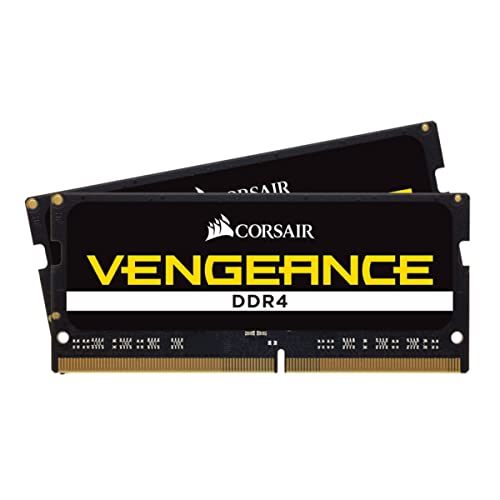
CORSAIR Vengeance SODIMM DDR4 RAM 32GB (2x16GB) 3200MHz CL22-22-22-53 1.2V Intel AMD Laptop Notebook Memory – Black (CMSX32GX4M2A3200C22)
32GB (2x16GB) DDR4 SODIMM kit for 8th Generation or newer Intel Core i7, and AMD Ryzen 4000 Series…
As an affiliate, we earn on qualifying purchases.
As an affiliate, we earn on qualifying purchases.

Timetec Pinnacle Konduit 16GB KIT(2x8GB) DDR4 3200MHz PC4-25600 CL16-18-18-38 XMP2.0 Overclocking 1.35V Compatible for AMD and Intel Desktop Gaming PC Memory Module RAM – White
White Aluminum Heat Spreader Gaming Memory Module
As an affiliate, we earn on qualifying purchases.
As an affiliate, we earn on qualifying purchases.