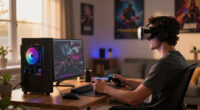
To choose a VR gaming desktop, start by ensuring it supports your headset’s specifications and offers strong performance with a high-quality GPU, CPU, and ample RAM. Consider your room size and space for movement, opting for a size that fits comfortably yet supports good cooling. Think about your routine — whether daily or extended use — and prioritize upgradeability and cable management. For more tips on balancing hardware, space, and future-proofing, keep exploring how to optimize your VR setup.
Key Takeaways
- Assess your room size and space to select a desktop that fits comfortably and supports necessary movement.
- Ensure the desktop’s hardware, especially GPU and CPU, meets or exceeds VR headset requirements for smooth performance.
- Verify compatibility between the desktop and your VR headset, including ports, connectors, and supported models.
- Consider your routine VR usage frequency and choose a system with good cooling, upgradeability, and easy cable management.
- Balance size, performance, and future upgrade options to create an immersive, hassle-free VR experience tailored to your needs.
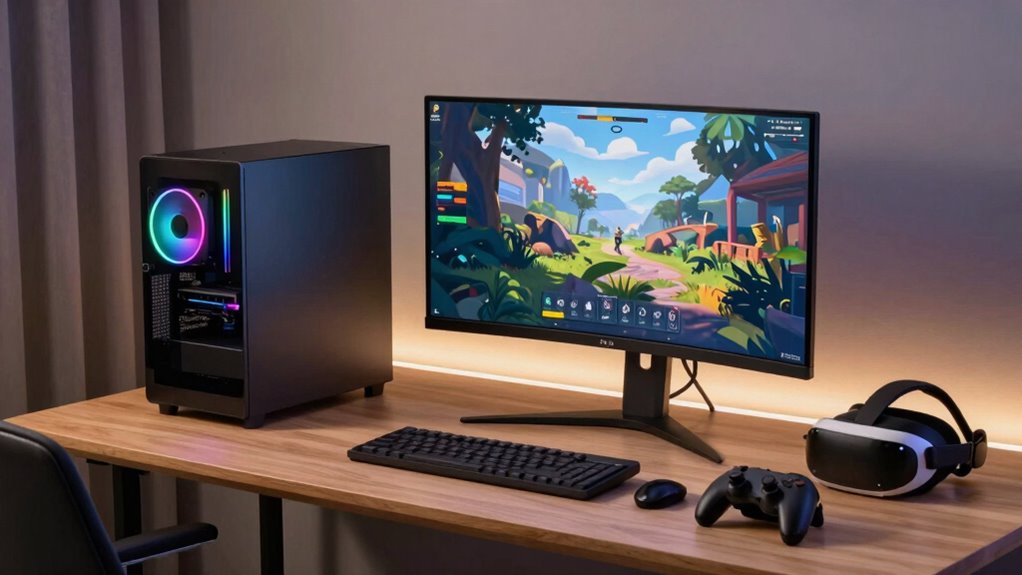
Choosing the right VR gaming desktop can considerably enhance your virtual reality experience. When you’re diving into VR, it’s crucial to pick a setup that seamlessly integrates with your headset and fits comfortably into your space. First, consider VR headset compatibility. Not all desktops are compatible with every VR headset, so you need to ensure the system you choose supports your device’s specifications. Check the minimum requirements for your headset, including the necessary ports, graphics card, and processing power. A desktop with a powerful GPU, like an NVIDIA RTX series or AMD equivalent, will give you smoother visuals and a more immersive experience. Equally important is making sure the CPU and RAM meet or exceed recommended specs to handle demanding VR applications without lag or stuttering.
Ensure your VR desktop supports your headset’s specs for smooth, immersive gaming experiences.
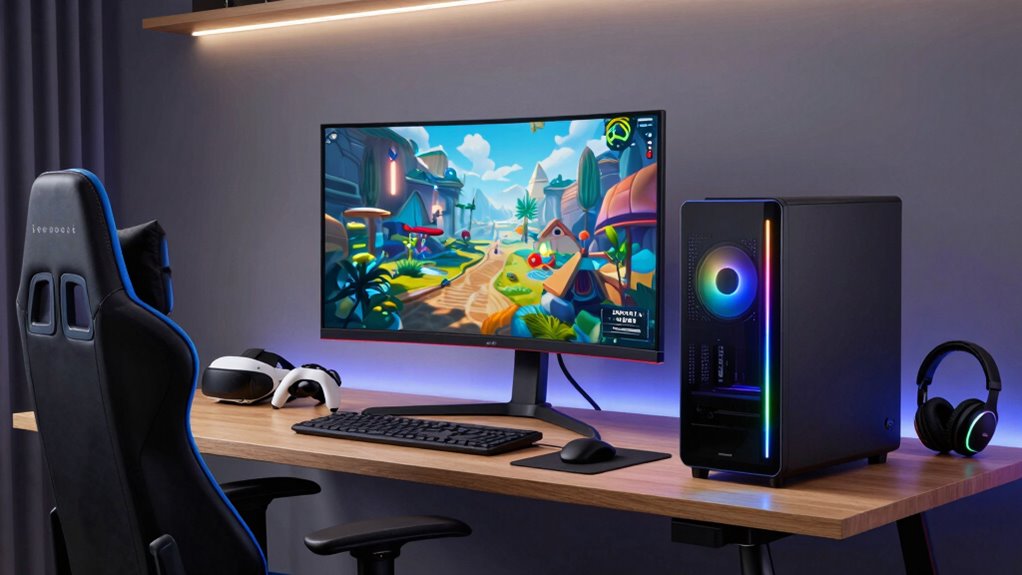
Next, think about your room and routine. Desktop size considerations matter because VR setups often involve more than just the tower; you’ll need space for sensors, sensors, controllers, and movement. If your room is small, a compact desktop might be better, but it should still pack enough power to run VR smoothly. Larger desktops often come with better cooling options and higher performance components, but they also take up more space. Measure your available area before shopping, and consider how much room you can dedicate to movement and accessories. Also, think about the placement of your desktop relative to your play area—if your space is tight, you may want a smaller setup with a less intrusive footprint. Additionally, considering hardware flexibility can help ensure your system remains capable of future upgrades, prolonging its usability.
Beyond size, evaluate your routine and how often you’ll use VR. If you plan to game daily or for extended periods, prioritize a desktop with excellent cooling and upgradeability. This way, you can keep your system running efficiently and upgrade components as needed without replacing the entire setup. Cable management is another factor; a desktop with accessible ports and thoughtful layout reduces clutter and makes setup easier. Additionally, understanding the hardware requirements for VR gaming ensures your setup will run smoothly and prevent potential frustrations.
Ultimately, choosing a VR gaming desktop involves balancing compatibility, size, and performance to suit your room and routine. Focus on a system that supports your VR headset’s requirements, fits comfortably into your space, and offers enough power to keep your virtual adventures smooth and immersive. Taking these factors into account ensures you’ll enjoy a hassle-free VR experience that enhances your gaming and exploration adventures.

CyberPowerPC Gamer Xtreme VR Gaming PC, Intel Core i5-13400F 2.5GHz, GeForce RTX 5060 8GB, 16GB DDR5, 1TB PCIe 4.0 SSD, WiFi Ready & Windows 11 Home (GXiVR8060A40)
System: Intel Core i5-13400F 2.5GHz 10 Cores | Intel B760 Chipset | 16GB DDR5 | 1TB PCIe 4.0…
As an affiliate, we earn on qualifying purchases.
As an affiliate, we earn on qualifying purchases.
Frequently Asked Questions
What Are the Best Brands for VR Gaming Desktops?
When selecting VR gaming desktops, top brands like Alienware, HP Omen, and ASUS stand out. They offer excellent VR controller compatibility and multiple display resolution options, ensuring immersive gameplay. These brands provide powerful graphics cards, fast processors, and customizable setups, making them ideal for VR experiences. You’ll want a desktop that supports your preferred VR headset and maintains smooth performance, so these brands are reliable choices for your gaming needs.
How Much Space Do I Need for VR Setup?
You need at least 6.5 feet by 6.5 feet of clear space for a comfortable VR setup. Studies show that a dedicated room with proper furniture arrangement boosts immersion and safety. Your room dimensions should allow for free movement without knocking over furniture or hitting walls. Keep pathways clear and avoid congested areas to prevent accidents, ensuring an enjoyable and seamless VR gaming experience.
Can I Upgrade My VR Desktop Later?
Yes, you can upgrade your VR desktop later. Many models offer desktop upgrade options, allowing you to enhance components like the graphics card or RAM over time. Just guarantee your VR headset compatibility remains intact, as some upgrades might require different ports or hardware capabilities. Regular upgrades can improve performance and keep your VR experience smooth, so choose a desktop with flexible upgrade options for future-proofing.
What Safety Precautions Should I Take While VR Gaming?
When diving into VR adventures, don’t forget safety first—unlike your couch, your walls can’t move! To avoid motion sickness and keep physical safety intact, clear your play area of obstacles, wear wrist straps, and take regular breaks. Stay aware of your surroundings, and don’t get so immersed that you forget to step back when needed. After all, falling over your own feet isn’t as fun as it sounds!
How Do I Connect VR Headsets to Desktops?
You connect your VR headset to your desktop using compatible connection methods like HDMI or DisplayPort for video, and USB for data transfer. First, check your VR headset’s compatibility with your desktop’s ports. Then, plug in the cables securely, ensuring your computer recognizes the device. Follow any on-screen prompts for setup, and update your drivers if needed. This smooth connection process enhances your VR gaming experience.
CyberPowerPC Gamer Xtreme VR Gaming PC, Intel Core i5-13400F 2.5GHz, GeForce RTX 5060 8GB, 16GB DDR5, 1TB PCIe 4.0 SSD, WiFi Ready & Windows 11 Home (GXiVR8060A40)
System: Intel Core i5-13400F 2.5GHz 10 Cores | Intel B760 Chipset | 16GB DDR5 | 1TB PCIe 4.0…
As an affiliate, we earn on qualifying purchases.
As an affiliate, we earn on qualifying purchases.
Conclusion
Ultimately, selecting the right VR gaming desktop is like finding the perfect fit for your space and routine. While it might seem small, the decision quietly shapes your entire experience, making every game feel more immersive and effortless. Trust your instincts, and don’t overlook the subtle details—sometimes, the most unassuming choices can open the door to the most extraordinary adventures. After all, the right setup should feel like a natural extension of your gaming world.

BOSGAME M4 Oculink Mini PC Ryzen 7 7840HS, 8K 60Hz USB4 Radeon 780M GPU Gaming Computers, 11 Pro-OS Desktop PC, 32GB DDR5 RAM, 1TB PCIe 4.0 NVMe 2280 SSD, Wi-Fi6, BT 5.2
【Work and Game】 BOSGAME M4 Neo Mini PC is equipped with the AMD Ryzen 7 7840HS processor, featuring…
As an affiliate, we earn on qualifying purchases.
As an affiliate, we earn on qualifying purchases.
CyberPowerPC Gamer Xtreme VR Gaming PC, Intel Core i5-13400F 2.5GHz, GeForce RTX 5060 8GB, 16GB DDR5, 1TB PCIe 4.0 SSD, WiFi Ready & Windows 11 Home (GXiVR8060A40)
System: Intel Core i5-13400F 2.5GHz 10 Cores | Intel B760 Chipset | 16GB DDR5 | 1TB PCIe 4.0…
As an affiliate, we earn on qualifying purchases.
As an affiliate, we earn on qualifying purchases.