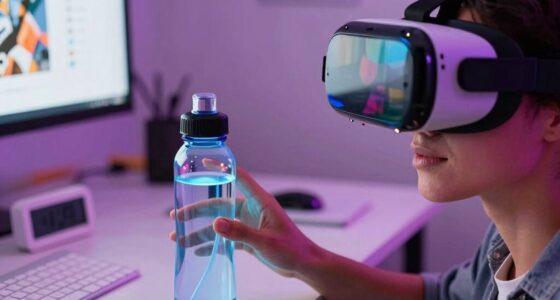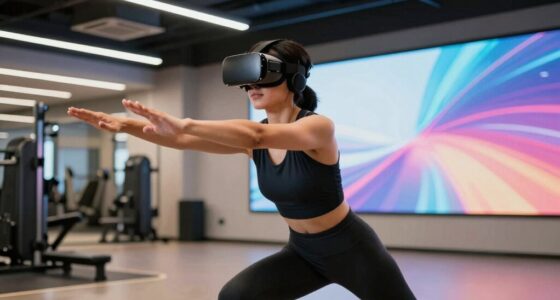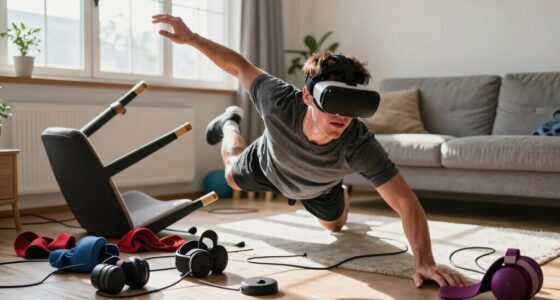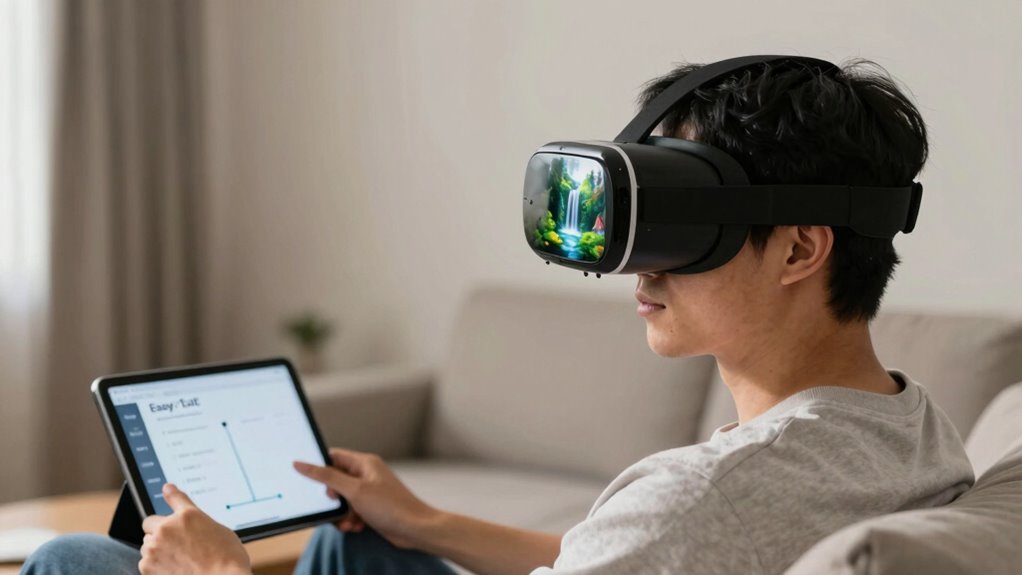
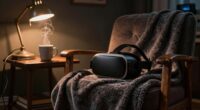
To use comfort features in VR without feeling trapped, start by exploring and customizing settings before your session. Adjust visuals, sounds, and activate calming options like gentle progressions or fade-outs to create a safe environment. Remember to pause or exit whenever needed, and practice mindfulness to stay grounded. Using these tools proactively helps you feel in control and secure during your experience. If you keep exploring, you’ll discover how to make VR a supportive space for managing anxiety confidently.
Key Takeaways
- Explore and customize comfort features before starting to tailor the environment to your needs.
- Use gentle transitions and fade-out options to minimize sensory overload during sessions.
- Activate pause, exit, or safety features at any sign of discomfort to maintain control.
- Incorporate mindfulness techniques, such as focusing on breath or surroundings, to stay grounded.
- Regularly monitor your responses and adjust settings proactively to prevent feelings of being ‘trapped’.
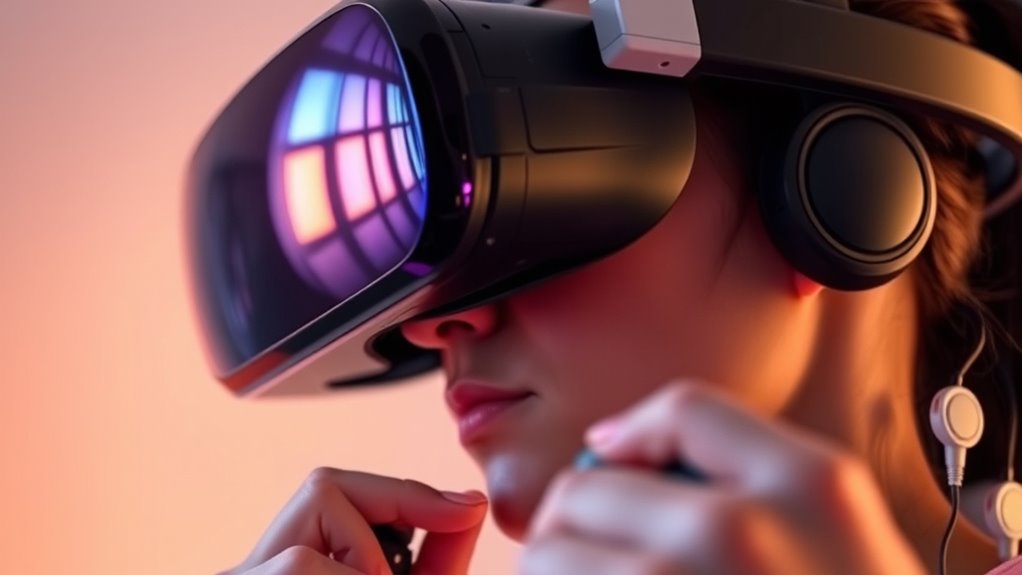
Virtual reality (VR) is rapidly transforming how we approach mental health, particularly anxiety. With its immersive environments, VR offers new ways to practice calming strategies and confront fears safely. However, some users worry about feeling trapped or overwhelmed during sessions, especially when experiencing sensory overload. The good news is that many VR platforms now include comfort features designed to help you stay in control and feel secure. Understanding how to use these features effectively can make your experience more beneficial and less stressful.
VR transforms mental health care, offering safe ways to confront fears while providing comfort features for control and security.
One effective method to stay grounded during VR sessions is incorporating mindfulness techniques. These practices help you stay present and manage anxious thoughts. For example, you might focus on your breath, noticing each inhale and exhale, or pay close attention to your surroundings within the virtual environment. Many VR programs include guided mindfulness exercises, encouraging you to take breaks or adjust settings if you start feeling overwhelmed. By consciously practicing mindfulness, you regain a sense of agency, reducing the risk of feeling trapped or lost in the virtual space. Sensory regulation techniques can also be helpful in managing your responses to overstimulation.
Sensory overload can be a real challenge in VR, especially if the environment becomes too stimulating. Bright visuals, loud sounds, or rapid movements can trigger anxiety or discomfort. To counter this, many VR systems offer comfort features like fade-out options, gentle transitions, or the ability to pause or exit the experience at any time. When you notice signs of sensory overload—such as increased heart rate or nausea—you should feel empowered to activate these features. For instance, a quick pause button allows you to take a break without losing progress, while adjustable settings let you dial down sensory input, like reducing sound volume or changing visual intensity.
It’s essential to familiarize yourself with these comfort options before starting a session. Spend some time exploring the settings and customizing your virtual environment to suit your comfort level. You might choose calmer visuals, softer sounds, or even activate calming background music. If you begin to feel anxious or overwhelmed, don’t hesitate to use the safety features. Remember, VR is a tool meant to support your mental health journey, not to cause additional stress. Taking control of your experience helps you build confidence and trust in the technology.
Ultimately, using comfort features without feeling ‘trapped’ requires awareness and proactive management. Incorporate mindfulness techniques to stay present, and leverage the sensory control options available. When you approach VR with these strategies, you create a safe space where anxiety can be addressed effectively, helping you move forward in your mental health journey with confidence.
VR comfort settings adjustment tools
As an affiliate, we earn on qualifying purchases.
As an affiliate, we earn on qualifying purchases.
Frequently Asked Questions
Can Comfort Features Worsen Anxiety for Some Users?
Comfort feature misconceptions can cause some users to feel more anxious, as they might worry about losing control or feeling trapped. If you’re aware of these anxiety triggers, it’s important to use comfort features gradually and intentionally. Don’t assume they’ll worsen your experience; instead, experiment with settings to find what genuinely helps you feel safe and relaxed. This proactive approach can reduce anxiety and improve your VR experience.
How Do I Customize Comfort Settings for My Needs?
You can customize comfort settings by exploring your VR headset’s personalization options and accessibility settings. Adjust features like movement sensitivity, field of view, and visual cues to suit your needs. Start with small changes and test how they feel, gradually making adjustments until you’re comfortable. Don’t hesitate to use tutorials or guides for specific devices, ensuring your VR experience remains enjoyable and tailored to your comfort level.
Are There Specific VR Headsets Better for Anxious Users?
Imagine a headset designed as if it were made just for you—some are better suited for anxious users. Look for VR headsets with excellent ergonomics, lightweight designs, and adjustable straps, catering to your comfort and preferences. Devices like Oculus Quest 2 or HTC Vive Focus Plus often provide customizable settings that help ease anxiety. Prioritize headsets that let you tailor the experience, so you feel safe and in control at all times.
How Long Should I Use VR to Avoid Increased Anxiety?
You should start with short VR sessions, around 10 to 15 minutes, and gradually increase the duration as you get more comfortable. Pay attention to how you feel during each session and take breaks if you notice any increased anxiety. Gradual exposure helps your mind adapt, so don’t push yourself too hard at once. Over time, you can extend your sessions, but always prioritize your comfort and well-being.
What Signs Indicate VR Is Causing More Anxiety?
A warning sign is when you start feeling overwhelmed or irritable—remember, “forewarned is forearmed.” Virtual reality fatigue and sensory overload often lead to increased anxiety, so if you notice headaches, dizziness, or rapid heartbeat, take a break. Your comfort is key. If symptoms persist, reduce session length or adjust your comfort settings to prevent feeling trapped and worsening anxiety.
VR calming environment accessories
As an affiliate, we earn on qualifying purchases.
As an affiliate, we earn on qualifying purchases.
Conclusion
As you navigate VR, comfort features act like a safety net, offering relief amidst the immersive chaos. They’re your escape hatch when anxiety rises—yet, if overused, they can also feel like barriers, trapping you in hesitation. Balancing these tools is key; they’re your allies, not your prison. Embrace the freedom to explore, knowing that with mindful use, VR becomes a space where confidence grows, not a trap that holds you back.

Meta Quest 3 512GB | VR Headset — Thirty Percent Sharper Resolution — 2X Graphical Processing Power — Virtual Reality Without Wires — Access to 40+ Games with a 3-Month Trial of Meta Horizon+ Included
NEARLY 30% LEAP IN RESOLUTION — Experience every thrill in breathtaking detail with sharp graphics and stunning 4K…
As an affiliate, we earn on qualifying purchases.
As an affiliate, we earn on qualifying purchases.

Kit-Push Button Vr (Bf)
Dense foam applicators for mess-free tire dressing application
As an affiliate, we earn on qualifying purchases.
As an affiliate, we earn on qualifying purchases.