

To block, mute, or report someone in VR without digging through menus, look for options directly on their avatar or profile during your session. Many platforms allow quick access through in-game or in-app menus by selecting a user’s name or avatar, then choosing the appropriate option like “Mute,” “Block,” or “Report.” These actions are designed for fast response to keep your experience smooth. Keep exploring to discover even more efficient ways to stay safe and comfortable in VR.
Key Takeaways
- Use in-game or in-app quick options by selecting the user’s avatar or profile during the session.
- Access mute or block features directly from the context menu without opening full menus.
- Report users instantly during voice chat or gameplay via quick-report buttons.
- Customize privacy settings beforehand to limit unwanted interactions and reduce disruptions.
- Utilize platform-integrated safety features that allow fast action without navigating complex menus.
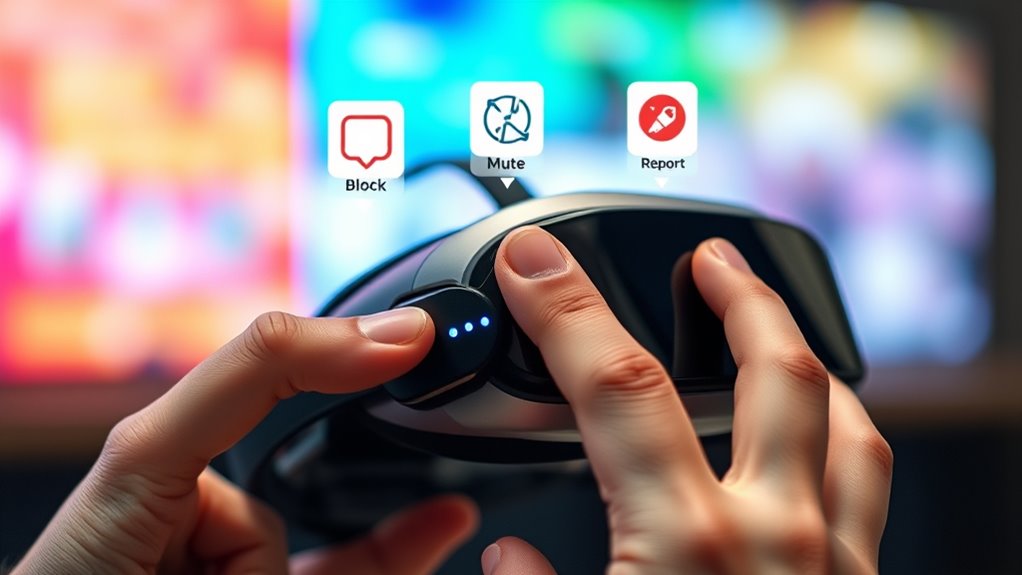
Have you ever needed to prevent someone from disturbing your VR experience? Sometimes, you encounter users who are disruptive or make you uncomfortable, and managing these situations efficiently is vital. Most VR platforms now prioritize user safety and offer quick ways to block, mute, or report others without digging through complicated menus. Knowing these shortcuts helps you maintain a smooth, enjoyable experience without unnecessary frustration.
To start, adjusting your privacy settings is your first line of defense. Many VR apps allow you to customize who can see you, interact with you, or send friend requests. By tightening these settings, you can limit interactions to only trusted friends or specific groups. This proactive step not only enhances your privacy but also reduces the chances of unwanted disturbances. Once your privacy is configured, blocking or muting someone becomes straightforward. Typically, you can do this directly from the in-game or in-app menu by selecting the user’s avatar or profile. A quick tap or click usually reveals options like “Block” or “Mute,” allowing you to prevent that person from disturbing your experience immediately. Blocking usually stops all interactions, including voice chat and messaging, while muting silences their voice or chat without fully removing them from your friend list. This distinction helps you manage situations efficiently—mute if you just want silence temporarily, and block if you want to prevent any future contact.
Reporting is equally essential for maintaining a safe environment. If someone is abusive or violating community guidelines, most VR platforms enable you to report them with minimal effort. Often, you can do this by selecting their profile and choosing “Report” from the options that appear. Some platforms even let you report directly from voice chat or during a game session, providing a quick way to flag problematic behavior. These reports go to moderators or support teams for review, helping keep the community safe and enjoyable for everyone. The key is that all these actions are designed for speed and ease, so you don’t have to leave your current session or navigate complex menus. Instead, they’re integrated into your regular interaction flow, making user safety a priority. Additionally, understanding high refresh rates can help you recognize smoother visuals during these interactions, enhancing your overall VR experience.
Top picks for "block mute report"
Open Amazon search results for this keyword.
As an affiliate, we earn on qualifying purchases.
Frequently Asked Questions
Can I Block Someone Temporarily or Only Permanently?
You can typically only implement a permanent block, but some platforms offer a temporary ban or account restriction option. These are usually designed for short-term issues or misunderstandings, allowing you to restrict someone’s interaction for a set period. Check your VR platform’s specific features, as temporary bans or account restrictions vary. Remember, a temporary ban might be lifted automatically after the time expires, restoring normal interactions.
Will Muting Someone Prevent Them From Sending Messages or Voice Chat?
Muting someone usually prevents them from sending messages or voice chat, but it depends on your privacy settings. If you enable communication restrictions, they might still see your messages or see your online status, even if muted. So, muting is effective for stopping direct interaction, but for complete privacy, review your privacy settings and adjust communication restrictions accordingly. That way, you control who can contact you in VR.
How Does Reporting Affect the Other User’s Account Status?
When you report someone, it triggers the platform’s review process, which can lead to account suspension if violations are verified. Reporting consequences vary based on the severity of the misconduct and the platform’s policies. Your report helps guarantee safer interactions, but it doesn’t assure immediate action. Rest assured, your report contributes to community safety, and the other user’s account may be suspended or penalized if they breach rules.
Are Blocking and Muting Options Available on All VR Platforms?
Per your question, blocking and muting options vary widely across VR platforms. Some platforms, like Oculus and PlayStation VR, offer robust user control features directly accessible, while others may limit these options or require menu digging. Always explore your platform’s specific privacy settings to find blocking and muting tools quickly and easily. Stay vigilant, and take control of your virtual space by mastering platform-specific privacy and user control features.
Can I Customize My Blocking, Muting, or Reporting Settings?
Yes, you can customize your privacy controls and notification settings to manage blocking, muting, and reporting. Most VR platforms let you adjust these options directly in your settings menu, giving you control over who can contact you and how you’re notified. You might find options to set preferences for specific users, mute notifications from certain sources, or enable privacy modes, making your VR experience safer and more personalized without exploring deep menus.
Conclusion
Now that you know how to block, mute, and report in VR easily, you can enjoy your experience without unwanted interruptions. Some might think it’s complicated or takes too long, but these tools are designed for quick access, so you stay in control without hassle. Don’t let troublemakers ruin your fun—use these features confidently and keep your VR sessions safe and enjoyable. It’s simple, quick, and worth it for a better virtual experience.