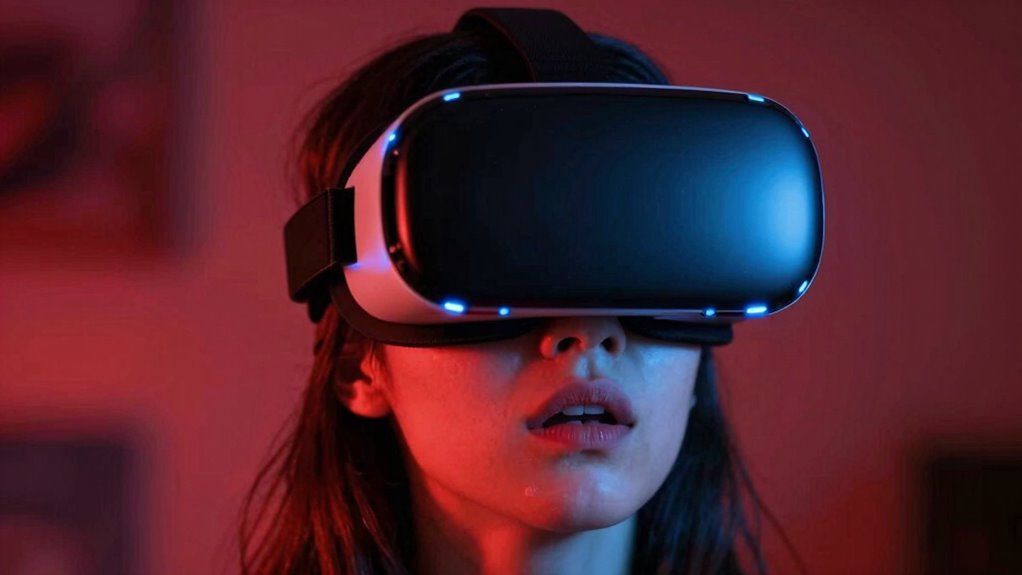

If you experience dizziness or vertigo during a VR session, it’s often due to temporary factors like poor calibration, rapid movements, or low frame rates—these usually improve with breaks, adjustments, and proper setup. However, if symptoms persist outside VR, worsen, or are accompanied by headaches or nausea, it could signal a health issue. Monitoring how your body reacts helps distinguish between normal discomfort and a real concern—there’s more to contemplate when symptoms linger.

Get VR and gaming gear delivered free — and shop member deals
- Fast, free delivery on millions of items
- Access to Prime Big Deal Days deals on October 6–7
- Prime Video, Amazon Music and more included
Key Takeaways
- Temporary vertigo during VR often resolves with calibration, breaks, and session adjustments.
- Persistent dizziness or headaches outside VR likely indicate a health issue requiring medical evaluation.
- Proper device setup and calibration reduce motion sickness, helping distinguish normal reactions from serious problems.
- Symptoms that worsen over multiple sessions or persist after stopping VR should be treated as potential health concerns.
- Listening to your body and monitoring symptom duration can help differentiate between temporary discomfort and underlying health issues.
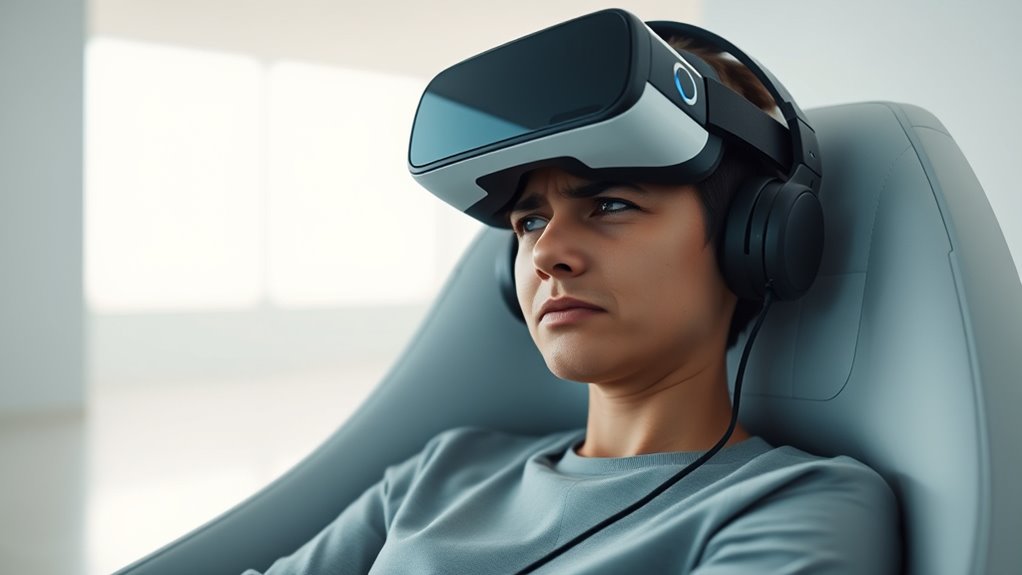
Virtual reality offers immersive experiences that can transport users to new environments, but it also has the potential to trigger vertigo. When you start feeling dizzy or disoriented during a VR session, it’s often related to motion sickness, a common reaction to mismatched visual and physical cues. Your brain receives conflicting signals—your eyes see movement, but your body remains still—leading to that unsettling sensation. To minimize this, it’s vital to guarantee your VR system is properly calibrated before you begin. VR calibration involves adjusting the headset and controllers to match your physical space accurately, reducing the chances of visual distortion that can cause motion sickness. Take the time to set up your play area correctly and follow calibration procedures meticulously. Proper calibration ensures that virtual movements align with your real-world perspective, making the experience smoother and less likely to trigger vertigo. Additionally, ensuring your VR device has a stable power supply and is free from interference can help maintain consistent performance and reduce symptoms caused by lag or low frame rates. If you start feeling nauseous or dizzy during a session, don’t ignore it. These are signs that your body is reacting negatively to the virtual environment, but they don’t necessarily mean there’s a serious issue. Many factors can contribute to motion sickness in VR, including rapid movements, low frame rates, or lag in rendering. Adjust your settings—lower the movement speed, reduce the field of view, or take frequent breaks—to help your body adapt more comfortably. Remember, your tolerance varies, and what works for one person might not work for another. If you find yourself increasingly susceptible to vertigo, try gradually increasing your VR sessions to build up your tolerance. Sometimes, the symptoms of vertigo can be confused with underlying health issues, so it’s important to differentiate between a temporary reaction and a persistent problem. If you experience persistent dizziness, headaches, or nausea outside of VR, consult a healthcare professional. But if your discomfort is limited to VR sessions and improves with adjustments, it’s likely a temporary reaction rather than a serious concern. Pay attention to your body’s signals and don’t push through discomfort, as this can worsen symptoms. Using proper VR calibration, taking regular breaks, and listening to your body are key steps to separating a bad VR session caused by motion sickness from a more serious health issue. Ultimately, understanding your limits and preparing adequately can guarantee you enjoy the virtual world safely and comfortably.
As an affiliate, we earn on qualifying purchases.
Frequently Asked Questions
Can Vertigo From VR Cause Long-Term Health Problems?
Vertigo from VR usually doesn’t cause long-term health problems. It’s often due to motion sickness or sensory conflict during your session, which usually resolves quickly. However, if you experience persistent vertigo or other symptoms after VR use, it’s best to consult a healthcare professional. They can rule out underlying issues and help prevent future discomfort. Most VR-related vertigo is temporary and doesn’t lead to lasting health concerns.
Are Some People More Prone to Vr-Induced Vertigo?
Yes, some people are more prone to VR-induced vertigo due to differences in sensory processing and vestibular sensitivity. If your system is more sensitive, you might experience dizziness more easily during VR sessions. To minimize risks, start with shorter sessions, take breaks, and gradually increase exposure. Paying attention to how your body reacts helps you distinguish between temporary discomfort and more serious issues.
How Can I Prevent Vertigo During VR Sessions?
You can prevent vertigo during VR sessions by ensuring a proper headset fit and minimizing motion sickness triggers. Start by adjusting the headset to fit snugly without pressure points, which reduces discomfort. Take breaks often, especially if you start feeling dizzy. Also, gradually increase your session length, allowing your body to adapt. Using comfort settings and avoiding rapid movements in VR can make your experience smoother and vertigo-free.
Is Vertigo a Common Side Effect of All VR Headsets?
No, vertigo isn’t a common side effect of all VR headsets, but motion sickness can occur if the headset isn’t properly adjusted. You might experience vertigo during some sessions if the visuals don’t align well with your movements or if you haven’t calibrated your headset correctly. To reduce this, guarantee your headset fits snugly and adjust the straps and lenses for clarity. Taking regular breaks also helps prevent vertigo.
When Should I Seek Medical Help for Vr-Related Vertigo?
If your vertigo symptoms become persistent, intense, or interfere with daily activities, it’s time to seek medical consultation. Don’t ignore warning signs like dizziness that worsens or lasts longer than usual. Pay attention to symptom severity—if it feels overwhelming or unusual—and get help promptly. Early medical advice can prevent complications, ensuring you stay safe while enjoying VR experiences. Your health always comes first, so trust your instincts and reach out when needed.
VR motion sickness relief products
As an affiliate, we earn on qualifying purchases.
As an affiliate, we earn on qualifying purchases.
Conclusion
Remember, not every dizziness or discomfort in VR means there’s a serious problem. Sometimes, it’s just a bump in the road, and your body needs time to adjust. Pay attention to how you feel, and don’t ignore persistent issues. Trust your instincts—if something feels off, it’s better to be safe than sorry. Keep listening to your body, because sometimes, a small hiccup is just that—a small hiccup, not a sign of big trouble.
As an affiliate, we earn on qualifying purchases.
As an affiliate, we earn on qualifying purchases.
Halloween Picks
halloween
As an affiliate, we earn on qualifying purchases.