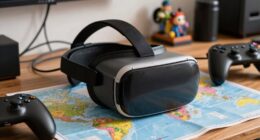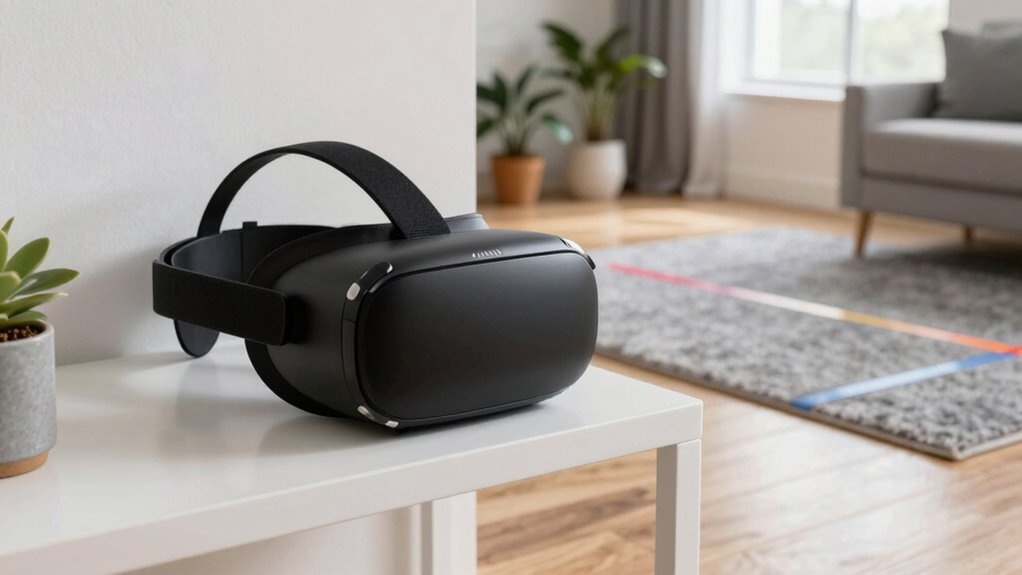

Your VR boundary may work well in one room but not another because environmental factors like lighting, reflective surfaces, and the placement of sensors play a big role. Improper calibration or changes in the space, such as moving furniture or adding obstacles, can disrupt sensor accuracy. Ensuring proper setup, stable lighting, and removing reflective objects helps maintain boundary reliability. If you continue exploring, you’ll discover how environment adjustments impact your VR tracking and how to fix them effectively.

Play games on Amazon Luna for your next adventure, included with Prime
- A rotating selection of games, no download needed
- Play on TV, laptop or phone
- Fast, free delivery for your gear, too
Key Takeaways
- Environmental changes like furniture movement can disrupt sensor calibration and boundary accuracy.
- Inconsistent lighting conditions may impair sensor detection, causing boundary issues in different rooms.
- Reflective surfaces or objects can interfere with sensors, leading to unreliable boundary detection elsewhere.
- Improper sensor positioning or alignment reduces boundary precision in some environments.
- Failing to recalibrate after environmental modifications causes boundaries to malfunction in new rooms.
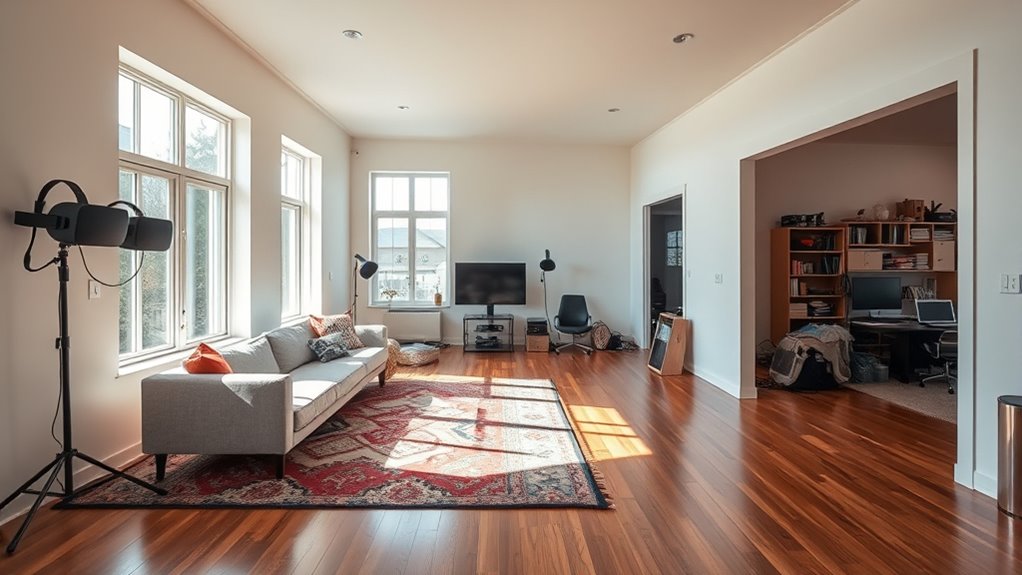
Virtual reality offers immersive experiences, but boundary issues can pose serious safety concerns. When your VR boundary works perfectly in one room but not in another, it’s often because of differences in how the system calibrates sensors and tracks user positioning. These factors are vital for guaranteeing your safety and proper VR function. If your system isn’t correctly calibrated, it might not recognize your movements or the room’s boundaries accurately, which can lead to unexpected collisions or your boundary going unnoticed. Proper sensor calibration involves aligning the VR sensors and cameras with your physical environment, so they accurately detect your position and movements. If this calibration isn’t done correctly or if the environment changes—like moving furniture or adding new obstacles—the boundary system may become unreliable. Additionally, environmental factors such as lighting and reflective surfaces can interfere with sensor performance, making calibration less dependable. If the sensors can’t accurately pick up your movements or the room’s boundaries, the boundary system won’t function correctly. To improve this, you should guarantee consistent lighting conditions and remove reflective objects during calibration. Also, check that your sensors are positioned correctly—ideally at a height and angle that maximizes their field of view of your play area. Proper sensor calibration is essential for ensuring your VR boundary functions reliably across different environments.
As an affiliate, we earn on qualifying purchases.
Frequently Asked Questions
Can I Customize My VR Boundary Settings for Different Rooms?
Yes, you can customize your VR boundary settings for different rooms. Most VR systems let you adjust boundary customization based on room size, ensuring your safe zone matches your space. When setting up, select the appropriate room size and tweak the boundary to fit. This way, your boundary works seamlessly whether you’re in a small or large room, keeping you safe during all your VR adventures.
Does Furniture Placement Affect VR Boundary Accuracy?
Furniture placement definitely affects VR boundary accuracy. Furniture interference, clutter, and poor room layout can create blind spots or false boundaries, making your VR experience unsafe. You should clear the area, reposition furniture, and optimize your room layout to improve boundary detection. By maintaining an open, clutter-free space, you guarantee your VR boundary works reliably, keeping you safe and allowing seamless immersion without interruptions caused by furniture interference.
How Often Should I Recalibrate My VR Boundary?
You should recalibrate your VR boundary whenever you notice it’s less accurate or after significant changes in your play space. Typically, a boundary adjustment is needed every few weeks or if you rearrange furniture or add new items. Regular calibration frequency guarantees your boundary stays precise, preventing accidents. Keep an eye on how well your VR system tracks your movements, and don’t hesitate to recalibrate more often if needed.
Are There Compatibility Issues With Specific VR Headsets?
Yes, there can be hardware compatibility issues with specific VR headsets, affecting how your boundary functions. Make sure your headset’s firmware and software are up to date, as updates often fix bugs and improve compatibility. If you notice persistent boundary problems, check your headset’s compatibility with your current system or software version. Staying current with updates guarantees smoother performance and reduces boundary issues across different VR hardware.
What Should I Do if My Boundary Disappears During Gameplay?
If your boundary vanishes during gameplay, don’t panic—just channel your inner tech wizard. First, double-check your calibration techniques to guarantee your VR system’s tracking is spot-on. Then, tweak boundary visibility settings; sometimes, it’s just hiding behind a virtual curtain. Restart your headset and re-calibrate. If it still disappears, you might need to update firmware or reset your boundary. Keep calm and VR on!
As an affiliate, we earn on qualifying purchases.
Conclusion
So, next time your VR boundary behaves unexpectedly, remember that sometimes, it’s just a coincidence—like that one time your living room’s layout oddly matched the boundary setup. Small changes in furniture or lighting might be the unexpected culprit. Keep experimenting, and you might find that the perfect setup is just a coincidence away. After all, in the world of VR, a little unpredictability keeps things interesting—and maybe, just maybe, it’s all in the coincidence.
As an affiliate, we earn on qualifying purchases.
As an affiliate, we earn on qualifying purchases.
Halloween Picks
halloween
As an affiliate, we earn on qualifying purchases.