
TL;DR
Valve’s Steam Link public beta now supports wired USB streaming on Quest headsets, allowing users to connect directly via USB-C. The feature is currently in testing and may require further development before full deployment. This update could improve stability and reduce latency for VR streaming.
Steam Link Beta Brings Wired USB Streaming to Quest Headsets
Valve’s Steam Link public beta now supports wired USB-C PC streaming on Meta Quest headsets, enabled through Meta Horizon OS 2.5’s Android USB networking (NCM). The feature is still in testing and may require further development before full deployment.
Requirements for Wired USB Streaming
Data-Capable USB-C Cable
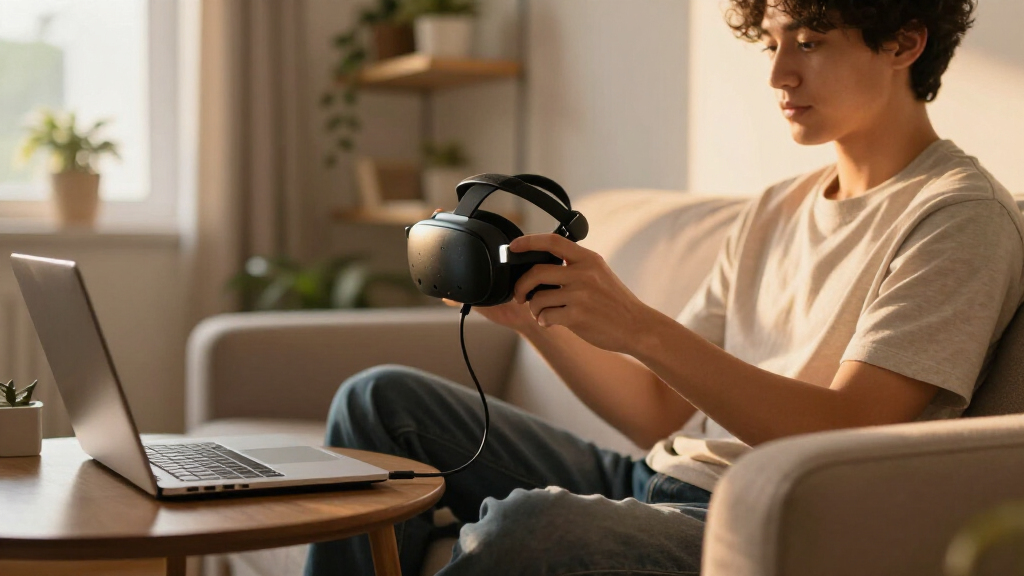
A data-capable USB-C cable must be plugged into the Quest headset after launching the Steam Link app. Charge-only cables will not work.
Meta Horizon OS 2.5+
Horizon OS 2.5 and later support Android USB networking (NCM), letting apps request a direct network link to a connected PC after user approval.
Steam Client Beta on PC
Users must join the Steam Link for Meta Quest beta channel via Valve’s official invite link, sign into a Meta account, and opt into the Steam Client Beta on their PC.
How to Enable Wired Streaming
Join the Beta
Use Valve’s official invite link to join the Steam Link for Meta Quest beta channel, signed into your Meta account.
Opt into Client Beta
Enable the Steam Client Beta on your PC to facilitate wired streaming without Wi-Fi.
Launch & Plug In
Launch Steam Link on the headset, then plug a data-capable USB-C cable into the Quest.
Approve the Link
Approve the direct network link. A cycling Wi-Fi signal on the SteamVR dock indicates an active USB connection.
Connectivity Options at a Glance
| Feature | Steam Link (Beta) | Virtual Desktop | Wi-Fi Streaming |
|---|---|---|---|
| Wired USB support | ✓ Beta | ✓ Yes | ✗ N/A |
| Requires Wi-Fi discovery first | ~ Reported | ✗ No | ✓ Yes |
| Horizon OS 2.5 dependency | ✓ Required | ✓ Required | ✗ No |
| Latency reduction potential | ✓ High | ✓ High | ~ Variable |
| Stability in current state | ~ Testing | ✓ Stable | ~ Interference-prone |
Potential Gains from a Direct Connection
Illustrative assessment based on beta reports. Wired USB streaming could offer a more stable alternative to Wi-Fi, which can be affected by interference and bandwidth limitations — but the current build still relies on Wi-Fi discovery before switching to USB.
What Early Testers Are Saying
“The latest Steam Link beta introduces wired USB streaming support on Quest headsets, leveraging Horizon OS 2.5’s USB networking capabilities.”
— Anonymous Researcher“Users need to join the Steam Link beta channel and opt into the Steam Client Beta on PC to access the wired streaming feature.”
— Anonymous ResearcherEverything You Might Ask
How do I join the Steam Link beta for Quest?
Use Valve’s official invite link, available on their website or community channels, while signed into your Meta account.
What equipment do I need?
A data-capable USB-C cable, a Quest headset running Horizon OS 2.5 or later, and a PC configured with the Steam Client Beta.
Is the feature fully functional now?
No — reports indicate it still relies on Wi-Fi discovery before switching to USB, and stability is not yet guaranteed.
Will this improve VR streaming quality?
If fully implemented, wired USB streaming could reduce latency and improve connection stability for demanding VR applications.
Potential Impact of Wired USB Streaming on Quest VR Experience
The addition of wired USB streaming support in Steam Link’s beta could significantly improve VR gaming by reducing latency and increasing connection stability. For Quest users, this offers an alternative to Wi-Fi streaming, which can sometimes be unreliable or introduce lag. If fully implemented, this feature could enhance the overall VR experience, especially for demanding games or applications that benefit from a more direct connection. It also signals ongoing efforts by Valve and Meta to improve PC VR connectivity options, potentially influencing future updates and standard practices for VR streaming across platforms.USB-C cable for Oculus Quest VR headset
As an affiliate, we earn on qualifying purchases.
As an affiliate, we earn on qualifying purchases.
Background on PC Streaming and Quest Connectivity Features
Prior to this update, Quest users primarily relied on Wi-Fi for PC VR streaming through apps like Virtual Desktop and the official Steam Link app. Virtual Desktop was among the first to introduce wired USB support, offering a more stable connection for VR gameplay. Meta Horizon OS 2.5 and later expanded USB networking capabilities, allowing apps to request direct network links over USB after user approval. Valve’s Steam Link, a popular app for streaming PC games to Quest devices, has now integrated this wired support into its public beta, following the trend toward more reliable, low-latency connections. The development aligns with broader industry efforts to improve VR streaming quality and reduce dependence on Wi-Fi, which can be affected by interference and bandwidth limitations.“The latest Steam Link beta introduces wired USB streaming support on Quest headsets, leveraging Horizon OS 2.5’s USB networking capabilities.”
— an anonymous researcher
As an affiliate, we earn on qualifying purchases.
Limitations and Stability of the Wired USB Feature
It is not yet clear whether the wired USB streaming feature is fully functional or stable in the current beta. Reports suggest that the system still relies on Wi-Fi discovery before switching to USB, indicating the feature may not be fully implemented or may have bugs. Further testing and official updates are needed to confirm its reliability and usability for everyday use.Meta Quest wired VR connection kit
As an affiliate, we earn on qualifying purchases.
As an affiliate, we earn on qualifying purchases.
Next Steps for Development and Full Release
Valve and Meta are expected to continue refining the wired USB streaming feature, aiming for full stability and seamless operation without Wi-Fi dependency. Future updates may include improved discovery processes, reduced latency, and broader compatibility. Users participating in the beta will likely see incremental improvements before a wider rollout in stable releases. Monitoring official channels for announcements will be essential to track progress toward a fully supported wired streaming experience.VR gaming wired connection accessories
As an affiliate, we earn on qualifying purchases.
As an affiliate, we earn on qualifying purchases.
Key Questions
How do I join the Steam Link beta for Quest?
You can join the Steam Link for Meta Quest public beta by using Valve’s official invite link, available on their website or community channels, while signed into your Meta account.
What equipment do I need to use wired USB streaming?
You need a data-capable USB-C cable and a Quest headset running Horizon OS 2.5 or later. The PC must also be configured with the Steam Client Beta for the feature to work properly.
Is the wired USB streaming feature fully functional now?
Currently, the feature is in beta and may have limitations. Reports indicate that it still relies on Wi-Fi discovery before switching to USB, and stability is not yet guaranteed.
Will this improve VR streaming quality?
If fully implemented, wired USB streaming could reduce latency and improve connection stability, offering a better experience for demanding VR applications.
When can we expect a full release?
No official timeline has been announced. Valve and Meta are likely to continue testing and refining the feature before a wider rollout in stable versions.
Source: UploadVR