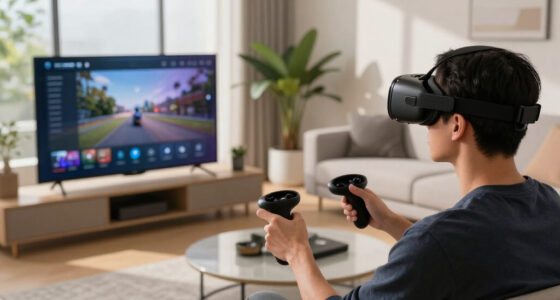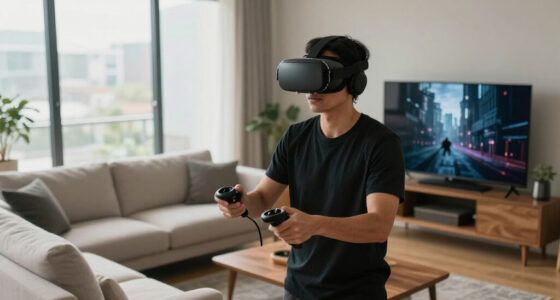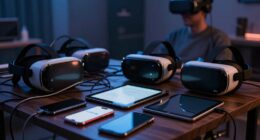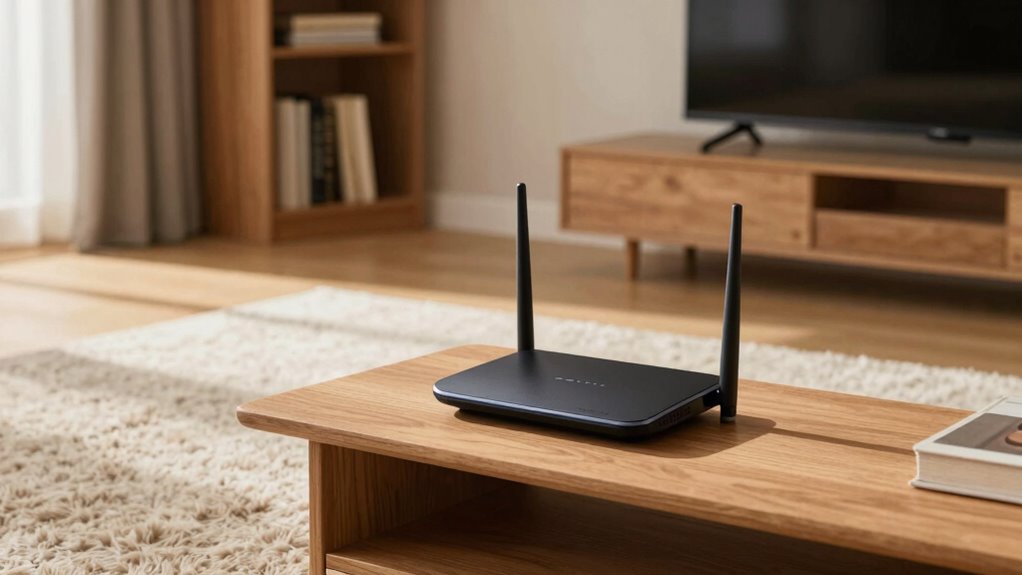
For ideal VR streaming, place your router in three key spots. First, position it centrally in your home to guarantee even coverage and reduce dead zones. Second, elevate it on a shelf or high wall away from thick walls and metal objects to minimize interference. Finally, choose open spaces with minimal obstacles for stronger signals and fewer disruptions. Taking these steps will boost your connection quality—continue exploring for even more tips to maximize your VR experience.
Key Takeaways
- Place the router centrally in your home to ensure even Wi-Fi coverage for VR streaming.
- Elevate the router on a high shelf or wall mount to reduce interference and improve line of sight.
- Position the router in an open space, away from walls, furniture, and metal objects, for optimal signal strength.
- Use mesh networks or signal repeaters in larger areas to extend coverage and maintain stability.
- Avoid placing the router near appliances like microwaves and cordless phones to minimize interference.
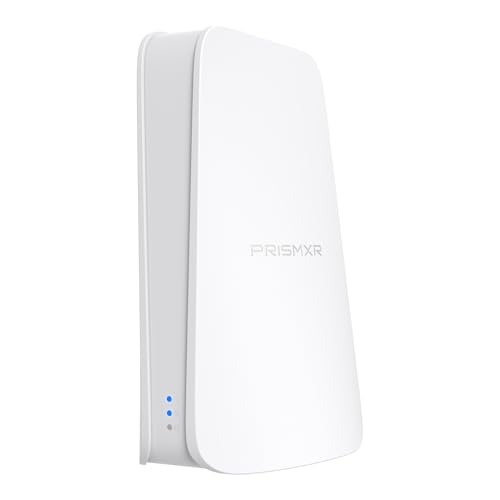
PC-VR Streaming Air Link WiFi6 VR Router Compatible with Meta Quest 3S/3/2
- High-Speed Wireless Streaming: Up to 1500 Mbps with Wi-Fi 6
- Real-Time Connection Monitoring: One-Click Stream Check with 19 items
- Easy Setup and Compatibility: Plug-and-Play with no configuration
As an affiliate, we earn on qualifying purchases.
As an affiliate, we earn on qualifying purchases.
Central Location in Your Home

Placing your router in a central location is essential for ideal VR streaming performance. When your router sits in the middle of your home, the signal reaches all areas more evenly, reducing dead zones and lag. Avoid placing it in corners, basements, or behind thick walls, as these hinder signal strength. Keep it away from large metal objects or appliances that can cause interference. Positioning your router centrally ensures your VR headset maintains a strong, stable connection during gameplay. This setup minimizes latency and buffering, providing a smoother experience. Remember, a well-placed router is the foundation of seamless VR streaming, so choose a spot that offers clear, unobstructed access to the entire living space. Additionally, understanding the importance of wireless technology can help optimize your network setup for better performance, especially when integrated with smart home devices that can enhance your overall connectivity and efficiency. Using signal repeaters or mesh networks can further extend coverage and strengthen the connection in larger homes. Proper placement also helps reduce interference, which can negatively impact streaming quality. Incorporating knowledge of network topology can further optimize your setup for maximum coverage and stability.

TP-Link Deco X55 AX3000 WiFi 6 Mesh System – Covers up to 6500 Sq.Ft, Replaces Wireless Router and Extender, 3 Gigabit Ports per Unit, Supports Ethernet Backhaul, Deco X55(3-Pack)
- Wi-Fi 6 Mesh Technology: AX3000 speeds for seamless coverage
- Wide Coverage: Up to 6500 sq. ft. with no dead zones
- Connect Multiple Devices: Supports up to 150 devices
As an affiliate, we earn on qualifying purchases.
As an affiliate, we earn on qualifying purchases.
Elevated Position Away From Interference
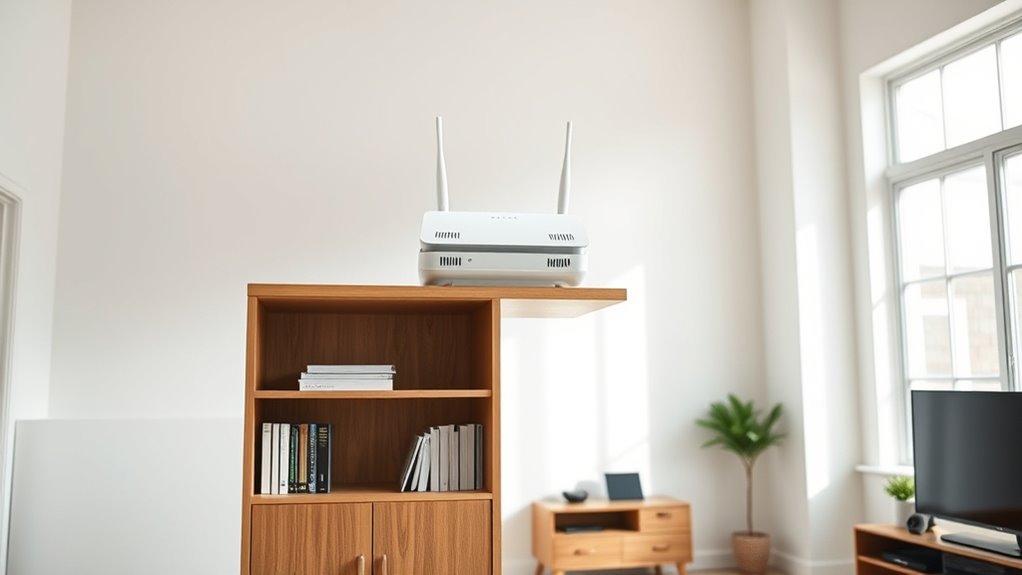
Positioning your router on an elevated surface can substantially improve your VR streaming experience by reducing interference. When your router is higher up, signals are less likely to be blocked or disrupted by furniture, appliances, or other obstacles at ground level. Elevation helps guarantee a clearer line of sight to your VR headset, minimizing dead zones and signal drops. Keep the router away from metal objects, microwaves, cordless phones, and thick walls, as these can cause interference that weakens the Wi-Fi signal. Placing your router on a shelf or mounted high on a wall allows the signal to spread more evenly across your space. This setup helps maintain a strong, stable connection, reducing lag and buffering during your VR sessions. Proper router placement is essential for maximizing your VR experience.

WiFi Extender, WiFi Extenders Signal Booster for Home Up to 5000 sq.ft and 50 Devices, WiFi Range Extender, Wireless Repeater, Long Range Amplifier with Ethernet Port, 1-Tap Setup, Alexa Compatible
- Wide Coverage: Up to 5000 sq.ft coverage
- High-Speed Dual Band: Up to 300Mbps on 2.4GHz
- Full 360° Coverage: Provides complete wireless coverage
As an affiliate, we earn on qualifying purchases.
As an affiliate, we earn on qualifying purchases.
Open Spaces With Minimal Obstacles
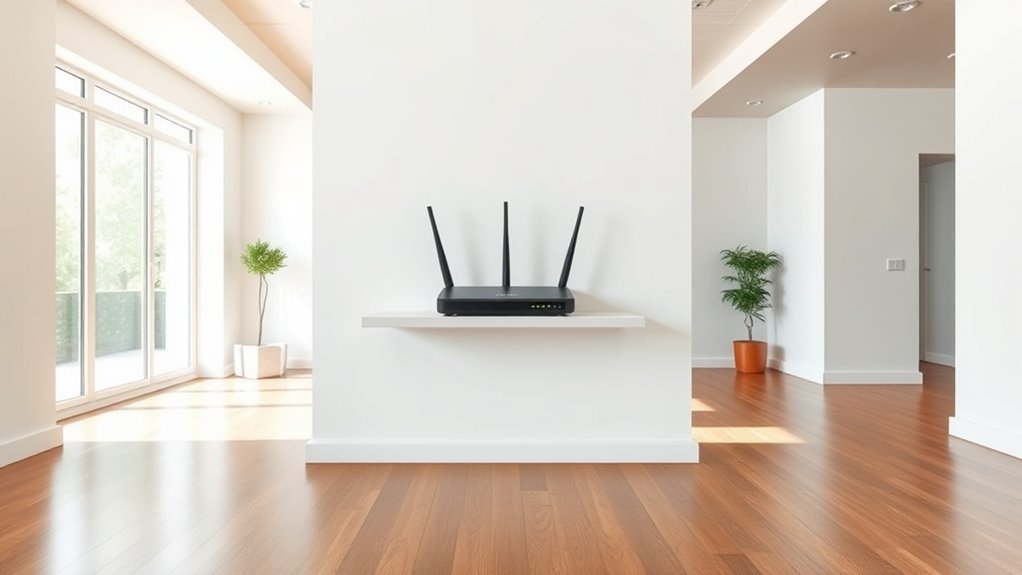
Have you considered how open spaces can enhance your VR streaming? Placing your router in an area with minimal obstacles ensures a stronger, more stable connection. Open spaces reduce the chances of signal reflection and interference caused by walls, furniture, or other objects. When your router is in a clear area, it can broadcast Wi-Fi signals more efficiently across your room. This setup helps prevent lag, buffering, or disconnections during immersive VR sessions. Keep the router away from large metal objects or thick partitions that can block or weaken the signal. Ideally, position it in a central location within the open space to maximize coverage. Proper antenna placement can further improve signal distribution and overall performance. Additionally, choosing a high-quality router with multiple antennas can significantly boost your VR experience by enhancing signal stability and range. For optimal results, consider router placement guidelines that emphasize clear sightlines and minimized interference. Being aware of your home’s wireless environment can also help you identify the best spots for signal strength. Understanding signal reflection and how it impacts Wi-Fi can help you choose the ideal placement for your router.

WALI Floating TV Shelf, 1 Tier Glass Projector Shelf for DVD Players, Routers, Game Consoles, Cable Boxes, Living Room Decor, Wall Mount Shelves Hold Up to 17.6lbs (CS201B), 1-Shelf, Black
- Large Tempered Glass Shelf: 15×11 inch, 4mm thick, supports 17.6lbs
- Built-in Cable Management: Slim black wall plate with hidden cables
- Adjustable Floating Design: Elevate and organize your entertainment setup
As an affiliate, we earn on qualifying purchases.
As an affiliate, we earn on qualifying purchases.
Frequently Asked Questions
How Does Router Placement Affect VR Latency?
Router placement directly impacts your VR latency by affecting signal strength and stability. When you place your router centrally and avoid obstructions, you get a stronger, more consistent Wi-Fi connection. This reduces lag and latency, making your VR experience smoother. Keep the router elevated and away from electronics or thick walls. Good placement minimizes interference, ensuring your VR headset communicates efficiently, so you enjoy immersive gameplay without frustrating delays.
Can Multiple VR Headsets Share the Same Router Efficiently?
Think of your router as the conductor of a high-speed orchestra, guiding multiple VR headsets through a symphony of signals. Yes, they can share the same router efficiently, but only if it’s powerful enough and positioned well. To keep everyone in harmony, make sure your router has strong Wi-Fi capabilities, minimal interference, and is centrally located. This way, your VR experience stays smooth, vibrant, and immersive for all players.
What Router Features Optimize VR Streaming Performance?
To optimize your VR streaming performance, look for routers with dual-band or tri-band capabilities, ensuring less interference and better bandwidth. Prioritize models with Wi-Fi 6 (802.11ax), which offers faster speeds and improved connectivity. MU-MIMO technology helps multiple devices, including VR headsets, connect smoothly. Additionally, choose routers with high data throughput, strong signal strength, and quality of service (QoS) features to prioritize VR traffic and reduce lag.
How Often Should I Reposition My Router for VR Use?
You should reposition your router whenever you notice a drop in VR streaming quality or increased latency. Regularly check your connection during extended gaming sessions, and if you experience lag or buffering, move the router closer or to a more central spot in your home. Repositioning every few months can help maintain peak performance, especially if you rearrange furniture or add new devices that could interfere with the signal.
Does Mesh Networking Improve VR Streaming Stability?
Did you know that mesh networks can boost Wi-Fi coverage by up to 90%? Yes, mesh networking markedly improves VR streaming stability by providing a seamless, strong connection across your entire space. It eliminates dead zones and reduces lag, ensuring smooth gameplay. You’ll notice fewer disconnections and lag spikes, making your VR experience more immersive and enjoyable. If you want consistent, high-quality streaming, investing in a mesh system is a smart move.
Conclusion
By choosing a central spot, elevating your router, and keeping it in open space, you set yourself up for smooth VR streaming. Don’t settle for just any corner—think of your network like a well-oiled machine that needs the right parts working together. When you place your router wisely, you’re not just avoiding hiccups; you’re ensuring your VR experience is seamless from start to finish. Remember, a little effort now saves a lot of frustration later.