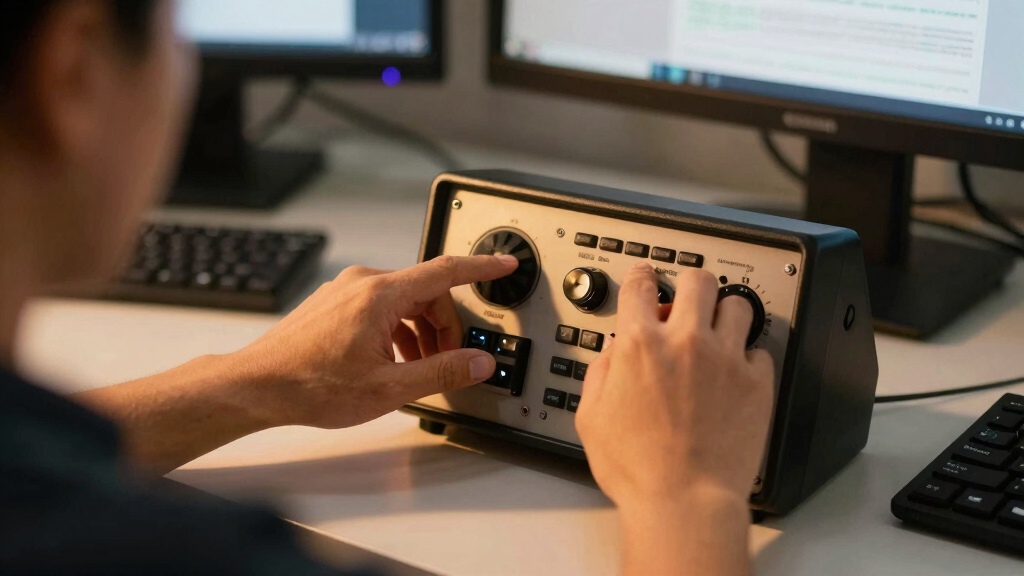

For flight simulation enthusiasts, a quality radio panel can significantly boost realism and ease of tuning aircraft radios. The WINGFLEXSIM A320RMP COMBO stands out as the best overall choice thanks to its comprehensive features and durability. The IFR-1 offers a compact, all-in-one solution perfect for limited space setups, while the Logitech G USB Pro Flight Radio Panel delivers solid performance at an accessible price. Buyers face tradeoffs between realism, cost, and compatibility, making it essential to understand what each option offers. Continue reading for a detailed comparison to find the best fit for your flight sim setup.

Play games on Amazon Luna for your next adventure, included with Prime
- A rotating selection of games, no download needed
- Play on TV, laptop or phone
- Fast, free delivery for your gear, too
Key Takeaways
- The top-ranked options balance realism with ease of use, with the WINGFLEXSIM combo excelling in both areas.
- Compatibility with popular flight sim platforms like MSFS2020 and X-Plane 12 is a key factor influencing value.
- Pricing varies significantly, with more expensive panels offering advanced features but not always better usability for beginners.
- Build quality and tactile feedback are critical for immersion, especially in premium models.
- Some compact panels sacrifice features for size, making them better suited for limited space but less comprehensive.
| WINGFLEXSIM A320RMP COMBO CUBE Flight Simulator Radio Management Panel with RMP, ATC, TCAS & Side Panel Functions for PC |  | Best Overall for All-in-One Cockpit Control | Compatible Devices: PC | Controller Type: Button Panel | Connectivity Technology: USB | VIEW LATEST PRICE | See Our Full Breakdown |
| IFR-1: Compact All-in-one Cockpit for Flight Simulation |  | Best Value for Compact Realism | Compatibility: Microsoft Flight Simulator 2020/2024, X-Plane 11+ | Controls: Autopilot, FMS, navigation, radios, transponder, BARO, HDG, VORs | Connectivity: USB-C to USB-A cable included | VIEW LATEST PRICE | See Our Full Breakdown |
| Flight Simulator Digital Autopilot Panel for Home Cockpit & Desktop Setup |  | Best for Realism and Detailed Cockpit Experience | Material: Aluminum Alloy | Lighting: Automatic Ambient Light | Compatibility: Most Flight Simulation Platforms | VIEW LATEST PRICE | See Our Full Breakdown |
| Logitech G USB Pro Flight Radio Panel |  | Best for Adjustable, Real-Time Radio Control | Compatibility: Windows 7+ | Features: Twin concentric adjustment dials, standby switch, real-time LED displays | Connectivity: USB | VIEW LATEST PRICE | See Our Full Breakdown |
| B737 1:1 Cockpit Radio Tuning Panel for Flight Simulation (MSFS2020, MSFS2024, X-Plane 12) with Universal Travel Adapter |  | Best for Authentic 1:1 Scale Cockpit Replication | Material: ABS + Circuit Board | Product Weight: 500g | Package Weight: 800g | VIEW LATEST PRICE | See Our Full Breakdown |
| Logitech G USB Pro Flight Radio and Switch Panel Bundle |  | Best for Versatile Compatibility and Real-time Feedback | Compatibility: Microsoft Flight Simulator X, 2004, Prepar3D 2.2+, X-Plane 10 | Features: Twin concentric adjustment dials, standby switch, real-time LED displays | Control Types: Radio tuning, switch controls for landing gear, lights, engine | VIEW LATEST PRICE | See Our Full Breakdown |
| flight sim radio panel | Compatibility | Connectivity | Material | Size |
|---|---|---|---|---|
| WINGFLEXSIM A320RMP COMBO CUBE | — | — | — | — |
| IFR-1: Compact All-in-one Cock | Microsoft Flight Simulator 2020/2024, X-Plane 11+ | USB-C to USB-A cable included | Plastic | Compact |
| Flight Simulator Digital Autop | Most Flight Simulation Platforms | USB | Aluminum Alloy | Standard desktop |
| Logitech G USB Pro Flight Radi | Windows 7+ | USB | Plastic | Small |
| B737 1:1 Cockpit Radio Tuning | — | — | ABS + Circuit Board | — |
| Logitech G USB Pro Flight Radi | Microsoft Flight Simulator X, 2004, Prepar3D 2.2+, X-Plane 10 | USB | — | — |
More Details on Our Top Picks
WINGFLEXSIM A320RMP COMBO CUBE Flight Simulator Radio Management Panel with RMP, ATC, TCAS & Side Panel Functions for PC
This all-in-one control panel stands out for integrating multiple cockpit functions into a compact device, making it ideal for users who want a streamlined setup. Unlike the IFR-1, which offers high-precision controls but lacks the multi-function versatility, the WINGFLEXSIM combo consolidates radio management, traffic, and side panel controls into a single unit. Its USB connectivity is straightforward, though it may require some configuration, and it’s limited to PC platforms, excluding console users. The 16-button layout offers realistic functionality but might feel restrictive for those who prefer customizable button mappings. Overall, this panel suits flight sim enthusiasts seeking a comprehensive, space-saving solution, with the tradeoff of less flexibility in button customization and platform exclusivity.
Pros:- All-in-one design with multiple cockpit functions
- Compatible with major PC flight platforms
- Compact and easy to integrate into existing setups
- Realistic simulation of radio and traffic management
Cons:- Requires USB connection and some setup effort
- Limited to PC platforms, not compatible with consoles
- Button layout less customizable for advanced users
Best for: PC users who want an all-in-one cockpit control solution that reduces clutter and enhances realism.
Not ideal for: Console gamers or those seeking highly customizable button layouts with extensive software integration.
- Compatible Devices:PC
- Controller Type:Button Panel
- Connectivity Technology:USB
- Additional Features:Multiuse
- Button Quantity:16
- Hardware Platform:PC
- Color:Grey
- Warranty:Product Warranty
Our verdict“This pick is perfect for PC flight simmers who want a comprehensive, space-efficient radio management panel without the need for extensive customization.”
IFR-1: Compact All-in-one Cockpit for Flight Simulation
Compared with larger setups like the Flight Simulator Digital Autopilot Panel, the IFR-1 offers a space-efficient yet highly functional cockpit experience. Its high-precision controls and LED-backlit buttons provide a realistic feel, perfect for users with limited space but who still desire immersive controls. The inclusion of a dual-axis rotary encoder and compatibility with Microsoft Flight Simulator 2020/2024 and X-Plane 11+ make it a versatile choice. However, it requires a USB connection to a PC and might have a learning curve for beginners unfamiliar with flight controls. This panel emphasizes quality and realism at a more accessible price point, trading off some advanced customization options and platform flexibility.
Pros:- Provides realistic and precise flight controls
- Space-saving, all-in-one cockpit design
- Easy USB connectivity with included cable
- Compatible with major flight simulation software
Cons:- Not compatible with Xbox
- Requires connection to PC for use
- Learning curve for beginners
Best for: Enthusiasts needing a compact, realistic cockpit control that saves space without sacrificing detail.
Not ideal for: Users who want a plug-and-play experience with minimal setup or those who fly on Xbox platforms.
- Compatibility:Microsoft Flight Simulator 2020/2024, X-Plane 11+
- Controls:Autopilot, FMS, navigation, radios, transponder, BARO, HDG, VORs
- Connectivity:USB-C to USB-A cable included
- Design:Space-saving, all-in-one cockpit
- Rotary Encoder:Dual-axis high-quality rotary encoder
- Size:Compact
- Lighting:LED-backlit buttons
- Material:Plastic
Our verdict“Ideal for space-conscious flight simmers seeking high-quality controls with straightforward PC compatibility.”
Flight Simulator Digital Autopilot Panel for Home Cockpit & Desktop Setup
This autopilot panel excels at creating authentic cockpit environments, especially compared to simpler control panels like the Logitech G series. Its aluminum alloy construction offers durability and a premium feel, while automatic ambient lighting enhances visibility during night flights. Designed for desktop use, it provides tactile feedback that appeals to users who want a true cockpit experience. The main tradeoff involves additional mounting hardware required for full cockpit integration, and some users might find the setup process more involved than plug-and-play options. The sturdy build and realistic layout make it a top choice for serious flight sim enthusiasts aiming for authenticity, but it may not suit those seeking a quick, minimal setup.
Pros:- Realistic cockpit layout with tactile feedback
- Automatic backlighting improves night visibility
- Plug-and-play USB connection simplifies setup
- Includes durable aluminum alloy stand
Cons:- Requires additional hardware for mounting
- May need customization for specific simulators
- Base stability depends on user setup
Best for: Dedicated flight sim hobbyists who prioritize realistic cockpit details and durability.
Not ideal for: Casual users or those seeking a lightweight, easy-to-move control panel without extensive mounting requirements.
- Material:Aluminum Alloy
- Lighting:Automatic Ambient Light
- Compatibility:Most Flight Simulation Platforms
- Stand Included:Yes
- Mounting Options:Back mounting holes, desktop stand
- Connectivity:USB
- Size:Standard desktop
- Weight:Approx. 2kg
Our verdict“Best suited for serious simmers demanding authentic cockpit controls with high durability and visual clarity.”
Logitech G USB Pro Flight Radio Panel
This panel is a solid choice for those who want precise radio control, especially compared to more basic panels like the B737 Tuning Panel. Its twin concentric adjustment dials and real-time LED displays make frequency tuning intuitive and immersive. While it excels in realism, it’s limited to Windows 7 or newer, which could restrict some users. The device’s focus on radio functions means it doesn’t cover broader cockpit controls, but for dedicated radio management, it offers excellent feedback and adjustability. This model is a good fit for pilots who prioritize radio tuning accuracy over the full cockpit experience, with the tradeoff of being somewhat specialized and requiring recent Windows OS.
Pros:- Realistic control of radio functions
- Real-time LED displays for feedback
- Adjustable frequency dials for precision
- Easy to use with dedicated controls
Cons:- Limited to Windows 7 or newer
- Focused solely on radio functions, not full cockpit controls
- Requires software setup for full integration
Best for: Flight sim enthusiasts who want detailed, adjustable radio controls with real-time feedback on Windows PCs.
Not ideal for: Mac users or those seeking a full cockpit control panel with multiple functions beyond radios.
- Compatibility:Windows 7+
- Features:Twin concentric adjustment dials, standby switch, real-time LED displays
- Connectivity:USB
- Design:Compact and ergonomic
- Size:Small
- Material:Plastic
- Weight:Approx. 300g
- Color:Black
Our verdict“Ideal for radio control aficionados who seek precise, adjustable tuning on a Windows platform without extra clutter.”
B737 1:1 Cockpit Radio Tuning Panel for Flight Simulation (MSFS2020, MSFS2024, X-Plane 12) with Universal Travel Adapter
This B737 cockpit radio panel appeals most to users wanting a true-to-life replica, outperforming digital-only panels like the Logitech G series by offering physical knobs and buttons that mimic real aircraft controls. Its 1:1 scale design provides an immersive experience, especially for users who integrate it into custom cockpit builds. The included universal travel adapter adds convenience for international use, making it a versatile option for dedicated sim pilots worldwide. The main tradeoffs involve setup complexity and stability, as heavy weight and the need for proper mounting can be challenging. It’s best suited for those willing to invest time in assembly and calibration to achieve the most authentic experience, rather than quick setup or casual play.
Pros:- Realistic 1:1 cockpit layout
- Physical knobs and buttons for intuitive control
- Supports multiple flight platforms
- Includes universal travel adapter for international compatibility
Cons:- Requires setup and configuration with MobiFlight
- Heavy weight needing sturdy mounting
- Limited compatibility with non-standard hardware
Best for: Serious flight sim enthusiasts and custom cockpit builders demanding authentic replica controls.
Not ideal for: Casual users or those who prefer plug-and-play solutions without extensive setup or mounting.
- Material:ABS + Circuit Board
- Product Weight:500g
- Package Weight:800g
- Dimensions:14 x 14 x 10cm
- Travel Adapter:Universal, 200g
- Rated Voltage:110V-250V
- Rated Current:6A
- Power:1500W
Our verdict“Perfect for dedicated cockpit builders seeking a highly authentic, physical replica of aircraft radio controls, with the tradeoff of more involved setup.”
Logitech G USB Pro Flight Radio and Switch Panel Bundle
This bundle stands out for its compatibility with a broad range of flight simulation platforms like Microsoft Flight Simulator, Prepar3D, and X-Plane, making it a flexible choice for users who switch between different software. The real-time LED displays provide instant feedback, boosting immersion, especially when compared to simpler panels that lack live data. Its twin concentric adjustment dials and multiple control switches support a realistic flight experience, but this complexity can be intimidating for beginners. Additionally, the bundle’s focus on flight simulation limits its usefulness outside this niche, unlike multi-purpose panels that might support other sims or applications. Overall, this set makes the most sense for dedicated flight sim enthusiasts who value detailed controls and software compatibility, but less so for newcomers or casual users who prefer straightforward, plug-and-play options.
Pros:- Compatible with multiple popular flight simulation platforms
- Real-time LED displays enhance user immersion
- Includes both radio and switch panels for comprehensive control
Cons:- Requires compatible flight simulation software, limiting plug-and-play ease
- Can be complex for users new to flight sim hardware
Best for: Dedicated flight sim users who want broad software compatibility and detailed control feedback
Not ideal for: Beginners or casual users who prefer simple, less complex interfaces without needing real-time LED data
- Compatibility:Microsoft Flight Simulator X, 2004, Prepar3D 2.2+, X-Plane 10
- Features:Twin concentric adjustment dials, standby switch, real-time LED displays
- Control Types:Radio tuning, switch controls for landing gear, lights, engine
- Display:Real-time LED
- Connectivity:USB
- Software Compatibility:Requires compatible flight simulation software
Our verdict“This bundle suits serious flight simulator enthusiasts seeking detailed, multi-platform controls with immersive real-time feedback, but isn’t ideal for beginners or non-flight-specific setups.”
How We Picked
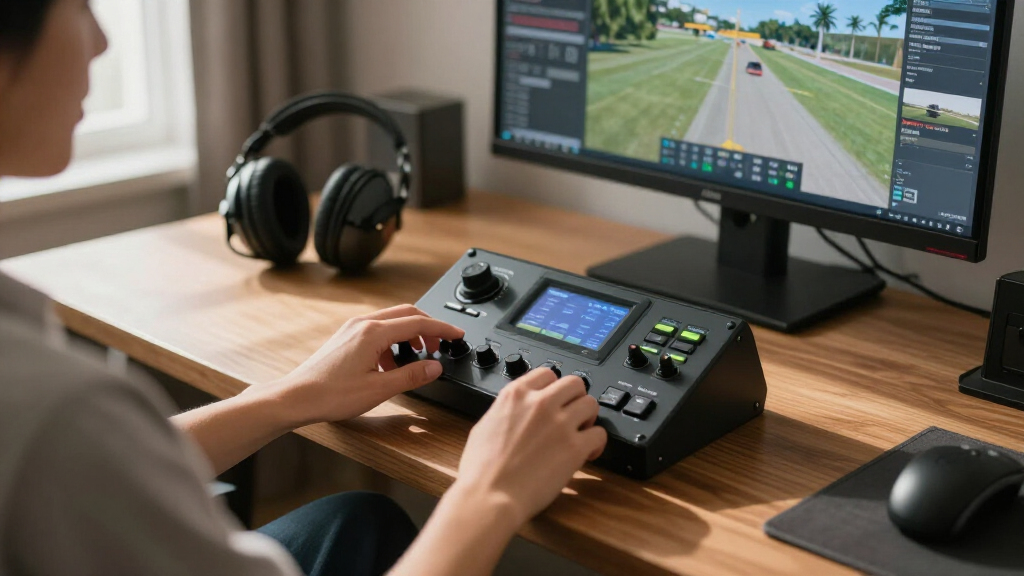
I evaluated each product based on performance, build quality, compatibility, ease of setup, and value for money. Priority was given to how well each panel mimics real aircraft radios, its durability, and user interface. I also considered the range of features offered and how they integrate with popular flight sim software. The ranking reflects a balance between price and functionality, ensuring each pick offers a clear advantage for specific user needs. The goal was to identify options suitable for different skill levels and cockpit setups, from beginners to advanced simmers.| flight sim radio panel | Compatibility | Connectivity | Size | Material |
|---|---|---|---|---|
| WINGFLEXSIM A320RMP COMBO CUBE | — | — | — | — |
| IFR-1: Compact All-in-one Cock | Microsoft Flight Simulator 2020/2024, X-Plane 11+ | USB-C to USB-A cable included | Compact | Plastic |
| Flight Simulator Digital Autop | Most Flight Simulation Platforms | USB | Standard desktop | Aluminum Alloy |
| Logitech G USB Pro Flight Radi | Windows 7+ | USB | Small | Plastic |
| B737 1:1 Cockpit Radio Tuning | — | — | — | ABS + Circuit Board |
| Logitech G USB Pro Flight Radi | Microsoft Flight Simulator X, 2004, Prepar3D 2.2+, X-Plane 10 | USB | — | — |
Factors to Consider When Choosing Best Flight Sim Radio Panels
Choosing the best flight sim radio panel involves several considerations that go beyond just features. Understanding your simulation environment, budget, and desired level of realism can significantly influence your decision. A good panel should seamlessly integrate with your existing setup, provide reliable tactile feedback, and match your aircraft preferences. Considering these broader factors can help avoid common pitfalls like overpaying for unnecessary features or selecting incompatible hardware. Here are key factors to keep in mind:Compatibility with Flight Sim Software
Ensure the panel supports your primary flight simulation platform, whether MSFS2020, X-Plane 12, or others. Compatibility affects functionality and ease of setup, so check for native support or available drivers. Some panels excel with certain sims but may require extra configuration for others, which could add complexity or limit use.
Realism and Tactile Feedback
The feel of the controls impacts immersion. Look for panels with physical knobs, switches, and buttons that mimic real aircraft radios. Cheaper options might rely on digital inputs or soft keys, which can detract from the experience. Assessing tactile feedback helps determine if the panel feels ‘right’ during extended flights.
Size and Space Requirements
Consider your cockpit space and whether a compact panel or full-size setup makes sense. Smaller panels are easier to fit on desks but may lack features, while larger panels provide more controls at the expense of space. Think about how the panel will integrate with your existing hardware and whether it complements your workflow.
Build Quality and Longevity
Panels with sturdy construction and high-quality switches tend to last longer and feel better during use. Cheap plastic components can wear out quickly, reducing reliability over time. Reading reviews about durability can prevent disappointment and ensure your investment lasts through many flight hours.
Price and Value
While budget options can be appealing, they often trade off features and durability. Conversely, premium panels offer advanced controls and better build, but may be unnecessary for casual users. Finding a balance based on your budget and needs is key. Sometimes, paying a bit more yields a more satisfying and long-lasting product.
Frequently Asked Questions
Will these panels work with my specific flight simulator?
Most panels are designed to support popular platforms like Microsoft Flight Simulator and X-Plane. However, compatibility can vary, especially with custom or less common sims. Always verify the panel’s supported software list and check for driver availability before purchasing. Some panels require additional configuration or plugins, so reading user reviews for your specific sim version can help ensure smooth operation.
Are these panels easy to set up for a beginner?
Setup complexity ranges across models. Entry-level panels like the Logitech G series tend to be straightforward, with plug-and-play USB connections and simple software. More advanced options may require configuration within your flight sim software or driver installation. If you’re new to sim hardware, starting with a well-supported, user-friendly panel can save frustration and help you enjoy your flights sooner.
Do I need additional hardware to use these panels effectively?
Most radio panels connect via USB and are ready to use with standard flight sim setups. However, integrating multiple panels or customizing controls might require additional hardware, like a dedicated cockpit enclosure or external controllers. For a basic experience, a single panel should suffice, but expanding your setup might involve extra investment in hubs, adapters, or mounting solutions.
How important is build quality when choosing a radio panel?
Build quality directly impacts the durability and feel of your panel during long flights. High-quality switches and sturdy construction contribute to a more realistic experience and ensure longevity. Cheaper panels may feel flimsy or wear out quickly, leading to potential frustration. Investing in a well-built panel can make a noticeable difference in immersion and reliability over time.
Is it worth paying more for a premium radio panel?
Premium panels often feature more controls, better tactile feedback, and higher durability, which can enhance realism and longevity. If you are a serious simmer or use your setup frequently, the investment can be justified by improved experience and reliability. However, for casual users, more affordable options may provide sufficient functionality without breaking the bank. Consider your flight hours and how much you value realism before spending extra.
Conclusion
For those just starting out or seeking simplicity, the Logitech G USB Pro Flight Radio Panel offers reliable performance at an accessible price. More advanced users or those with dedicated cockpits should consider the WINGFLEXSIM A320RMP COMBO for its comprehensive controls and durability. Casual flyers who want a good balance of price and features may find the B737 1:1 Cockpit Panel an excellent choice. Premium enthusiasts aiming for maximum realism and build quality might prefer dedicated, high-end units like the Logitech bundle or specialized cockpit panels. Ultimately, your choice should align with your flight sim goals, budget, and space constraints.