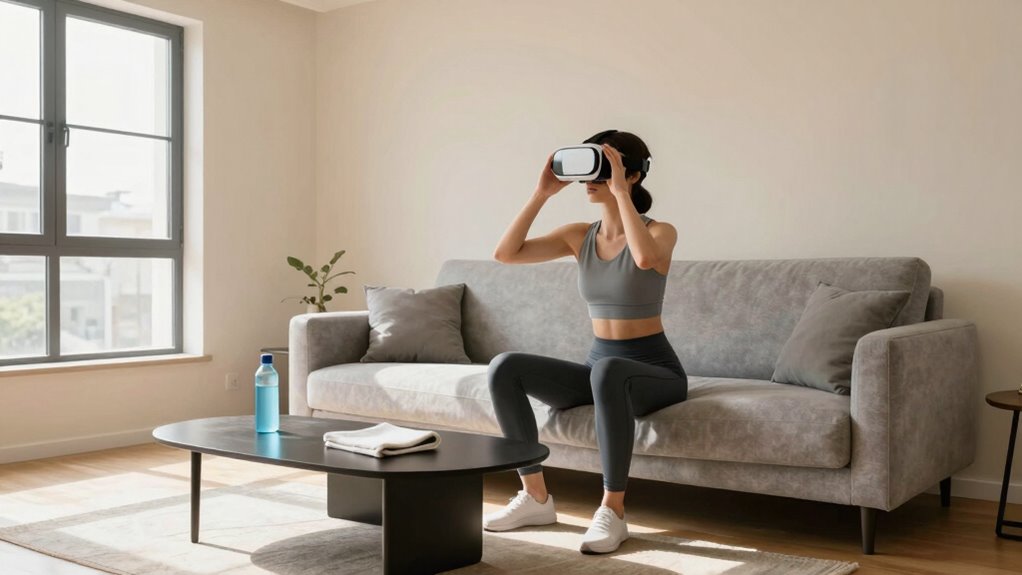

In shared homes, guarantee your VR fitness space is clear and obstacle-free by marking boundaries and installing padding for safety. Communicate your workout schedule to household members to avoid interruptions, and organize cords and sensors to prevent tripping. Regularly check and recalibrate equipment for accuracy, and take frequent breaks to avoid fatigue. Prioritizing space management, equipment maintenance, and good communication will help keep your VR workouts safe and enjoyable. Want to learn more tips? Keep exploring for details.
Listen free for 30 days with Audible
Thousands of audiobooks and originals — cancel anytime.
As an affiliate, we earn on qualifying purchases.
Key Takeaways
- Clearly communicate workout schedules and boundaries to household members to prevent interruptions and accidental injuries.
- Keep the play area obstacle-free, well-defined, and padded to minimize collision risks during active routines.
- Regularly organize and secure cords, sensors, and equipment to prevent tripping hazards and ensure accurate tracking.
- Take frequent breaks and listen to your body to avoid fatigue and overexertion during VR workouts.
- Maintain and update VR equipment regularly for safety, reliability, and optimal performance.
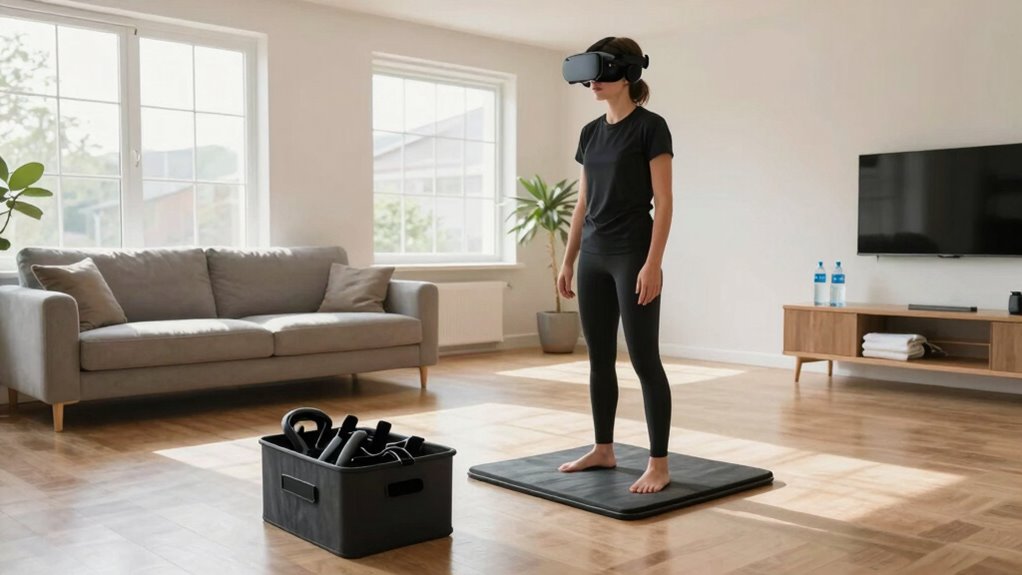
Virtual reality fitness offers an exciting way to stay active, but using it safely is crucial to prevent injuries and guarantee an enjoyable experience. When you’re sharing a home, being mindful of your space and equipment becomes even more important. Proper equipment maintenance ensures your VR gear stays in excellent condition, reducing the risk of malfunctions that could cause accidents or damage. Regularly check for loose cables, clean the headset lenses, and update software to keep everything running smoothly. Well-maintained equipment not only enhances safety but also prolongs the lifespan of your devices, making your workouts more reliable.
Regular maintenance of VR gear ensures safe, reliable workouts and extends device lifespan.
Space optimization plays a key role in making your VR fitness experience safer in a shared home. Clear out enough room to move freely without knocking over furniture or bumping into walls. Use markings or tape on the floor to define your play area, helping you stay within safe bounds during active movements. If possible, designate a specific workout zone that’s free of obstacles, so everyone in the household knows where it’s safe to exercise. This minimizes the chances of accidental collisions or injuries. Additionally, consider installing padding or soft flooring in your designated area to cushion falls or slips, especially if your routines involve jumping or quick directional changes. Creating a safe environment can significantly reduce the risk of injuries during high-energy activities.
When sharing your space, communicate your VR schedule with other household members. Let them know when you plan to work out, so they can avoid entering your play area unexpectedly. This avoids interruptions and prevents accidental injuries caused by someone walking into your active zone. Keep cords and sensors organized and out of the way, perhaps using clips or cable ties, to prevent tripping hazards. If your VR setup involves external sensors, ensure they’re securely positioned and recalibrated regularly to maintain tracking accuracy, which helps you avoid awkward movements that could lead to strains or falls. Maintaining a safe play environment is essential for a positive VR fitness experience. Additionally, consider the importance of space management and how it impacts safety and comfort during your routines.
Lastly, always prioritize your safety by taking breaks and staying aware of your surroundings. Even with all the precautions, fatigue can impair your coordination, so listen to your body. Sharing a home doesn’t mean sacrificing safety; it means actively managing your space and equipment. Regular maintenance, thoughtful space setup, and clear communication with others can help you enjoy VR fitness more securely while avoiding accidents. With these measures in place, you can immerse yourself in your workouts confidently, knowing your environment supports your health and well-being.
As an affiliate, we earn on qualifying purchases.
Frequently Asked Questions
Can VR Fitness Cause Long-Term Physical Injuries?
VR fitness can potentially cause long-term injuries if you’re not careful, especially with repetitive movements or poor form. To prevent this, focus on injury prevention by warming up, staying aware of your surroundings, and taking breaks. Listen to your body and avoid pushing through pain. By practicing safe habits, you can enjoy VR workouts without risking long-term injuries, making your fitness journey safer and more effective.
How Do I Prevent My Pets From Interfering During VR Workouts?
You might think pets interfere during VR workouts, but with proper pet supervision, you can prevent this. Investigate if your pets are curious or anxious around technology, and address those behaviors. Space clearing helps by creating a designated, pet-free zone where your pets won’t accidentally bump into equipment. Consistently supervising your pets and maintaining a clear, safe area guarantees your workouts stay uninterrupted and your pets remain safe.
Is There a Recommended Age Limit for Using VR Fitness?
Yes, there are recommended age limits for VR fitness, typically around 12 years and older, depending on the device. Always follow safety guidelines provided by the manufacturer, as younger users might experience discomfort or safety concerns. It is crucial to supervise children during VR sessions, ensure they understand how to use the equipment properly, and adhere to age restrictions to prevent accidents and promote a safe, enjoyable experience.
What Should I Do if I Experience Dizziness or Nausea?
If you experience dizziness or nausea, stop using the VR headset immediately. Sit down and focus on a fixed point to help ease motion sickness. Try adjustment techniques like gradually increasing session time and taking regular breaks. Make certain your environment is well-ventilated, and stay hydrated. If symptoms persist, consult a healthcare professional. Listening to your body and making these adjustments can help you enjoy VR fitness more safely.
How Can I Avoid Damaging Shared Furniture or Belongings?
To keep your shared space cozy and damage-free, focus on furniture protection and belongings safeguarding. Use soft mats or rugs under your VR play area, and consider placing cushions around furniture edges. Be mindful of your movements, especially during energetic routines, to avoid accidental bumps. Keeping your gear organized and staying aware of your surroundings helps prevent mishaps, ensuring everyone’s belongings and furniture stay intact while you enjoy your VR fitness sessions.
VR headset cable management clips
As an affiliate, we earn on qualifying purchases.
As an affiliate, we earn on qualifying purchases.
Conclusion
By setting clear boundaries, communicating openly, and respecting shared spaces, you guarantee your VR fitness experience remains safe, enjoyable, and hassle-free. Establish rules, share expectations, and stay mindful of others’ needs. Keep your equipment organized, be aware of your surroundings, and listen to your body. When you prioritize safety, respect, and awareness, you create a positive environment for everyone—making VR fitness safe, fun, and sustainable for you and your shared home.
As an affiliate, we earn on qualifying purchases.
As an affiliate, we earn on qualifying purchases.
NFL season / tailgating Picks
team gear
As an affiliate, we earn on qualifying purchases.