TL;DR

Play games on Amazon Luna for your next adventure, included with Prime
- A rotating selection of games, no download needed
- Play on TV, laptop or phone
- Fast, free delivery for your gear, too
VR headsets for students offer immersive learning experiences that boost engagement and understanding. From affordable mobile options to advanced standalone devices, choosing the right headset depends on budget, content, and safety considerations. Proper integration can reshape education for the digital age.
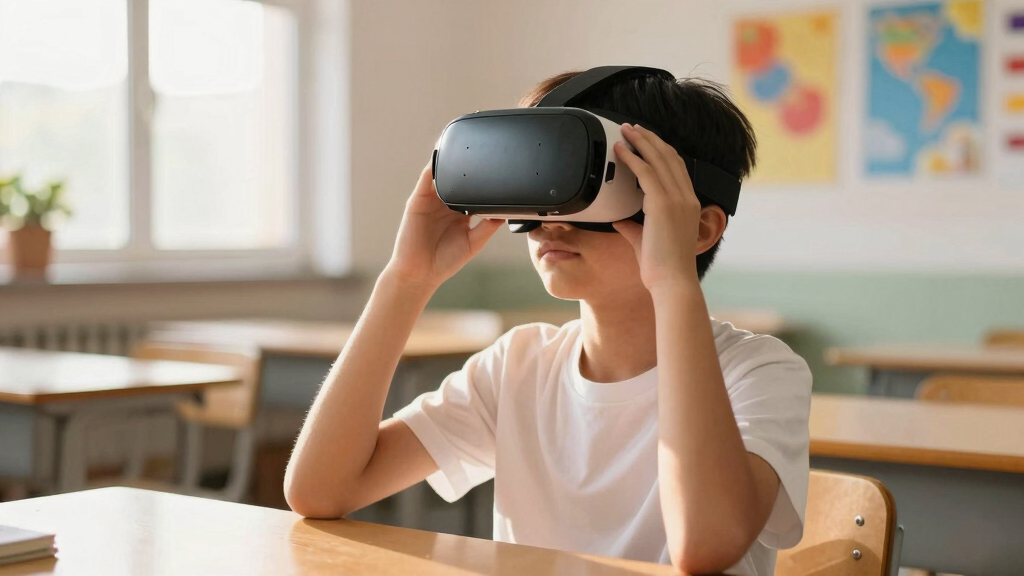
Imagine walking through ancient Rome or exploring the human bloodstream without leaving your classroom. VR headsets turn that dream into reality, transforming how students learn. This isn’t just about cool gadgets — it’s about redefining education itself.
If you’re curious about which VR devices actually work for students, how to get started, or what to watch out for, you’re in the right place. Let’s break down what makes a good student VR headset, recent tech breakthroughs, and practical tips to make it work in your classroom or at home.
Choose lightweight, comfortable headsets with safety features for student use.
Match device type to your educational goals and budget — from affordable mobile VR to immersive tethered systems.
Prepare content in advance and train teachers on safe, effective VR use.
Be mindful of safety, including breaks and supervision, to prevent discomfort and injuries.
VR is a powerful tool, but it works best when integrated thoughtfully into your curriculum.
What makes a VR headset good for students? Expect comfort, safety, and content.
When choosing a VR headset for students, think about comfort — lightweight, adjustable straps, and soft padding matter. If a device is uncomfortable or causes fatigue, students are less likely to engage for extended periods, which diminishes learning potential. Safety is equally important: headsets with features like adjustable interpupillary distance and ergonomic design help prevent eye strain and discomfort. Clear guidelines for usage and breaks are essential because prolonged use can lead to symptoms like headaches or nausea, especially in younger users. Moreover, the quality of content influences how effectively students learn; engaging, age-appropriate simulations are more likely to foster curiosity and understanding. For example, Oculus Quest 2 offers a comfortable fit and a library of educational apps, making it a popular choice. Meanwhile, Google Cardboard is super affordable but less durable and less feature-rich.
Pro tip: Always pair hardware with age-appropriate content to keep students engaged without overwhelming them, and consider their physical comfort to maintain focus and prevent fatigue.
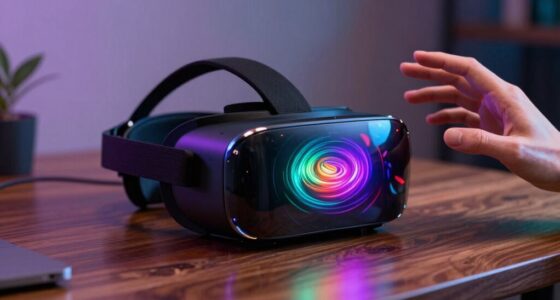
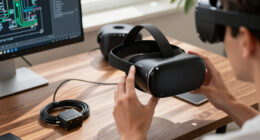
Oculus Quest 2 educational VR headset
As an affiliate, we earn on qualifying purchases.
As an affiliate, we earn on qualifying purchases.
Which types of VR headsets are best for classrooms? Here’s the quick rundown.
| Type | Features | Best For |
|---|---|---|
| Standalone VR | All-in-one, no external devices needed, lightweight | Classrooms seeking easy setup (e.g., Oculus Quest 2) |
| Tethered VR | Requires connection to PC or console, higher performance | Advanced courses or labs needing detailed simulations (e.g., HTC Vive) |
| Mobile VR | Uses smartphones, very affordable, flexible | Budget-conscious schools or at-home practice (e.g., Samsung Gear VR) |
Example: A middle school might use standalone Oculus Quest 2 for engaging science lessons, while a university lab could opt for tethered HTC Vive for complex virtual experiments.
Understanding the differences between these types helps educators align their choice with their curriculum goals and logistical constraints. For instance, standalone devices are ideal for quick deployment and mobility, reducing setup time and technical support requirements. Tethered systems, while more complex and costly, provide higher fidelity experiences necessary for detailed simulations that require precise tracking and high-resolution graphics. Mobile VR offers affordability and portability but may sacrifice some immersion and performance. The tradeoffs involve balancing budget, ease of use, and educational objectives to select the most effective system for your context.affordable mobile VR headset for students
As an affiliate, we earn on qualifying purchases.
As an affiliate, we earn on qualifying purchases.
How to set up VR in your classroom in 3 simple steps.
- Choose the right headset based on your budget, space, and curriculum needs. Selecting a device that aligns with your educational goals ensures effective integration and maximizes learning outcomes.
- Prepare your content by selecting apps and simulations aligned with your lessons. Curating relevant and engaging content helps maintain student interest and ensures educational value.
- Train teachers and students on safe usage, proper handling, and breaks to prevent discomfort. Proper training minimizes misuse, reduces safety risks, and encourages responsible use, which is critical for long-term success.
For example, a high school might pick Oculus Quest 2, download virtual field trip apps, and hold a quick training session before classes start. This preparation ensures the technology enhances learning rather than becoming a distraction or safety concern.
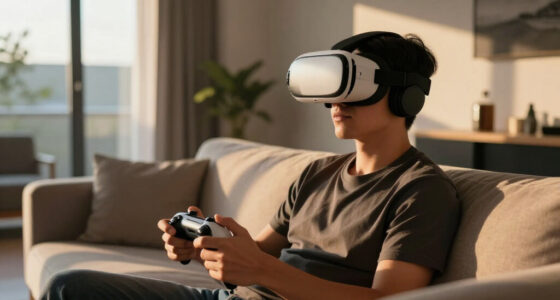
Proper setup and training are essential because they address potential barriers like technical difficulties, safety issues, and student engagement, ultimately leading to more effective and sustainable VR integration.standalone VR headset for classroom use
As an affiliate, we earn on qualifying purchases.
As an affiliate, we earn on qualifying purchases.
What are the biggest benefits of VR in education? Expect engagement, retention, and real-world skills.
VR makes learning feel like an adventure, grabbing students’ attention and transforming passive lessons into active exploration. This heightened engagement leads to deeper understanding and better retention of information. Research indicates that students remember up to 75% of VR-based lessons compared to 20-30% with traditional methods, highlighting how immersive experiences reinforce memory through multisensory input. For example, medical students practicing surgeries in virtual labs not only improve their technical skills but also develop confidence and spatial awareness that are difficult to replicate with textbooks. Similarly, history students walking through ancient cities or reconstructing archaeological sites can grasp complex cultural contexts more vividly, making abstract concepts tangible and memorable. The implication is that VR can bridge the gap between theoretical knowledge and practical understanding, preparing students for real-world applications and problem-solving beyond the classroom.
VR headsets with safety features for students
As an affiliate, we earn on qualifying purchases.
As an affiliate, we earn on qualifying purchases.
What are the challenges to using VR for students? Prepare for cost, safety, and infrastructure hurdles.
VR isn’t perfect — it can be pricey, with high-end headsets costing around $300 or more, which may strain school budgets. Additionally, successful implementation requires reliable Wi-Fi, sufficient physical space, and technical support staff to troubleshoot issues. Without these, the experience can be frustrating and ineffective. Safety concerns include motion sickness, eye strain, and physical accidents if students move around in confined spaces or misuse the equipment. These risks are especially significant for younger students, who may have more difficulty understanding safe use practices. The tradeoff involves balancing initial investment with long-term educational benefits; while the costs are substantial, the immersive potential can justify the expense if properly managed. Moreover, addressing infrastructure needs and safety protocols ensures that VR enhances learning without creating new risks or logistical challenges.
How to pick the right VR headset for your school? Use this 4-step checklist.
- Set your budget and consider total costs, including content and infrastructure. Recognizing the full financial picture helps prevent overspending and ensures sustainability.
- Assess your space and hardware needs — do you need portability or high-fidelity simulations? Understanding your physical environment influences the choice of device type and setup complexity.
- Review content options — are there curriculum-aligned apps available? Selecting relevant content ensures the investment translates into meaningful learning experiences.
- Check safety features and user age recommendations — avoid headsets with strict age limits if your students are younger. Prioritizing safety features and age appropriateness reduces risks and supports inclusive use.
Frequently Asked Questions
Are VR headsets safe for all students?
Most are suitable for students over age 13, with supervision and regular breaks. Younger children may need age-appropriate content and hardware designed for their size and sensitivity.What’s the cost range for student VR headsets?
Basic mobile VR options like Google Cardboard cost under $50, while standalone headsets like Oculus Quest 2 run around $300. Tethered systems for advanced labs can be significantly more expensive.Does VR really improve learning outcomes?
Yes, studies show VR can boost retention and engagement by up to 75%. It’s especially effective for visual and experiential learners, making complex topics more tangible.What are common safety concerns?
Motion sickness, eye strain, and physical accidents are risks. Proper supervision, breaks, and choosing suitable content help mitigate these issues.How do I start integrating VR into my teaching?
Begin with a clear goal, select the right hardware and content, train your staff, and start with small pilot lessons. Gradually expand as you learn what works best.Conclusion
VR headsets are no longer just gaming gadgets—they’re shaping the future of education. When selected and used wisely, they turn lessons into adventures that students will remember.
Imagine a classroom where every student can virtually walk through history or explore the human body. That’s not science fiction — it’s the new reality, waiting to transform how we teach and learn. So, why not start small, experiment, and see where VR can take your students?
Halloween Picks
halloween
As an affiliate, we earn on qualifying purchases.