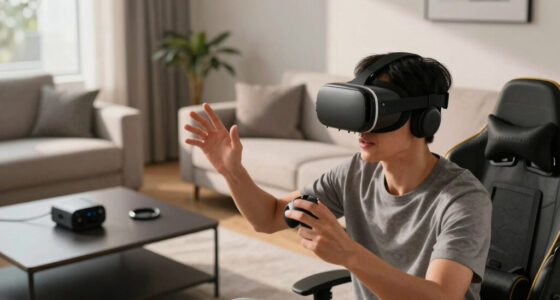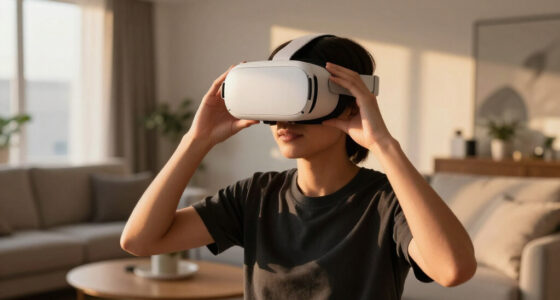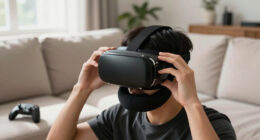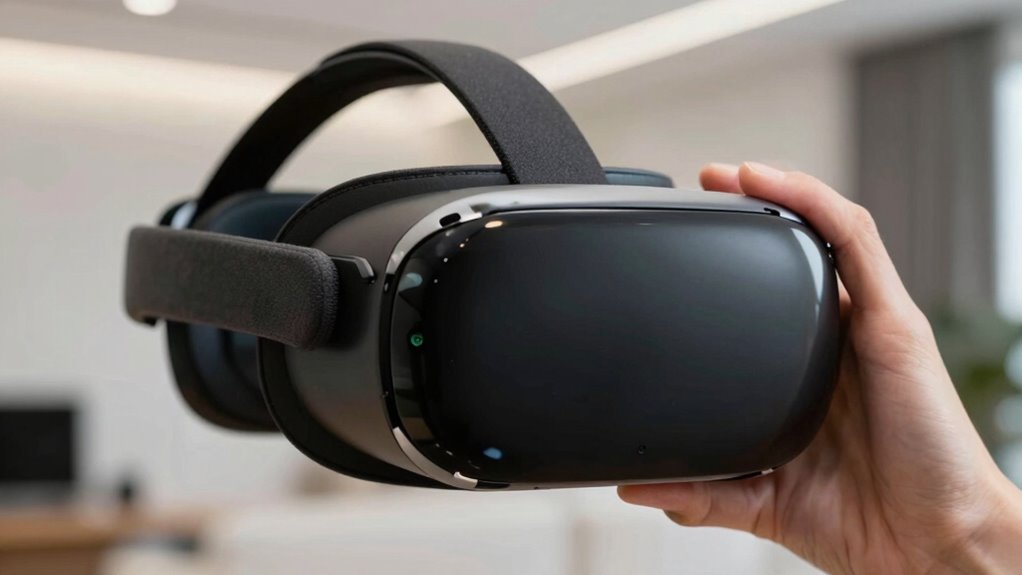

To understand VR image quality without getting bogged down in specs, focus on real-world impressions. Look for clear visuals with sharp details and natural colors during use. Notice how comfortable your eyes feel—less strain means better optimization. Pay attention to contrast, brightness, and motion smoothness, which heighten immersion. As you test different scenes, you’ll get a better sense of overall clarity and realism. Keep exploring, and you’ll uncover how to judge quality effortlessly.

Get VR and gaming gear delivered free — and shop member deals
- Fast, free delivery on millions of items
- Access to Prime Big Deal Days deals on October 6–7
- Prime Video, Amazon Music and more included
Key Takeaways
- Assess visual clarity and resolution by checking for sharpness, detail, and absence of pixelation during actual use.
- Observe eye comfort and fatigue to gauge display optimization and reduce strain during extended sessions.
- Evaluate color accuracy by comparing natural tones and consistency across different scenes or environments.
- Test contrast levels and motion smoothness through real-time visuals to determine depth and realism.
- Consider display technology and additional factors like field of view, refresh rate, and response time for overall quality.
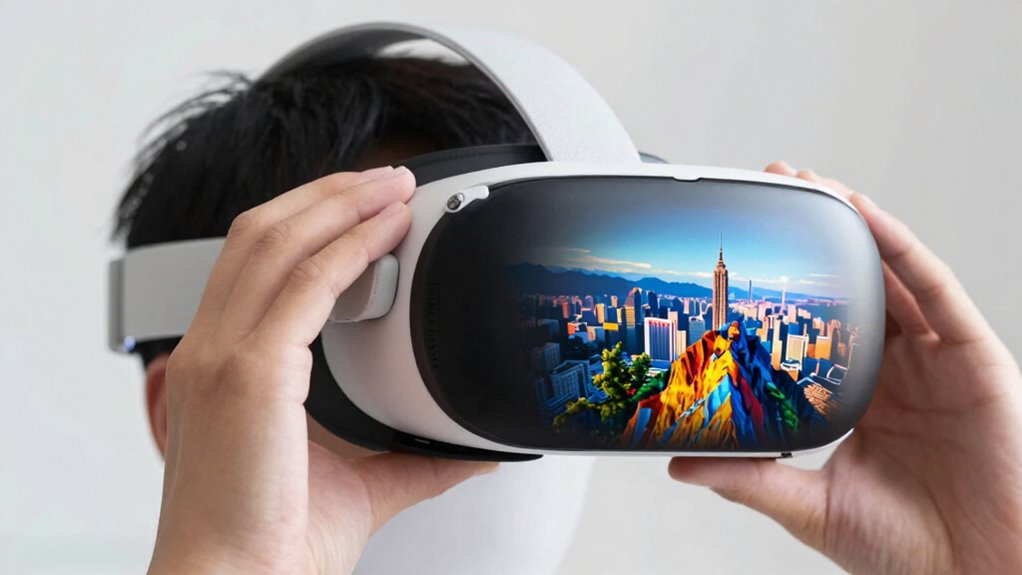
Virtual reality (VR) experiences rely heavily on image quality to create immersive and believable environments. As you try to gauge a headset’s quality without wading through endless spec sheets, focus on how it feels during use. One of the biggest indicators of a good VR experience is comfort, which ties directly to eye strain. If you notice the image is blurry, flickering, or causes headaches after a short period, it’s a sign the display might not be optimized for your eyes. High-quality VR headsets reduce eye strain by providing smooth, stable visuals and minimizing flicker and latency. When testing a headset, pay attention to how comfortable your eyes feel after a few minutes of use—if your eyes feel strained or tired quickly, the display may not be suitable for extended sessions. Additionally, display optimization is crucial, as it directly impacts how well the visuals adapt to different eye positions and movements. Color accuracy is another vital factor that impacts how believable and vivid the virtual environment appears. When you look at an object or scene, the colors should seem natural and true to life. Poor color reproduction can make environments look washed out, overly saturated, or cartoonish, breaking the sense of immersion. You can test this by observing how well the headset reproduces colors in different scenarios—bright skies, lush forests, or realistic skin tones. If the colors seem off or inconsistent, it might indicate a display with poor color accuracy, which can diminish your overall experience. Beyond these indicators, pay attention to the resolution and pixel density, which influence how sharp and detailed the images appear. Higher resolutions reduce the “screen door effect,” where you see the grid of pixels, making visuals more seamless. When trying out a headset, look for clarity in fine details, like text or intricate textures, to assess the resolution quality. Also, consider the refresh rate and latency; higher refresh rates ensure smoother motion, reducing motion sickness and enhancing realism. A headset with a low latency response will feel more natural and less distracting. Recognizing visual fidelity during use can help you better gauge overall quality without needing to interpret complex specifications. The ability of a headset to maintain consistent Color accuracy across different environments can significantly enhance the overall immersive experience. Moreover, understanding the display technology used, such as OLED or LCD, can give insights into image quality and contrast levels, even without reading extensive specs. It’s also important to consider field of view, as a wider view can contribute to a more immersive experience. Ultimately, you don’t need to dissect every technical detail to understand a VR headset’s image quality. Focus on how it feels during actual use—how comfortable your eyes are, how true-to-life the colors seem, and how sharp the visuals are. These real-world impressions will give you a reliable sense of whether the headset can deliver the immersive experience you’re after, without drowning in technical jargon or spec sheets.
As an affiliate, we earn on qualifying purchases.
Frequently Asked Questions
How Does Lighting Affect VR Image Quality?
Lighting greatly impacts your VR experience by enhancing depth perception and spatial awareness. Good lighting creates contrast and shadows, making objects feel more realistic and helping you judge distances accurately. Poor lighting can flatten images, reduce clarity, and make it harder to perceive depth, which can cause discomfort or disorientation. So, when evaluating VR image quality, consider how well lighting conditions support your sense of space and depth for a more immersive experience.
What Role Does User Comfort Play in Perceived Image Quality?
Ever wondered how user comfort impacts your VR experience? It plays a essential role in perceiving image quality because ergonomic design minimizes discomfort and reduces visual fatigue. When a headset fits well and is lightweight, you’re less likely to strain your eyes or neck, allowing you to focus on the visuals. Comfortable headsets make the images appear sharper and more immersive, enhancing your overall perception of quality.
Can Software Enhancements Improve VR Image Clarity?
Yes, software enhancements can improve VR image clarity considerably. When you use proper software calibration, it guarantees the visuals are optimized for your headset, reducing distortions. Image sharpening features further enhance details, making images crisper and more vivid. These updates help you enjoy clearer, more immersive experiences without needing to upgrade hardware constantly. Just keep your software up-to-date and tweak calibration settings to get the best possible image quality.
How Important Is Color Accuracy in VR Visuals?
You might think color accuracy isn’t a big deal in VR, but it’s actually essential. Proper color calibration ensures your visuals are true to life, enhancing immersion. Without color consistency, images can look off, breaking the experience. Ironically, overlooking this detail can make your VR world feel less real, even if the resolution’s perfect. So, pay attention to color calibration—your brain will thank you for the realistic, vibrant experience.
Does Screen Resolution Impact VR Immersion Significantly?
Yes, resolution impact greatly influences VR immersion. Higher screen resolution reduces pixelation and makes visuals sharper, creating a more convincing experience. When resolution is low, you might notice pixel gaps or blurriness, breaking immersion. Consequently, the significance of resolution impact is high; it directly enhances realism and comfort. To get the most immersive VR experience, prioritize devices with higher resolutions, as they deliver clearer, more lifelike visuals that draw you deeper into the virtual environment.
As an affiliate, we earn on qualifying purchases.
Conclusion
So, now that you know what to look for, judging VR image quality becomes less like decoding ancient runes and more like a walk in the park. Think of it as tuning a fine instrument—you’ll start to notice the subtle differences that make all the difference. With this newfound eye, you’ll be able to spot a crystal-clear experience from miles away, turning the sometimes foggy world of specs into a vivid, immersive adventure.
VR headsets with natural color reproduction
As an affiliate, we earn on qualifying purchases.
As an affiliate, we earn on qualifying purchases.
comfortable VR goggles for extended use
As an affiliate, we earn on qualifying purchases.
As an affiliate, we earn on qualifying purchases.
Halloween Picks
halloween
As an affiliate, we earn on qualifying purchases.