
TL;DR

Play games on Amazon Luna for your next adventure, included with Prime
- A rotating selection of games, no download needed
- Play on TV, laptop or phone
- Fast, free delivery for your gear, too
VR headsets for students boost engagement and retention through immersive lessons. The market is growing fast, with options ranging from affordable mobile headsets to high-end tethered systems. Schools should consider safety, content, and budget when adopting VR.
Imagine walking through ancient Rome, exploring the human brain, or conducting a science experiment—without leaving your classroom. VR headsets turn this into reality, opening doors to experiences that captivate students and deepen understanding. But with so many options and considerations, how do you pick the right headset for learning?
This guide breaks down what makes a VR headset ideal for students, the latest innovations, costs, and practical tips to help you bring immersive lessons into your school or home setup.
Choose lightweight, comfortable VR headsets with educational content and safety features.
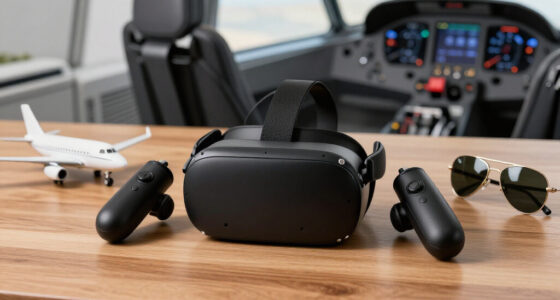
Invest in wireless, standalone devices like Oculus Quest 3 for ease of use and mobility.
Start small with a few units, use free content, and train staff for safe implementation.
Monitor session durations and supervise to prevent discomfort or health issues.
Use VR for diverse subjects—history, science, language—to maximize engagement.
What Makes a VR Headset Perfect for Students? These 5 Features Matter
VR headsets for students need to do more than look cool. They must be comfortable, safe, and packed with educational content. Comfort is key—imagine wearing a heavy helmet for hours. If a headset is uncomfortable, students may fidget, lose focus, or even refuse to wear it, which diminishes learning opportunities. Safety matters too; devices should minimize motion sickness and eye strain because prolonged discomfort can lead to headaches or dizziness, reducing engagement and risking health. And, of course, content availability can make or break the experience; rich, relevant educational content ensures the headset is a useful teaching tool, not just a gadget.
Choosing a headset with these features means prioritizing ergonomic design, adjustable straps, and high-quality displays. For example, lightweight headsets reduce physical fatigue, allowing students to engage longer without discomfort. Safety features like low latency and eye protection filters help prevent strain and motion sickness, which are common barriers to sustained use. A broad content library tailored to curriculum standards ensures that the headset remains a valuable educational resource, not just a novelty. Balancing these features involves trade-offs; for instance, more ergonomic, safer devices might be pricier or have fewer apps, so schools must evaluate their priorities based on their specific needs and resources.
For example, the Oculus Quest 2 offers a lightweight design and a robust library of educational apps like Google Expeditions, which are designed with these factors in mind, thereby enhancing usability and safety for students.
As an affiliate, we earn on qualifying purchases.
The Latest in VR Hardware for Students: What’s New and Why It Matters
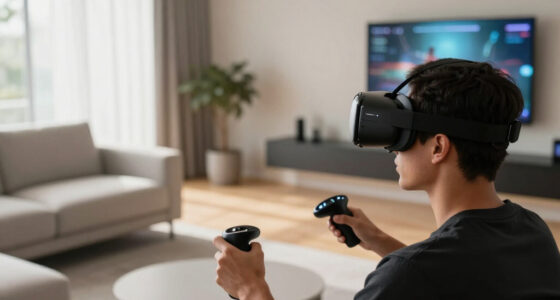
VR tech advances rapidly—newer headsets boast higher resolution screens, wider fields of view, and lighter, more ergonomic designs. These improvements aren’t just about making devices look sleek; they directly impact the quality of the learning experience. Higher resolution and wider fields of view create more realistic and immersive environments, making students feel like they are truly inside historical sites or scientific labs. Lighter, ergonomic designs reduce physical fatigue, allowing longer sessions without discomfort, which is crucial for sustained engagement. Wireless devices like Oculus Quest 3 eliminate tangled cords, giving students more freedom of movement, which can foster collaborative activities and spontaneous exploration.
These hardware improvements are not merely cosmetic; they influence how effectively students can absorb information. For instance, sharper visuals and broader views make virtual environments more convincing, increasing motivation and focus. Reduced weight and improved ergonomics mean students can participate in longer sessions without discomfort, which is essential for deep learning experiences. Wireless connectivity removes physical barriers, enabling more natural interactions and group work. Additionally, emerging AI integrations within these devices are beginning to personalize the learning experience, adapting content in real-time to student responses, which can lead to higher engagement and better retention. These technological strides collectively help bridge the gap between virtual and real-world experiences, making VR a more viable and effective educational tool.
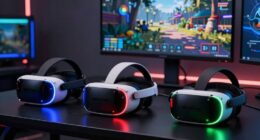
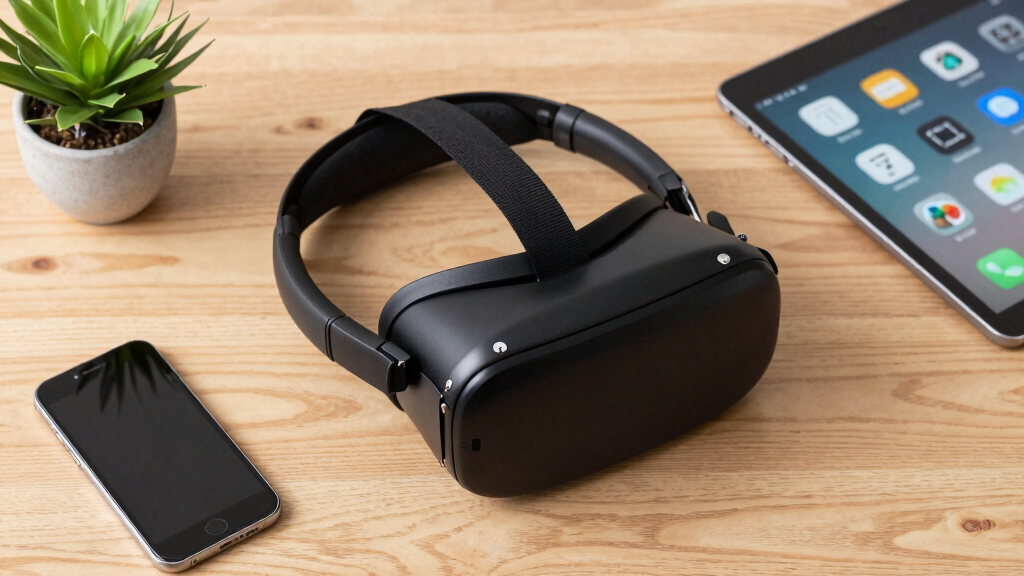
educational VR headset Oculus Quest 3
As an affiliate, we earn on qualifying purchases.
As an affiliate, we earn on qualifying purchases.
VR for Education: A Side-by-Side Look at Top Devices
| Feature | Oculus Quest 2 | HTC Vive | Samsung Gear VR |
|---|---|---|---|
| Type | Standalone | Tethered (PC required) | Mobile VR (Smartphone-based) |
| Price Range | $299 | $500-$800 | $100-$150 |
| Ease of Use | High (wireless, easy setup) | Moderate (needs external sensors and setup) | Very easy (just slot in smartphone) |
| Content Library | Large (Google Expeditions, educational apps) | Extensive (professional VR content, simulations) |
lightweight VR headset for classroom
As an affiliate, we earn on qualifying purchases.
As an affiliate, we earn on qualifying purchases.
How to Safely Use VR in the Classroom or at Home
- Set clear time limits—15 to 20 minutes max per session to prevent eye strain and fatigue. Extended use without breaks can lead to discomfort or dizziness, which hampers learning and may cause health issues over time.
- Choose age-appropriate content tailored for student learning levels, ensuring material is engaging but not overwhelming or frightening.
- Supervise sessions to ensure proper fit and monitor for signs of discomfort or fatigue, as improper use can cause headaches or nausea.
- Encourage breaks and monitor for signs of dizziness or fatigue, adjusting session length as needed based on student responses.
For example, a teacher might schedule a 15-minute virtual museum tour, then facilitate a discussion afterward. This approach prevents overstimulation and ensures students process the experience effectively.
VR headsets with educational content
As an affiliate, we earn on qualifying purchases.
As an affiliate, we earn on qualifying purchases.
What Content Is Ready for Class? Top Types of Educational VR Experiences
- Virtual field trips to historic sites, museums, and landmarks—these experiences bring distant locations into the classroom, making geography and history tangible and memorable.
- Science labs and simulations—virtual chemistry experiments or dissections allow students to practice skills in a risk-free environment, fostering understanding and curiosity.
- Historical recreations—immersive reconstructions of past events help students grasp complex narratives and cultural contexts more vividly than textbooks alone.
- Language immersion environments—interacting with virtual native speakers can improve conversational skills and cultural understanding, providing authentic language practice.
For example, Google Expeditions offers virtual tours of the Great Wall of China, the Amazon rainforest, and the moon, transforming traditional lessons into engaging, multisensory experiences that can significantly boost student interest and retention.
Practical Tips for Schools: Making VR Work Without Breaking the Budget
Start small with a strategic plan—begin with a few affordable devices like Oculus Quest 2, which costs around $299 each, and gradually expand based on needs and funding. Prioritize free or low-cost educational apps, such as Google Expeditions, to maximize value without straining budgets. Training teachers on how to use VR safely, effectively, and pedagogically ensures that technology enhances learning rather than becoming a distraction. Exploring grants, partnerships, and discounts specifically designed for educational institutions can further reduce costs and ease implementation hurdles.
Implementing VR in schools involves understanding that initial costs are an investment in future engagement. Starting with a small number of units allows educators to develop effective lesson plans and assess student response before scaling up. Using free content minimizes financial barriers, while teacher training ensures the technology is used effectively and safely. Seeking external funding through grants or vendor discounts can make the transition more affordable. This phased approach also helps address logistical challenges, like storage and maintenance, making VR a sustainable and impactful addition to the educational environment.
Frequently Asked Questions
Are VR headsets safe for young children?
VR headsets are generally safe for children over age 13, but younger kids should use them under supervision. Limit session lengths to prevent eye strain and ensure proper fit to avoid discomfort.What is the most affordable way to get started with VR in schools?
Begin with budget-friendly standalone headsets like Oculus Quest 2, which costs around $299 each. Use free or low-cost educational apps and seek grants or discounts offered specifically for educational institutions.Can VR replace traditional teaching methods?
Not entirely. VR is a supplement that enhances engagement and understanding. It works best when integrated with traditional lessons, providing immersive experiences that reinforce core concepts.What subjects benefit most from VR learning?
History, science, geography, and language learning see significant gains. Virtual field trips, lab simulations, and cultural exchanges make these subjects come alive.How do I ensure students don’t get overwhelmed or sick using VR?
Set time limits, supervise sessions, and choose content suited for their age and physical comfort. Regular breaks and proper headset fit help prevent dizziness or eye fatigue.Conclusion
VR headsets are no longer a sci-fi fantasy—they’re a real tool to make learning vivid and memorable. When chosen wisely, they turn lessons into adventures that students remember long after class ends.
The key is to balance excitement with safety, content quality, and budget. Ready to give your students a taste of the future? Start small, stay curious, and watch their eyes light up.
Fall Picks
fall essentials
As an affiliate, we earn on qualifying purchases.