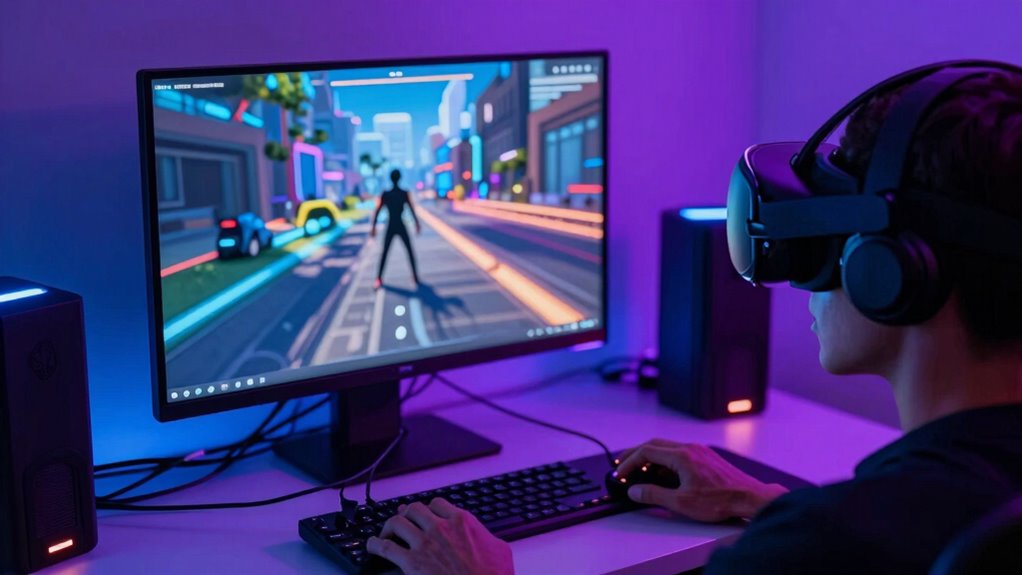

Rebooting your VR headset often helps by clearing glitches, resetting sensors, and ensuring updates are properly applied, which can fix tracking or disconnect issues quickly. However, it might waste your time if the problem is deeper, like hardware malfunctions or software bugs that need more than just a restart. While rebooting can be a fast fix, understanding when it’s enough and when to explore other solutions can save you time in the long run.

Play games on Amazon Luna for your next adventure, included with Prime
- A rotating selection of games, no download needed
- Play on TV, laptop or phone
- Fast, free delivery for your gear, too
Key Takeaways
- Rebooting resets temporary glitches, restoring tracking, sensors, and overall hardware performance.
- It ensures software updates are fully applied, improving stability and fixing bugs.
- Reboots quickly resolve common issues like tracking problems and controller disconnects.
- They may be ineffective for persistent hardware or software faults requiring deeper troubleshooting.
- Over-reliance on rebooting can mask underlying issues needing comprehensive diagnosis or repairs.
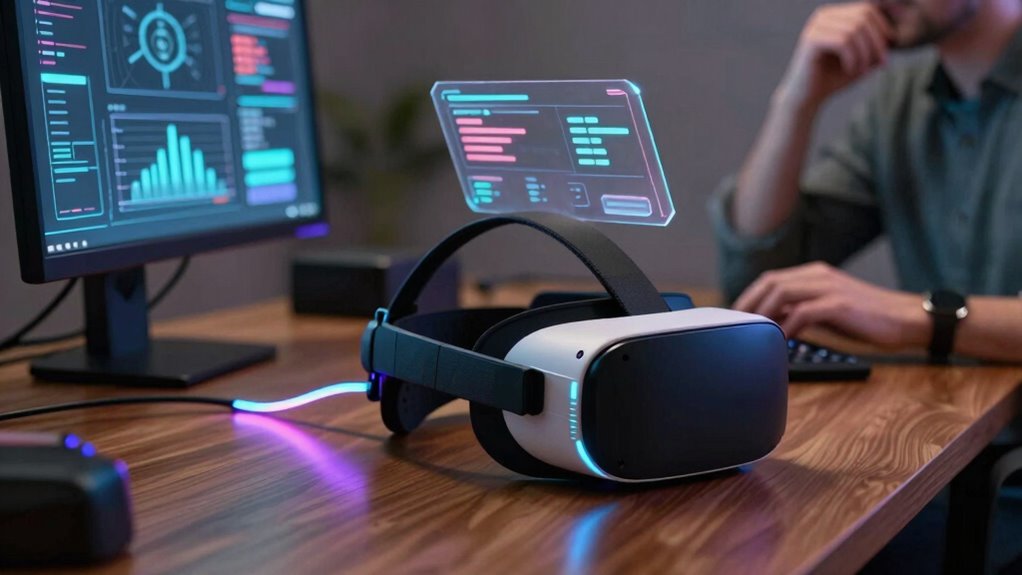
Reboots in VR are transforming how we experience familiar stories and worlds, offering fresh perspectives while maintaining the core essence of the original content. But when you hit that reset button, it’s not always clear whether it’s the best move or just a waste of your time. Sometimes, a quick reboot solves frustrating glitches, restoring smooth gameplay and immersive visuals. Other times, it feels like an unnecessary delay that does little to fix the real issue. The key lies in understanding when a reboot actually helps and when it’s just a shot in the dark.
Rebooting VR can fix glitches or just delay solving deeper issues—know when to restart and when to dig deeper.
If you’re facing hardware troubleshooting issues—like tracking problems, headset flickering, or controller disconnects—rebooting can be surprisingly effective. Turning off and on your VR device resets the hardware, clears temporary glitches, and often restores normal function. This simple step can save you hours of frustration, especially if the problem is caused by minor hardware hiccups or overheating. It’s like giving your device a fresh start, allowing it to recalibrate sensors and reconnect components properly. Plus, many hardware issues are resolved with a quick reboot, which is faster and less costly than replacing parts.
Software updates are another area where rebooting makes a real difference. When you install a new update, the system often needs a restart to fully integrate the changes. Without rebooting, the update might not take effect, leaving you with bugs or missing features. In these cases, rebooting ensures your VR software is running the latest version, which can improve stability, add new functionality, and eliminate bugs that cause crashes or lag. It’s a simple step that guarantees your VR experience is as smooth and secure as possible. Sometimes, understanding hardware limitations can also prevent unnecessary reboots by helping you optimize your system’s performance and avoid common pitfalls.
Products Worth Considering

Samsung Galaxy Tab A7 Lite 8.7-Inch 32GB Wi-Fi Tablet, Gray

Jackery Explorer 300 Portable Power Station, 292Wh

LG UltraGear 32GX850A-B 32-inch 4K UHD Glossy OLED Gaming Monitor
As an affiliate, we earn on qualifying purchases.
Frequently Asked Questions
Can Rebooting VR Headsets Improve Tracking Accuracy?
Rebooting your VR headset can improve tracking accuracy if it clears software calibration issues or resets hardware glitches. When you restart, the device recalibrates sensors and updates firmware, which often resolves tracking problems. However, if the hardware itself is damaged or misaligned, a reboot may not help. In such cases, performing a hardware reset or checking for software updates might be necessary for better tracking performance.
How Often Should I Reboot My VR Device for Optimal Performance?
You should reboot your VR device when you notice performance issues or after firmware updates for peak performance. Regular reboots help refresh the system, improving tracking and stability. Keep an eye on battery management, as low battery can cause glitches. Rebooting once a week or after firmware updates ensures your device runs smoothly, maintains accurate tracking, and prolongs its lifespan. Regular restarts are a simple way to keep your VR experience excellent.
Do Rebooting Procedures Differ Between VR Headset Brands?
Rebooting procedures do differ between VR headset brands, like different brushstrokes in a painting. You’ll want to follow each manufacturer’s specific instructions for firmware updates and hardware compatibility to guarantee smooth performance. Some headsets require a simple power cycle, while others need a full reset or firmware update process. Always consult your device’s manual or support site to avoid unintended issues, keeping your VR experience seamless and immersive.
Are There Risks Associated With Frequent Reboots in VR?
Frequent reboots in VR can pose risks like hardware wear and firmware corruption over time. Rebooting too often might strain internal components or disrupt software updates, leading to performance issues. To avoid these problems, only reboot when necessary, and make sure your headset’s firmware is up to date. Regular maintenance and cautious rebooting help prolong your device’s lifespan and keep your VR experience smooth and safe.
Can Rebooting Fix Connectivity Issues in Multiplayer VR?
Yes, rebooting can often fix connectivity issues in multiplayer VR. When you restart your device, it clears temporary software glitches that may be causing connection problems. Rebooting also performs hardware resets, helping your system reconnect more effectively to networks and servers. If you’re experiencing lag or disconnections, a quick restart can often restore stable multiplayer gameplay, ensuring smoother interactions and reducing frustrating interruptions.
Conclusion
So, next time you’re faced with VR glitches, remember: a reboot isn’t always a silver bullet, but sometimes it’s your best shot. Like a knight sheathing his sword before the next battle, rebooting resets the battlefield, offering a fresh start. Yet, don’t fall into the trap of endless resets—know when to hold, and when to fold. Sometimes, the greatest victory lies in patience, not in quick fixes, for technology’s dance is as unpredictable as the wind.