To understand VR gear, focus on a few key parts. The headset and display deliver the visuals and comfort, while motion controllers let you interact naturally. Tracking systems ensure your movements are accurately reflected in the virtual world. Comfort hardware like adjustable straps keeps things snug, and the software ecosystem provides your games and experiences. Don’t forget about connectivity and power management to keep everything running smoothly. Stick with it, and you’ll gain a clear picture of how it all functions.

Play games on Amazon Luna for your next adventure, included with Prime
- A rotating selection of games, no download needed
- Play on TV, laptop or phone
- Fast, free delivery for your gear, too
Key Takeaways
- The headset and display are core for visual immersion, requiring high resolution, comfort, and proper fit.
- Motion controllers enable natural interaction by translating hand movements into the virtual environment.
- Tracking systems ensure accurate position detection of controllers and body movements for seamless gameplay.
- Connectivity and power management, including safety standards and cable organization, ensure stable, long-lasting VR use.
- Ergonomic hardware and personal comfort features are essential for extended, enjoyable VR sessions.
The Headset and Display
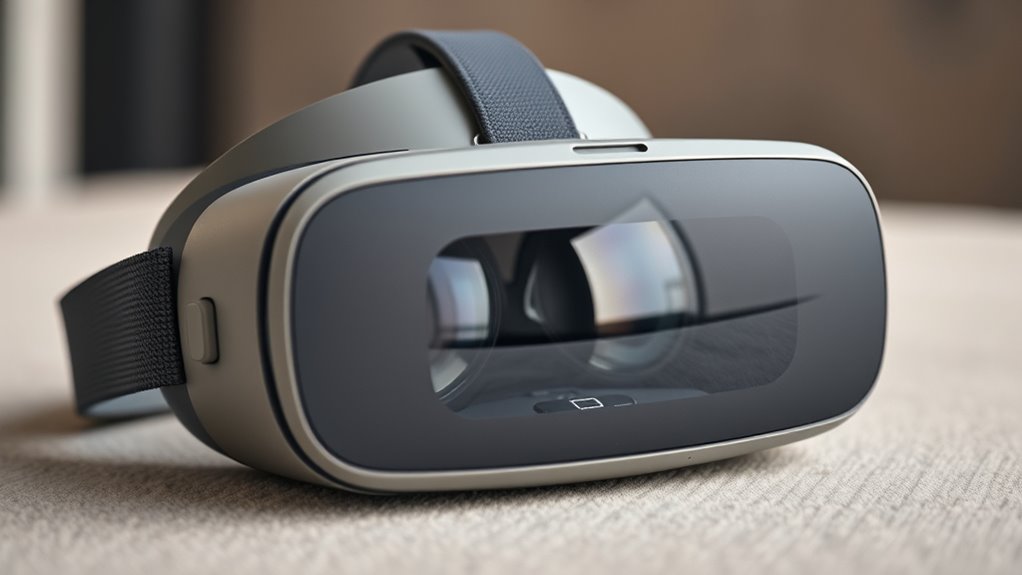
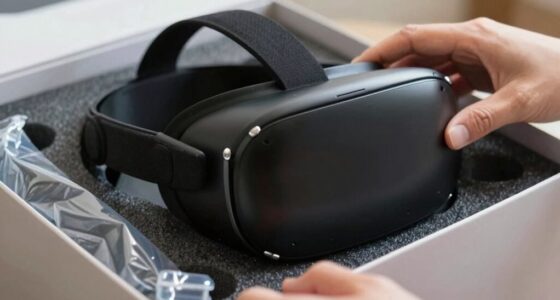
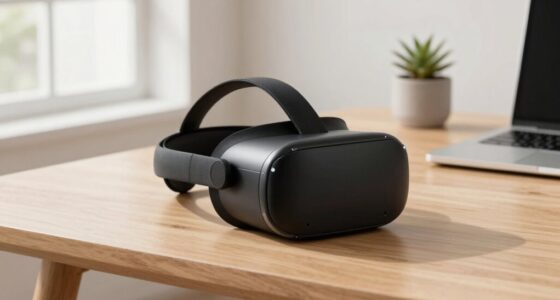
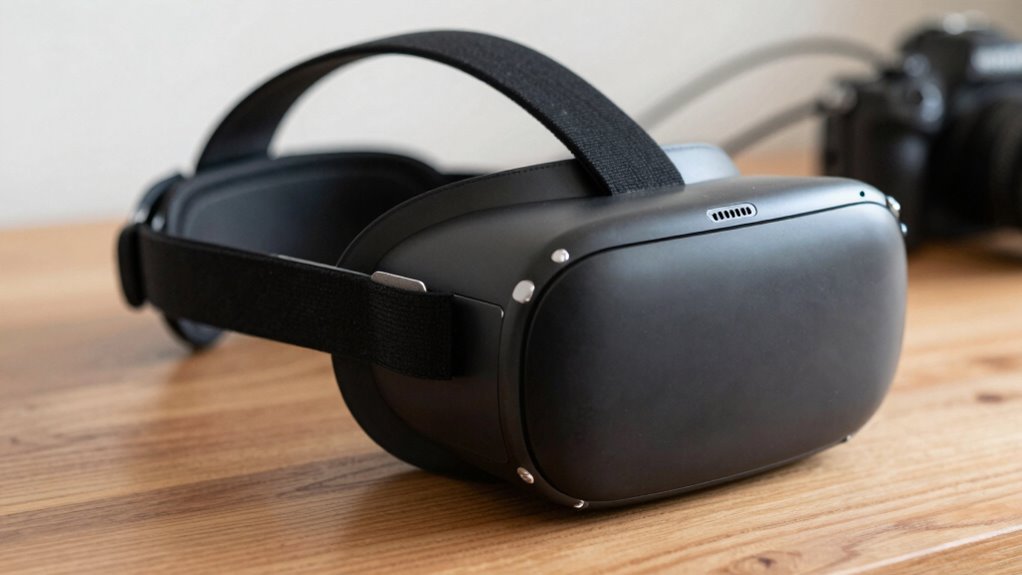
The headset and display are the core components that deliver your virtual reality experience. When you put on the headset, you’re immersing yourself in a digital world through high-resolution screens positioned close to your eyes. These displays show stereoscopic images, creating a sense of depth and presence. The quality of the display, including resolution and refresh rate, directly influences how smooth and realistic your experience feels. A higher resolution means sharper images, while a faster refresh rate reduces motion blur and latency. Comfort also matters; a lightweight, adjustable headset ensures you can wear it for longer periods without discomfort. Overall, the headset and display form the foundation, shaping how vividly and comfortably you experience the virtual environment. Display quality is crucial for enhancing immersion and reducing eye strain during extended use. Additionally, refresh rates significantly impact the perceived smoothness of motion in VR, making high rates essential for a seamless experience. To optimize your VR experience, selecting a headset with ergonomic design can greatly improve comfort during extended sessions. Ensuring that the visual clarity aligns with your needs can make a noticeable difference in your overall VR enjoyment. Proper calibration and fit adjustments can also enhance comfort and immersion, especially during long gaming or exploration sessions.
Motion Controllers
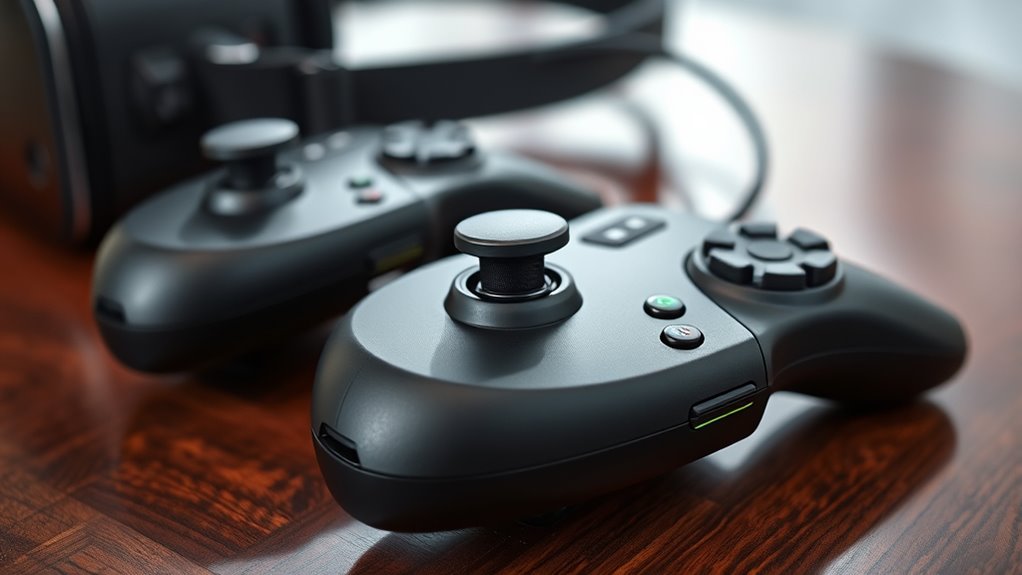
Motion controllers are essential tools that translate your hand movements into the virtual world, enhancing interaction and immersion. They let you grab objects, press buttons, and manipulate environments naturally. Typically, they feature buttons, thumbsticks, and sensors to track your hand’s position and gestures. Here’s a quick look at common controller features:
| Feature | Purpose |
|---|---|
| Buttons | Select, interact, or perform actions |
| Thumbsticks | Navigate menus or move within games |
| Grip Sensors | Detect when you hold or release objects |
| Tracking Sensors | Monitor controller position in space |
| Haptic Feedback | Simulate touch or impact sensations |
With these tools, your movements become an integral part of the VR experience, making it more intuitive and engaging. Tracking sensors are a crucial part of ensuring your actions are accurately reflected in the virtual environment.
Tracking Systems
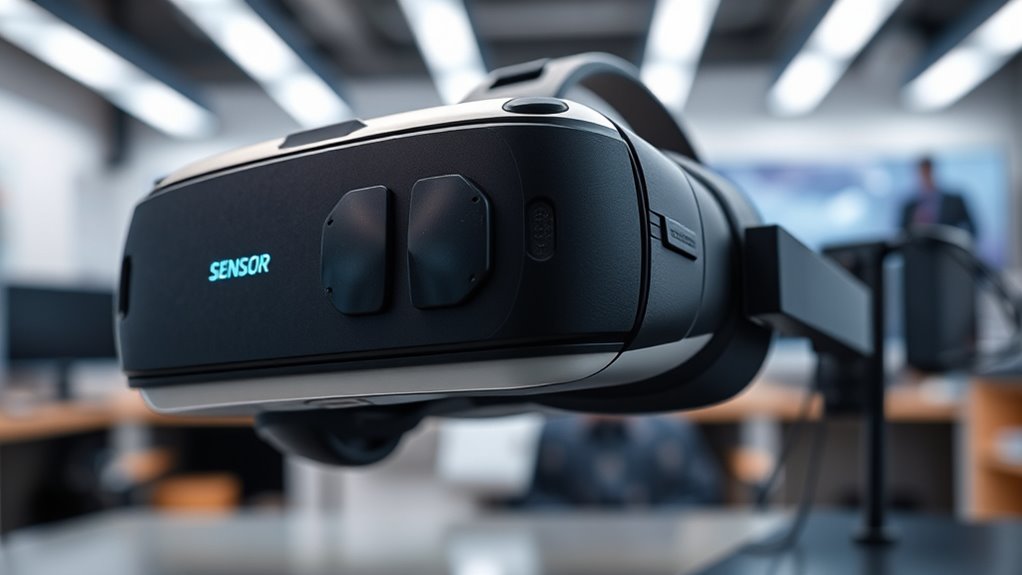
Tracking systems are the technology that detects and records the position of your controllers and body within the virtual environment. They use sensors, cameras, or infrared signals to monitor your movements in real-time, ensuring your virtual actions match your physical ones. There are two main types: inside-out tracking, which uses cameras on your headset to track your position, and outside-in tracking, which relies on external sensors placed around your play area. Inside-out is more portable and easier to set up, while outside-in can offer more precise tracking over larger spaces. Good tracking is essential for an immersive experience, as it allows your virtual avatar to mirror your real-world movements accurately. Without effective tracking, your VR experience feels disconnected and less engaging. Additionally, vetted tracking systems ensure consistent performance and reduce latency, making your VR experience smoother and more reliable. Proper calibration and placement of sensors or cameras are vital for maintaining tracking accuracy throughout your session, especially when choosing between different tracking system options. Ensuring proper lighting conditions and minimal obstructions can also improve tracking stability, which is crucial for maintaining immersion during gameplay. Maintaining optimal lighting conditions can help prevent tracking errors caused by poor visibility or reflections.
The Hardware for Comfort and Fit
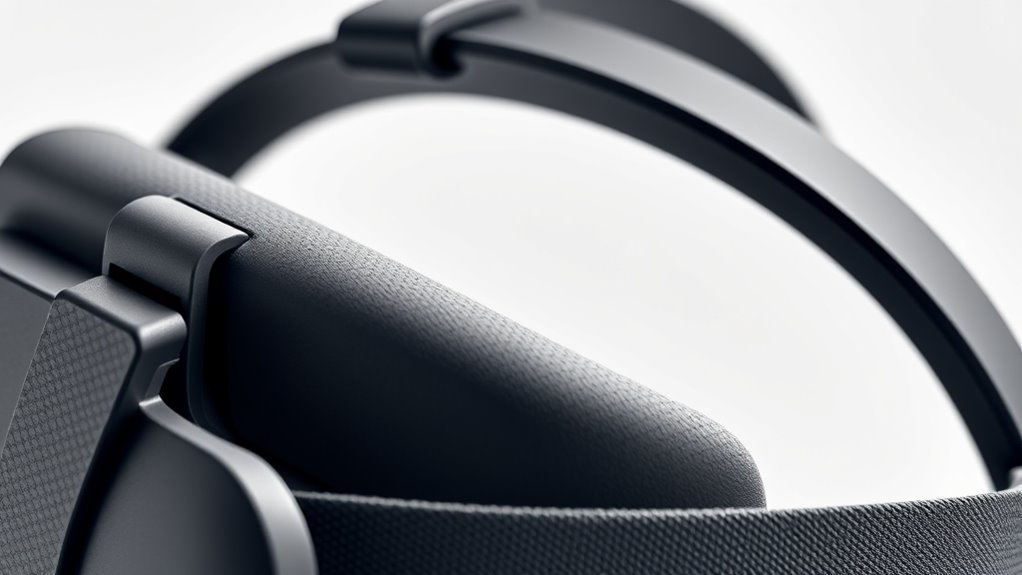
To enjoy VR fully, your headset and controllers need to fit comfortably and securely. A snug fit prevents discomfort during extended use and guarantees accurate tracking. Look for adjustable straps on your headset to customize the fit to your head size and shape. Padded face cushions enhance comfort and block out external light, improving immersion. For controllers, ergonomic design is key—choose ones that feel natural in your hands, reducing fatigue. Lightweight materials help prevent strain, especially during long sessions. Some headsets have replaceable or customizable padding, which can boost comfort further. Ensure the controllers are easy to hold and operate, with buttons and triggers within easy reach. Proper hardware fit makes your VR experience more enjoyable, immersive, and less tiring. Additionally, understanding the importance of hardware ergonomics can help you select equipment that minimizes discomfort and maximizes your immersion. Paying attention to personal comfort features can also significantly enhance your overall VR experience, making longer sessions more feasible.
The Software and Content Ecosystem
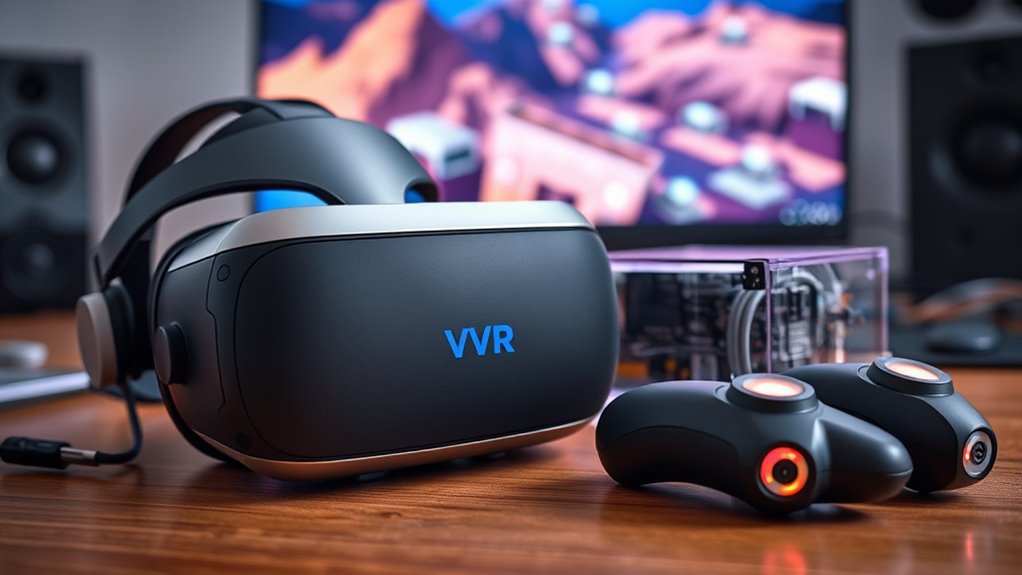
The software and content ecosystem is essential for releasing the full potential of your VR experience. It includes the apps, games, and experiences you access through your headset, shaping what you can do and enjoy. A robust ecosystem offers a wide variety of content, from immersive games to educational tools and social platforms. Compatibility matters — guarantee your headset supports popular marketplaces like Oculus Store, SteamVR, or PlayStation VR. Regular updates improve performance and add new features, keeping your experience fresh. Content quality and diversity enhance engagement, so explore different genres and experiences. An active community can also provide tips, mods, and shared content, enriching your VR journey. Ultimately, a thriving ecosystem maximizes your headset’s capabilities and keeps you engaged longer.
Connectivity and Power Sources
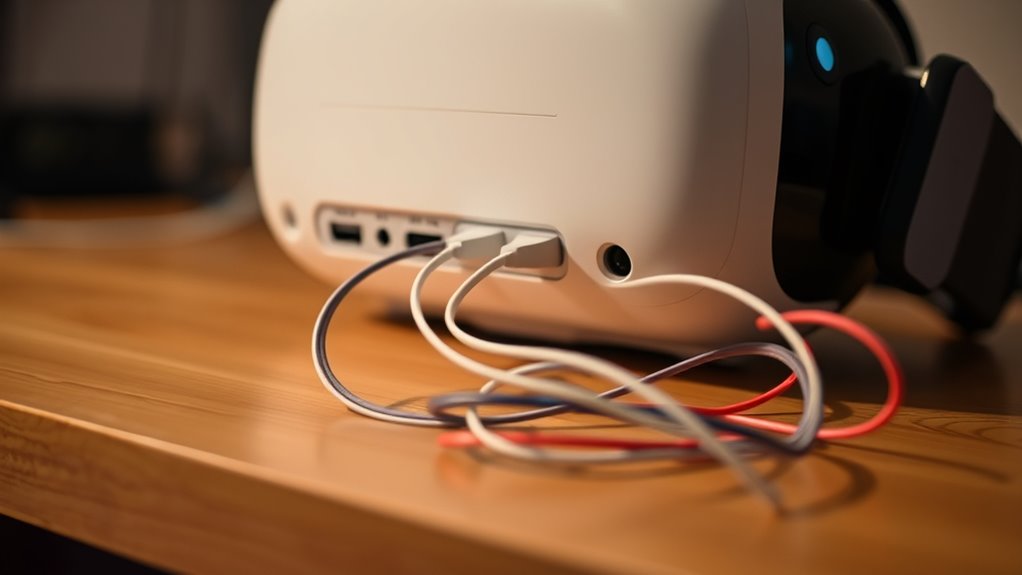
Connecting your VR headset smoothly and ensuring reliable power are essential for an uninterrupted experience. A stable connection prevents lag, glitches, and disconnections that can ruin immersion. Power sources vary, so understanding your headset’s needs helps prevent shutdowns mid-game. Wireless options offer freedom but may need batteries or charging stations, while wired setups provide consistent power but limit movement. Make sure your cables are long enough and securely connected to avoid interruptions. Check compatibility with your PC or console to guarantee seamless data transfer. Additionally, investing in a power management system can extend usage time. – Use high-quality, certified cables for safety and performance – Keep batteries charged and consider spare power packs – Choose wired connections if latency is critical – Regularly update firmware for connectivity stability – Balance mobility with power needs for ideal gameplay and ensure your setup is compliant with safety standards. To optimize your setup, consider battery capacity and how it aligns with your gaming sessions to prevent unexpected shutdowns. Additionally, understanding connectivity standards helps ensure your VR system remains compatible with your other devices. Ensuring your setup adheres to safety standards also minimizes risks during extended use. Implementing a proper cable management system can help prevent accidents and damage to your equipment.
Frequently Asked Questions
How Do VR Headsets Differ in Resolution and Refresh Rate?
You’ll notice that VR headsets differ markedly in resolution and refresh rate. Higher resolution means clearer images, reducing pixelation and making your experience more realistic. A faster refresh rate, like 90Hz or higher, makes movements smoother and reduces motion sickness. When choosing a headset, consider both aspects for comfort and visual quality. Opt for higher resolutions and refresh rates if you want immersive, seamless virtual experiences.
What Safety Precautions Should I Take While Using VR Gear?
Ever wondered how to stay safe while immersed in VR? You should clear your play area of obstacles, wear wrist straps to prevent drops, and take regular breaks to avoid eye strain. Keep pets and others away to prevent accidents. Are you paying attention to your surroundings? Always stay aware of your environment, and if you feel dizzy or uncomfortable, stop immediately. Safety first guarantees you enjoy VR without unnecessary risks.
Can VR Hardware Be Customized or Upgraded Easily?
Yes, you can customize or upgrade VR hardware easily, depending on the device. Many headsets allow you to swap out controllers, upgrade cables, or add accessories like face covers and straps for comfort. Some models support hardware modifications or external sensors for better tracking. Just check compatibility before upgrading, and follow manufacturer guidelines to guarantee safety and peak performance. Upgrading keeps your VR experience fresh and tailored to your preferences.
What Are the Minimum System Requirements for Pc-Based VR?
Your PC needs to meet the minimum VR system requirements to avoid crashing into a virtual wall. You should have at least a NVIDIA GTX 1060 or AMD Radeon RX 580 graphics card, a quad-core Intel i5 or Ryzen 5 processor, 8GB of RAM, and USB 3.0 ports. Keep your OS updated, and make sure your graphics drivers are current. If your PC hits these specs, you’re good to plunge into VR adventures!
How Do I Troubleshoot Common Connectivity Issues?
If you’re facing connectivity issues, start by checking all cables and connections to make certain they’re secure. Restart your PC and VR headset to reset the connection. Update your graphics drivers and VR software to the latest versions. Disable any background applications that might interfere with VR performance. If problems persist, try reconnecting the headset or use different USB ports. These steps can usually resolve most common connectivity problems quickly.
Conclusion
Now that you know the essential parts of VR gear, you’re ready to immerse yourself in immersive worlds. Understanding these components helps you choose the right setup and get the most out of your experience. Are you prepared to explore new realities and open endless possibilities? With a little knowledge and the right gear, you’re all set to step into the future of entertainment. The virtual domain awaits—are you ready to take the leap?
Fall Picks
fall essentials
As an affiliate, we earn on qualifying purchases.