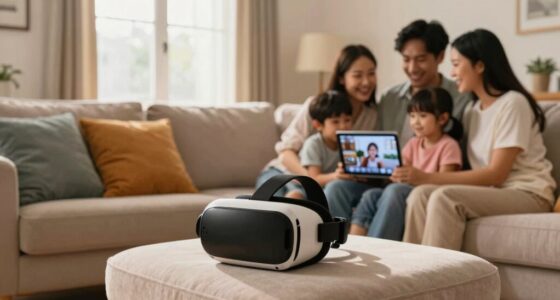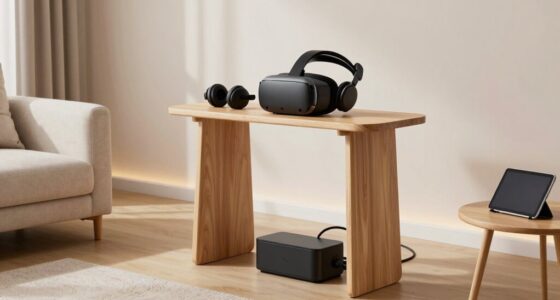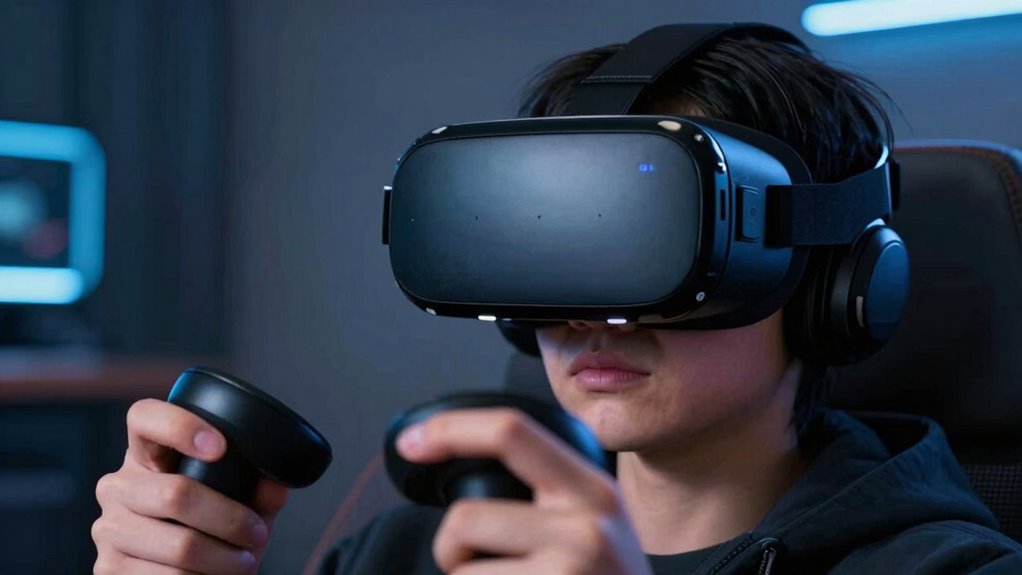

When you first try VR, your brain needs time to adjust to unfamiliar visuals and sensory signals, which can cause disorientation or dizziness. Factors like poor headset fit, rapid or unnatural movements, or latency can make things worse. To fix this quickly, guarantee your headset is snug and properly calibrated, start with short sessions, and choose calming content. Stick around to discover simple steps to make your VR experience smoother and more comfortable.

Play games on Amazon Luna for your next adventure, included with Prime
- A rotating selection of games, no download needed
- Play on TV, laptop or phone
- Fast, free delivery for your gear, too
Key Takeaways
- Initial disorientation occurs because your brain struggles to reconcile unfamiliar visual and sensory signals in VR.
- Proper headset fit and calibration reduce discomfort by aligning lenses and ensuring stable visual input.
- Gradually increasing VR session durations helps your body adapt and minimizes motion sickness.
- Managing rapid movements, taking breaks, and practicing exercises can enhance comfort and reduce weird sensations.
- Starting with simple, calming content and seeking professional help if discomfort persists ensures safe and smooth VR experiences.
VR headset fit and calibration tools
As an affiliate, we earn on qualifying purchases.
As an affiliate, we earn on qualifying purchases.
Understanding Why Your Brain Needs Time to Adjust
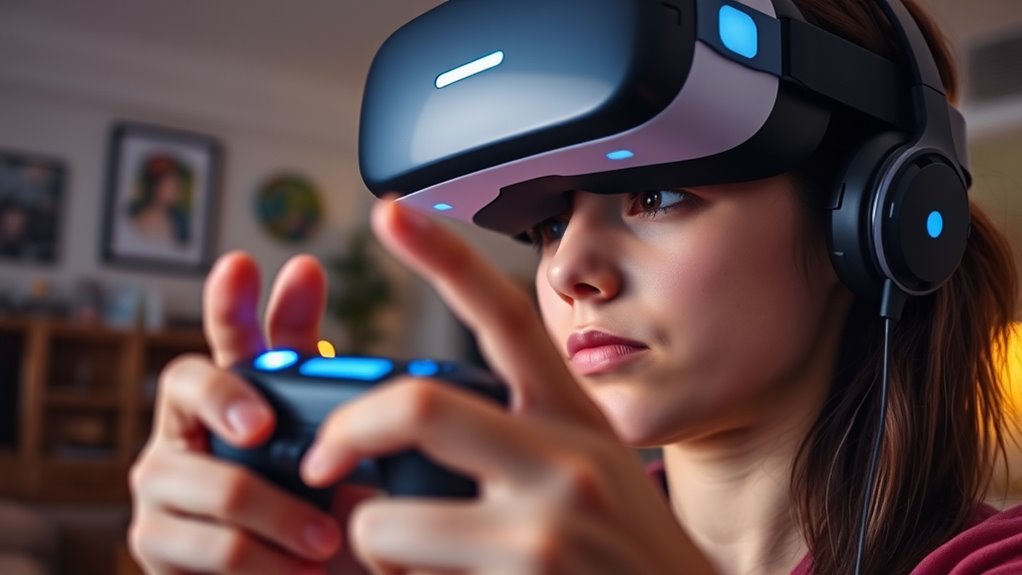
When you first put on a VR headset, your brain encounters sensory information it’s not used to, which can cause disorientation. Your visual system suddenly receives a 3D environment that seems real but isn’t anchored to your physical surroundings. Meanwhile, your inner ear still detects gravity and motion from your actual body, creating conflicting signals. This mismatch challenges your brain’s ability to interpret what’s happening, making you feel dizzy or off-balance. Your brain needs time to reconcile these differences, adapting to the new sensory input. Over time, it learns to trust the virtual environment, reducing disorientation. Recognizing the sensory mismatch helps you realize that the initial discomfort is temporary, and your brain is simply recalibrating to a new way of experiencing space and motion. Being aware of sensory adaptation can make it easier to tolerate the initial unease as your brain adjusts. Additionally, neuroplasticity allows your brain to gradually develop new pathways to process virtual stimuli more effectively, speeding up the adjustment process. Engaging in gradual exposure by starting with shorter VR sessions can also help your brain adapt more comfortably.
VR motion sickness relief products
As an affiliate, we earn on qualifying purchases.
As an affiliate, we earn on qualifying purchases.
Common Causes of Disorientation in Virtual Reality
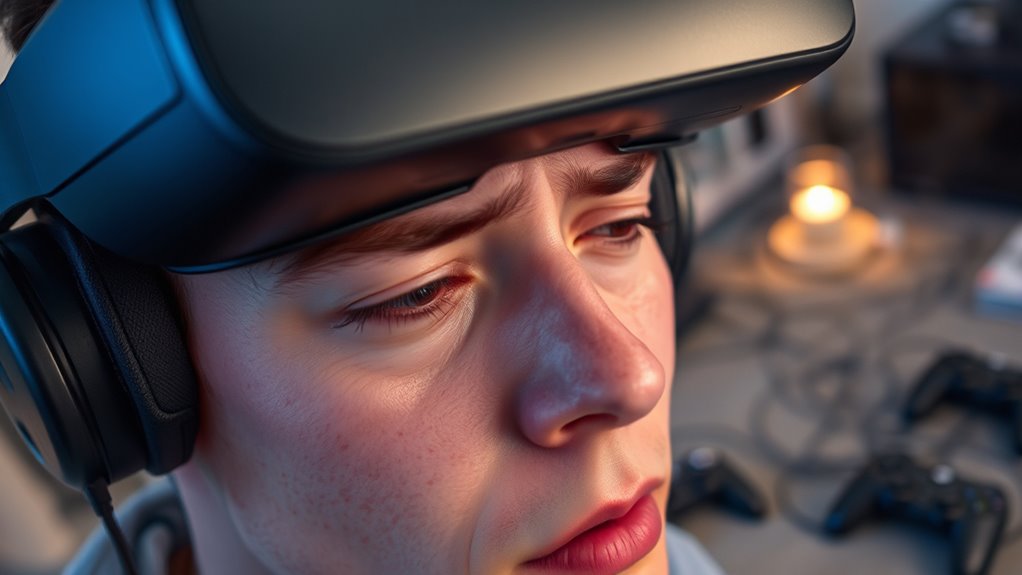
Several common factors can cause disorientation in virtual reality, disrupting your sense of balance and spatial awareness. One major cause is latency, which occurs when there’s a delay between your movements and what you see. This lag can create a disconnect, making your brain struggle to reconcile the real and virtual worlds. Improving VR system responsiveness can significantly reduce this issue by minimizing lag. Poor tracking accuracy also plays a role; if your headset doesn’t precisely follow your movements, you might feel off-balance or confused. Additionally, rapid or unnatural movements within the VR environment can overwhelm your sensory system, leading to dizziness. Insufficient or inconsistent frame rates can cause motion sickness, compounding disorientation. Finally, a cluttered or poorly calibrated virtual space can make it difficult to orient yourself, increasing the chance of feeling lost or unsteady. Incorporating connected equipment like motion trackers can help improve tracking precision and reduce disorientation. Using advanced calibration techniques can further enhance your VR experience by aligning virtual and physical spaces more accurately. Ensuring a stable and well-designed virtual environment can also help mitigate feelings of disorientation and improve overall comfort. Implementing proper setup procedures can also make a significant difference in minimizing these issues.
As an affiliate, we earn on qualifying purchases.
The Importance of Properly Fitting Your VR Headset
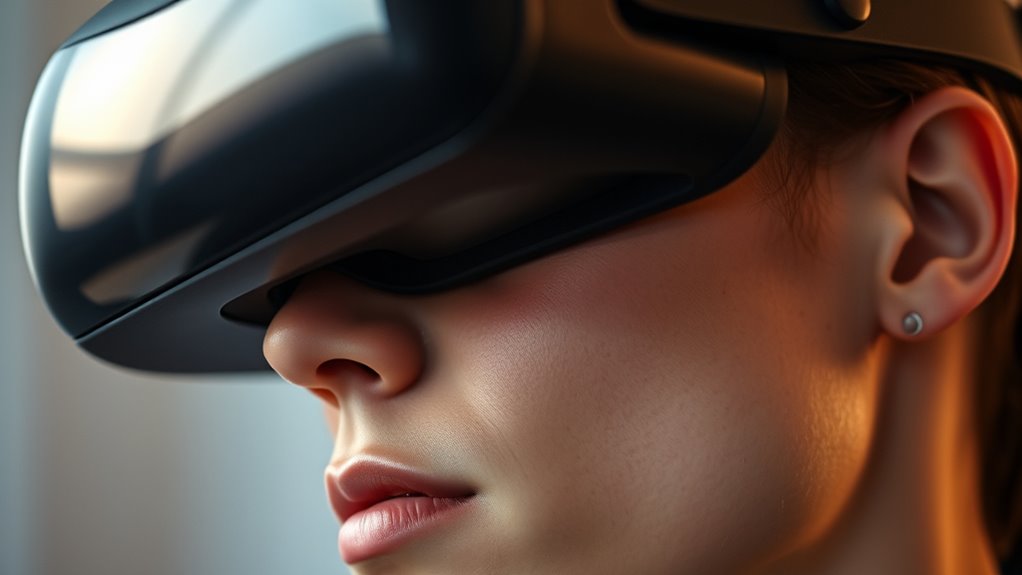
A properly fitting VR headset is essential for maintaining comfort and preventing disorientation during your virtual experience. If the headset is too loose, it shifts with your movements, causing blurry visuals and eye strain. Conversely, a too-tight fit can cause discomfort, headaches, or pressure points. Adjust the straps so the headset sits snugly but comfortably on your head, aligning the lenses with your eyes. Guarantee the weight is evenly distributed to avoid fatigue. Proper fit also enhances tracking accuracy, making movements feel natural and reducing dizziness. Take a moment to fine-tune the fit each time you put on the headset. A secure, comfortable fit not only improves immersion but also minimizes the chances of feeling off or experiencing discomfort as you explore virtual worlds. Additionally, maintaining a well-balanced fit can help prevent physical strain, especially during extended VR sessions. Ensuring your VR headset fit is correct can significantly boost your overall experience and comfort. Remember, a properly adjusted headset optimizes both comfort and visual clarity, making your virtual adventures more enjoyable. Regularly checking and adjusting the fit can also help in preventing discomfort, especially during lengthy gaming sessions.
As an affiliate, we earn on qualifying purchases.
Tips for Gradually Increasing Your VR Usage
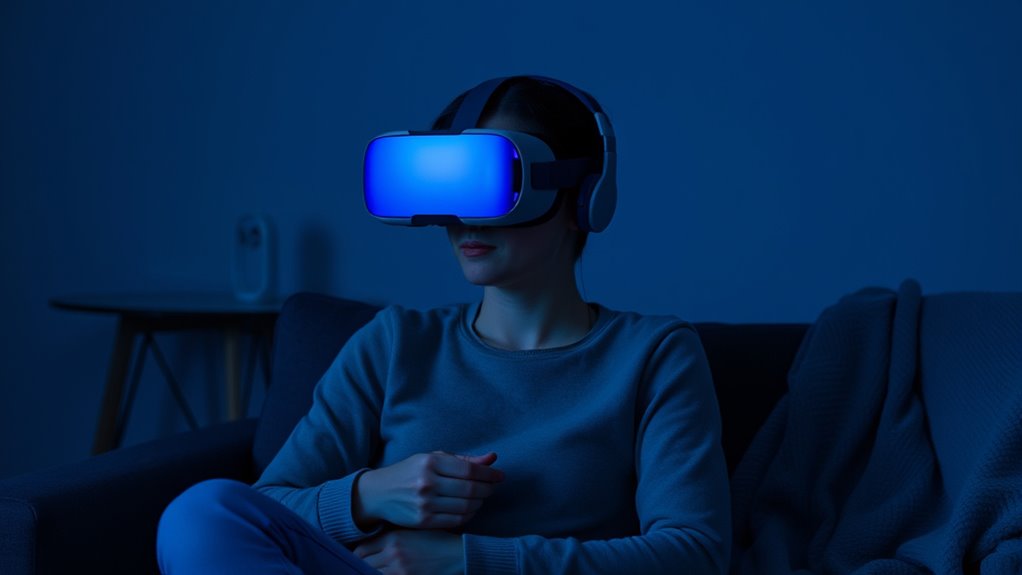
To build comfort with VR, start with short sessions that don’t overwhelm you. Remember to take regular breaks to rest your eyes and body. Gradually increasing your usage will help you adapt without feeling too strange or fatigued. Incorporating evidence-backed guidance can further enhance your adjustment process and reduce discomfort. Additionally, understanding personal comfort levels and listening to your body can prevent overexertion and promote a more positive experience. Monitoring sleep hygiene and ensuring proper rest can also minimize fatigue and improve your overall VR experience. Being aware of initial discomfort and practicing patience can accelerate your adaptation process. Recognizing individual differences in reactions to VR can help tailor your approach for better comfort and enjoyment.
Start With Short Sessions
Are you wondering how to ease into VR without feeling overwhelmed? The key is starting with short sessions. Begin with just 5 to 10 minutes, so your eyes and brain can adapt gradually. This helps prevent discomfort like dizziness or eye strain. Focus on familiarizing yourself with the environment and controls during these brief periods. As you get more comfortable, slowly extend your sessions by a few minutes each time. Listening to your body is essential—if you feel any discomfort, take a break. Building up your tolerance gradually allows your senses to adjust without feeling overwhelmed. Incorporating proper VR setup techniques can also enhance comfort and help you adjust more quickly. Additionally, understanding the importance of sensory adaptation can make your transition smoother. Remember, patience is vital. Short, manageable sessions set a solid foundation for longer, more immersive VR experiences without the weirdness feeling too intense.
Mix in Breaks Regularly
Wondering how to prevent VR discomfort as you increase your usage? The key is to mix in breaks regularly. Don’t push through long sessions without pauses. Instead, take short breaks every 15-20 minutes to rest your eyes and reset your balance. During these breaks, look away from the headset and focus on a distant object or blink frequently to reduce eye strain. Listening to your body is vital—if you start feeling dizzy or nauseous, pause immediately. Over time, these breaks will help your brain adapt to virtual environments more comfortably. Consistently scheduling rest periods allows you to gradually build endurance without overwhelming your senses. Remember, patience is essential—your comfort level will improve as you give your body the chance to adjust. Incorporating deep product research into your VR setup can also help you choose more comfortable and lightweight equipment, further easing your transition. Paying attention to headset fit and weight can make a significant difference in reducing discomfort during extended use.
How to Calibrate Your VR System for a Smoother Experience
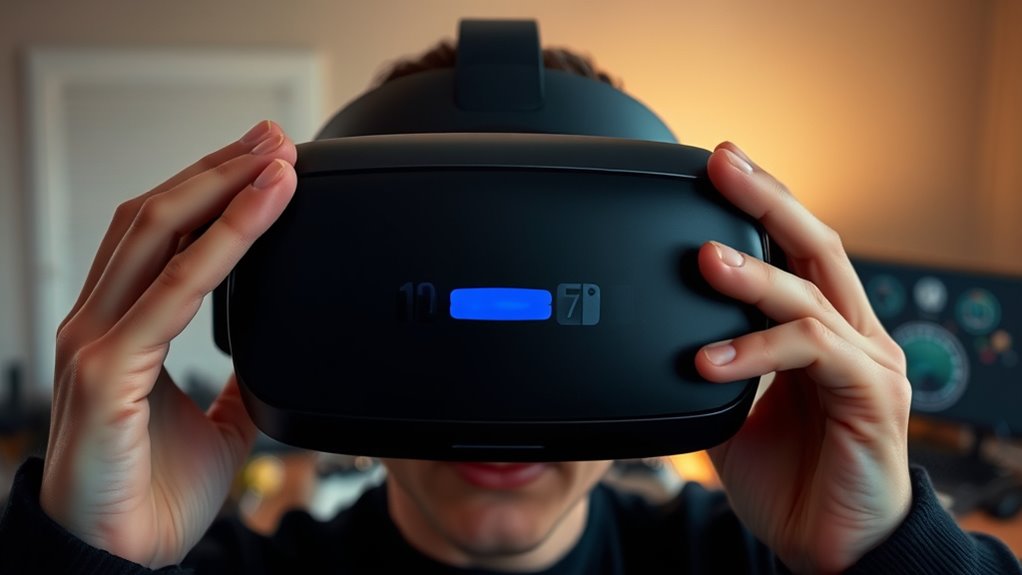
Ever notice how small misalignments can make your VR experience feel off? Proper calibration guarantees the visuals align perfectly with your headset and controllers, reducing discomfort and enhancing immersion. Start by adjusting the headset straps so it fits snugly but comfortably on your head. Use your VR system’s calibration tool—most have a quick setup option—to align the display with your eyes. Follow prompts to set the IPD (interpupillary distance), which adjusts the lenses for your eye spacing. Make sure your controllers are tracked correctly by calibrating their position and orientation within the software. Take your time to check that the virtual environment feels natural and responsive. Consistent calibration minimizes eye strain and disorientation, giving you a smoother, more immersive experience every time you put on your VR headset.
Recognizing and Preventing Motion Sickness in VR
Even with perfect calibration, some users may still experience discomfort during VR sessions. Recognizing motion sickness early is key to preventing it from worsening. Common signs include dizziness, nausea, sweating, or a feeling of disorientation. If you notice these symptoms, pause your session immediately. To prevent motion sickness, avoid rapid movements or sudden camera shifts, as these can trigger discomfort. Keep your VR sessions short initially, gradually increasing duration as your body adapts. Guarantee your play area is well-ventilated and stay hydrated. If you’re prone to motion sickness, consider taking breaks often and adjusting the in-game settings to reduce motion intensity. Listening to your body helps you identify triggers early and take steps to prevent longer-term discomfort. Incorporating auditory cues such as calming sounds can also help reduce sensory overload that contributes to motion sickness.
Simple Exercises to Improve Your VR Comfort Level
Practicing simple exercises can considerably enhance your comfort level in VR by helping your body adapt to the virtual environment. Start with wrist and neck rotations to reduce tension and increase awareness of your movements. Next, perform deep breathing exercises to calm your nervous system and reduce anxiety during VR sessions. Focus on eye exercises, such as blinking frequently or shifting your gaze between near and far points, to prevent eye strain. Incorporate balance drills like standing on one leg or walking heel-to-toe to improve your stability. Regularly stretching your arms, legs, and back helps prevent stiffness. Doing these exercises before and after VR use trains your body to handle virtual stimuli better, making your experience more comfortable and less disorienting over time.
Choosing the Right Content to Ease Transition
Choosing the right content is essential for a smooth shift into virtual reality because it directly impacts how comfortable and confident you feel during your sessions. Start with experiences that are simple and non-intimidating, like guided tours or calm environments such as beaches or forests. These gentle visuals help your brain adjust without overwhelming your senses. Avoid fast-paced or chaotic games initially, as they can increase motion sickness or discomfort. Focus on content that feels familiar and relaxing, allowing your eyes and body to adapt gradually. As your confidence grows, you can explore more complex experiences. Picking the right content helps your mind associate VR with positive feelings, making future sessions feel more natural and less disorienting.
When to Seek Help if VR Continues to Feel Uncomfortable
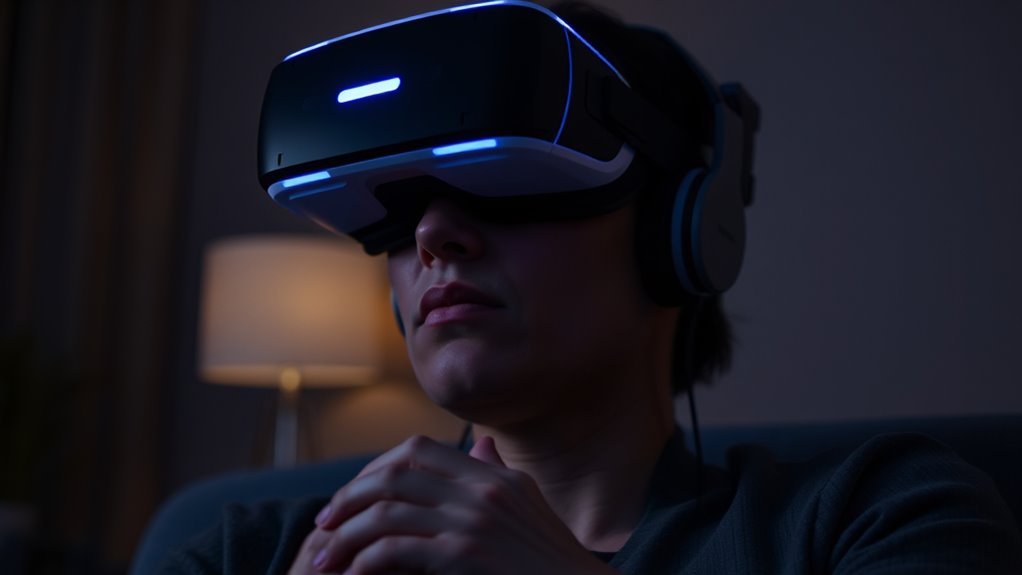
If VR continues to feel uncomfortable despite giving yourself time to adjust, it’s important to recognize when professional help might be necessary. Persistent dizziness, nausea, headaches, or disorientation that doesn’t improve can signal underlying issues. If these symptoms last longer than a few sessions or worsen, consult a healthcare professional experienced in virtual reality or vestibular health. Ignoring ongoing discomfort could lead to more serious problems or discourage you from enjoying VR altogether. Additionally, if you experience anxiety or panic attacks related to VR exposure, seeking help is vital. Don’t hesitate to reach out to medical professionals or specialists who can assess your symptoms and provide tailored advice. Prioritizing your health ensures you can safely enjoy VR without risking long-term issues.
Frequently Asked Questions
Can VR Discomfort Be a Sign of an Underlying Health Condition?
Yes, VR discomfort can sometimes be a sign of an underlying health condition, especially if you experience persistent dizziness, nausea, or headaches. If these symptoms continue after several sessions or worsen, you should consult a healthcare professional. While VR can cause temporary discomfort for most people, ongoing issues might indicate issues like vestibular problems or migraines, so it’s best to get checked out to verify your health isn’t at risk.
How Long Does It Typically Take for New Users to Fully Adapt?
It usually takes new users around 15 to 30 minutes to fully adapt to VR. During this time, your brain adjusts to new visual and spatial cues. To speed up the process, start with shorter sessions, take regular breaks, and gradually increase your exposure. Listen to your body, and don’t push through discomfort. With patience, you’ll find yourself more comfortable and immersed in virtual environments quickly.
Are There Specific VR Headsets That Cause Less Initial Discomfort?
Some VR headsets cause less initial discomfort, especially those with lighter designs and better ergonomics, like Oculus Quest 2 or Valve Index. These models reduce strain on your face and eyes, helping you adjust quicker. But beware—your experience varies based on fit and sensitivity. Trying different headsets or adjusting straps can make a huge difference, so don’t settle until you find the one that feels just right for you.
Does Age Affect How Quickly Someone Adjusts to VR?
Yes, age can influence how quickly you adjust to VR. Younger users often adapt faster because their brains are more flexible and accustomed to new tech. Older users might take longer due to less exposure to digital environments or sensory differences. To speed up your adjustment, take breaks, start with shorter sessions, and gradually increase usage. Patience and consistent practice help you become comfortable with VR regardless of age.
Are There Recommended Breaks to Prevent Prolonged Discomfort During VR Sessions?
You should take regular breaks during VR sessions, ideally every 20-30 minutes, to prevent discomfort. Coincidentally, these pauses not only protect your eyes and reduce fatigue but also give your mind a moment to reset, making the experience more enjoyable. Listen to your body—if you feel dizzy or strained, stop immediately. Short breaks help you stay immersed longer, turning VR from a weird feeling into a seamless adventure.
Conclusion
Remember, your brain just needs time to adapt—around 10-15 hours of VR use can substantially reduce discomfort. Nearly 40% of first-time users experience some disorientation, but with proper calibration and gradual exposure, you can enjoy immersive experiences comfortably. Don’t rush the process—trust your body’s signals and adjust accordingly. With patience and the right precautions, you’ll soon find VR feels natural, opening up a whole new world of possibilities at your fingertips.
Fall Picks
fall essentials
As an affiliate, we earn on qualifying purchases.