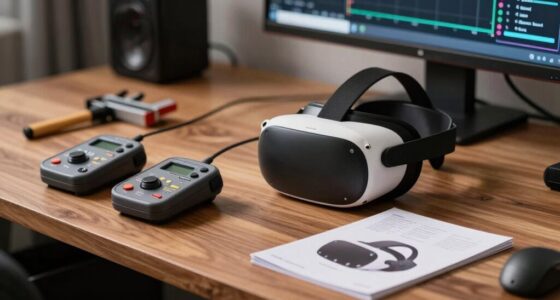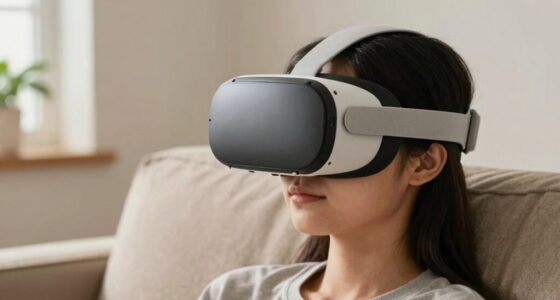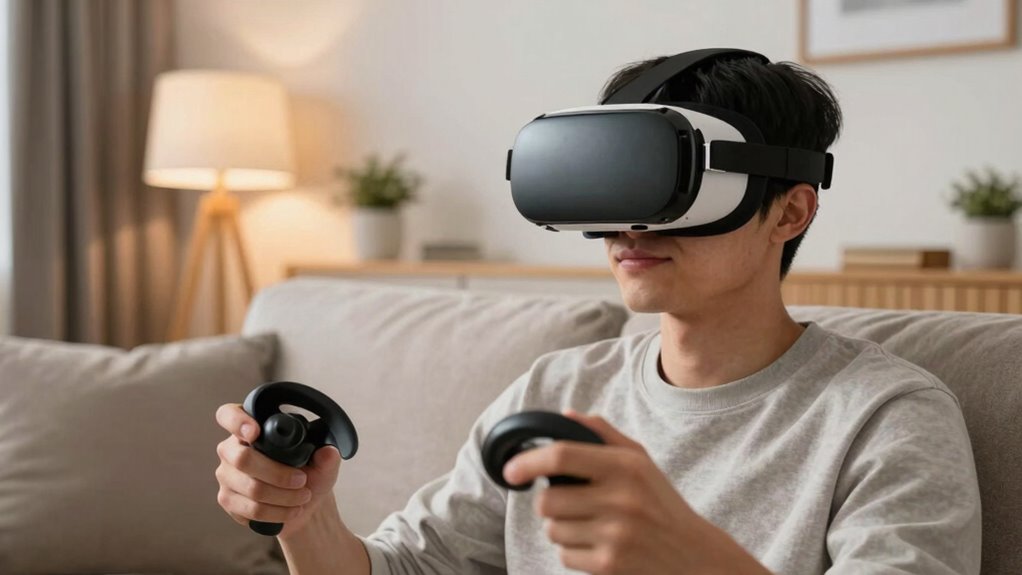

To make VR less intimidating, start with simple, guided tutorials and short sessions to help you build confidence gradually. Make sure your headset fits comfortably and adjust the straps for a snug but relaxed feel. Clear your space and use boundary markers to create a safe environment. Listen to your body signals and take regular breaks to prevent dizziness or fatigue. If you keep exploring these tips, you’ll find it easier to enjoy VR comfortably and stress-free.

Play games on Amazon Luna for your next adventure, included with Prime
- A rotating selection of games, no download needed
- Play on TV, laptop or phone
- Fast, free delivery for your gear, too
Key Takeaways
- Start with simple, guided tutorials to build familiarity and confidence gradually.
- Ensure the headset fits comfortably and adjust equipment for ease of use.
- Create a safe, clutter-free play area to prevent accidents and reduce anxiety.
- Encourage short sessions with regular breaks to prevent discomfort and overwhelm.
- Focus on enjoyable exploration rather than complex or intense experiences.
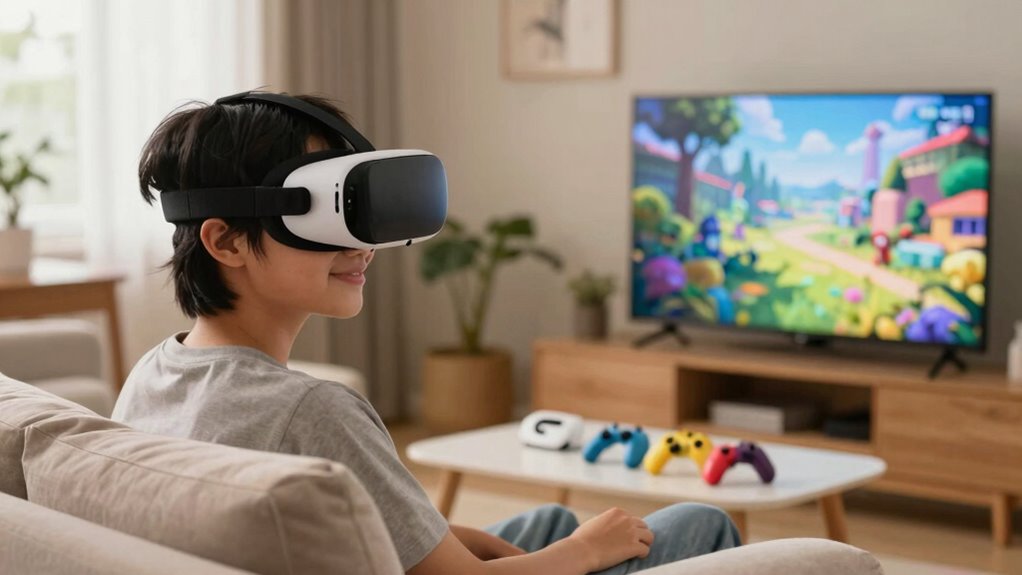
Virtual reality can feel overwhelming for first-time users, but with the right approach, you can ease the shift and make the experience enjoyable. The key is to start slow and set yourself up for success by prioritizing VR safety and equipment comfort. When you’re just getting started, don’t dive headfirst into complex games or intense experiences. Instead, focus on simple, guided tutorials to familiarize yourself with the equipment and controls. This helps you build confidence without feeling rushed or overwhelmed.
Start slow with simple tutorials to build confidence and enjoy VR comfortably.
Ensuring your VR equipment is comfortable is essential to making the experience enjoyable. If the headset feels bulky or tight, it can cause discomfort and distract you from the immersive world. Take the time to adjust the straps properly so the headset fits snugly but not uncomfortably. Some headsets come with padding or adjustable features—use these to find a comfortable fit. Remember, if the controllers or sensors feel awkward to hold or position, spend a few moments practicing with them outside of active VR sessions. Comfort encourages longer, more relaxed experiences, reducing the chance of fatigue or frustration.
Prioritize VR safety by creating a safe play area free of obstacles. Clear your space of furniture, cords, or fragile objects that might pose a hazard. Using boundary systems like guardian setups or play area markers can help you stay aware of your surroundings, preventing accidents. Always start with a brief warm-up to get accustomed to the sensations of VR. This can involve simple movements or stretches to prepare your body for the experience, reducing dizziness or nausea.
It’s also helpful to listen to your body during your first few sessions. If you start feeling dizzy, disoriented, or uncomfortable, take a break. Pushing through discomfort can lead to negative associations with VR. Keep your initial sessions short—around 10 to 15 minutes—and gradually increase as you become more comfortable. Remember, there’s no rush; the goal is to enjoy the experience and explore at your own pace.
Additionally, understanding VR equipment setup can help mitigate initial frustrations and streamline your introduction to virtual reality. With patience, proper equipment adjustment, and a focus on safety, you’ll find that VR becomes less intimidating and more an exciting tool for entertainment and discovery.
VR headset comfort adjustable straps
As an affiliate, we earn on qualifying purchases.
As an affiliate, we earn on qualifying purchases.
Frequently Asked Questions
What Are Common VR Motion Sickness Symptoms?
You might experience virtual discomfort, like dizziness, nausea, or headaches, with common VR motion sickness symptoms. To reduce these, try motion mitigation techniques like taking regular breaks, adjusting the headset for comfort, and lowering movement speed within the VR environment. Staying hydrated and focusing on a fixed point can also help. These steps make your experience smoother and less overwhelming, especially if you’re new to virtual reality.
How Long Should a First-Time VR Session Last?
Don’t bite off more than you can chew; keep your first VR session short. Aim for about 10 to 15 minutes to guarantee user comfort and prevent motion sickness. As you get used to the VR equipment, you can gradually extend your sessions. Listening to your body is key—if you feel dizzy or uncomfortable, take a break. Short, manageable sessions help you enjoy VR without feeling overwhelmed.
Are There Age Restrictions for VR Use?
Age restrictions for VR use vary by device and content, so you should check manufacturer guidelines. Generally, most VR platforms recommend parental guidance for children under 12 or 13 to guarantee safety and appropriate content. As a parent or user, you’re responsible for monitoring age restrictions and providing guidance to make the experience enjoyable and safe for younger users. Always follow the device’s age recommendations and use parental controls when available.
What Safety Precautions Are Recommended During VR Gameplay?
During VR gameplay, you should prioritize safety by ensuring proper VR calibration for accurate tracking and comfort. Check that the headset fits securely and adjust straps as needed. Use controllers with good ergonomics to reduce fatigue and prevent strain. Clear your play area of obstacles, and take regular breaks to avoid discomfort. Staying mindful of these precautions helps you enjoy immersive experiences safely and comfortably, especially if you’re new to VR.
Can VR Cause Long-Term Health Issues?
Did you know that only a small percentage of VR users report long-term health issues? While most people don’t experience serious problems, prolonged use can affect VR headset ergonomics and potentially cause long-term vision effects, like eye strain or discomfort. To avoid this, take regular breaks, adjust the headset for comfort, and limit continuous play. Staying mindful of these factors helps guarantee a safe and enjoyable VR experience.
As an affiliate, we earn on qualifying purchases.
Conclusion
Remember, nearly 60% of first-time VR users feel overwhelmed at first, but that feeling quickly fades with a little guidance. By offering simple tutorials and encouraging slow exploration, you can turn that initial intimidation into excitement. Think of VR as stepping into a new world—once you get comfortable, the possibilities are endless. So, be patient, stay positive, and soon you’ll be exploring virtual domains with confidence and ease.
As an affiliate, we earn on qualifying purchases.
As an affiliate, we earn on qualifying purchases.
Fall Picks
fall essentials
As an affiliate, we earn on qualifying purchases.