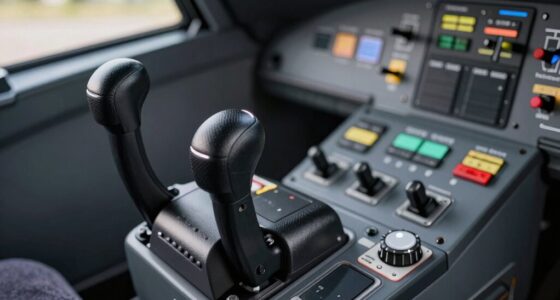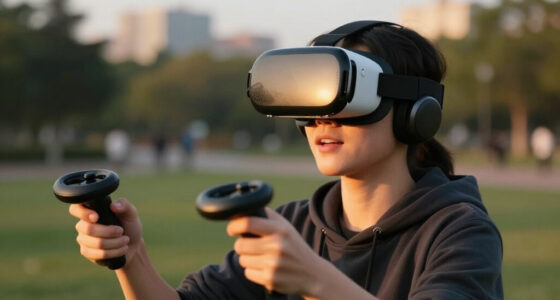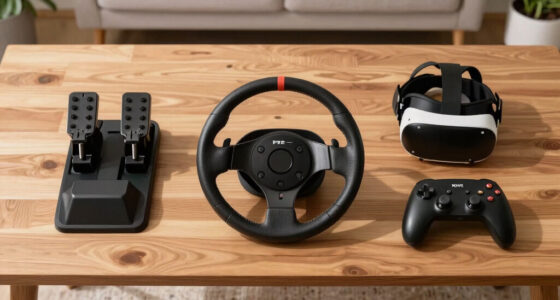

When setting up shifters and handbrakes in your VR system, think about placement and tactile feedback. Position them where pulling feels natural and intuitive, avoiding awkward angles or excessive reach. Choose devices with realistic resistance and feedback to boost immersion and control. Properly adjusting and fine-tuning these controls guarantees they respond instinctively, making your experience more immersive and precise. Keep exploring to discover how to optimize these controls for the best VR racing feel.

Get VR and gaming gear delivered free — and shop member deals
- Fast, free delivery on millions of items
- Access to Prime Big Deal Days deals on October 6–7
- Prime Video, Amazon Music and more included
Key Takeaways
- Position shifters and handbrakes where pulling or shifting feels natural and intuitive during gameplay.
- Ensure controls are within comfortable reach to prevent strain and promote quick reactions.
- Customize resistance and feedback to mimic real-world sensations for increased realism.
- Place controls ergonomically, avoiding awkward angles that could hinder performance or cause fatigue.
- Regularly adjust and fine-tune control settings to maintain immersion and adapt to personal preferences.
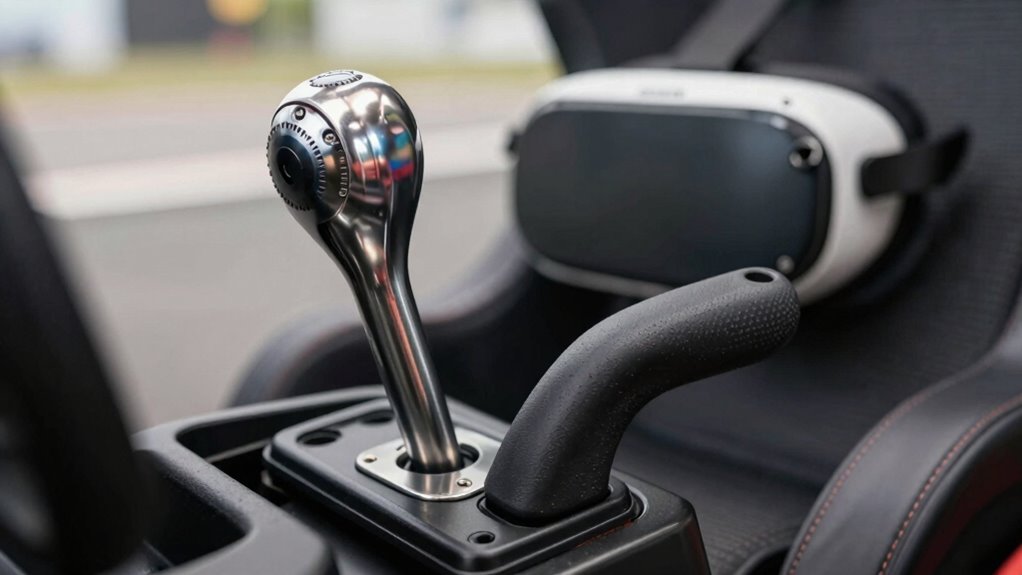
When setting up a VR racing experience, understanding how to incorporate shifters and handbrakes can considerably enhance your immersion and performance. These controls aren’t just about realism—they directly influence how you feel connected to the car and the track. To make the most of them, you need to consider virtual feedback and ergonomic positioning. Virtual feedback refers to how well the game communicates the car’s responses through your controllers, whether that’s the sensation of shifting gears or pulling a handbrake. Good virtual feedback makes these actions feel natural, helping you react instinctively and improve your driving precision. Meanwhile, ergonomic positioning ensures that you can comfortably reach and manipulate your shifter and handbrake without straining. Proper positioning minimizes fatigue during extended sessions and maintains your focus, so you stay sharp and responsive.
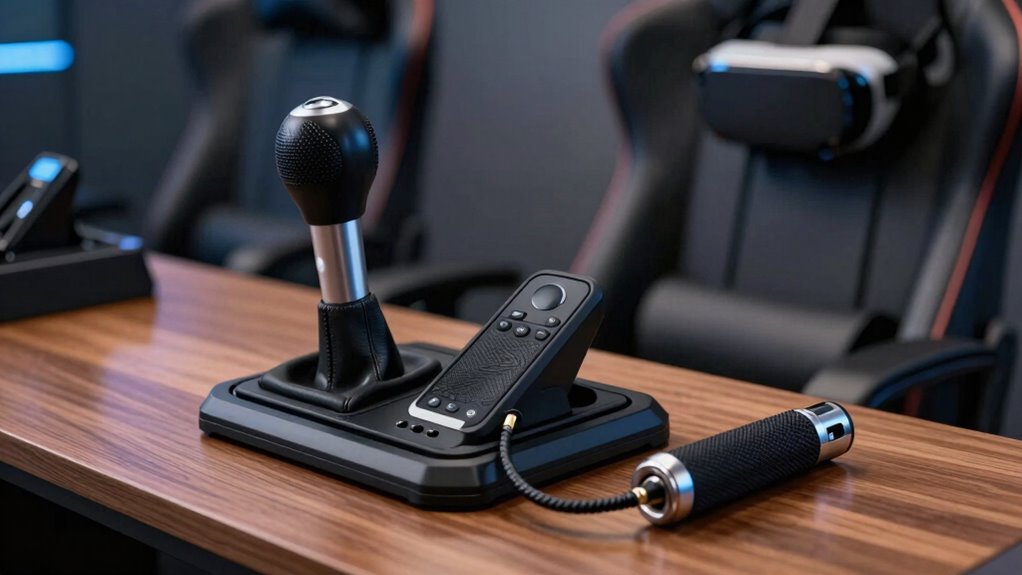
When choosing your shifter and handbrake setup, prioritize devices that offer tactile feedback. Feeling the distinct clicks of the shifter or the resistance of the handbrake helps your brain connect the virtual actions with physical sensations. This connection boosts virtual feedback, making your driving feel more authentic. Position your controls so they’re easily accessible without forcing your hands into uncomfortable angles. For example, place the shifter within a natural reach, aligned with your body’s posture, and set the handbrake in a spot where pulling it feels intuitive. Adjust your seat and wheel to maintain ergonomic positioning, ensuring you’re not overstretching or twisting your torso. This setup reduces fatigue and maintains your reaction time, which is crucial for competitive racing. Additionally, understanding virtual feedback can help you identify the right settings that mimic real-world sensations more effectively. Exploring the importance of ergonomic design can further optimize your setup and ensure comfort over long sessions. Incorporating feedback customization options in your hardware or software can also help fine-tune the experience to match your preferences more precisely. Furthermore, paying attention to hardware compatibility ensures that your chosen controls integrate seamlessly with your VR system for a smoother experience. Recognizing the significance of realistic resistance can also improve immersion and control precision during gameplay.
Incorporate realistic resistance and feedback settings within your VR software or hardware. Many simulators allow you to tweak how the shifter and handbrake respond, mimicking real-world feel. Experiment with these settings to find a balance that offers enough virtual feedback to feel authentic without causing discomfort. Remember that the goal is to replicate real driving sensations, so your controls should reinforce your sense of immersion. Regularly reassess your setup—what feels natural today might need adjustments after prolonged use. Fine-tuning your position and control feedback creates a seamless experience where every shift and pull feels both satisfying and intuitive.
Ultimately, thinking about how to integrate shifters and handbrakes involves balancing virtual feedback with ergonomic positioning. When these elements work harmoniously, your VR racing sessions become more immersive, realistic, and enjoyable. The better you understand and optimize these controls, the more you’ll feel like you’re truly behind the wheel, racing with precision and confidence.
VR racing shifter with tactile feedback
As an affiliate, we earn on qualifying purchases.
As an affiliate, we earn on qualifying purchases.
Frequently Asked Questions
Can I Use Any Shifter or Handbrake With My VR Setup?
You can’t just use any shifter or handbrake with your VR setup; gear compatibility matters. Look for devices compatible with your gaming platform and sim software to guarantee smooth integration. Using the right shifter and handbrake enhances realism and immersion, making your driving experience more authentic. Check manufacturer specifications and community recommendations to find gear that seamlessly works with your system, maximizing your setup’s realism and performance.
How Do I Calibrate Shifters and Handbrakes in VR?
Imagine you’ve just bought a new shifter. To calibrate it in VR, start by connecting it and ensuring device compatibility. Use the in-game settings or software provided by the shifter to access calibration options. Engage haptic feedback during calibration to feel the shifts clearly. Test the device’s response, making sure it accurately reflects your inputs. Fine-tune the calibration until the shifter and handbrake feel natural and precise in your VR racing experience.
Do Shifters and Handbrakes Affect VR Motion Sickness?
Shifters and handbrakes can influence VR motion sickness, especially if their ergonomic design causes discomfort or if compatibility issues lead to lag or misalignment. When these devices fit well and respond accurately, they can enhance immersion without worsening sickness. Poorly designed or incompatible equipment might cause disorientation or discomfort, increasing motion sickness risk. Ensuring proper calibration and choosing ergonomic, compatible devices helps minimize these issues and improves your VR experience.
Are Wireless Shifters and Handbrakes Compatible With VR?
Wireless shifters and handbrakes are like the perfect dance partners—they can work seamlessly with VR if they’re compatible. Many modern options offer wireless compatibility, making setup easier and reducing clutter. Look for devices that provide realistic feedback; this enhances immersion and responsiveness. Just confirm the shifter or handbrake connects via Bluetooth or RF, so you can enjoy a smooth, wire-free experience without sacrificing the tactile feel essential for realistic gameplay.
How Do I Customize Button Mappings for Shifters and Handbrakes?
You can customize button mappings for shifters and handbrakes using various software options like Logitech G Hub, Thrustmaster T.A.R.G.E.T., or SimHub. Start by exploring button mapping strategies—assign specific functions to your preferred buttons for intuitive control. Connect your device to the software, then adjust the mappings to suit your racing style. Test your setup in-game, tweak as needed, and enjoy a personalized, seamless VR driving experience.
VR handbrake controller for racing games
As an affiliate, we earn on qualifying purchases.
As an affiliate, we earn on qualifying purchases.
Conclusion
Thinking about shifters and handbrakes in VR is like tuning a fine instrument—you want everything to feel natural and intuitive. When you treat these controls as extensions of your instincts, it enhances your immersion and gameplay. Just as a skilled driver seamlessly shifts gears and pulls the handbrake when needed, you’ll find yourself reacting smoothly and confidently. Embrace the setup, and your virtual driving experience will become as fluid as water flowing downstream.
As an affiliate, we earn on qualifying purchases.
As an affiliate, we earn on qualifying purchases.
Fall Picks
fall essentials
As an affiliate, we earn on qualifying purchases.
![[MSFS 2024] Quiet Departure From Darwin In The Ventura — Flown In VR @ 120 Fps](https://vrgearguide.com/wp-content/uploads/2026/07/msfs-2024-quiet-departure-from-darwin-in-the-ventura-flown-in-vr-120-fps-featured-560x300.jpg)