
To set up a VR headset as a holiday gift in 30 minutes, first verify compatibility with the recipient’s device and make certain all cables and sensors are included. Clear a safe, spacious area and adjust the headset for a snug fit. Follow quick setup instructions to connect and calibrate the hardware, testing controllers for responsiveness. Double-check system requirements and complete any updates. Staying organized and focused helps you guarantee a smooth, immersive experience—keep going to learn more tips for a perfect setup.
Key Takeaways
- Verify compatibility of the VR headset with the recipient’s device and ensure all cables and sensors are available.
- Choose a clear, clutter-free space and adjust the headset for a comfortable fit before setup.
- Connect cables securely, power on the device, and run calibration and system updates as per manufacturer instructions.
- Position sensors correctly for optimal tracking, and test controllers for responsiveness.
- Review system requirements, complete calibration, and ensure all components are functioning for a smooth, quick setup.
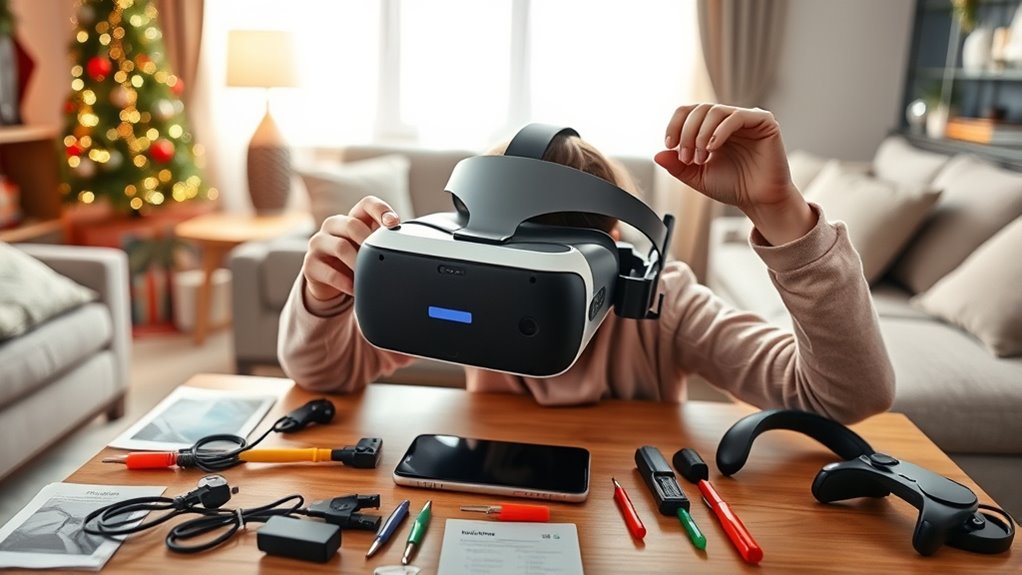
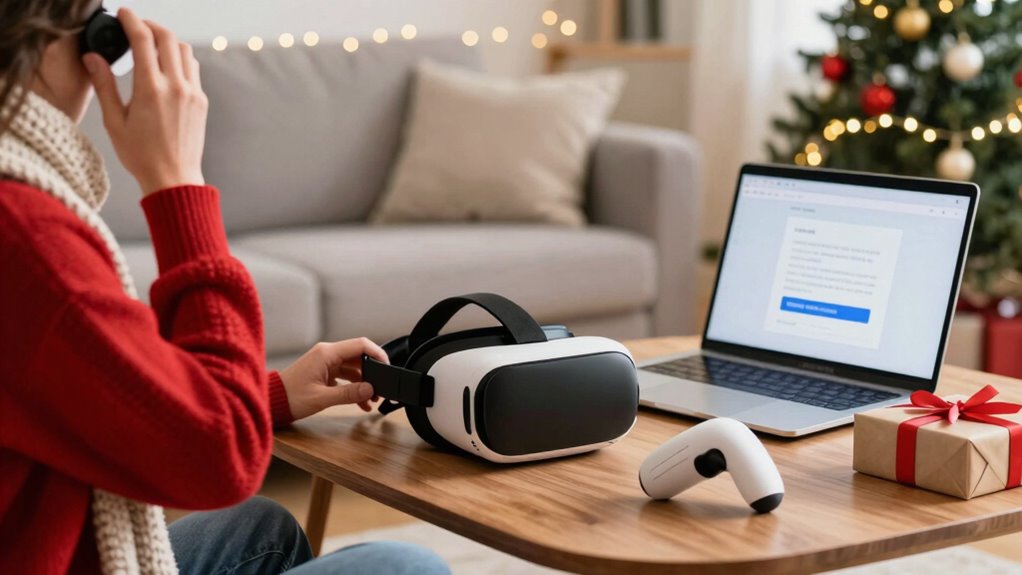
Ever wondered how to set up a VR gift to guarantee the recipient has a smooth and enjoyable experience? The key lies in understanding VR headset compatibility and following some safe setup tips. First, check that the VR headset is compatible with the recipient’s computer or console. Different headsets require specific hardware specs, so ensure their device meets the minimum requirements. This prevents frustration later and saves time troubleshooting. If you’re unsure, a quick online search with the headset model along with “compatibility” will give you the info you need. Once confirmed, gather all necessary cables, sensors, and controllers, making sure nothing is missing before you start.
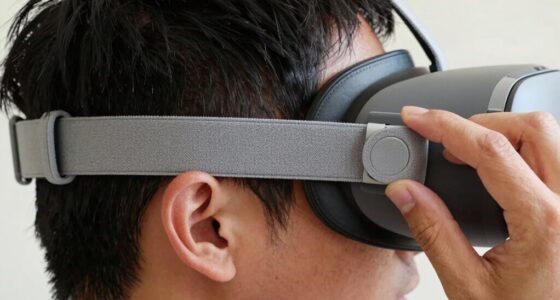
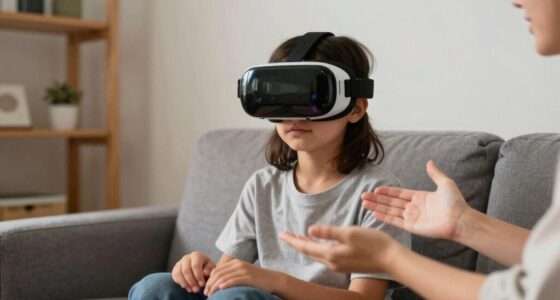
Safe setup tips are essential to avoid accidents and damage. Clear a spacious, clutter-free area where the user can move freely without knocking over furniture or tripping. A dedicated play zone not only enhances safety but also makes the experience more immersive. Before they put on the headset, help them adjust the straps for a snug but comfortable fit—this will improve immersion and reduce discomfort during extended play. Also, remind them to take regular breaks to prevent eye strain and fatigue.
Create a spacious, clutter-free play area and adjust headset straps for comfort and safety.
Connecting the headset should be straightforward if you follow the manufacturer’s instructions. Usually, it involves plugging in HDMI or DisplayPort cables and USB connections. Make sure the cables are secure and not stretched tightly, which can cause disconnections. Once connected, power on the device and run any required setup or calibration software. During this step, ensure the sensors or cameras are positioned correctly—usually, they should be placed opposite each other with clear views of the play area. Proper sensor placement is critical for accurate tracking, so don’t skip this step.
After setup, perform a quick calibration to make sure the system recognizes your movements accurately. Test the controllers to confirm they are responsive and synced with the headset. If the system prompts for updates or additional software, complete those now to guarantee everything runs smoothly. Encourage the recipient to read through the user manual or quick start guide for additional safety tips and troubleshooting.
Being aware of hardware specifications and system requirements ensures a smoother setup process and better overall experience. Following these steps guarantees that the VR gift is ready to deliver an immersive experience without delays or technical issues. Keeping safety in mind and ensuring compatibility from the start makes all the difference. With a little prep, you can give a gift that’s simple to set up and guarantees hours of fun, making your holiday truly memorable.
Frequently Asked Questions
Can I Set up VR Without Technical Experience?
Yes, you can set up a VR headset without technical experience. Just check the VR headset compatibility with your device first. Decide between wireless or wired options based on your space and preference. Follow the step-by-step instructions provided, and most setups are straightforward. With basic patience, you’ll be able to enjoy VR quickly, even if you’re new to the technology.
What Safety Precautions Should I Consider During Setup?
During setup, prioritize VR safety by clearing the play area of obstacles and securing loose cords to prevent tripping. Follow setup precautions like wearing wrist straps and adjusting the headset properly to avoid discomfort or injury. Keep pets and children away during setup and use. Regularly check equipment for damage and make sure ventilation. These steps help you enjoy VR safely and prevent accidents while setting up your holiday gift.
Is There a Recommended Space Size for VR?
You should aim for a VR play area with room dimensions of at least 6.5 by 6.5 feet to guarantee safe movement. This space lets you comfortably move around without hitting objects or walls. Keep it clear of furniture and obstacles, and consider a dedicated room if possible. Having enough space minimizes the risk of accidents, making your VR experience safer and more enjoyable.
How Do I Troubleshoot Common VR Connection Issues?
To troubleshoot common VR connection issues, start by checking your VR firmware updates, ensuring your headset and PC are running the latest versions. Then, verify connection stability by reconnecting cables securely and minimizing interference from wireless devices. Restart your VR software and hardware if problems persist. If needed, reset the headset and re-pair it with your system. These steps help improve connection stability and resolve most issues quickly.
Can I Update VR Headset Firmware Easily?
Updating your VR headset firmware is a breeze, like a quick pit stop on a road trip. Simply connect your headset to your PC or use the companion app, then check for firmware updates—it’s as easy as clicking a button. Make certain to do compatibility checks beforehand to avoid hiccups. Keep your firmware fresh to ensure smooth gameplay and new features, making your VR experience seamless and exciting.
Conclusion
Now that your VR gift is ready to transport you to new worlds, think of it as opening a gateway to endless adventures. Just like a master key revealing magic, your setup turns a simple device into a portal of possibility. In just 30 minutes, you’ve woven technology into your holiday story, ready to be unwrapped and explored. So, put on your headset, step inside, and let the journey begin—your virtual voyage awaits beyond the horizon.