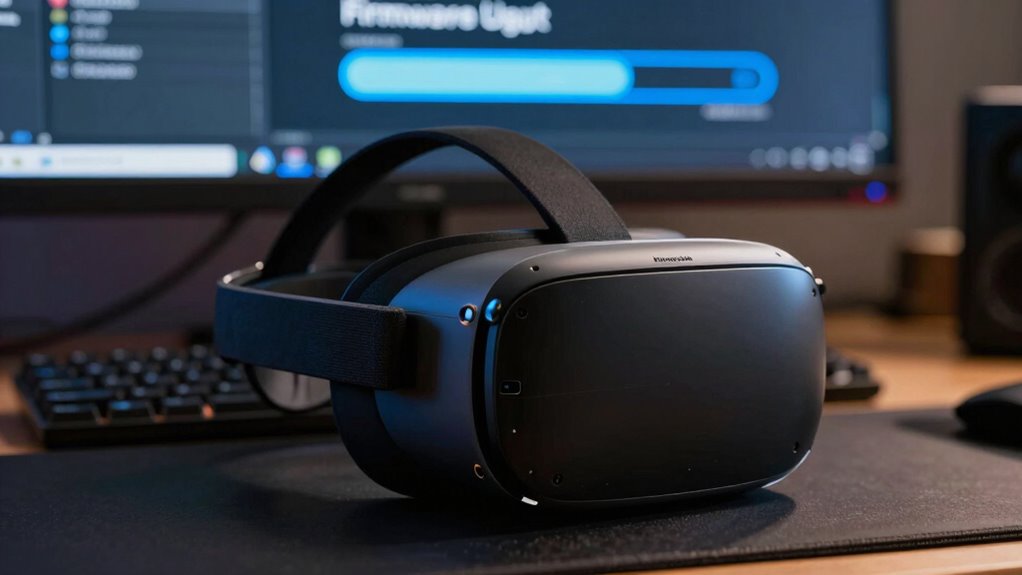
Firmware updates in VR fix bugs, enhance stability, improve tracking, and patch security vulnerabilities, making your experience smoother and more reliable. They often include performance boosts and new features. However, rushing to install updates can introduce bugs or disrupt your setup, so it’s wise to wait for proven stability. Stay informed through official sources, and if you continue exploring, you’ll discover how to decide the right moment for updates.
Key Takeaways
- Firmware updates fix bugs, improve stability, enhance tracking accuracy, and add new features for better VR performance.
- Look for signs like crashes, lag, or compatibility issues indicating an update may be beneficial.
- Delay updates if they are unverified or introduce significant changes, to avoid bugs and disruptions.
- Always back up data and ensure device compatibility before installing firmware updates.
- Stay informed through official sources and user communities to time updates for maximum stability and performance.

HTC VIVE Wired PC Streaming Kit for VIVE Focus Vision VR Headset – DisplayPort Mode Compatible
- Designed for VIVE Focus Vision: Lossless connection for optimal streaming
- Includes 5-meter Streaming Cable: DisplayPort-compatible cable and converter
- Maximizes Bandwidth for Better Graphics: Enhanced visuals and faster response
As an affiliate, we earn on qualifying purchases.
As an affiliate, we earn on qualifying purchases.
Common Fixes and Improvements in VR Firmware Updates
Firmware updates in VR often include essential fixes and improvements that enhance your overall experience. These updates commonly address bugs that cause crashes, glitches, or performance drops, making your VR sessions smoother and more reliable. Developers also optimize system stability, reducing lag and ensuring your headset runs consistently during intense gameplay or long sessions. You might see updates that improve tracking accuracy for controllers and head movements, which makes interactions feel more natural. Additionally, firmware updates often include security patches that protect your device from vulnerabilities. Sometimes, they enhance compatibility with new hardware or software, ensuring your VR setup stays current. Regular updates help maintain device performance and can prevent potential issues before they affect your experience. They also contribute to color accuracy and overall image quality, ensuring a more immersive visual experience. Incorporating user feedback into firmware development can lead to targeted improvements that address specific performance issues, further refining the VR experience. Furthermore, these updates often include energy efficiency enhancements, reducing power consumption and extending device lifespan. Overall, these fixes and improvements help you enjoy a more seamless, immersive, and secure virtual reality experience.

Rebuff Reality Trackstraps for Vive Tracker VR Full Body Tracking
- Ingenious Full Body Tracking Design: Comfortable, precise movement capture
- Vive Compatible Straps: Seamless integration with HTC Vive systems
- Broad App Compatibility: Works with VRChat, Dance Dash, and more
As an affiliate, we earn on qualifying purchases.
As an affiliate, we earn on qualifying purchases.
Recognizing Signs That an Update Is Beneficial
Noticing when an update could benefit your VR device can save you from ongoing issues and improve your experience. Look for signs like dropped frame rates, frequent crashes, or lag during gameplay. If your device feels sluggish or inconsistent, a firmware update might help. Also, check for compatibility with new games or features that aren’t working properly. Sometimes, hardware malfunctions or audio glitches are fixed through updates. Keep an eye on official release notes to see if issues similar to yours are addressed. Additionally, updates often include performance improvements that enhance overall device stability and responsiveness.
VR device backup and restore software
As an affiliate, we earn on qualifying purchases.
As an affiliate, we earn on qualifying purchases.
Potential Risks and Drawbacks of Installing Firmware Updates
While updating your VR device can bring performance improvements, it’s important to be aware of potential risks. Firmware updates can sometimes introduce new bugs or compatibility issues that disrupt your experience. You might experience system crashes, reduced stability, or features that no longer work as intended. Additionally, updates can inadvertently cause hardware conflicts, leading to performance drops or device malfunctions. There’s also a chance that an update could overwrite custom settings or preferences, requiring you to readjust everything. Finally, some updates may temporarily disable certain functionalities or reduce overall device reliability until further patches are released.
- Introducing new bugs that weren’t present before
- Causing incompatibility with existing accessories
- Disrupting your customized settings
- Temporarily decreasing device stability

SAMSUNG GALAXY XR HEADSET USER GUIDE: Illustrated Manual To XR OS Navigation, AI Tools, AR/VR Interaction, Accessory Setup, And Immersive Apps For Beginners To Advanced (Tech Series)
As an affiliate, we earn on qualifying purchases.
As an affiliate, we earn on qualifying purchases.
Steps to Prepare for a Firmware Update in VR Devices
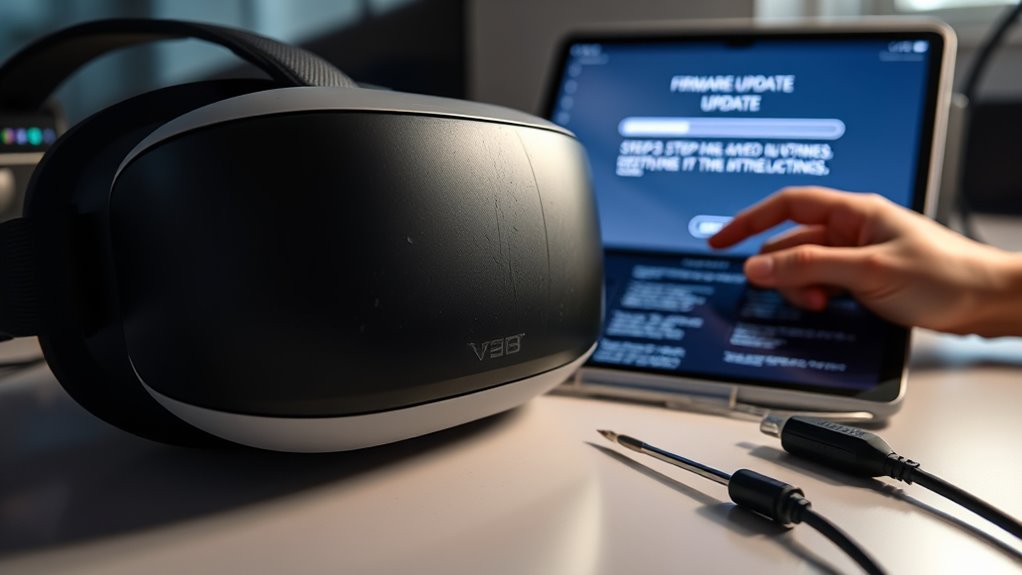
Before updating your VR device’s firmware, you should back up your data to prevent any loss. Check that your device meets all compatibility requirements to guarantee a smooth update process. Finally, make sure your device is connected to a stable power source to avoid interruptions during the update. Additionally, consider reviewing software updates and security to ensure your device remains protected and functions optimally. Understanding device compatibility can help prevent update issues that might arise from mismatched hardware or software versions. Being aware of device safety guidelines can further help you avoid potential problems during the update process. Being informed about home safety can also help you create a secure environment during device maintenance. Familiarizing yourself with wall surfaces and finishes can assist in maintaining your device in optimal conditions and prevent accidental damage.
Backup Your Data
Have you backed up your data recently? Before updating your VR firmware, it’s vital to safeguard your information. A backup ensures that your saved games, settings, and personal files aren’t lost if something goes wrong. To prepare effectively, consider these steps:
- Save your game data to cloud storage or external devices.
- Export custom settings and preferences.
- Backup any downloaded content or personal files.
- Note down device configurations in case you need to restore them later.
Taking these precautions helps you avoid frustration and data loss. Firmware updates can sometimes reset settings or cause unexpected issues, so having a backup provides peace of mind. Make this a routine part of your update process to keep your VR experience smooth and secure.
Check Compatibility Requirements
Checking compatibility requirements is a key step to guarantee your VR device will handle the firmware update smoothly. First, review the update’s release notes or official documentation to identify any specific hardware or software prerequisites. Make certain your device’s firmware version meets the minimum requirement for the update. Confirm that your operating system and companion apps are compatible with the new firmware. If your VR headset connects to a PC or console, verify that your system meets the necessary specifications. Additionally, check for any specific accessories or peripherals that may need updates or compatibility adjustments. Taking these steps prevents potential issues during the update process and helps ensure a seamless experience once you install the firmware. Support Breakfast offers tips on maintaining compatibility and ensuring a smooth update process.
Ensure Stable Power Supply
Ensuring a stable power supply is essential to prevent interruptions during the firmware update process. Power loss or fluctuations can corrupt files, causing device malfunctions or bricking. Before updating, make sure your VR device is fully charged or connected to a reliable power source. Avoid updating during a storm or if power stability is uncertain. Additionally, understanding the importance of Free Floating in landscape design can help you plan for a safe environment where your device won’t be disturbed by external factors. Consider these points: – Use a surge protector to guard against power spikes – Keep your device plugged in throughout the update – Charge your device to 100% beforehand – Avoid multitasking or running other apps during the process. Regularly checking for firmware update notifications ensures you’re aware of the latest improvements and security patches. A steady power supply minimizes risks, ensuring the update completes smoothly and your VR device functions correctly afterward. Proper preparation protects your device and guarantees an effective firmware upgrade. Being aware of air purifier maintenance dos and don’ts can also help you ensure your devices operate properly and avoid issues during critical updates. Additionally, being familiar with Gold IRA markets can help you understand the importance of secure and reliable investments in times of technological change. To further safeguard your device, consider power management settings that optimize energy use during updates.
When to Delay Updates and Wait for Stability
While it might be tempting to update your VR firmware immediately when a new version drops, delaying updates can often save you from unexpected glitches and compatibility issues. If the update is new and untested, give it some time before installing. Check online forums, user reviews, and official release notes to see if others are experiencing problems. Major updates that introduce significant changes or new features may carry bugs that haven’t been fully addressed. It’s wise to wait a few days or weeks, especially if you depend on your VR setup for important tasks or gaming. Rushing into updates without understanding their software stability can disrupt your experience and cause frustration. Being aware of software stability can help you decide the right moment to update, ensuring a smoother, more reliable VR experience. Additionally, monitoring software updates for any reported issues can help you make informed decisions. Patience guarantees you get a more consistent and enjoyable virtual reality session, especially since firmware reliability varies between updates. Since update frequency can influence the likelihood of encountering bugs, waiting can be beneficial during periods of rapid releases.
Tips for Staying Informed About VR Firmware Developments
Staying informed about VR firmware developments is essential for maintaining a smooth and up-to-date experience. To do this effectively, regularly check official sources like headset manufacturer websites and support pages. Subscribe to newsletters or follow social media accounts dedicated to VR news, ensuring you get timely updates. Join online communities or forums where users share firsthand experiences and tips about firmware releases. Additionally, pay attention to release notes, which detail fixes and improvements, helping you decide when to update. Staying proactive can help you maximize your VR setup and avoid potential bugs while enjoying new features sooner. By staying informed, you can avoid potential bugs and enjoy new features sooner. Remember, staying informed allows you to balance the benefits of updates with the need for stability, ensuring your VR sessions stay seamless and enjoyable.
Frequently Asked Questions
How Often Should I Check for Firmware Updates on My VR Device?
You should check for firmware updates on your VR device at least once a month. Regular updates guarantee your device runs smoothly, fixes bugs, and adds new features. Sometimes, updates are automatically downloaded, but it’s a good idea to manually check in case you’ve missed any. Keep an eye on notifications from the manufacturer or visit their website periodically to stay current and get the best VR experience.
Can Firmware Updates Improve VR Headset Comfort and Ergonomics?
Think of firmware updates like tuning a fine instrument—sometimes they improve comfort and ergonomics. While most focus on fixing bugs or adding features, some updates enhance device fit, reduce weight, or optimize straps, making your VR experience more comfortable. Keep your headset updated regularly, as developers often refine ergonomics behind the scenes. This way, you enjoy a better fit and prolonged comfort, just like a well-tuned instrument singing smoothly.
Are There Differences in Update Procedures Among Various VR Brands?
Yes, update procedures differ among VR brands. You typically connect your headset to a computer or use a dedicated app to download and install updates. Some brands, like Oculus, push updates automatically via Wi-Fi, while others, like HTC Vive, require manual downloads from their websites. Always follow your specific device’s instructions, keep your firmware current, and guarantee a stable internet connection to avoid issues during updates.
How Do I Back up Settings Before Installing a Firmware Update?
You should back up your VR settings before updating firmware to prevent data loss. First, check if the device’s app or software offers a backup feature—many do. If not, manually record your custom configurations, preferences, and saved data. Save these details on your computer or cloud storage. Doing this guarantees you can restore your personalized settings quickly after the update, avoiding frustration and setup time.
What Should I Do if a Firmware Update Causes Issues With My VR Device?
If a firmware update causes issues with your VR device, first try restarting it. Check for any available troubleshooting tips from the manufacturer, like resetting settings or reinstalling firmware. If problems persist, consider rolling back to a previous version if possible or contacting customer support for assistance. Avoid making further updates until the issue is resolved to prevent potential damage or data loss.
Conclusion
Think of firmware updates like tuning a musical instrument—you want everything to sound just right. Sometimes, a new update fixes the squeaks and improves harmony, but rushing in without checking can cause discord. I once waited to install an update, and it saved me from a glitch that would’ve spoiled my gaming session. Stay informed, recognize signs, and be patient. That way, your VR experience stays smooth, just like a perfectly played symphony.