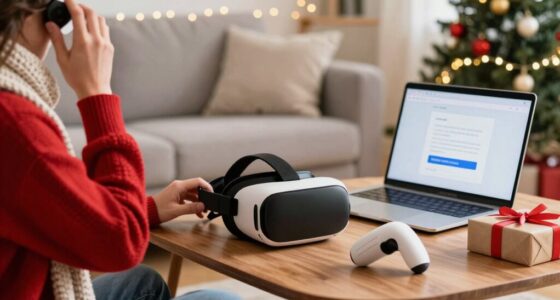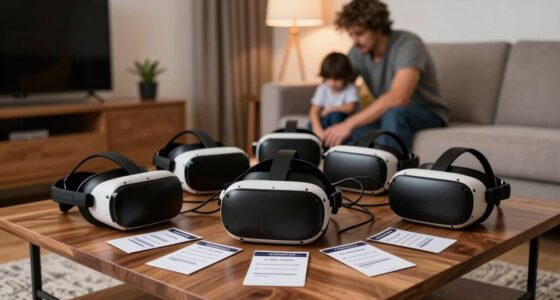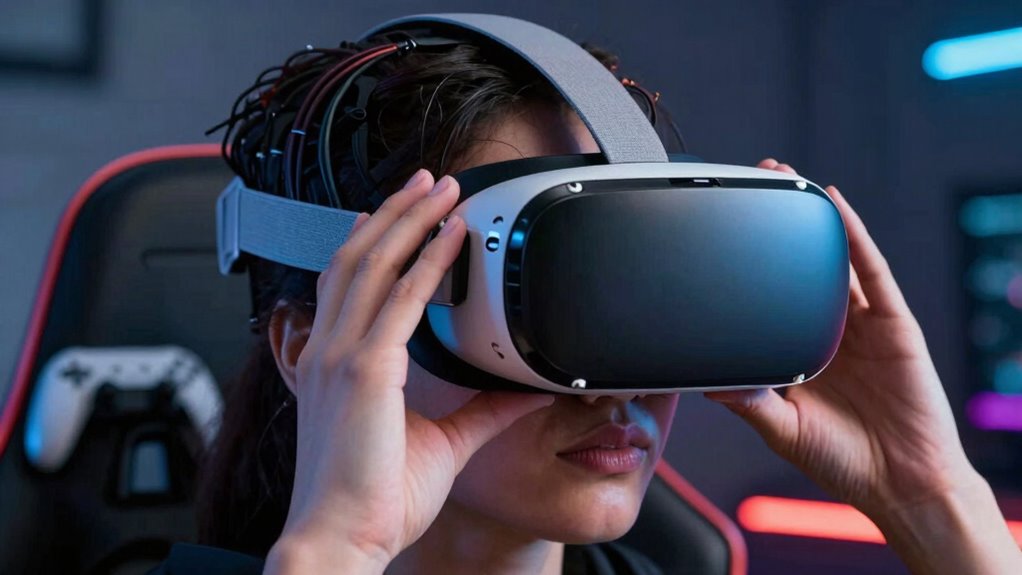

One of the biggest boundary mistakes VR users make is neglecting to set clear physical boundaries, which increases the risk of accidents and injuries. Many ignore safety systems or underestimate their space, leading to bumps or falls. You might also forget to regularly check your environment or misjudge distances during gameplay, putting yourself in danger. Avoid repeating these errors by improving your awareness and setup skills—if you keep going, you’ll discover how to enhance your safety every session.

Play games on Amazon Luna for your next adventure, included with Prime
- A rotating selection of games, no download needed
- Play on TV, laptop or phone
- Fast, free delivery for your gear, too
Key Takeaways
- Failing to properly set and verify physical boundaries before gameplay increases the risk of collisions and injuries.
- Overestimating available space can lead to overreaching and bumping into furniture or walls.
- Ignoring regular environment checks during gameplay causes unnoticed hazards and accidents.
- Neglecting to familiarize oneself with boundary system features reduces effective safety management.
- Rushing setup procedures without proper planning compromises safety and increases repeated boundary mistakes.
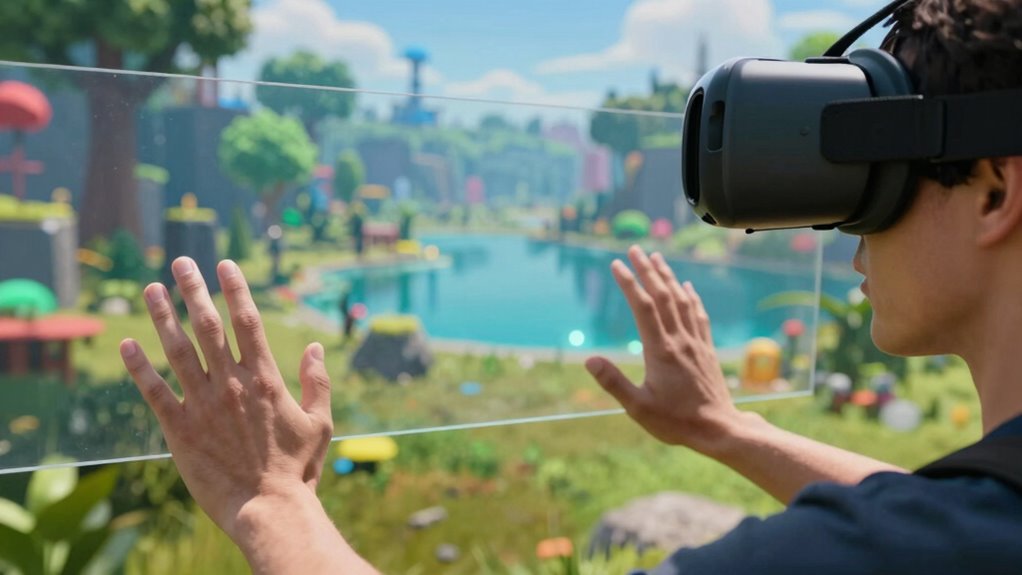
Many VR users keep making the same boundary mistakes, often without realizing the risks involved. You might be so eager to jump into your virtual world that you ignore the importance of establishing clear physical boundaries. Failing to set up a safe play area can lead to accidents, like bumping into furniture or tripping over objects. This oversight not only risks your physical safety but also compromises your overall VR experience. When you neglect proper VR safety measures, you put yourself at unnecessary danger, which can be avoided with simple precautions.
Neglecting VR safety boundaries risks injuries and ruins your immersive experience—prioritize setup and awareness every session.
One of the most common errors is not maintaining good spatial awareness. In virtual reality, your perception of space can become distorted—leading you to believe you’re in a larger or more open environment than you actually are. This disconnect makes it easy to misjudge distances and boundaries, causing you to overreach or step into hazards. To prevent this, it’s *essential* to stay aware of your real-world surroundings and continuously remind yourself of your physical limits. Developing a habit of frequently checking your environment before and during gameplay helps keep you safe. Additionally, understanding the importance of boundary systems** can significantly enhance your safety during VR sessions. Being familiar with physical space awareness techniques can further reduce the likelihood of accidents and injuries. Recognizing how virtual boundaries** function and implementing them correctly is also crucial for a safe VR experience. Regularly practicing spatial awareness exercises can improve your ability to judge distances accurately and stay within safe limits. Making **boundary setup** a routine part of your VR preparation can greatly improve your safety and confidence during use.
As an affiliate, we earn on qualifying purchases.
Frequently Asked Questions
How Can I Better Remember My Physical Boundaries in VR?
To better remember your physical boundaries in VR, focus on boundary recall exercises before each session. Visualize your virtual space and identify clear markers for safe zones. Use boundary boundary system features, like chaperone or guardian lines, to stay aware of your limits. Consistently practicing awareness and taking breaks helps reinforce your understanding of your physical space, reducing the risk of boundary mistakes and keeping your VR experience safe and enjoyable.
What Safety Gear Enhances Boundary Safety in Virtual Reality?
Think of safety gear as your virtual armor. Haptic feedback gloves enhance your awareness of boundaries, making virtual touches feel real, while sturdy wrist straps prevent accidental slips. Wearing a sturdy helmet or face guard can protect your head from collisions, and visual cues like boundary markers serve as a mental map, keeping you grounded. Together, these safety gear pieces create a shield, ensuring your VR experience stays fun and injury-free.
Are There Specific Exercises to Improve Spatial Awareness in VR?
You can improve your spatial awareness in VR through proprioception training and haptic feedback exercises. Try practicing movements that focus on your body’s position without visual cues, like closing your eyes and reaching for objects. Use haptic feedback devices to enhance sensory input, helping your brain better understand spatial relationships. Regularly doing these exercises boosts your ability to navigate safely and confidently, reducing boundary mistakes and increasing overall VR immersion.
How Do Different VR Setups Affect Boundary Awareness?
Your VR setup greatly impacts boundary awareness through virtual calibration and sensor accuracy. If your sensors aren’t properly calibrated, you might miss important cues, risking collisions. Different headsets and tracking systems vary in sensor precision, which affects how well you perceive your boundaries. To improve awareness, regularly calibrate your system, verify sensors are unobstructed, and consider upgrades if your current setup has low sensor accuracy, keeping your experience safe and immersive.
Can Boundary Mistakes Impact Long-Term VR Comfort or Health?
Boundary mistakes can impact your long-term VR comfort and health by causing discomfort or strain. Poor boundary calibration might lead you to bump into objects or feel off-balance, while ignoring motion sensitivity settings can result in headaches or nausea. To prevent these issues, regularly adjust your boundaries and customize motion sensitivity. Doing so helps protect your physical well-being, making your VR experience safer and more comfortable over time.
As an affiliate, we earn on qualifying purchases.
Conclusion
Remember, like Icarus soaring too close to the sun, pushing your boundaries in VR can lead to unintended falls. Avoid the familiar pitfalls by respecting your limits and staying aware of your surroundings. Each mistake is a lesson waiting to be learned, guiding you toward mastery. Embrace the journey with humility, knowing that even Daedalus’s wings needed careful crafting. With patience and awareness, you’ll navigate these virtual skies safely—just don’t forget to look where you’re flying.
As an affiliate, we earn on qualifying purchases.
As an affiliate, we earn on qualifying purchases.
Fall Picks
fall essentials
As an affiliate, we earn on qualifying purchases.