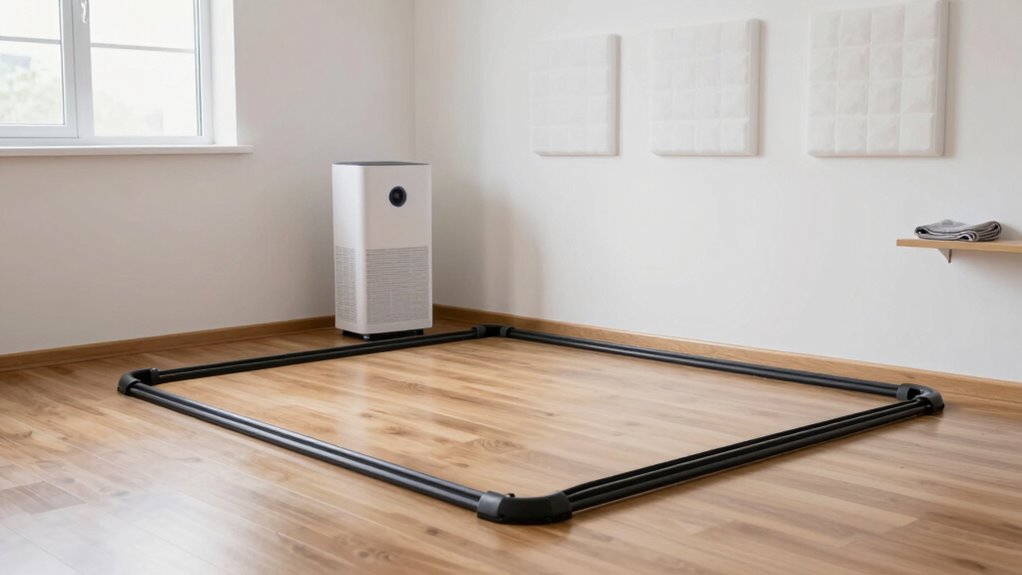

To keep dust from affecting your VR tracking, regularly clean your headset, controllers, and sensors with a soft cloth, avoiding harsh chemicals. Use air purifiers with HEPA filters near your play area and keep windows closed during dusty days. Encourage shoe removal and pet-free zones to minimize dust entry. Maintain proper humidity and vacuum frequently with HEPA filters. Staying consistent with these habits helps preserve tracking stability—continue with these tips to learn more about creating a dust-free VR space.
Key Takeaways
- Use air purifiers with HEPA filters near the VR area to capture airborne dust particles effectively.
- Keep windows and doors closed during dusty or windy conditions to prevent dust entry.
- Regularly clean and maintain VR equipment, lenses, and sensors with soft, lint-free cloths to prevent dust buildup.
- Implement shoe removal policies and use doormats to reduce dust and dirt tracked into the space.
- Maintain controlled humidity levels (40-50%) to minimize dust suspension in the air and ease cleaning efforts.
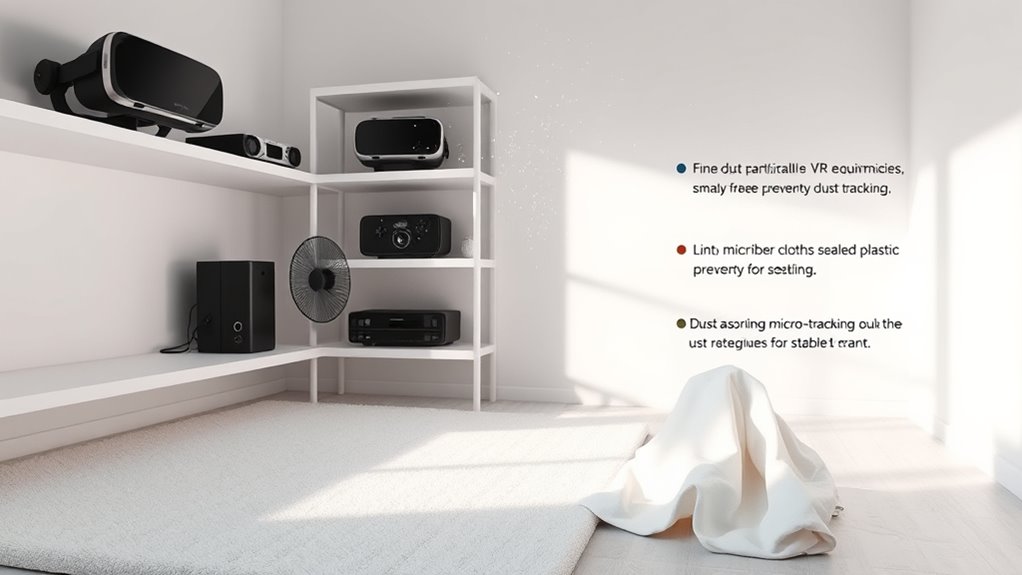
Maintaining a dust-free environment is essential for guaranteeing ideal performance and longevity of your VR equipment. Dust particles can settle on sensors, lenses, and tracking devices, causing tracking issues and degrading visual quality. To keep your VR space functioning smoothly, establishing effective cleaning routines is a must. Regularly wiping down your headset, controllers, and sensors helps prevent dust buildup. Use a soft, lint-free cloth to gently clean surfaces, avoiding harsh chemicals that could damage delicate components. Don’t forget to clean the floor area, especially around sensors and tracking zones, since dust tends to settle there first. Incorporate a routine schedule—perhaps weekly or biweekly—to sustain a consistently clean environment, reducing the chance of dust interfering with your VR experience. Incorporating essential oils such as eucalyptus oil can also help improve air quality by acting as a natural antimicrobial agent, further reducing airborne dust and pathogens. Air filtration plays a critical role in minimizing airborne dust particles that can settle on your equipment. Investing in a good air purifier with HEPA filters can substantially improve air quality in your VR play space. These filters trap tiny dust particles, preventing them from settling on surfaces and sensors. Place the purifier strategically near your play area, ensuring it circulates clean air effectively. Alongside using an air purifier, keep windows closed when possible, especially in dusty environments or during windy days, to prevent additional dust from entering. Regularly replacing or cleaning the purifier’s filters ensures it operates at peak efficiency, continuously reducing dust levels in the space. Creating a clean VR environment isn’t just about occasional cleaning; it’s about integrating habits that keep dust at bay. Use doormats at entrances to trap dust and dirt from shoes before it spreads into your play area. Encourage family or housemates to remove shoes or wear slippers when entering the room. Keep pets out of the space, as pet dander and fur can contribute to dust and interfere with tracking. Maintaining a controlled humidity level—around 40-50%—can also help reduce dust suspension in the air, making cleanup easier and less frequent. Regularly vacuum the area with a vacuum equipped with a HEPA filter to pick up dust that settles on carpets or rugs. Incorporating these practices—consistent cleaning routines, strategic use of air filtration, and good room habits—ensures your VR space stays clear of dust. This attention to detail keeps your tracking stable, visuals crisp, and hardware functioning ideally. When dust is kept in check, you’ll enjoy smoother gameplay and extend the lifespan of your equipment, making every VR session more immersive and glitch-free.
Frequently Asked Questions
How Often Should I Clean My VR Sensors?
You should clean your VR sensors at least once a week to maintain ideal sensor calibration. Dust particles, especially fine ones, can interfere with tracking accuracy, so regularly wiping down the sensors helps reduce dust particle size and buildup. Use a soft, dry cloth to gently clean the sensors, avoiding liquids. Keeping sensors clean guarantees stable tracking, giving you a smoother VR experience and preventing calibration issues caused by dust interference.
Can Air Purifiers Help Reduce Dust in My VR Area?
Ever wondered if an air purifier benefits your VR space? Yes, it can help reduce dust and improve tracking stability. Air purifiers trap airborne particles, decreasing dust levels that settle on sensors and equipment. Combine this with dust reduction techniques like regular cleaning and proper ventilation, and you’ll keep your play area cleaner and your VR experience smoother. Isn’t a cleaner space worth the investment?
What Types of Cleaning Tools Are Safest for VR Equipment?
You should use gentle cleaning brushes and microfiber cloths to keep your VR equipment safe. Cleaning brushes help remove dust from vents and crevices without scratching surfaces, while microfiber cloths are perfect for wiping screens and lenses without leaving streaks or fibers. Avoid harsh chemicals and abrasive tools, as they can damage sensitive components. Regular, careful cleaning helps maintain ideal tracking and extends the lifespan of your VR gear.
Does Humidity Affect Dust Accumulation in VR Play Spaces?
Yes, humidity does affect dust accumulation in your VR play space. When humidity levels are poorly controlled, dust particles—especially smaller ones—become more airborne and cling to surfaces. Maintaining proper humidity control keeps dust particle size in check, preventing them from settling on your equipment. This delicate balance helps reduce dust buildup, ensuring your tracking remains stable and your VR experience stays smooth. Keep an eye on humidity, and stay ahead of dust.
Are There Specific Flooring Options That Minimize Dust Buildup?
Opt for dust-resistant flooring like vinyl, laminate, or polished concrete instead of carpets, which trap dust easily. These options are easier to clean and reduce dust buildup, keeping your VR tracking stable. Avoid plush carpets, as they attract and hold dust particles, increasing the risk of tracking issues. Regular sweeping and mopping also help maintain a clean, dust-free environment, ensuring smoother VR performance.
Conclusion
Keep your VR space dust-free, and your tracking will stay sharp, making your experience smoother than a knight’s armor. Regularly clean surfaces, avoid dusty environments, and consider using air purifiers—think of it as your modern-day chivalry against dust dragons. Remember, even in a world of tech, a little old-fashioned upkeep goes a long way. Stay vigilant, and your virtual adventures will remain as stable as the legendary Excalibur itself.